How to Bypass Gmail Phone Verification
Get a temporary phone number that can receive texts.. Go to the New Account creation page.. Follow the on-screen instructions until you get to the phone number entry screen.
Steps
1
Get a temporary phone number that can receive texts.
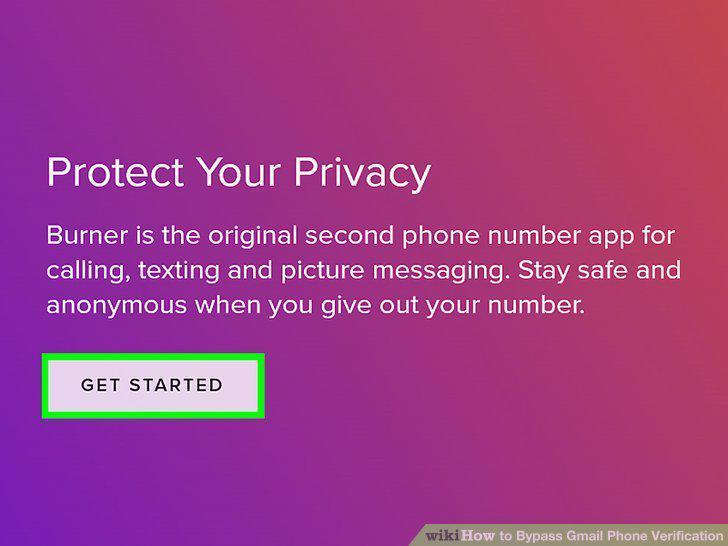
Get a temporary phone number that can receive texts.
2
Go to the New Account creation page.
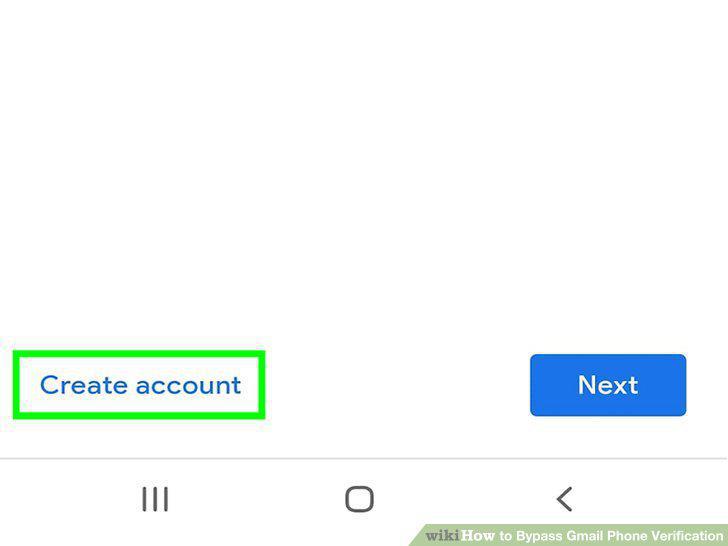
Go to the New Account creation page.
3
Follow the on-screen instructions until you get to the phone number entry screen
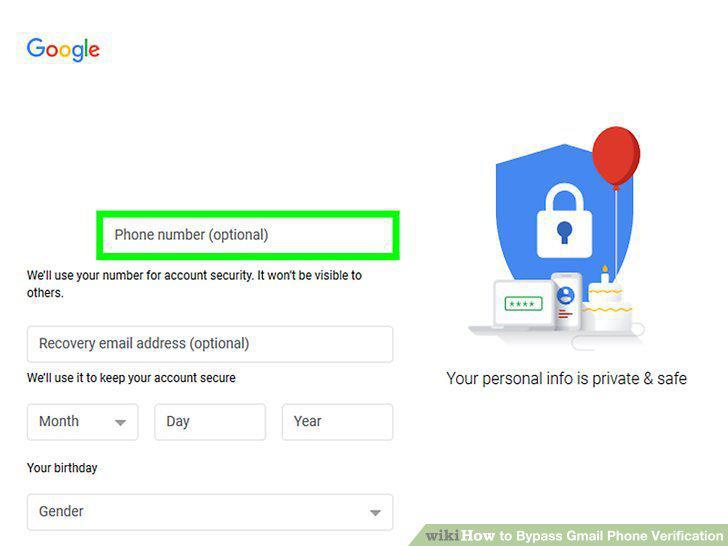
Follow the on-screen instructions until you get to the phone number entry screen.
4
Enter your temporary phone number and select Next.
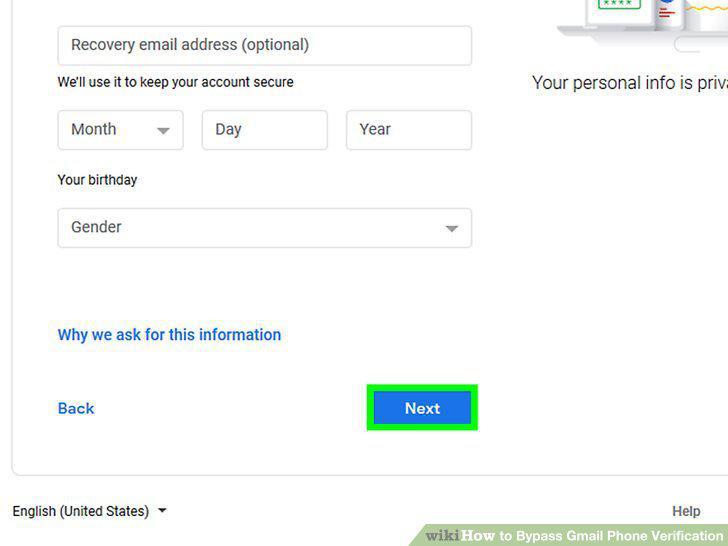
Enter your temporary phone number and select Next.
5
Verify the code.
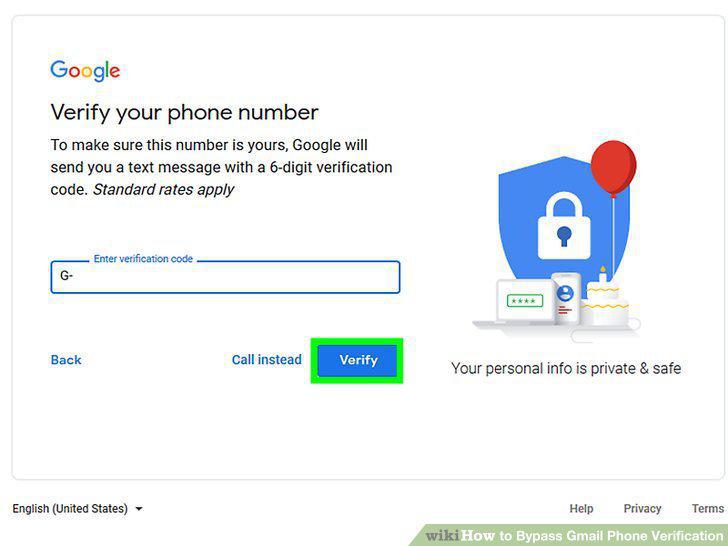
Verify the code.
6
Remove the phone number from the account.
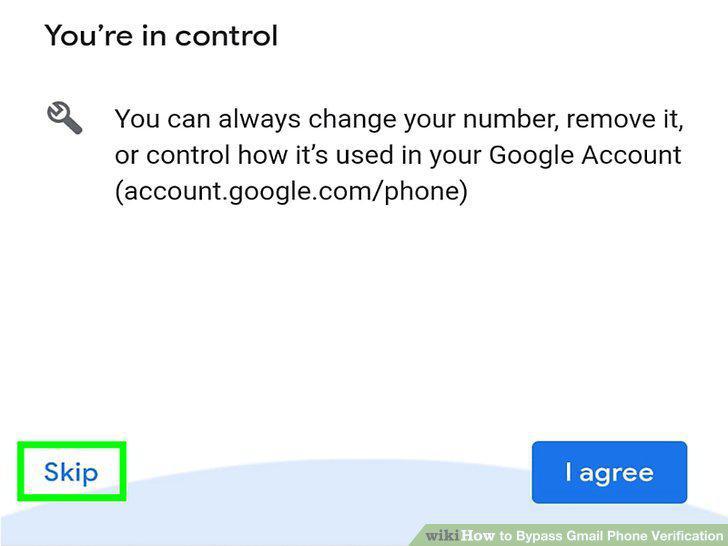
Remove the phone number from the account.
7
Complete the account setup process.
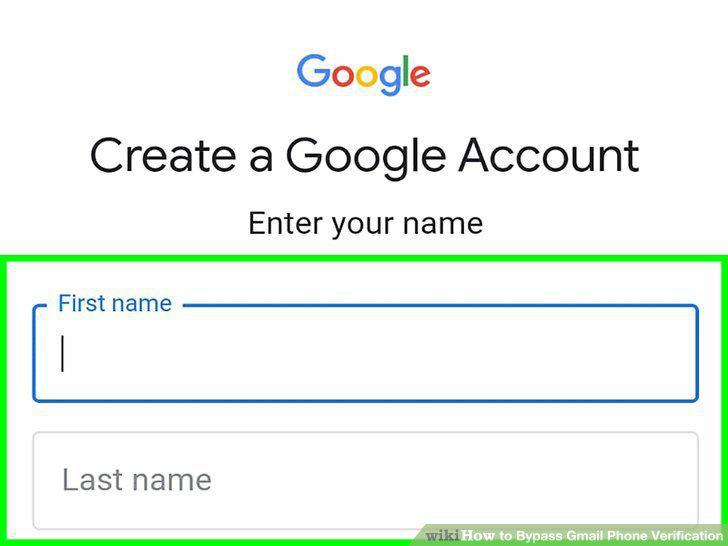
Complete the account setup process.
8
Have your code sent to your backup phone.
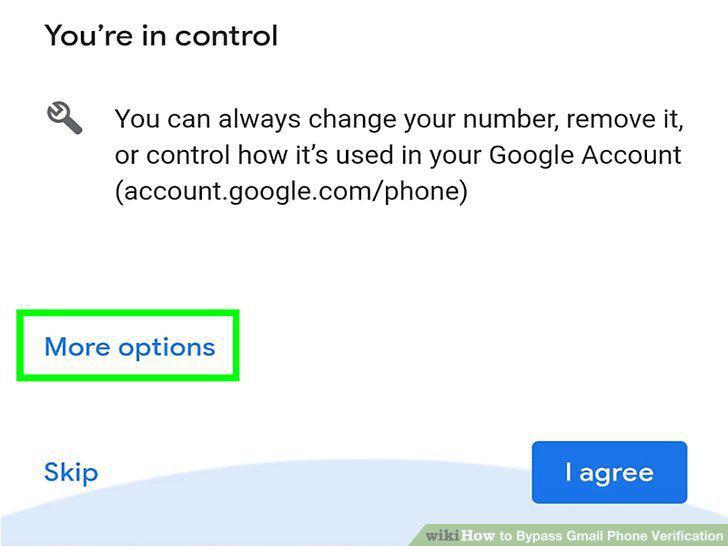
Have your code sent to your backup phone.
9
Use the backup codes associated with your account.
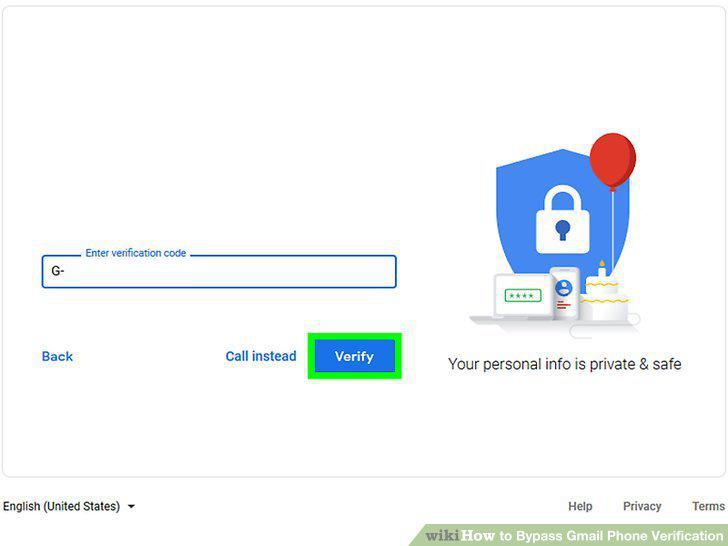
Use the backup codes associated with your account.
10
Use Google's account recovery tool.
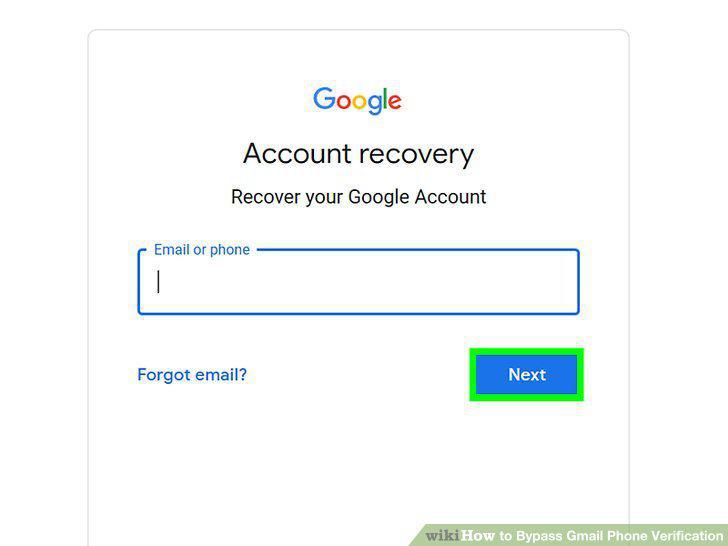
Use Google's account recovery tool.
11
Have your phone number forwarded to another number that works.
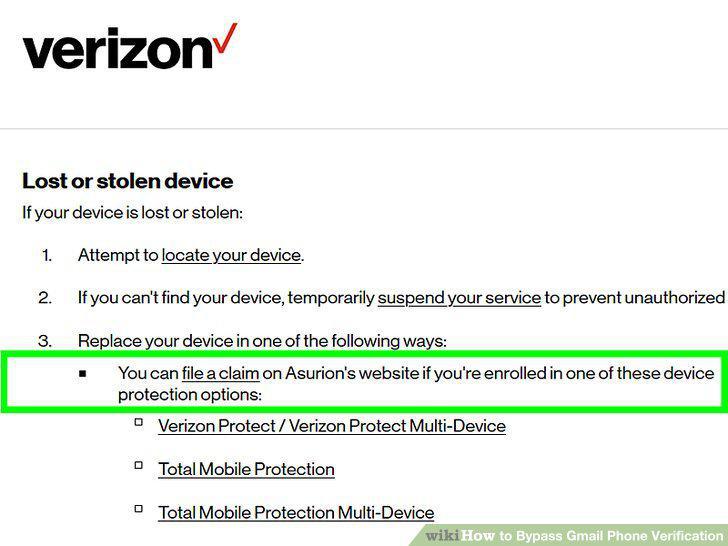
Have your phone number forwarded to another number that works.
Comments (0)
No comments yet. Be the first to share your thoughts!