How to Save a Text Message from an iPhone
Open Messages.. Open the message you want to save.. Take a screenshot.
Steps
1
Open Messages.
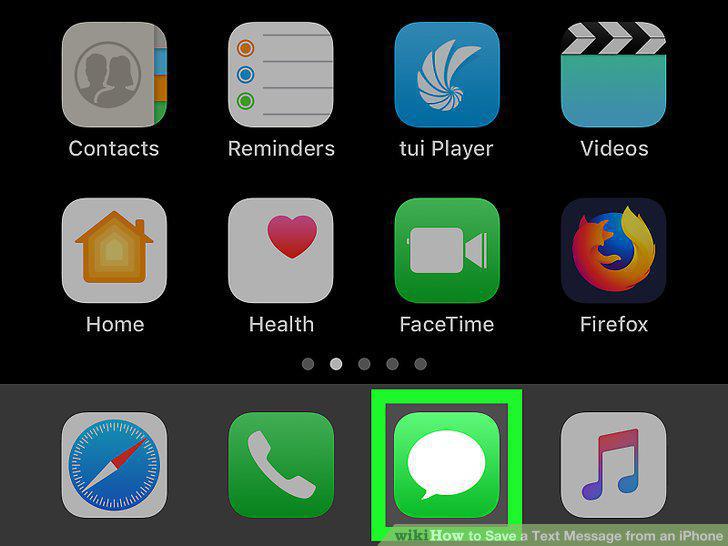
Open Messages.
2
Open the message you want to save.
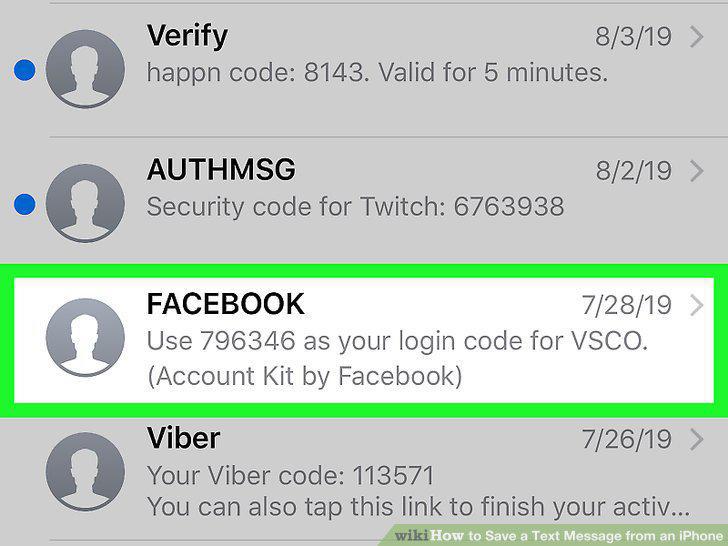
Open the message you want to save.
3
Take a screenshot.
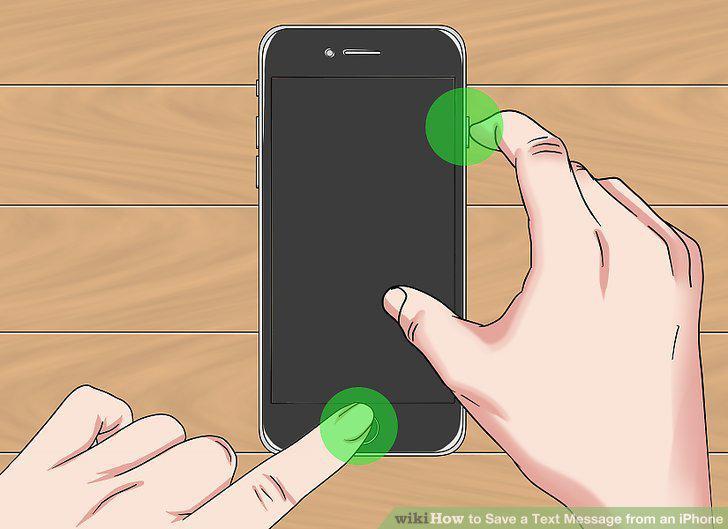
Take a screenshot.
4
Create a backup with iTunes
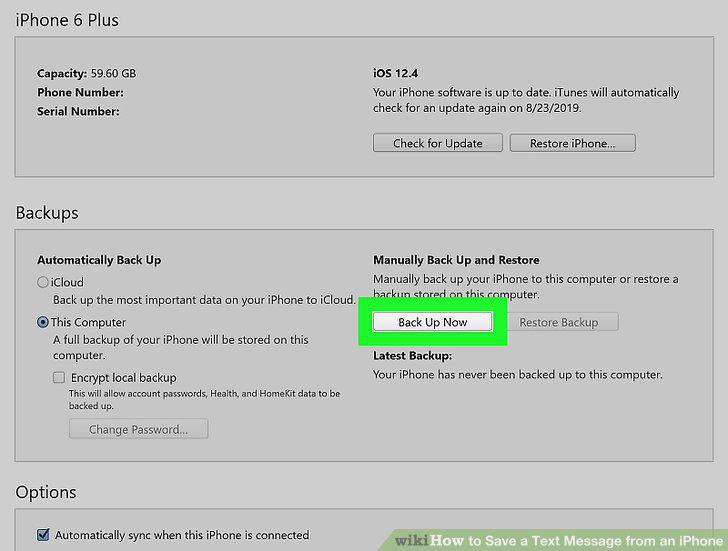
Create a backup with iTunes
5
Navigate to the main backup directory.
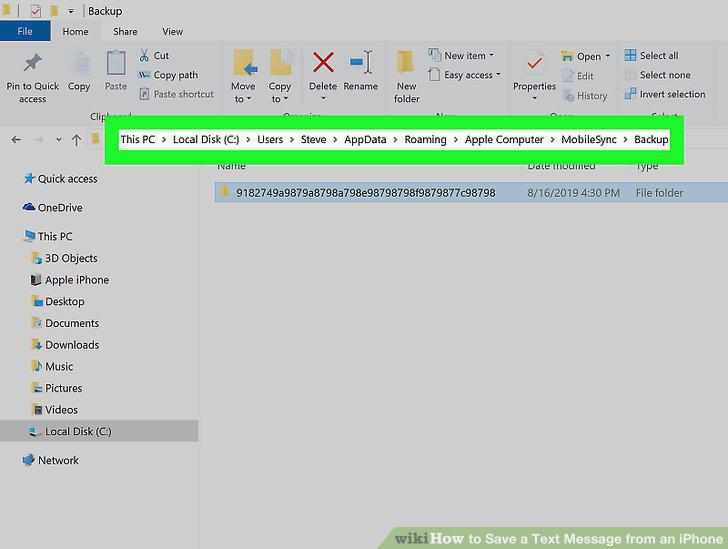
Navigate to the main backup directory.
6
Navigate to the specific backup folder.
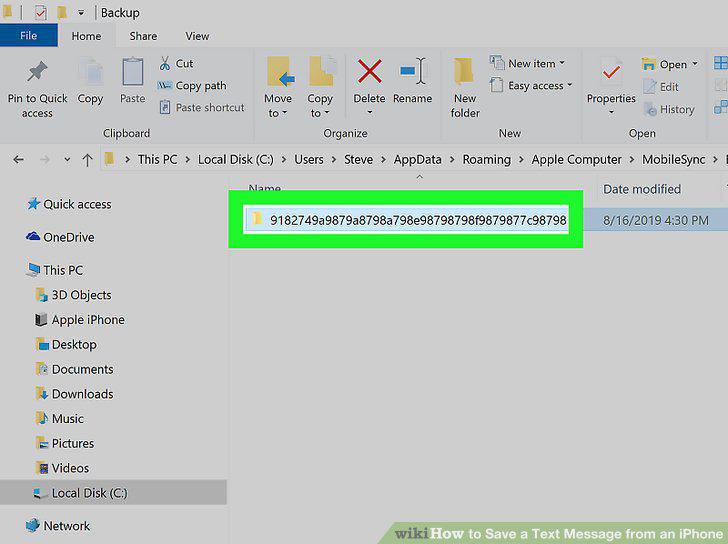
Navigate to the specific backup folder.
7
Navigate to the file with your text data.
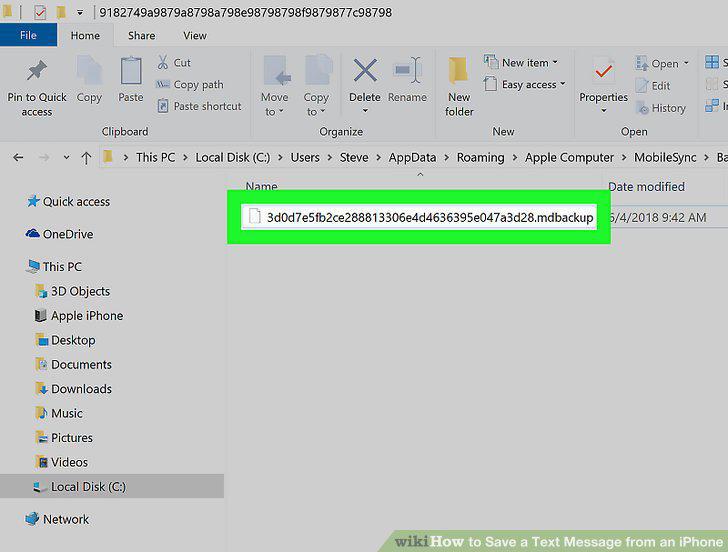
Navigate to the file with your text data.
8
Open the text data file in your SQLite application.
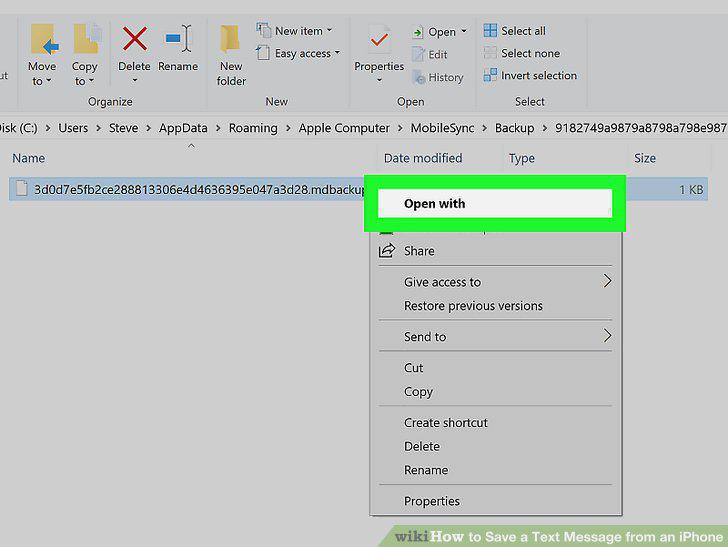
Open the text data file in your SQLite application.
Comments (0)
No comments yet. Be the first to share your thoughts!