How to Collapse Columns in Excel
Open your spreadsheet in Microsoft Excel.. Select the columns you want to collapse.. Click the Data tab.
Steps
1
Open your spreadsheet in Microsoft Excel.

Open your spreadsheet in Microsoft Excel.
2
Select the columns you want to collapse.
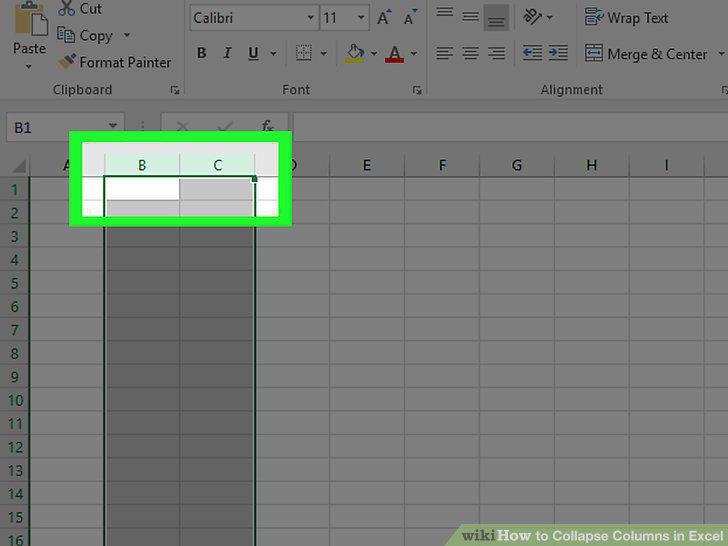
Select the columns you want to collapse.
3
Click the Data tab.
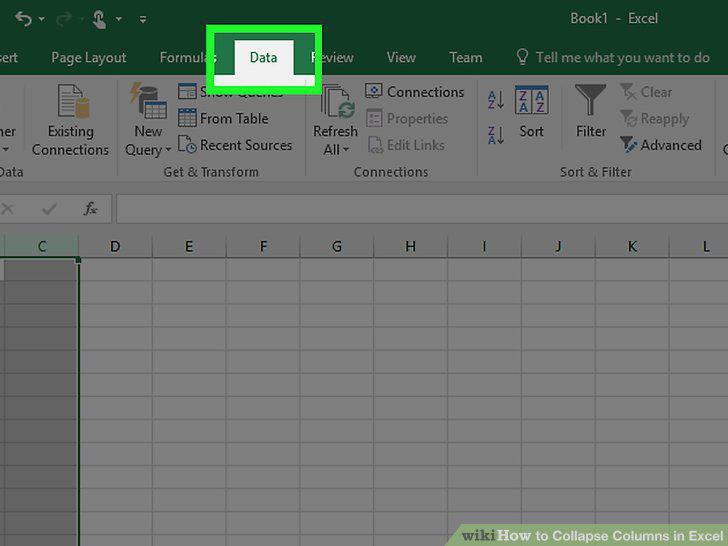
Click the Data tab.
4
Click Group.
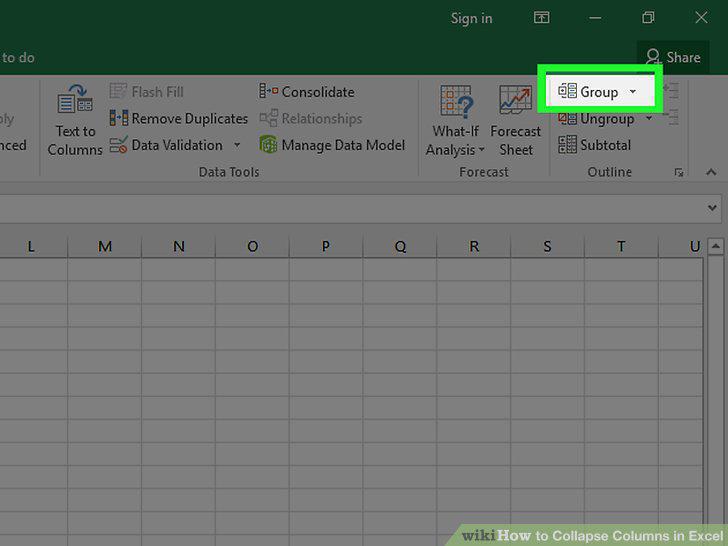
Click Group.
5
Select Columns in the "Group" pop-up and click OK.
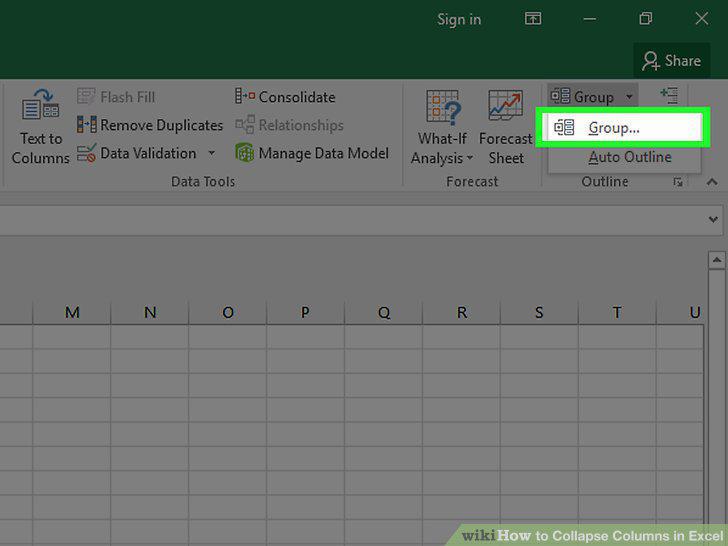
Select Columns in the "Group" pop-up and click OK.
6
Click - to collapse the columns.
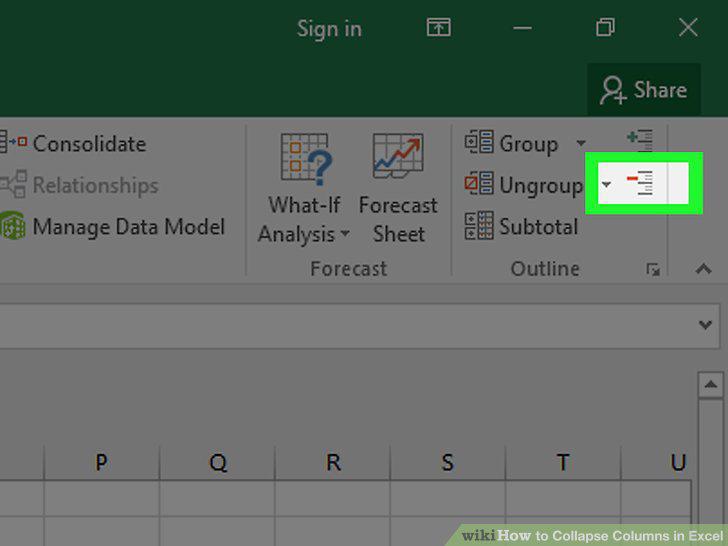
Click - to collapse the columns.
7
Click + to restore the columns.
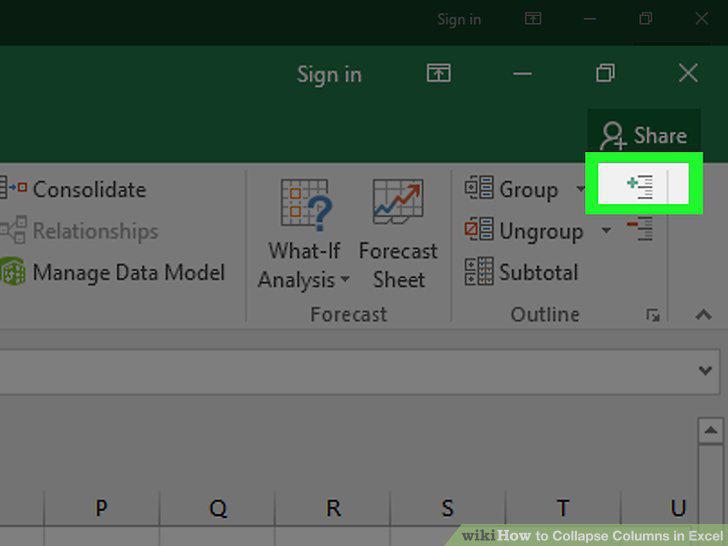
Click + to restore the columns.
Comments (0)
No comments yet. Be the first to share your thoughts!