How to Change Your Apple ID Payment Method on an iPhone
Open your iPhone's Settings.. Scroll to the fourth group of options and select iCloud.. Tap your Apple ID.
Steps
1
Open your iPhone's Settings.
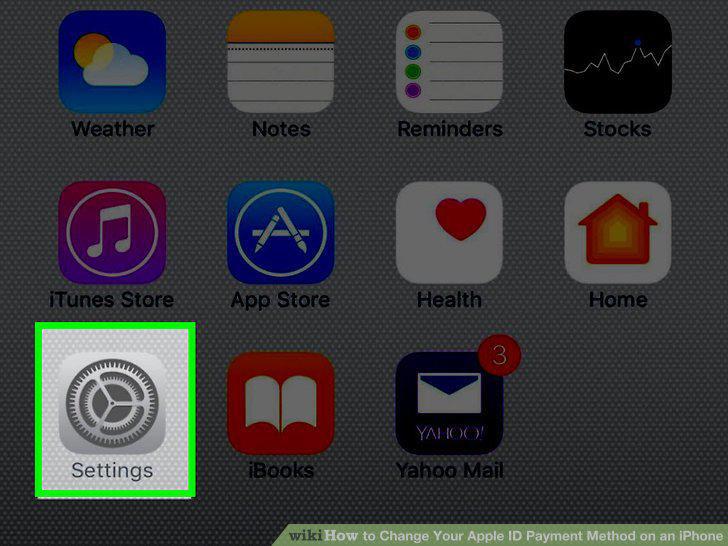
Open your iPhone's Settings.
2
Scroll to the fourth group of options and select iCloud.
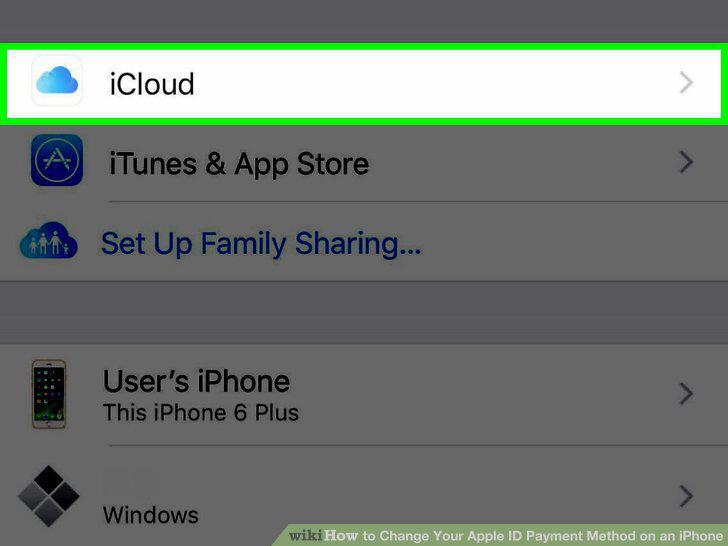
Scroll to the fourth group of options and select iCloud.
3
Tap your Apple ID.
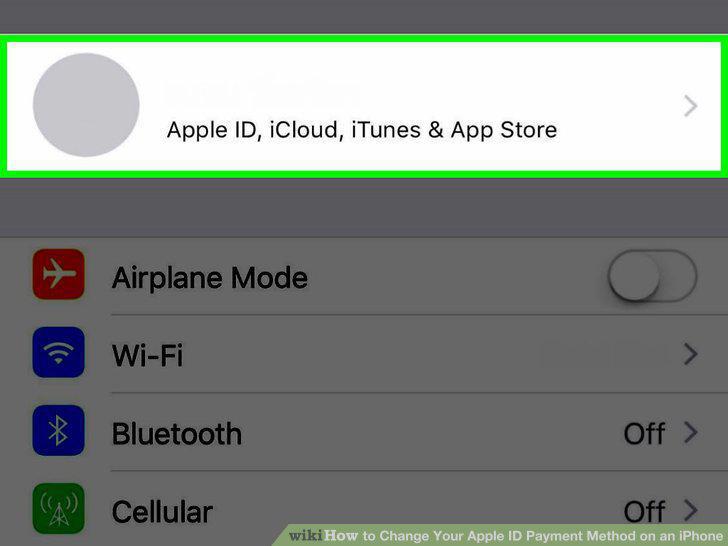
Tap your Apple ID.
4
Type in your Apple ID password.
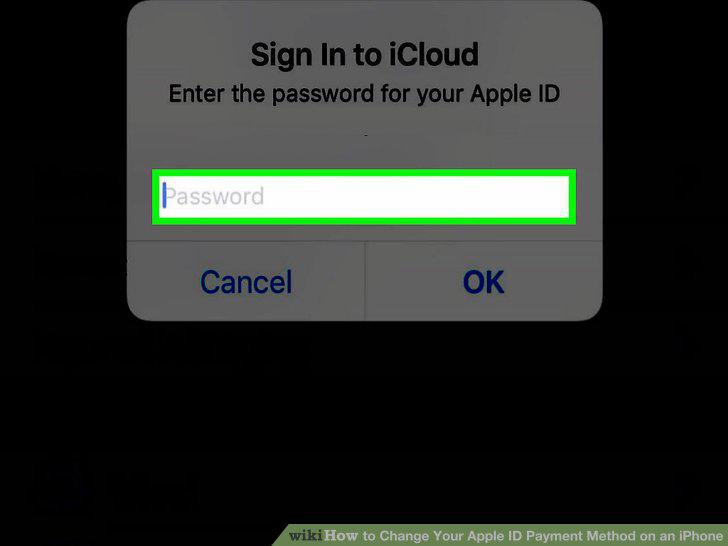
Type in your Apple ID password.
5
Select Payment.
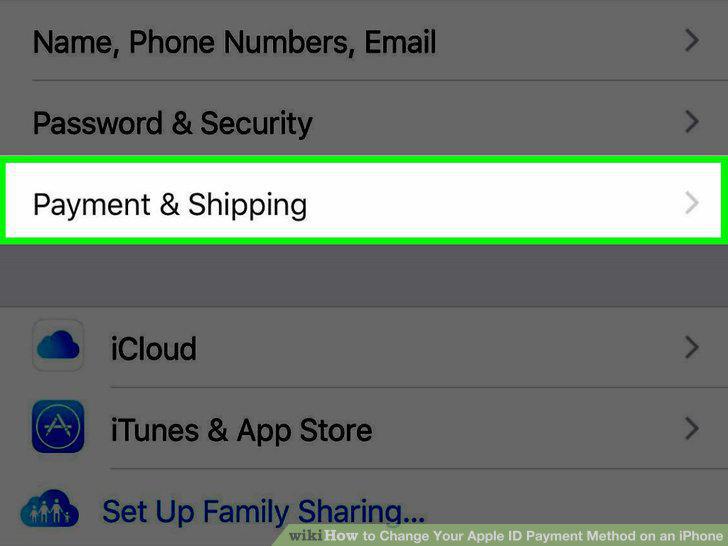
Select Payment.
6
Select your current payment method.
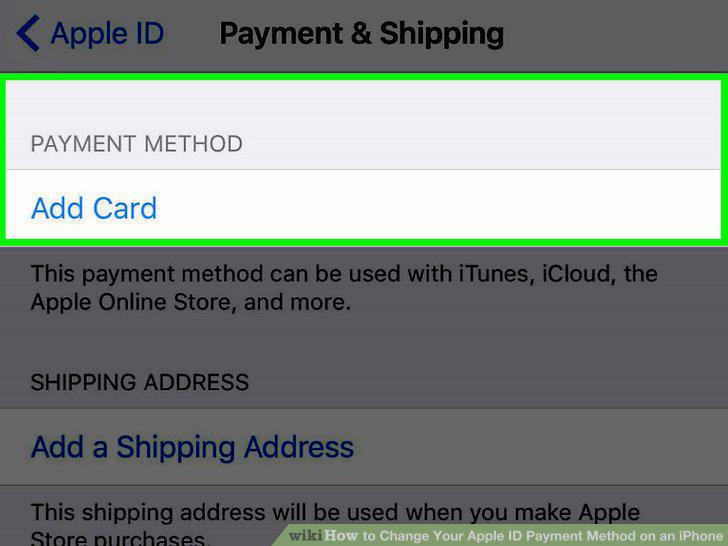
Select your current payment method.
7
Type in your first and last name.
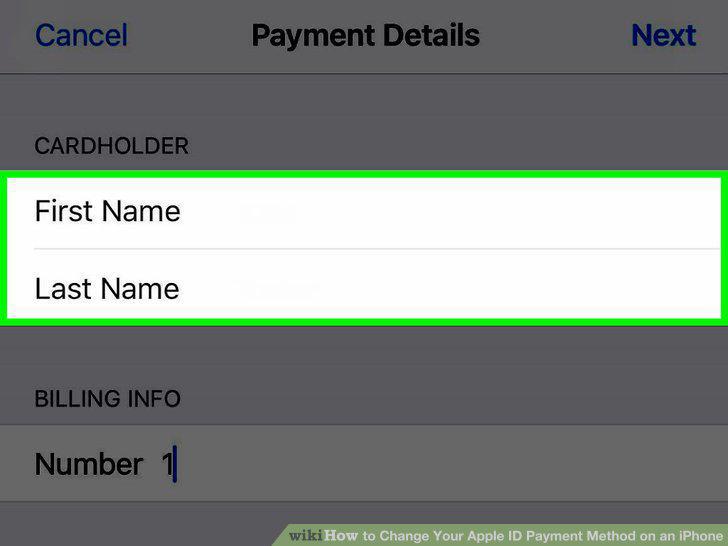
Type in your first and last name.
8
Scroll to the "Card Details" section and enter your card details.
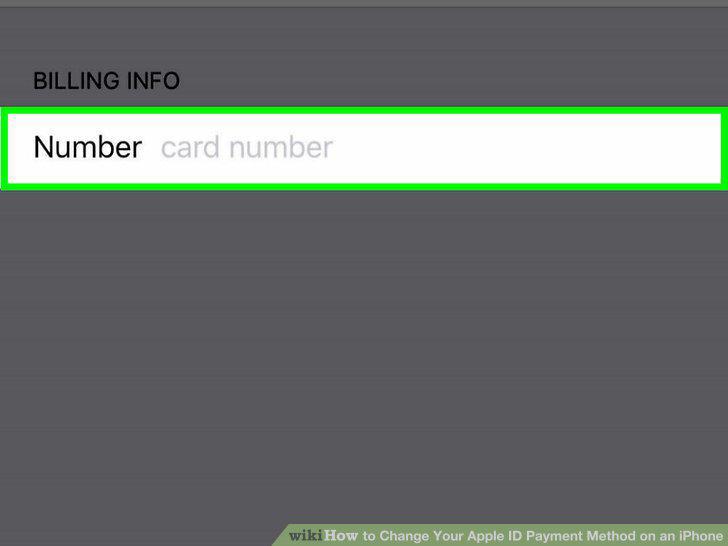
Scroll to the "Card Details" section and enter your card details.
9
Verify your billing information.
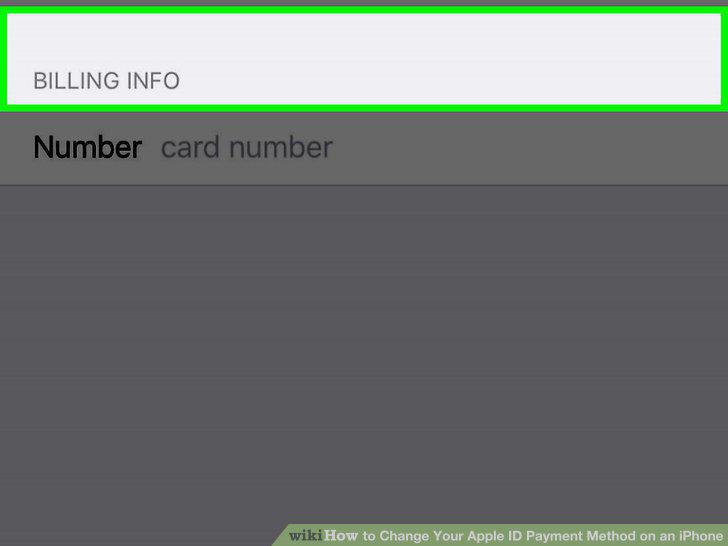
Verify your billing information.
10
Tap Next.
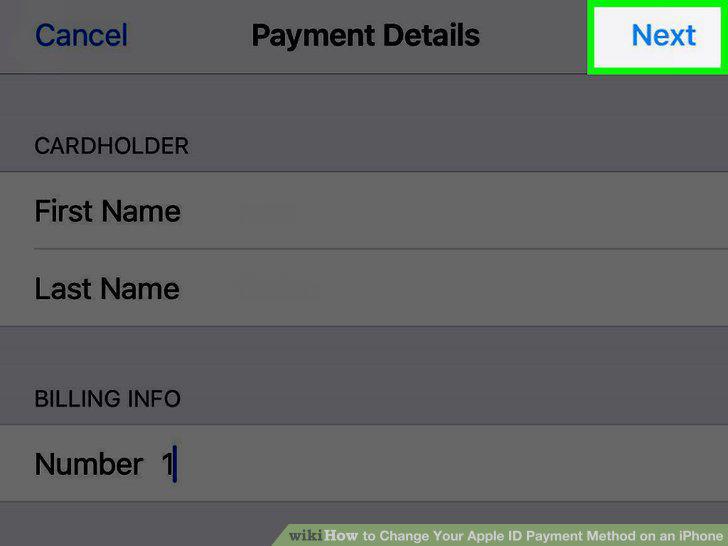
Tap Next.
Comments (0)
No comments yet. Be the first to share your thoughts!