How to Get More Space on Dropbox on iPhone or iPad
Open the Dropbox app on your iPhone or iPad.. Tap the Account tab.. Tap the Upgrade Your Dropbox button.
Steps
1
Open the Dropbox app on your iPhone or iPad.
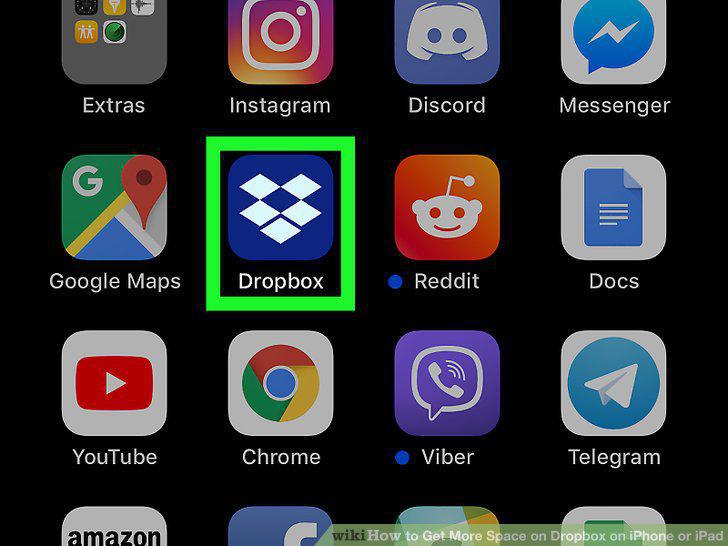
Open the Dropbox app on your iPhone or iPad.
2
Tap the Account tab.
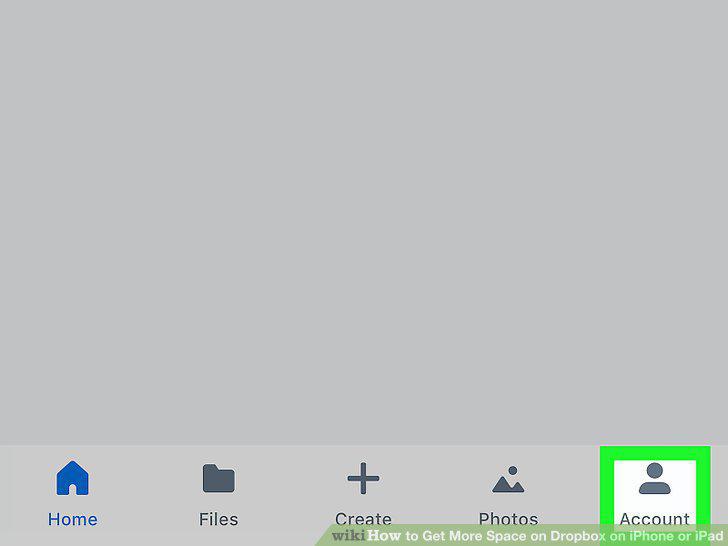
Tap the Account tab.
3
Tap the Upgrade Your Dropbox button.
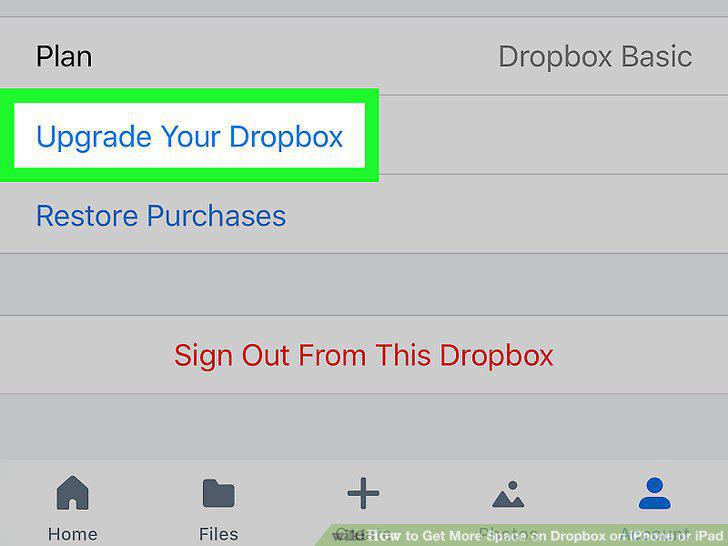
Tap the Upgrade Your Dropbox button.
4
Tap the blue Upgrade for free for 30 days button.
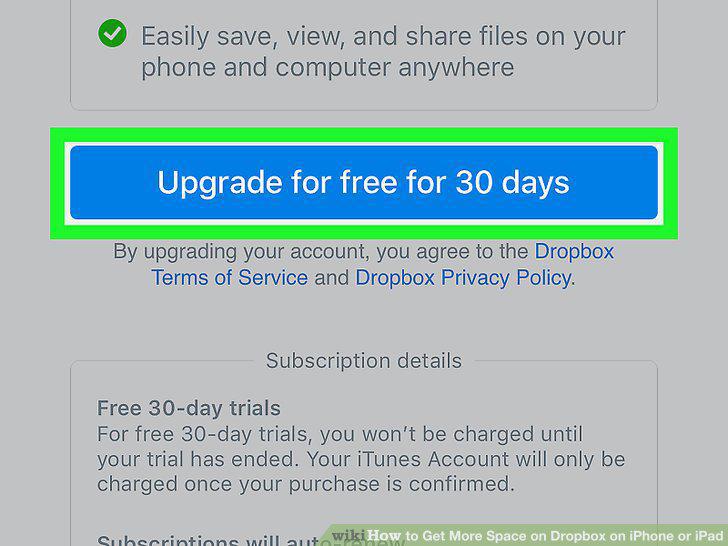
Tap the blue Upgrade for free for 30 days button.
5
Tap the blue Confirm button.
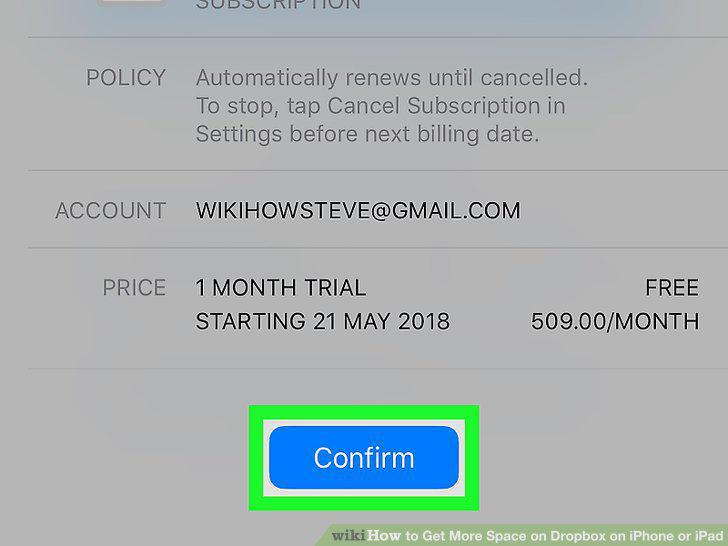
Tap the blue Confirm button.
6
Open your iPhone or iPad's Settings.
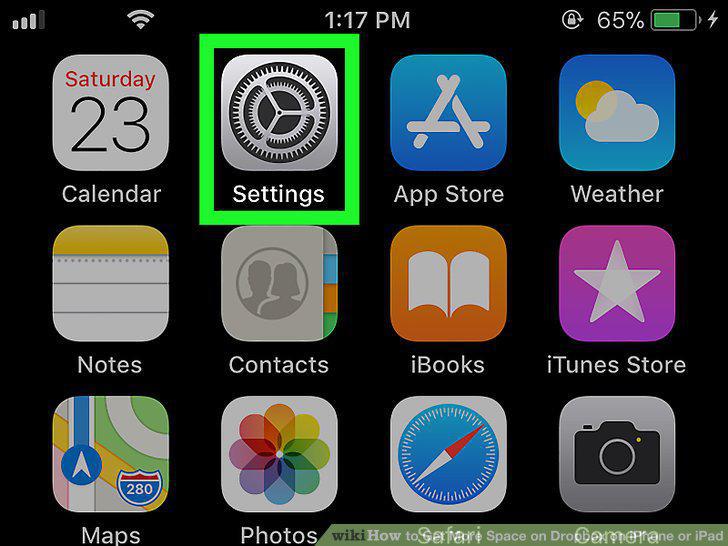
Open your iPhone or iPad's Settings.
7
Scroll down and tap iTunes & App Store.
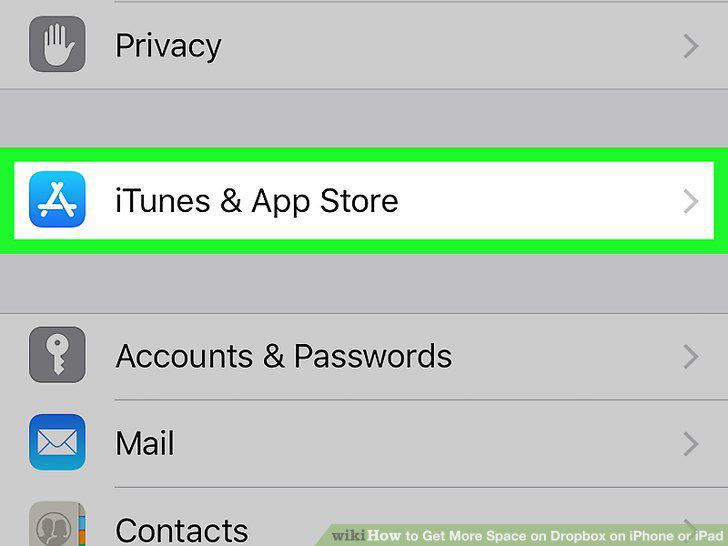
Scroll down and tap iTunes & App Store.
8
Tap your Apple ID on the iTunes & App Store menu.
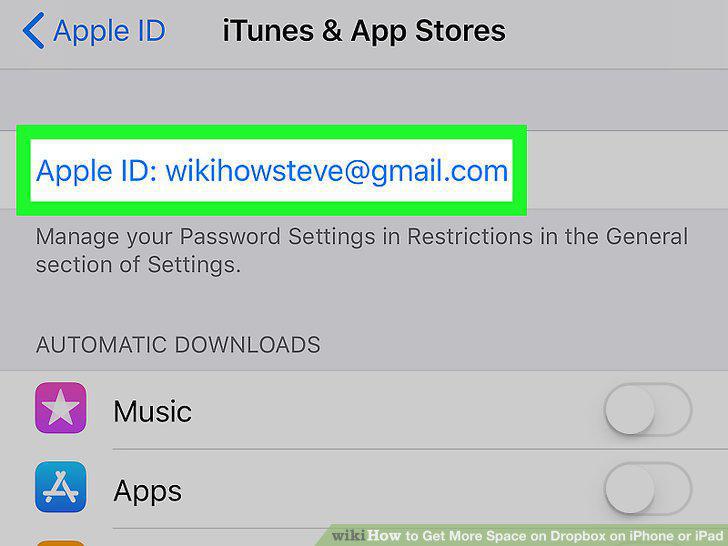
Tap your Apple ID on the iTunes & App Store menu.
9
Tap View Apple ID.
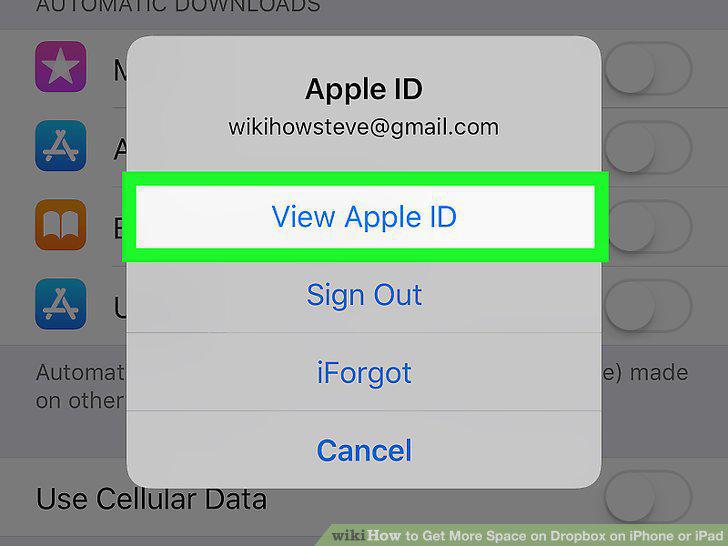
Tap View Apple ID.
10
Tap the Subscriptions button.
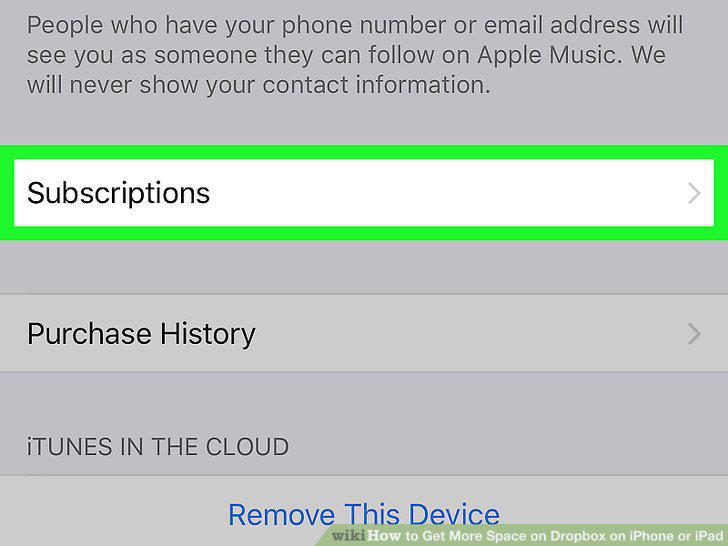
Tap the Subscriptions button.
11
Tap Dropbox under the ACTIVE heading.
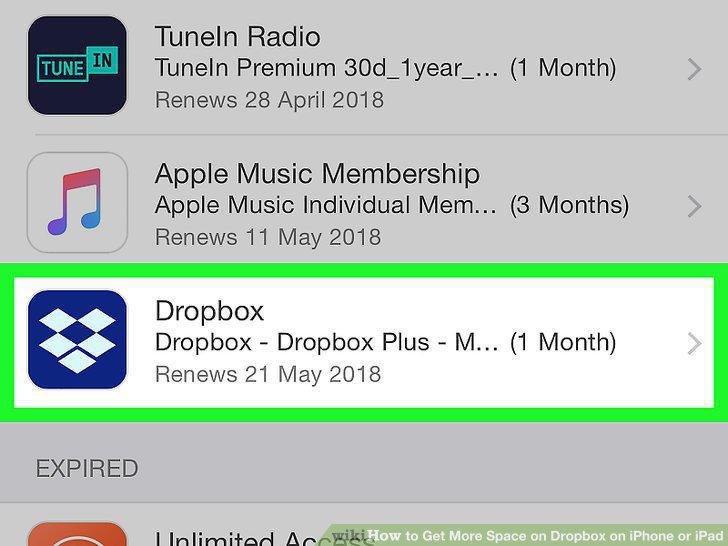
Tap Dropbox under the ACTIVE heading.
12
Tap Cancel Trial at the bottom.
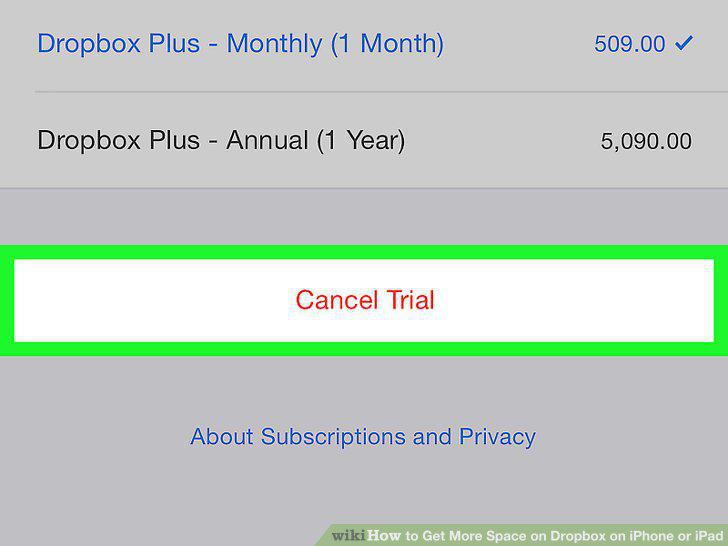
Tap Cancel Trial at the bottom.
13
Tap Confirm in the confirmation pop-up.
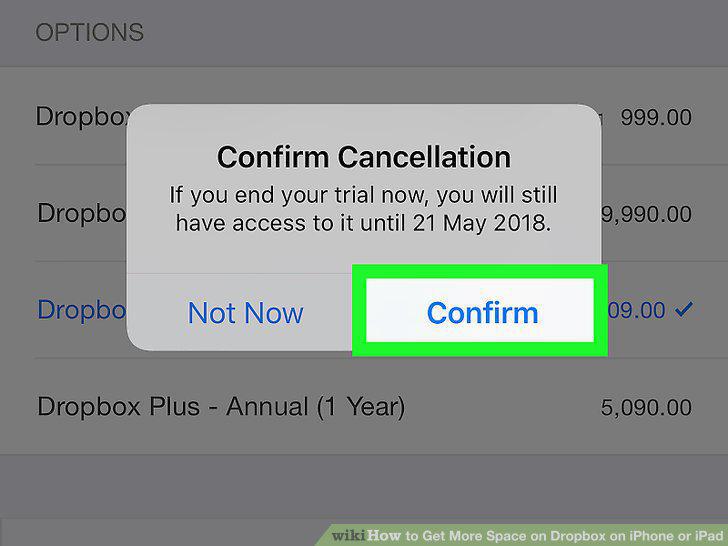
Tap Confirm in the confirmation pop-up.
Comments (0)
No comments yet. Be the first to share your thoughts!