How to Buy PPV on YouTube on PC or Mac
Open YouTube in a web browser.. Click Movies & Shows in the left column.. Browse for a movie or show.
Steps
1
Open YouTube in a web browser.
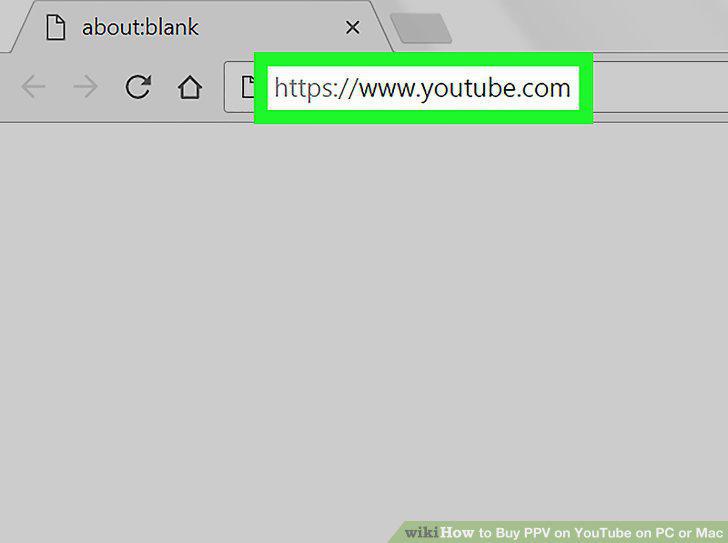
Open YouTube in a web browser.
2
Click Movies & Shows in the left column.
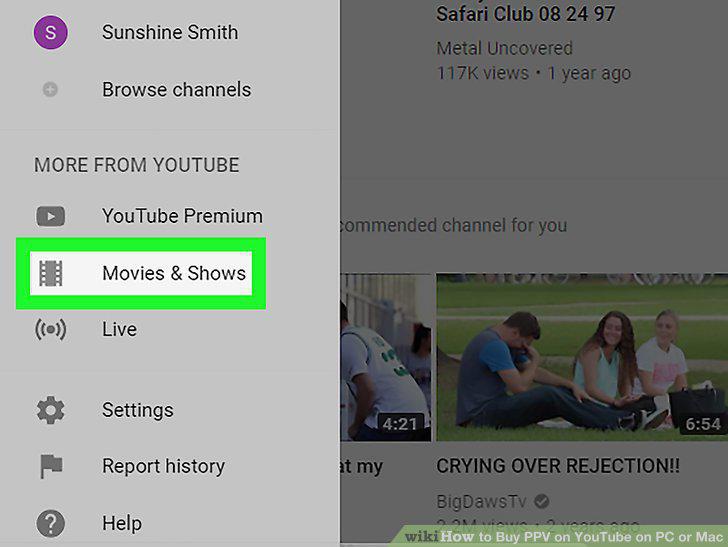
Click Movies & Shows in the left column.
3
Browse for a movie or show.
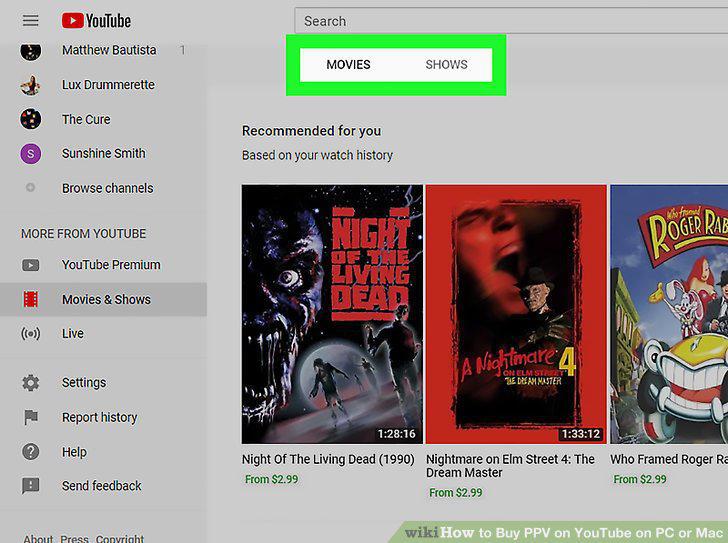
Browse for a movie or show.
4
Click the show or movie you want to watch.
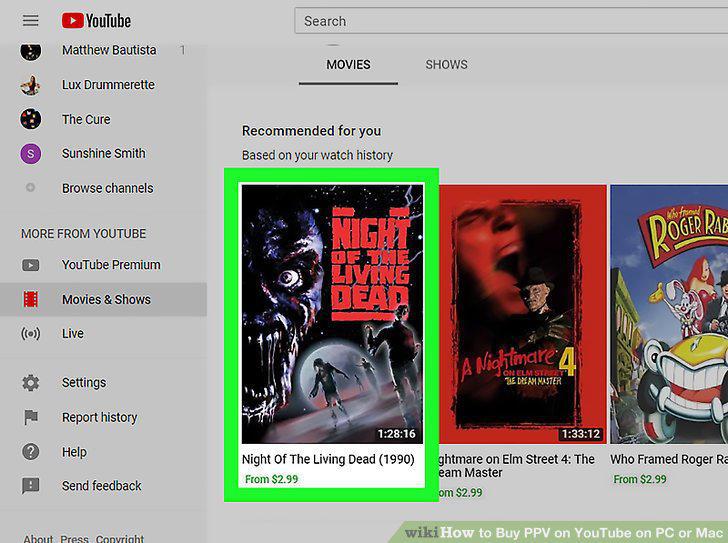
Click the show or movie you want to watch.
5
Click the blue price button.
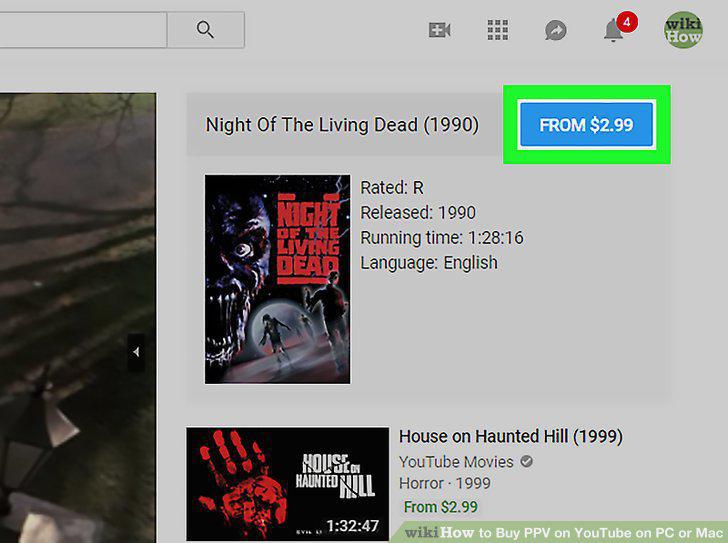
Click the blue price button.
6
Compare the price options.
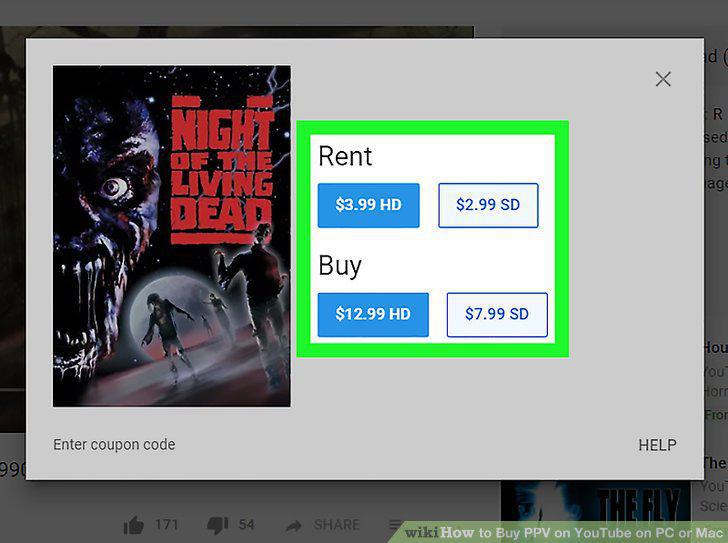
Compare the price options.
7
Click the amount you want to pay.
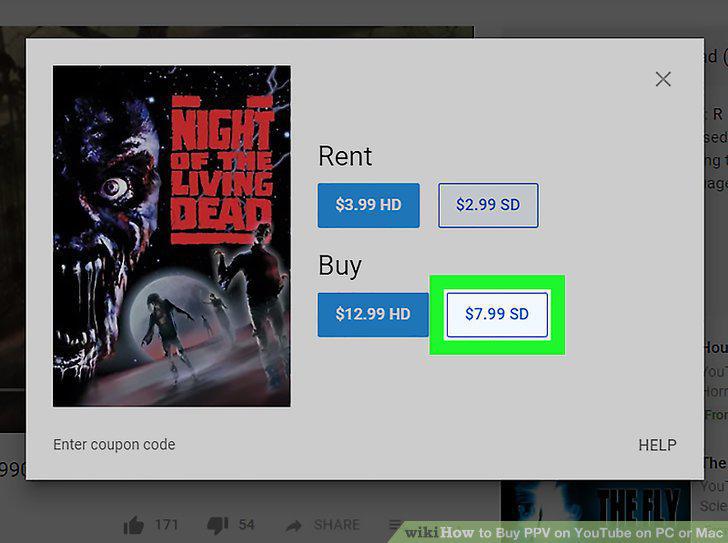
Click the amount you want to pay.
8
Select or enter a billing method.
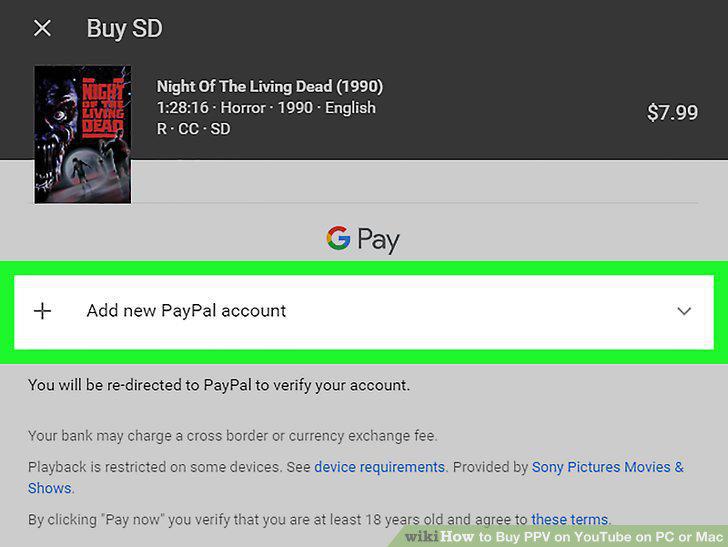
Select or enter a billing method.
9
Click PAY NOW.
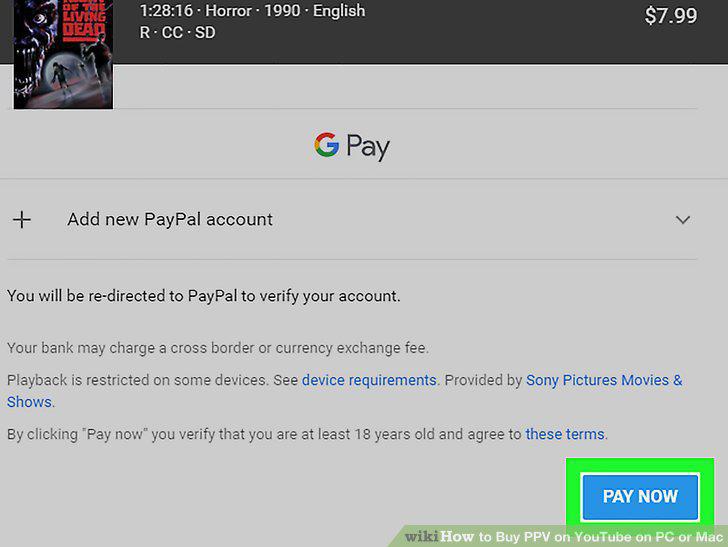
Click PAY NOW.
10
Follow the on-screen instructions to complete the payment.
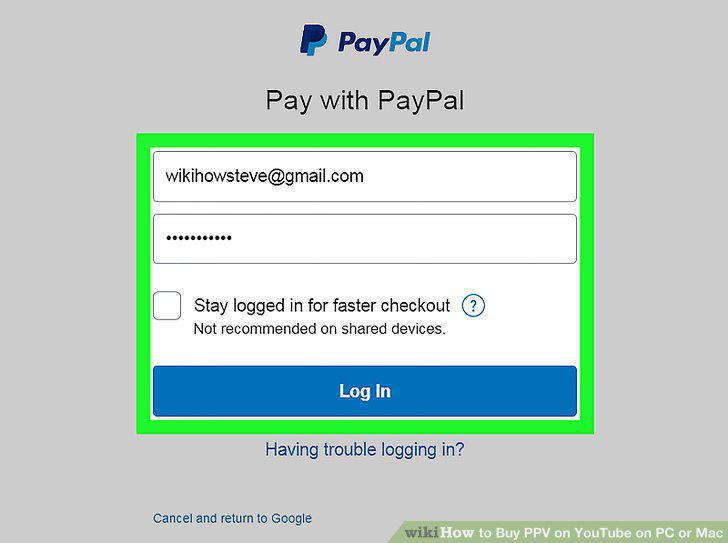
Follow the on-screen instructions to complete the payment.
Comments (0)
No comments yet. Be the first to share your thoughts!