How to Log Out of YouTube
Go to https://www.youtube.com in a web browser.. Click your profile or channel photo.. Click Sign out.
Steps
1
Go to https://www.youtube.com in a web browser.
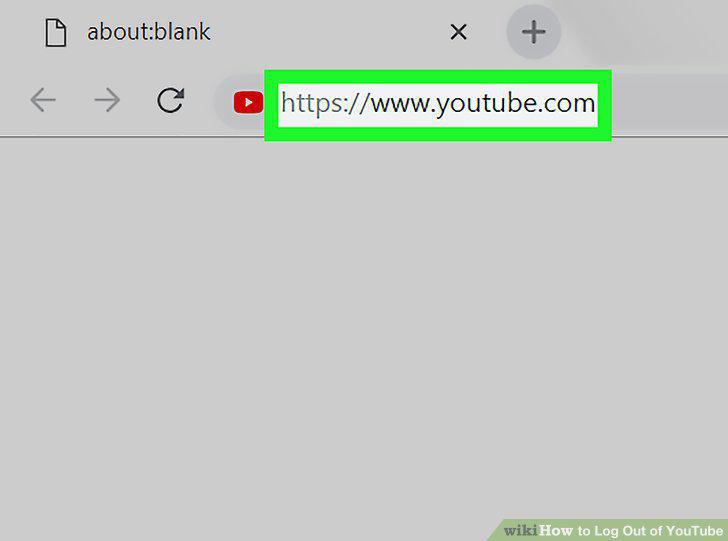
Go to https://www.youtube.com in a web browser.
2
Click your profile or channel photo.
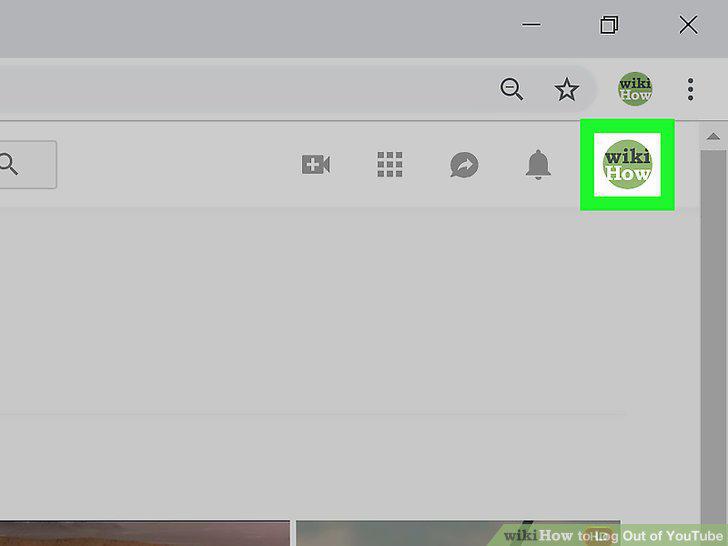
Click your profile or channel photo.
3
Click Sign out.
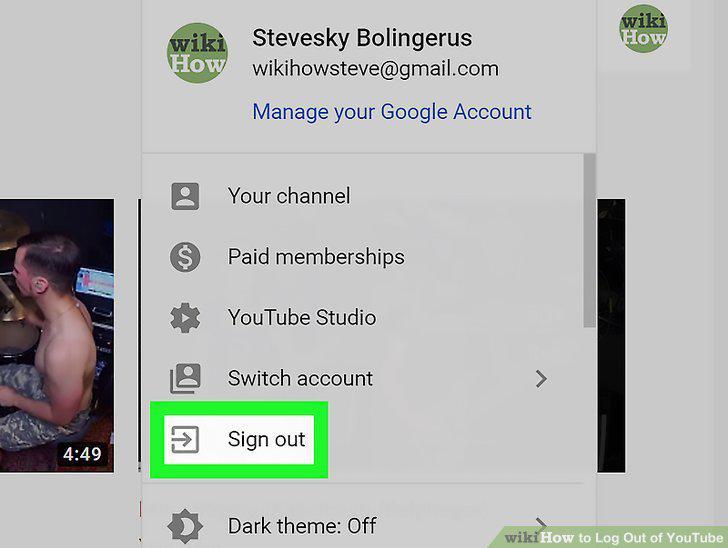
Click Sign out.
4
Open YouTube on your iPhone or iPad.
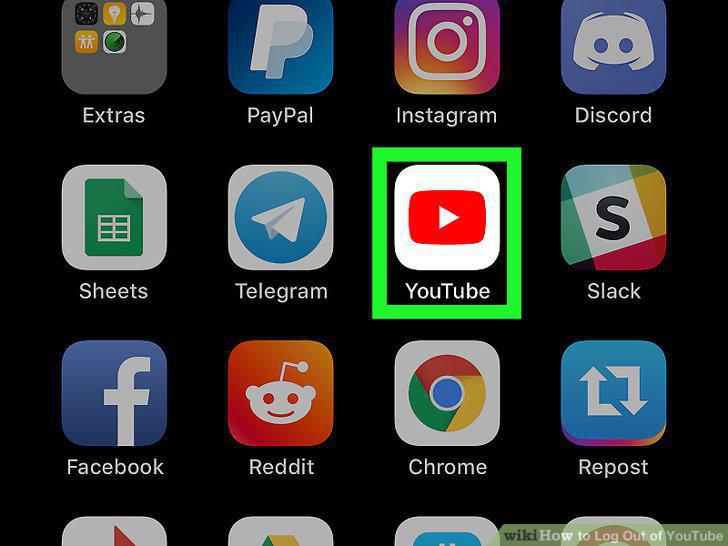
Open YouTube on your iPhone or iPad.
5
Tap your account photo.

Tap your account photo.
6
Tap Switch account.
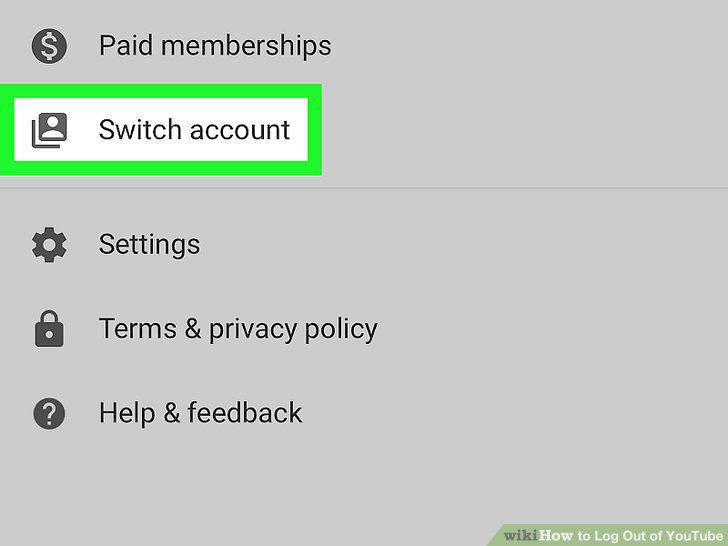
Tap Switch account.
7
Tap Use YouTube signed out.
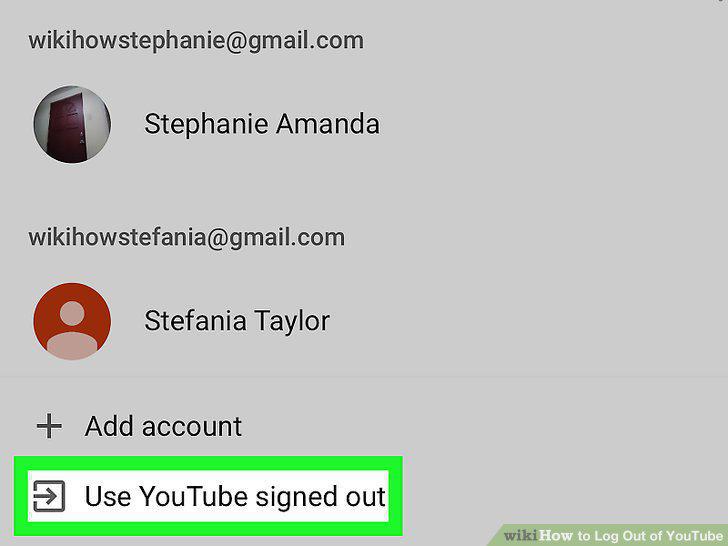
Tap Use YouTube signed out.
8
Open YouTube on your Android.
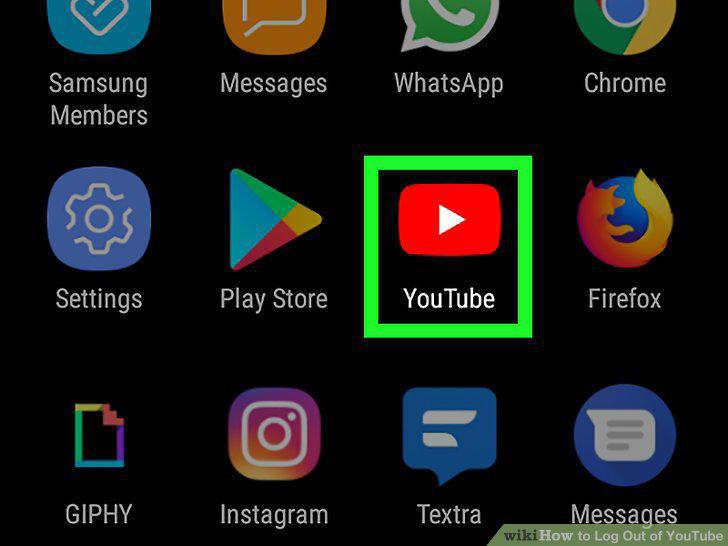
Open YouTube on your Android.
9
Tap your profile icon.
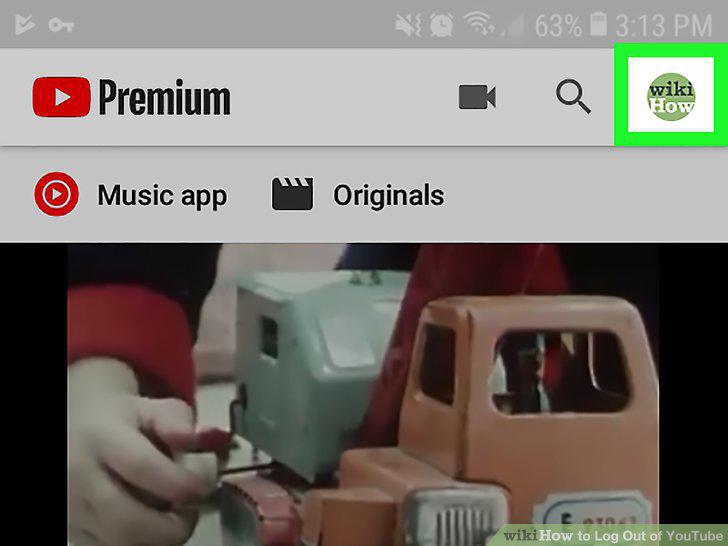
Tap your profile icon.
10
Scroll down and tap Switch account.
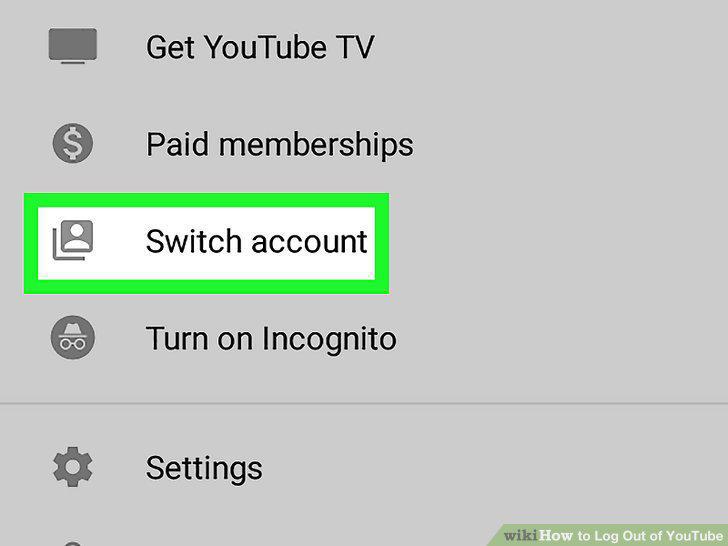
Scroll down and tap Switch account.
11
Tap Manage Accounts or Sign Out.
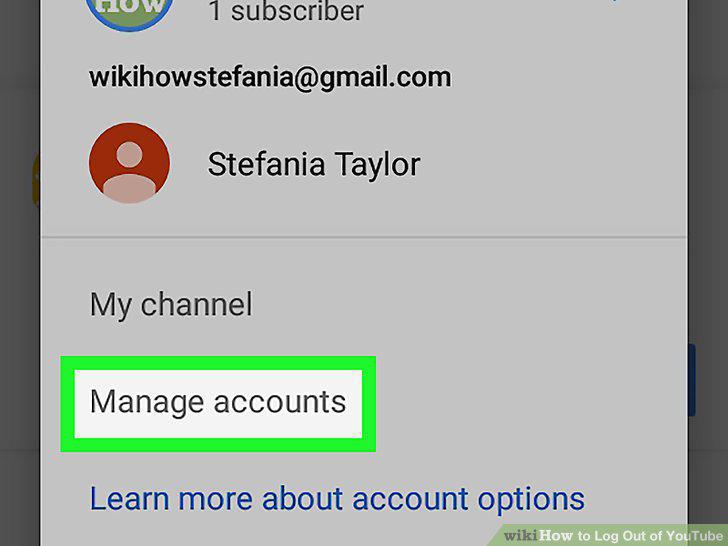
Tap Manage Accounts or Sign Out.
12
Tap the account you want to remove.
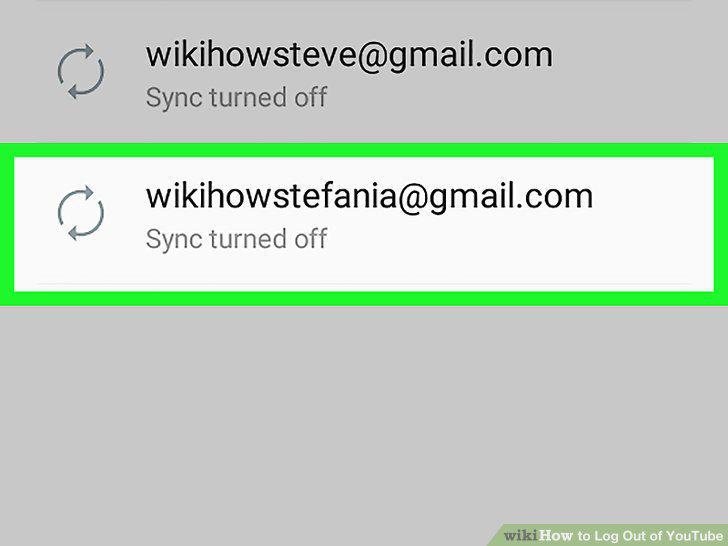
Tap the account you want to remove.
13
Tap Remove account.
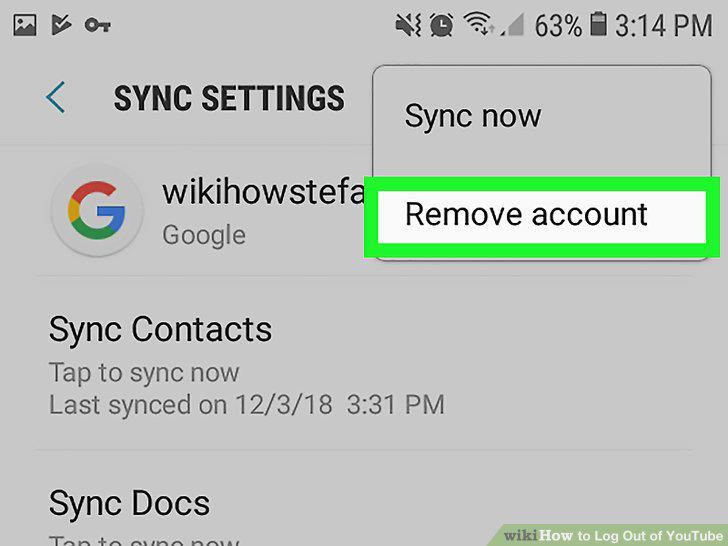
Tap Remove account.
14
Tap REMOVE ACCOUNT to confirm.
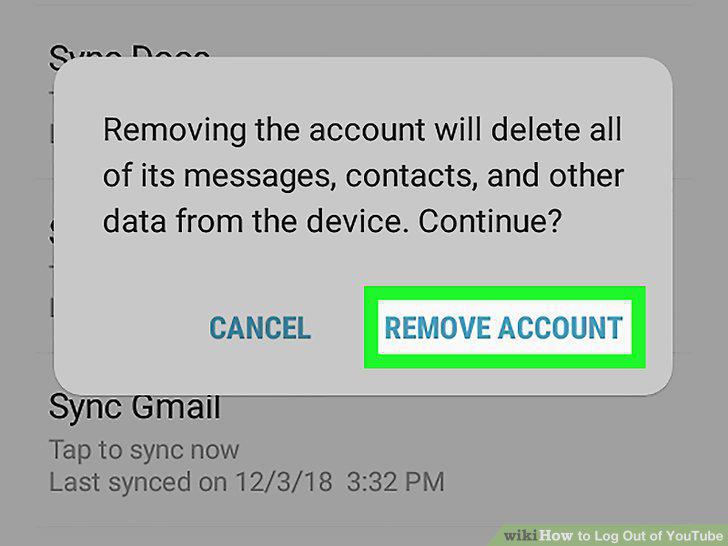
Tap REMOVE ACCOUNT to confirm.
Comments (0)
No comments yet. Be the first to share your thoughts!