How to Register on Uconnect
Touch the Uconnect Apps button on your car's touchscreen.. Tap Start (if you haven't opened this app before).. Select Register by Web.
Steps
1
Touch the Uconnect Apps button on your car's touchscreen.
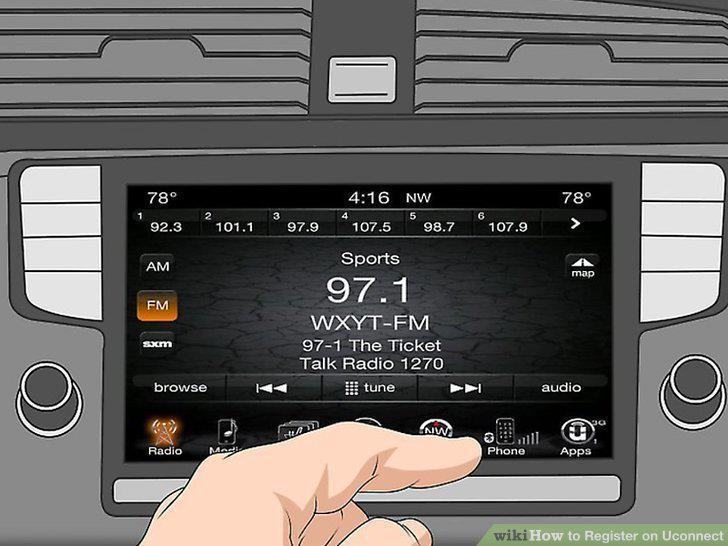
Touch the Uconnect Apps button on your car's touchscreen.
2
Tap Start (if you haven't opened this app before).
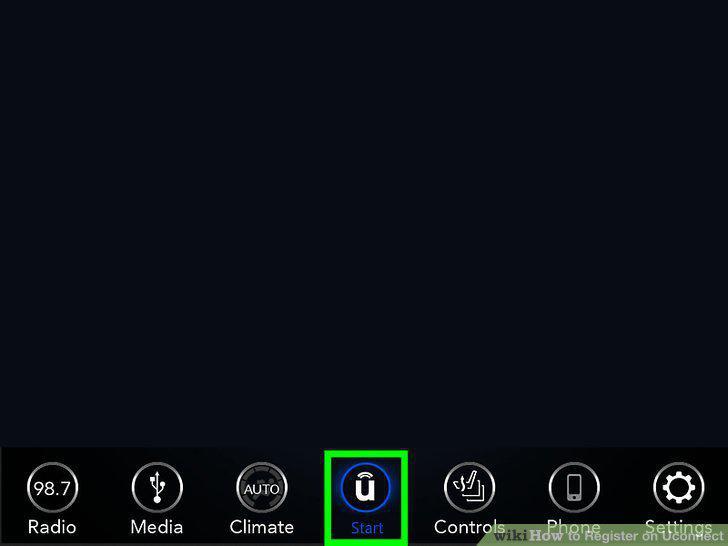
Tap Start (if you haven't opened this app before).
3
Select Register by Web.
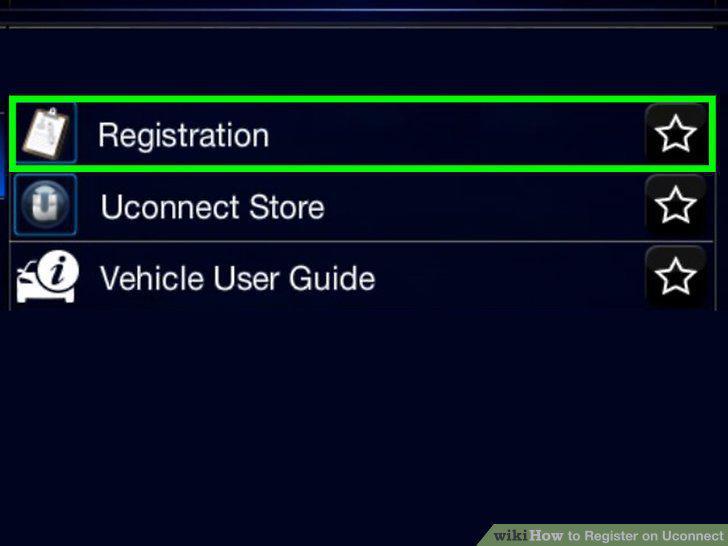
Select Register by Web.
4
Enter your email address and select OK.
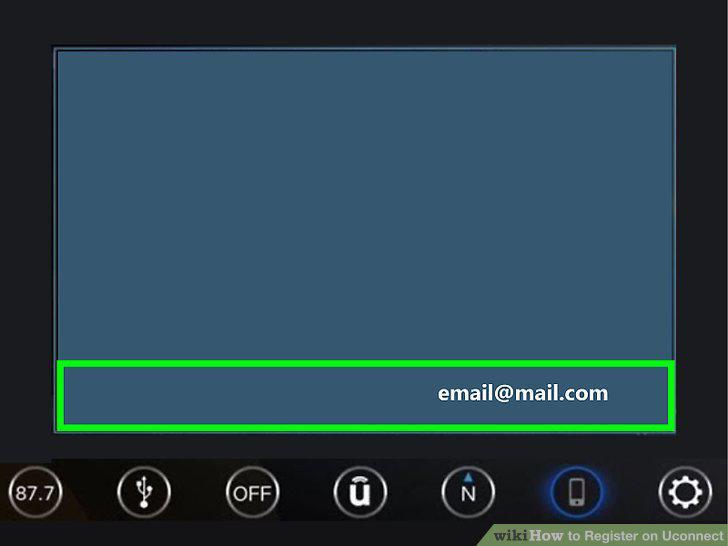
Enter your email address and select OK.
5
Open the email on your computer, phone, or tablet.
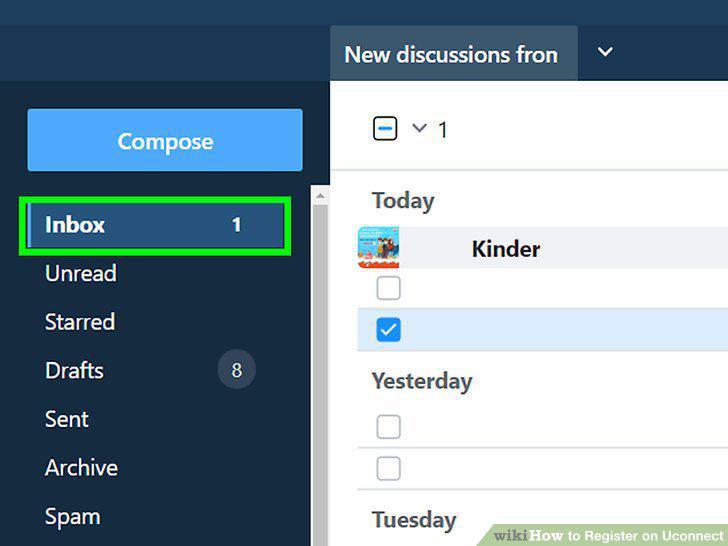
Open the email on your computer, phone, or tablet.
6
Click or tap Click to Continue Registration in the email.

Click or tap Click to Continue Registration in the email.
7
Fill out the registration form.
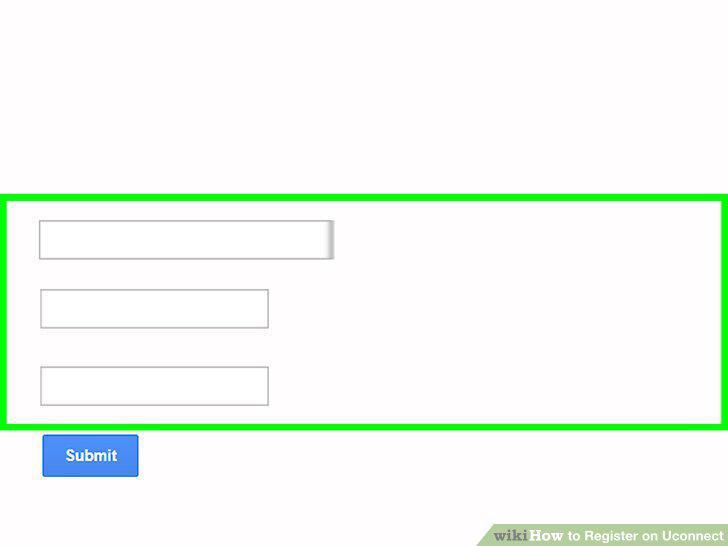
Fill out the registration form.
8
Tap Submit.

Tap Submit.
Comments (0)
No comments yet. Be the first to share your thoughts!