How to Wrap Text on Google Sheets on Android
Open Google Sheets on your Android.. Tap the file you want to edit.. Tap the cell containing the text you want to wrap.
Steps
1
Open Google Sheets on your Android.
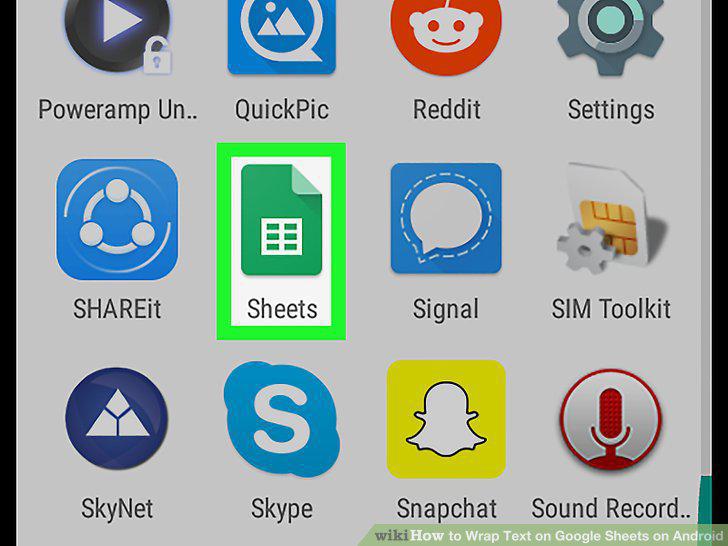
Open Google Sheets on your Android.
2
Tap the file you want to edit.
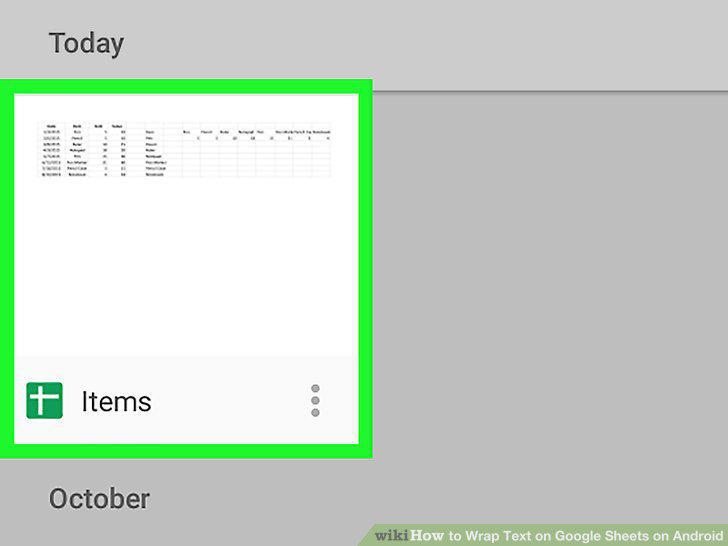
Tap the file you want to edit.
3
Tap the cell containing the text you want to wrap.
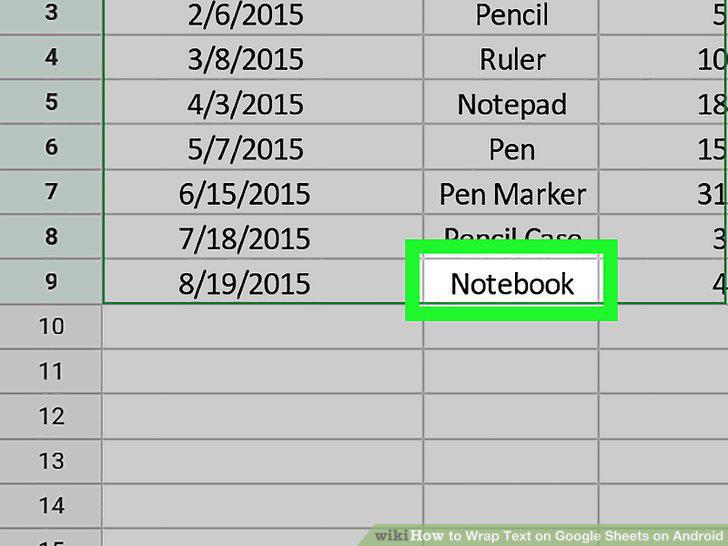
Tap the cell containing the text you want to wrap.
4
Tap the formatting icon.
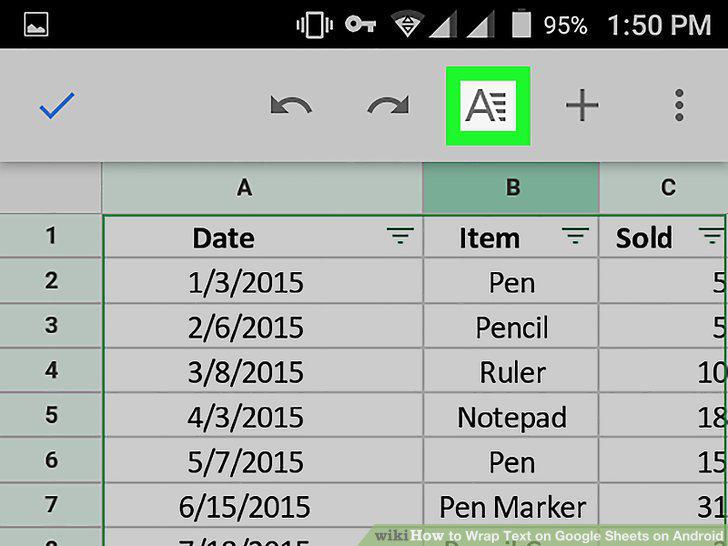
Tap the formatting icon.
5
Tap the CELL tab.
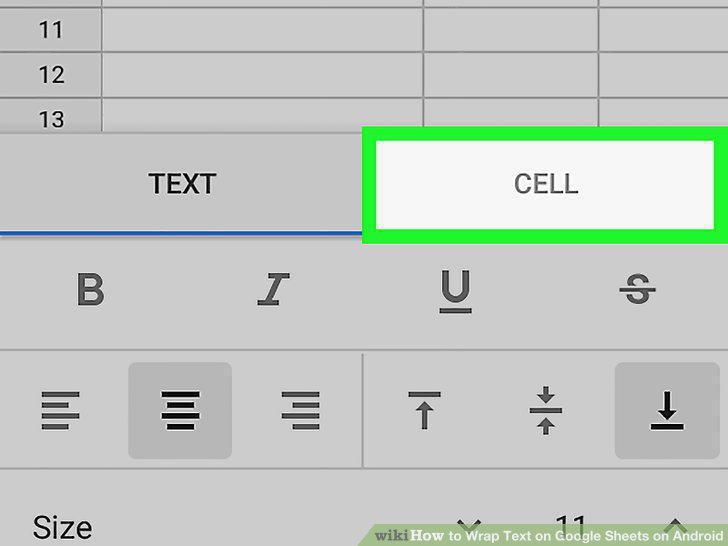
Tap the CELL tab.
6
Slide the "Wrap text" switch to .
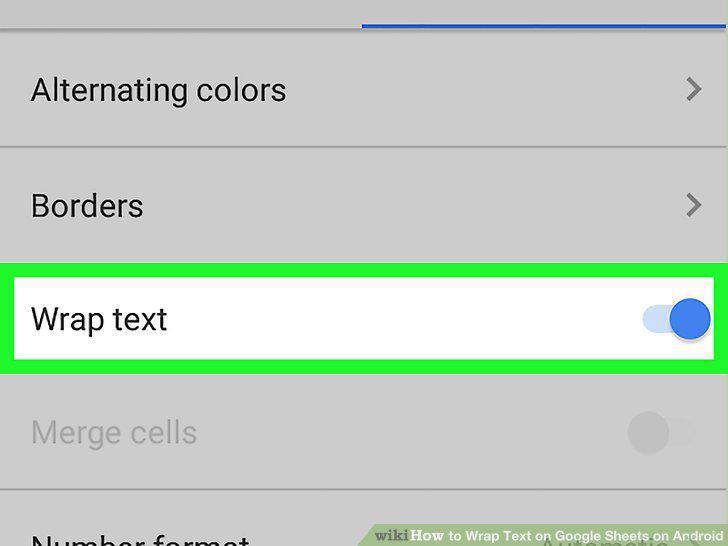
Slide the "Wrap text" switch to .
Comments (0)
No comments yet. Be the first to share your thoughts!