How to Contact Pubg Mobile Customer Service
Click the gear icon in the bottom right corner of the screen for the menu.. Tap on the Customer Service icon on the bottom left.. Look for your question in the list of common topics.
Steps
1
Click the gear icon in the bottom right corner of the screen for the menu.
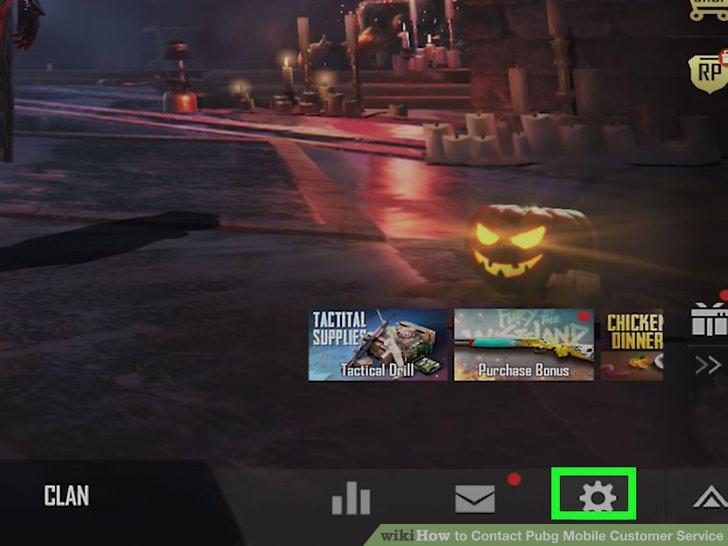
Click the gear icon in the bottom right corner of the screen for the menu.
2
Tap on the Customer Service icon on the bottom left.
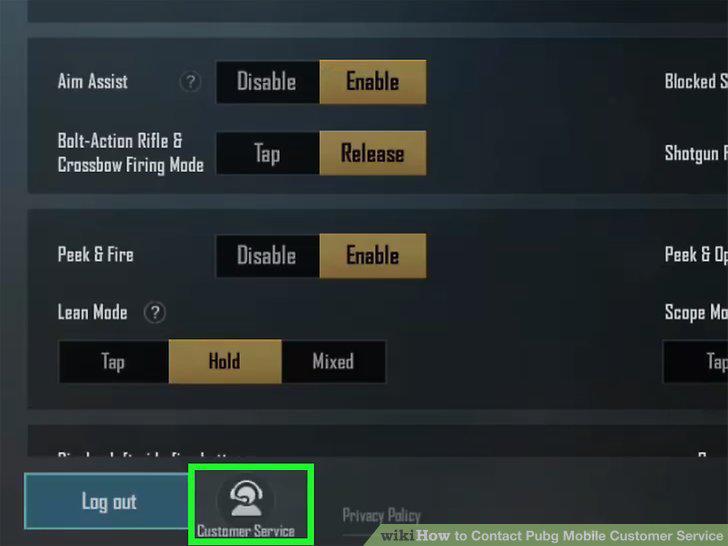
Tap on the Customer Service icon on the bottom left.
3
Look for your question in the list of common topics.
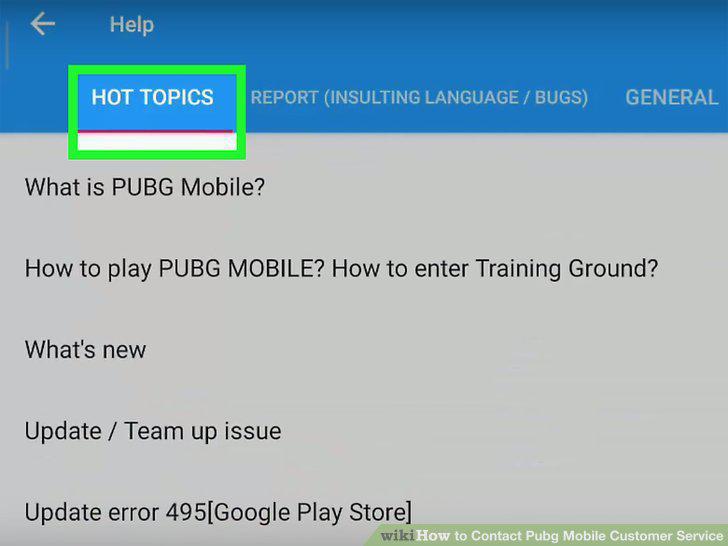
Look for your question in the list of common topics.
4
Select the message icon in the top right to talk directly to a representative.
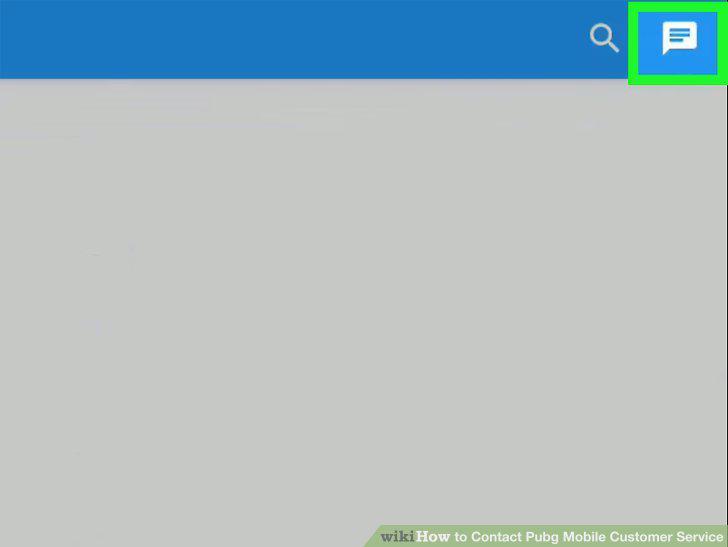
Select the message icon in the top right to talk directly to a representative.
5
Explain your problem and include screenshots in the message.
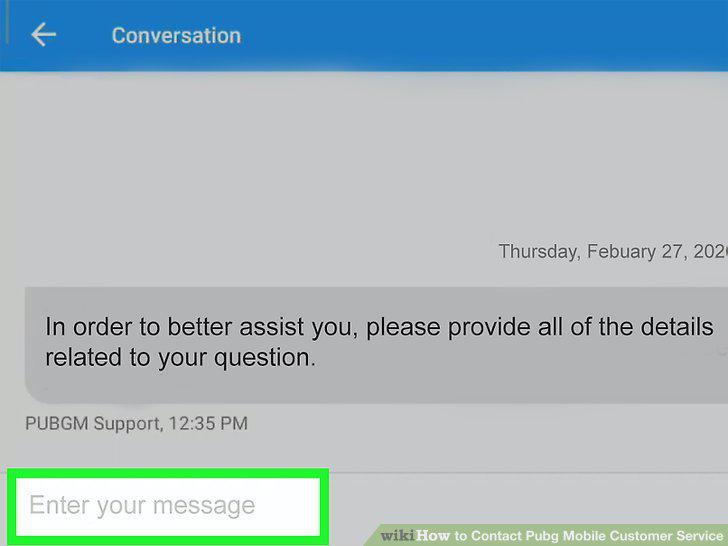
Explain your problem and include screenshots in the message.
6
Check the PUBG help site to find answers to frequently asked questions.
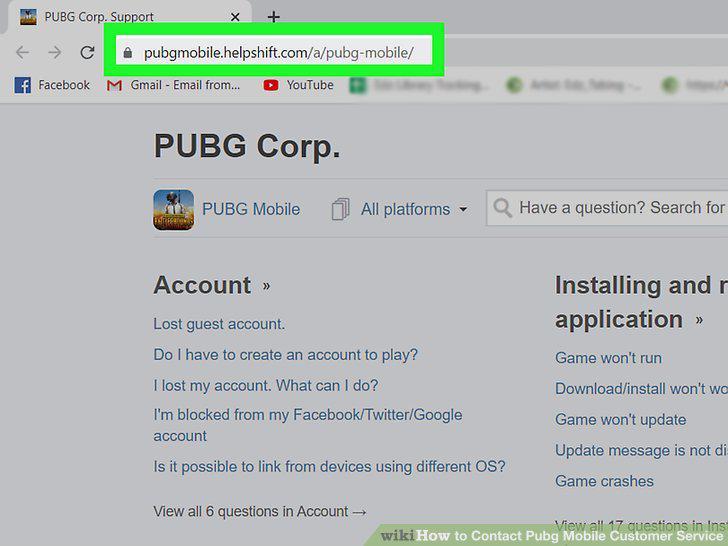
Check the PUBG help site to find answers to frequently asked questions.
7
Send an email to PUBGMOBILE_CS@tencentgames.com stating your issue.
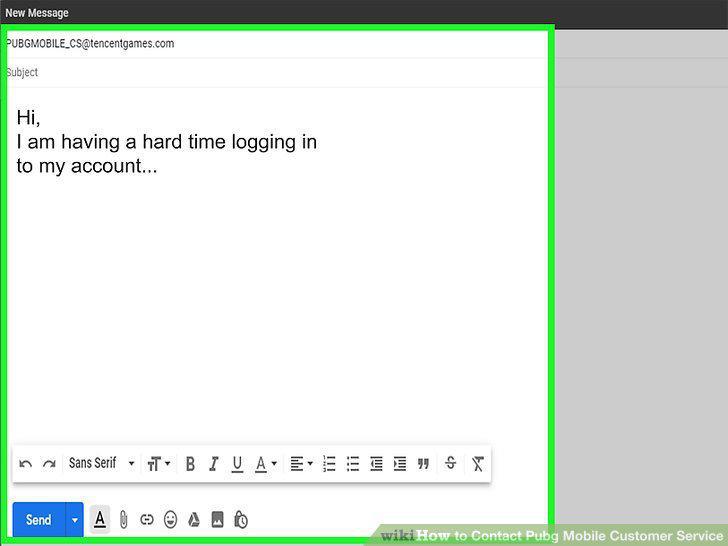
Send an email to PUBGMOBILE_CS@tencentgames.com stating your issue.
8
Submit a ticket through the help-desk site if you live in South Korea or Japan.
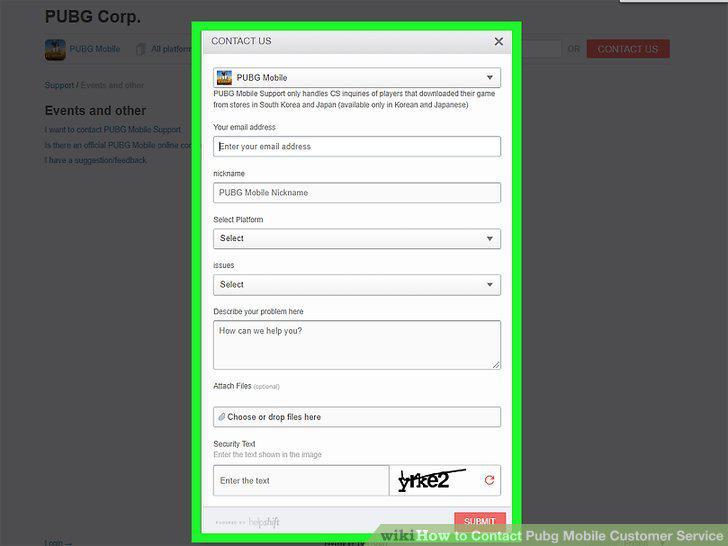
Submit a ticket through the help-desk site if you live in South Korea or Japan.
Comments (0)
No comments yet. Be the first to share your thoughts!