How to View Your Recent Activity on LinkedIn on PC or Mac
Open LinkedIn in your internet browser.. Sign in to your account.. Click the Me dropdown on the top-right.
Steps
1
Open LinkedIn in your internet browser.
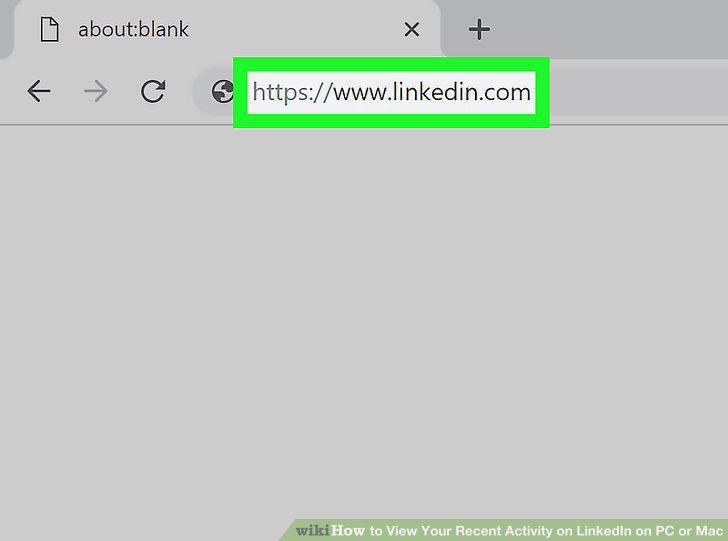
Open LinkedIn in your internet browser.
2
Sign in to your account.
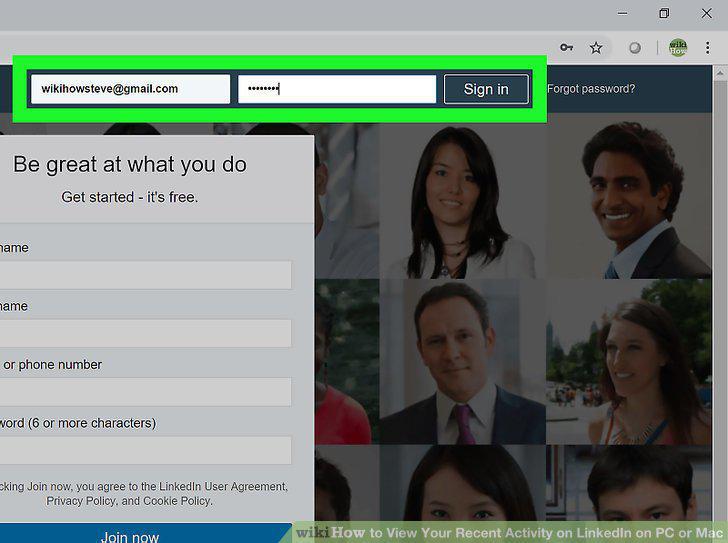
Sign in to your account.
3
Click the Me dropdown on the top-right.
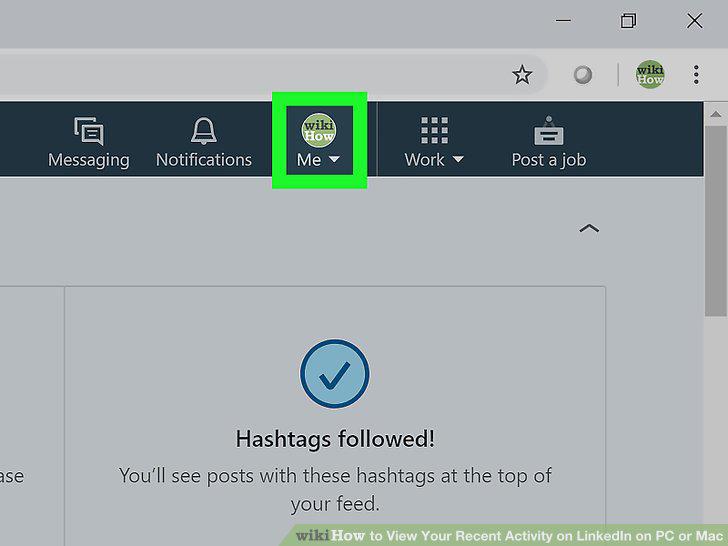
Click the Me dropdown on the top-right.
4
Click Posts & Activity on the menu.
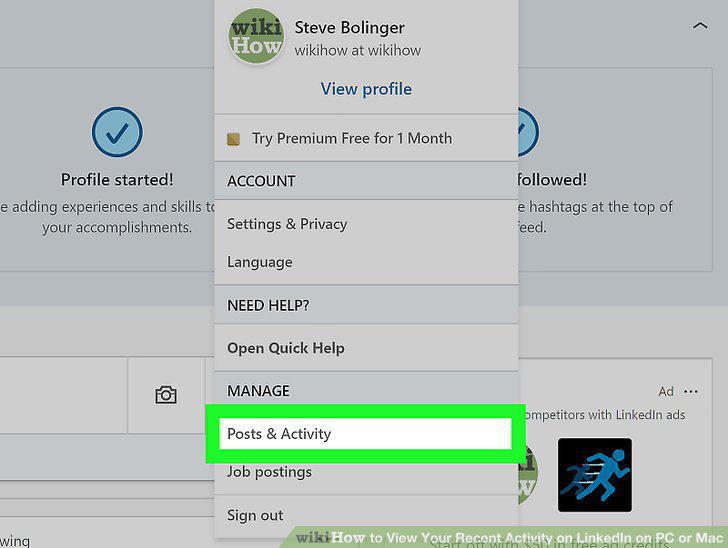
Click Posts & Activity on the menu.
5
View all your activity on the Activity page.
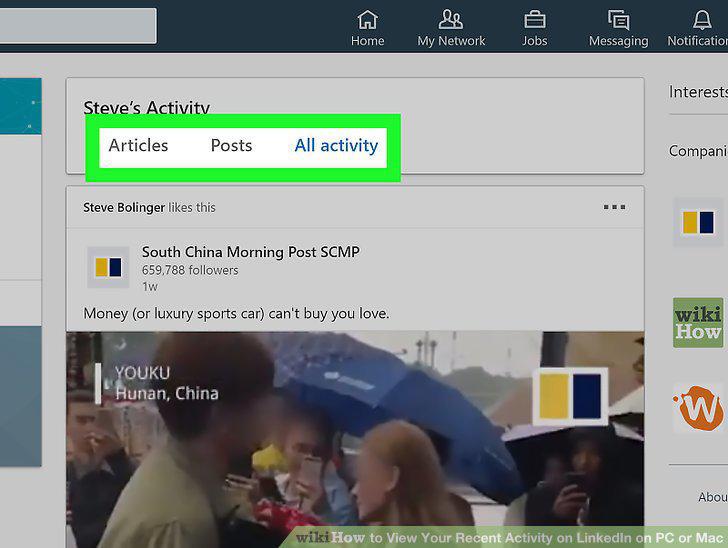
View all your activity on the Activity page.
Comments (0)
No comments yet. Be the first to share your thoughts!