How to Download Movies and Transfer Them to a USB Flash Drive
Find a movie to download.. Download the video file to your computer.. Plug your flash drive into the computer.
Steps
1
Find a movie to download.
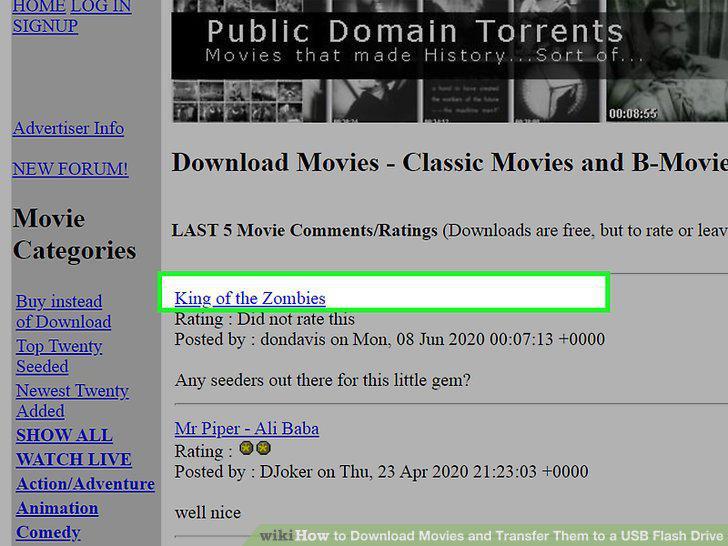
Find a movie to download.
2
Download the video file to your computer.
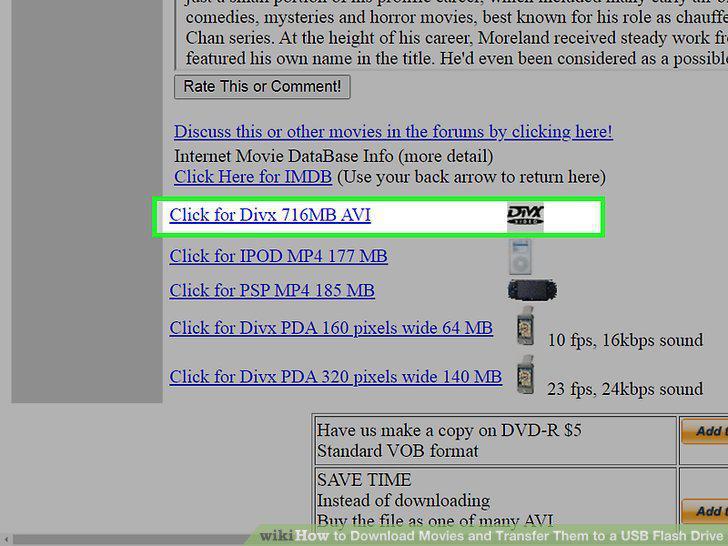
Download the video file to your computer.
3
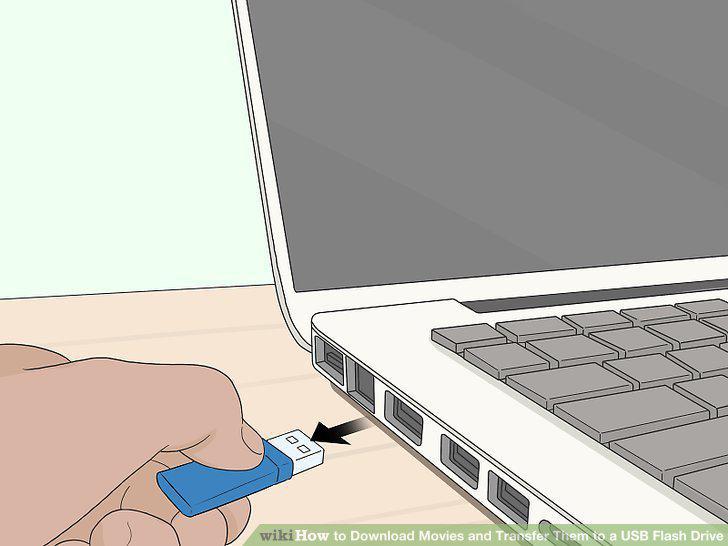
Plug your flash drive into the computer.
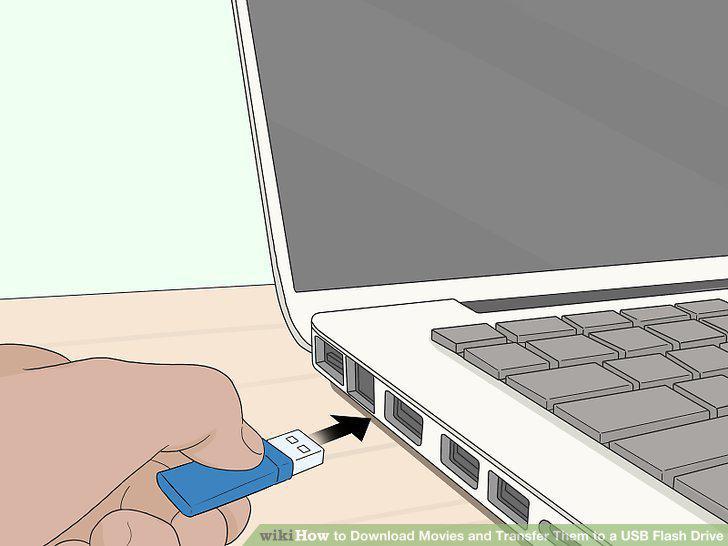
Plug your flash drive into the computer.
4
Copy your movie file.
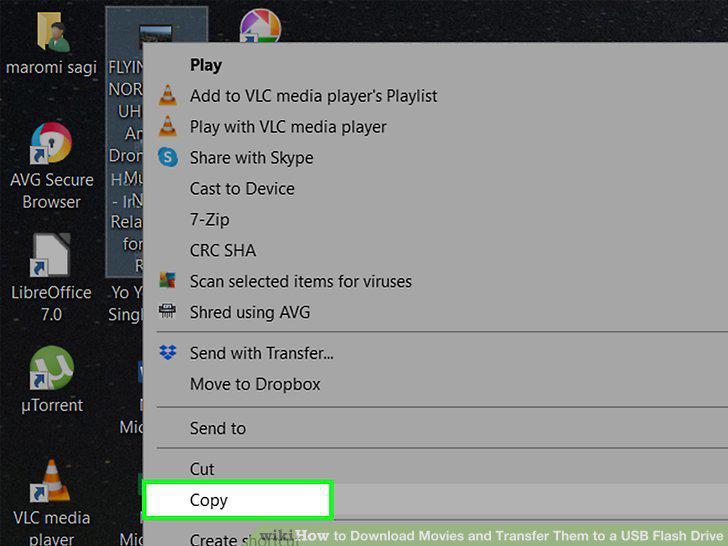
Copy your movie file.
5
Open This PC (PC) or Finder (Mac) .
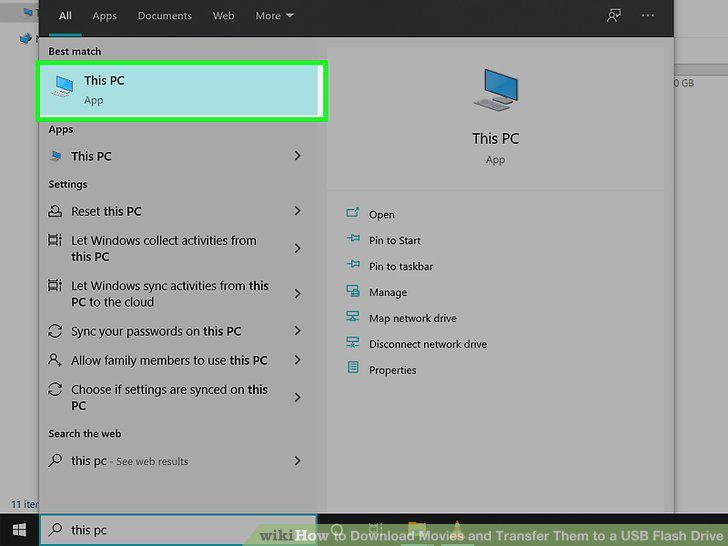
Open This PC (PC) or Finder (Mac) .
6
Open your flash drive.
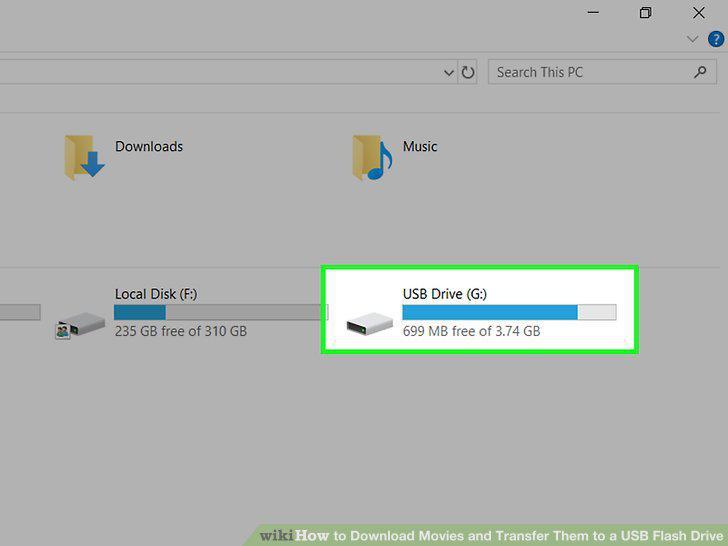
Open your flash drive.
7
Right-click a blank area of the flash drive and select Paste.
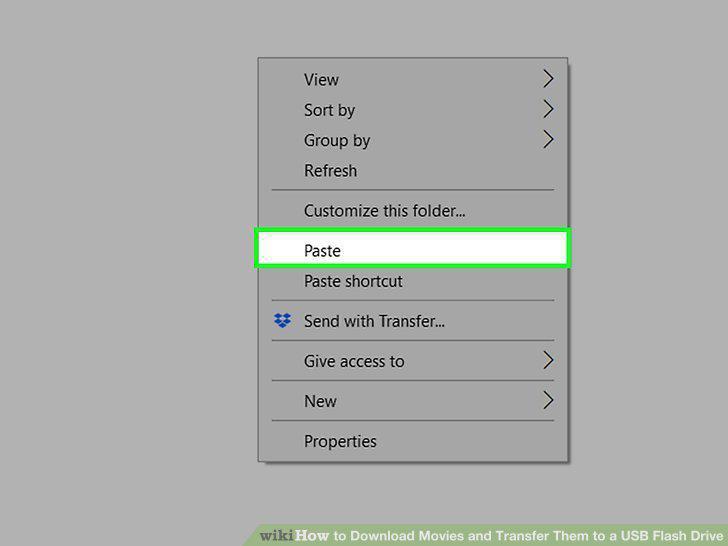
Right-click a blank area of the flash drive and select Paste.
8
Eject your flash drive .
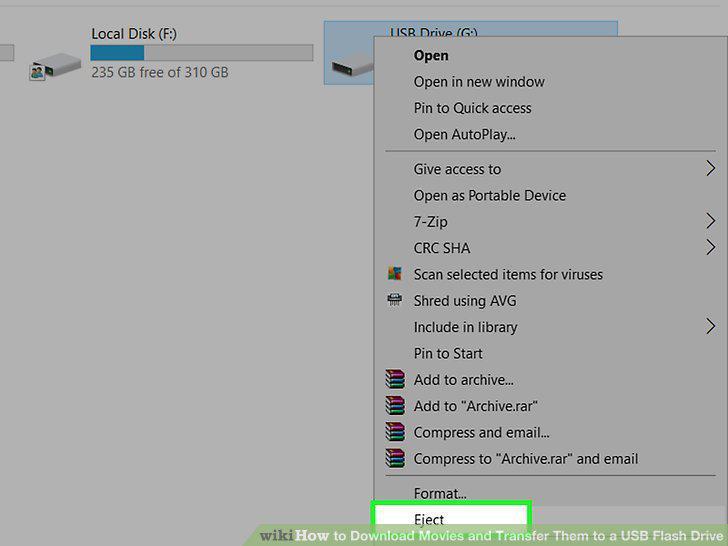
Eject your flash drive .
9
Remove your flash drive.
Remove your flash drive.
Comments (0)
No comments yet. Be the first to share your thoughts!