How to Fix a Frozen Safari on iPad
Double-tap the Home button to open your recent apps.. Swipe up on the Safari tab.. Press and hold the Power and Home buttons if your iPad is completely frozen.
Steps
1
Double-tap the Home button to open your recent apps.
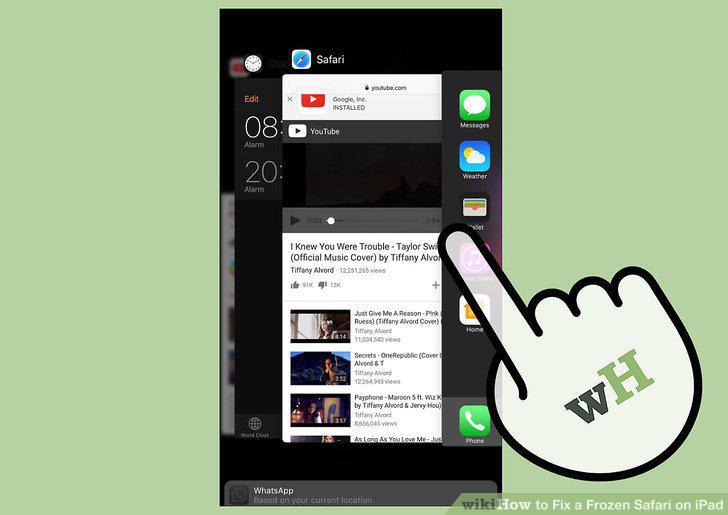
Double-tap the Home button to open your recent apps.
2
Swipe up on the Safari tab.
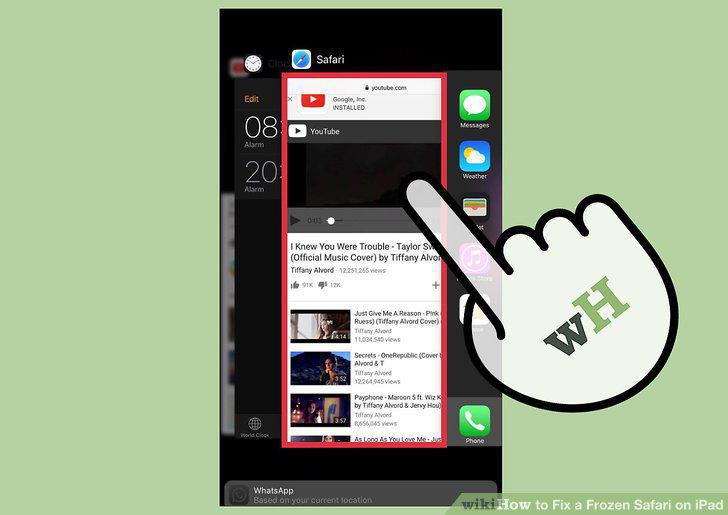
Swipe up on the Safari tab.
3
Press and hold the Power and Home buttons if your iPad is completely frozen.
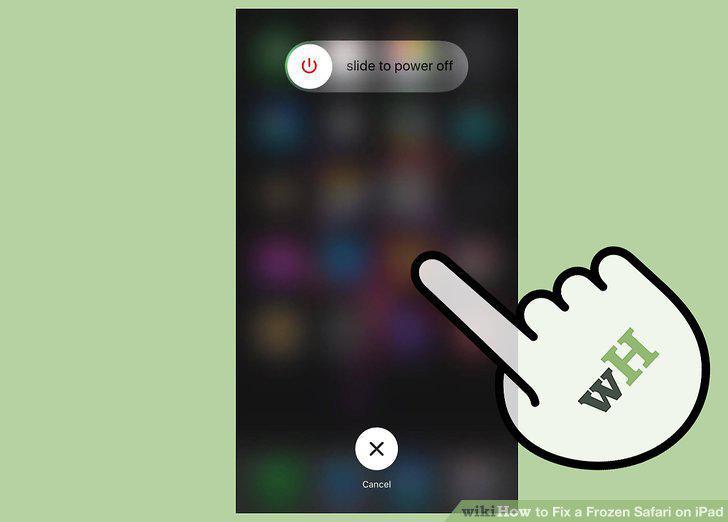
Press and hold the Power and Home buttons if your iPad is completely frozen.
4
Continue holding both the Power and Home buttons until you see the Apple logo.
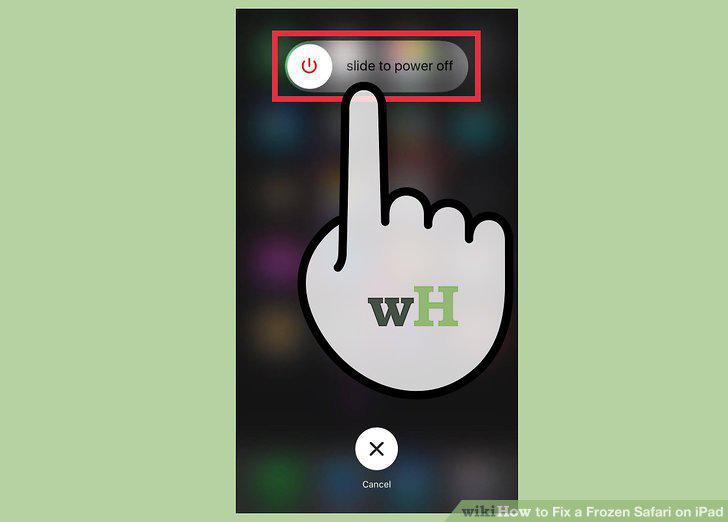
Continue holding both the Power and Home buttons until you see the Apple logo.
5
Enter your passcode.
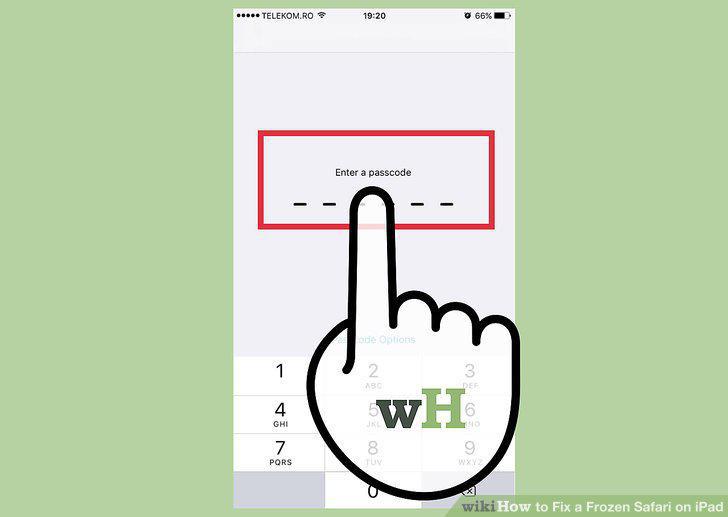
Enter your passcode.
6
Try Safari again.

Try Safari again.
7
Avoid specific websites that make Safari freeze.
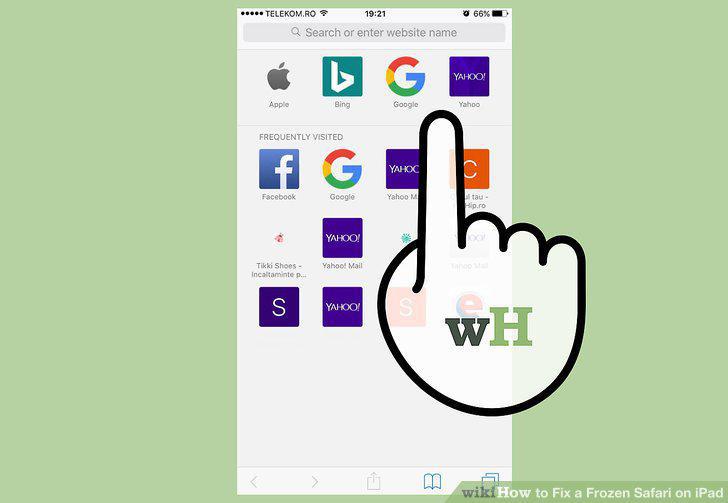
Avoid specific websites that make Safari freeze.
8
Open the Settings app.
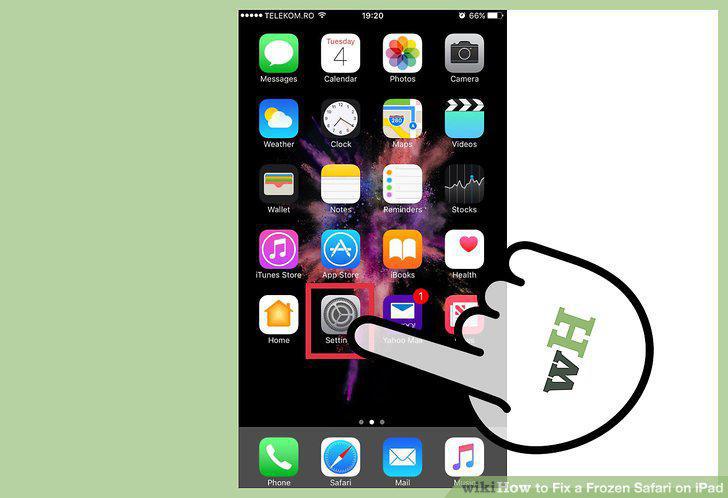
Open the Settings app.
9
Turn off Safari Suggestions.
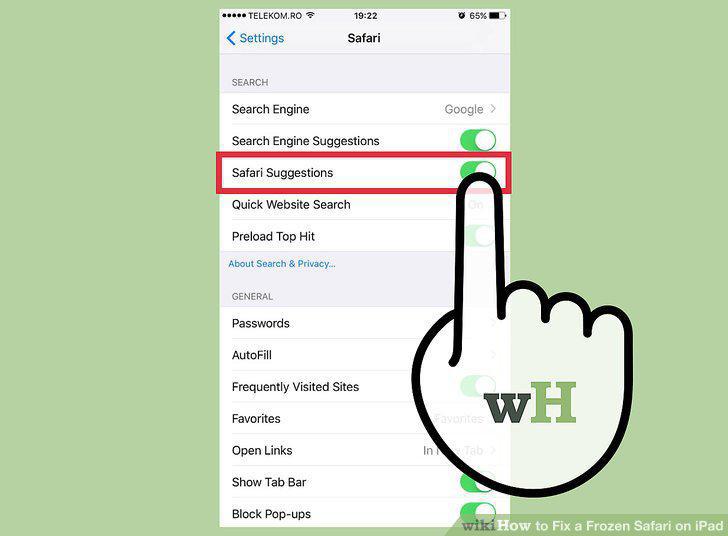
Turn off Safari Suggestions.
10
Turn off iCloud syncing for Safari.
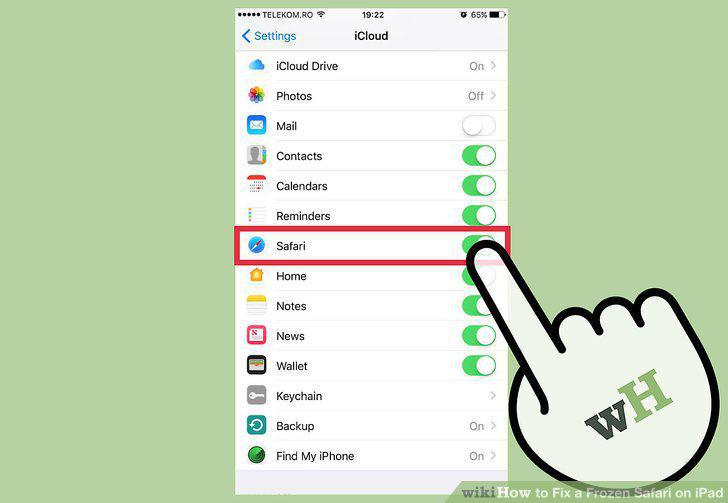
Turn off iCloud syncing for Safari.
11
Clear your Safari data.
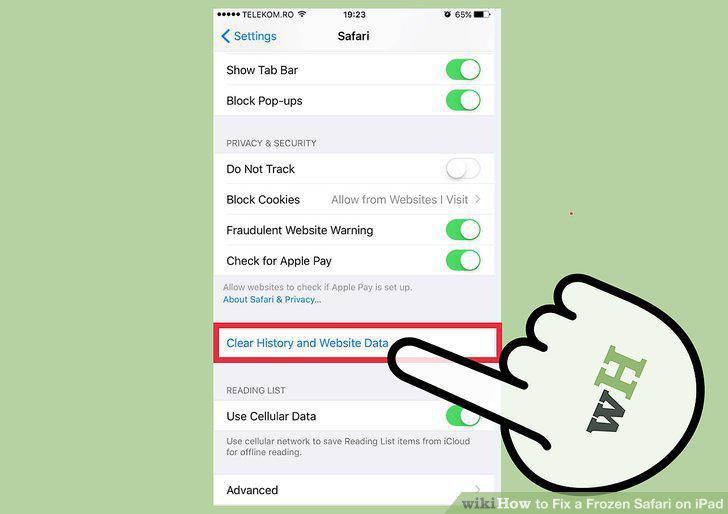
Clear your Safari data.
12
Try a different browser.
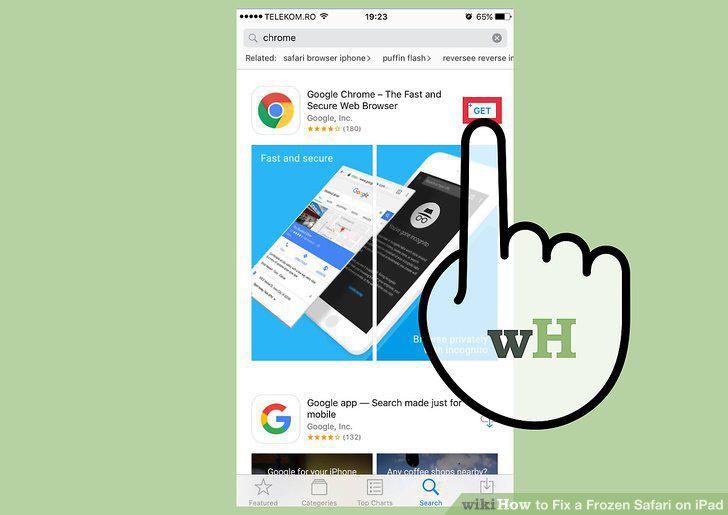
Try a different browser.
Comments (0)
No comments yet. Be the first to share your thoughts!