How to Use the Front Camera Flash on Snapchat
Open the Snapchat app.. Tap the camera icon if you're not in selfie mode.. Tap the lightning bolt icon.
Steps
1
Open the Snapchat app.
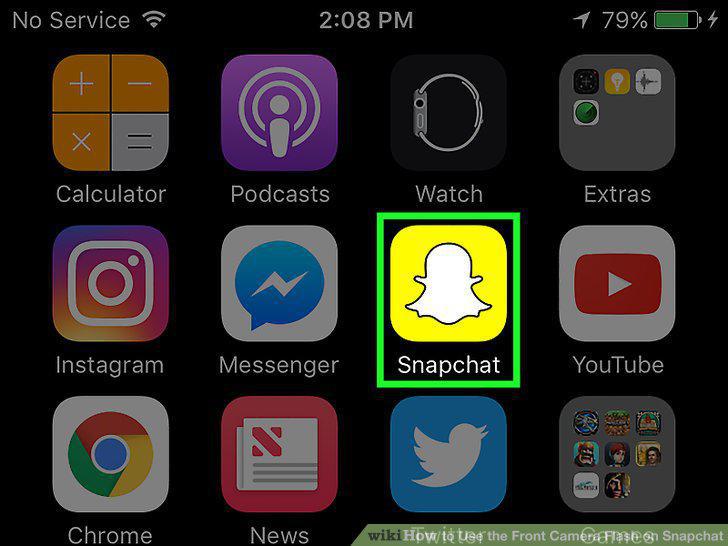
Open the Snapchat app.
2
Tap the camera icon if you're not in selfie mode.

Tap the camera icon if you're not in selfie mode.
3
Tap the lightning bolt icon.
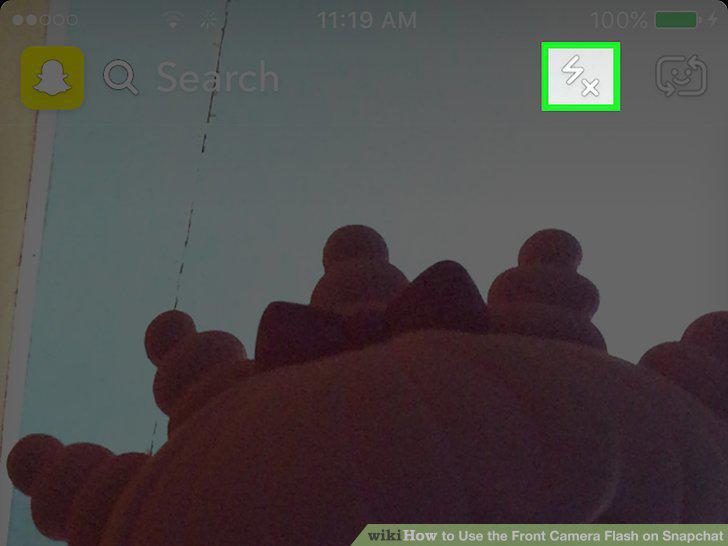
Tap the lightning bolt icon.
4
Take a selfie.
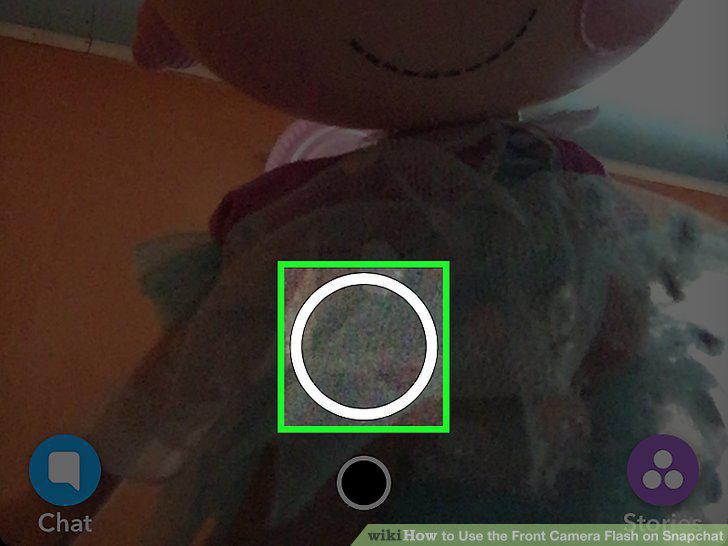
Take a selfie.
Comments (0)
No comments yet. Be the first to share your thoughts!