How to Save Reddit Comments on PC or Mac
Go to https://www.reddit.com in a web browser.. Go to the subreddit that contains the thread.. Click the post with the comment you want to save.
Steps
1
Go to https://www.reddit.com in a web browser.
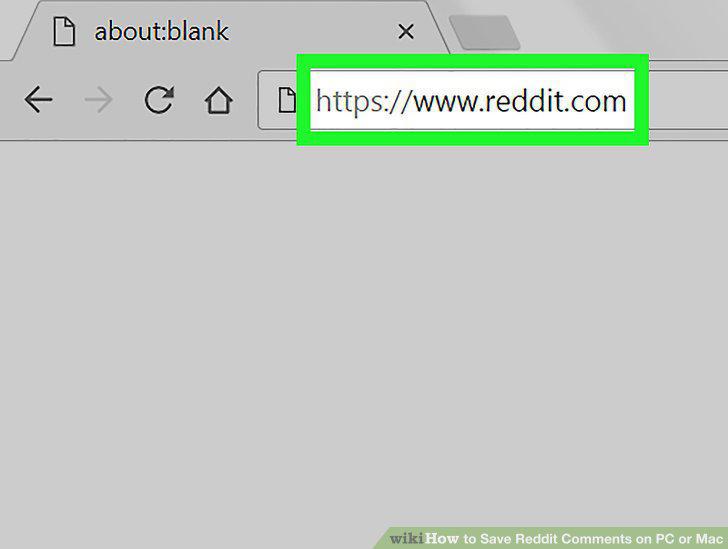
Go to https://www.reddit.com in a web browser.
2
Go to the subreddit that contains the thread.
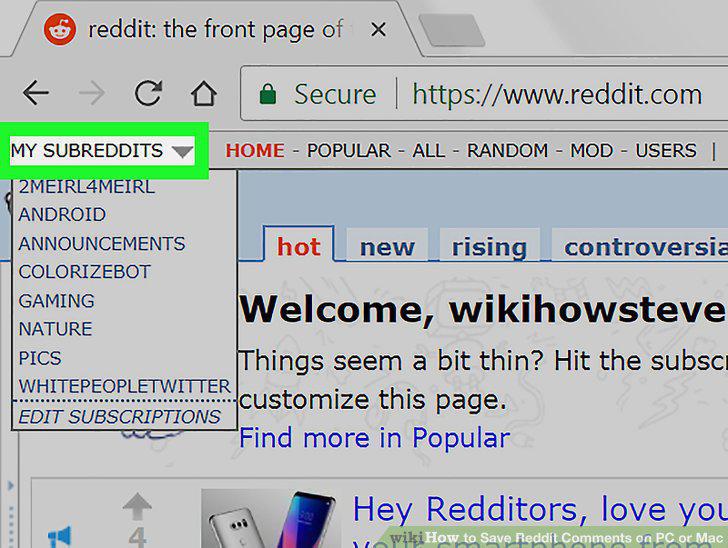
Go to the subreddit that contains the thread.
3
Click the post with the comment you want to save.

Click the post with the comment you want to save.
4
Scroll down to the comment you want to save.

Scroll down to the comment you want to save.
5
Click save beneath the comment.

Click save beneath the comment.
6
Go to https://www.reddit.com in a browser .You can use any browser, such as Safa
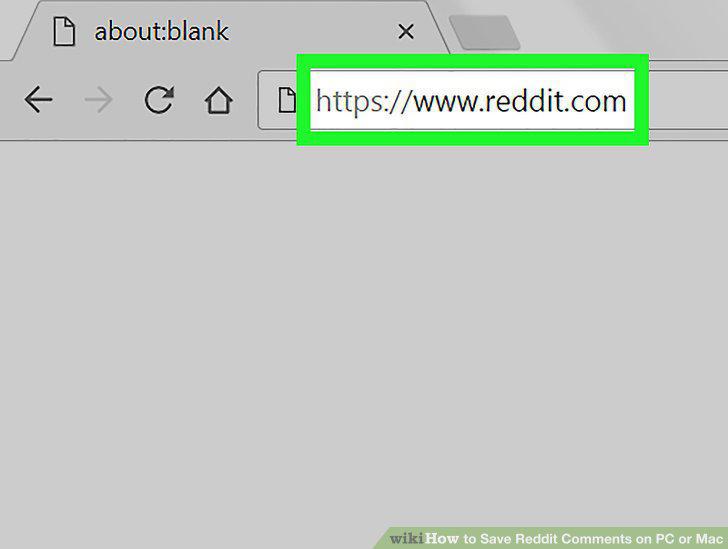
Go to https://www.reddit.com in a browser .You can use any browser, such as Safari or Chrome, to access Reddit.
7
Click your username.

Click your username.
8
Click Saved.
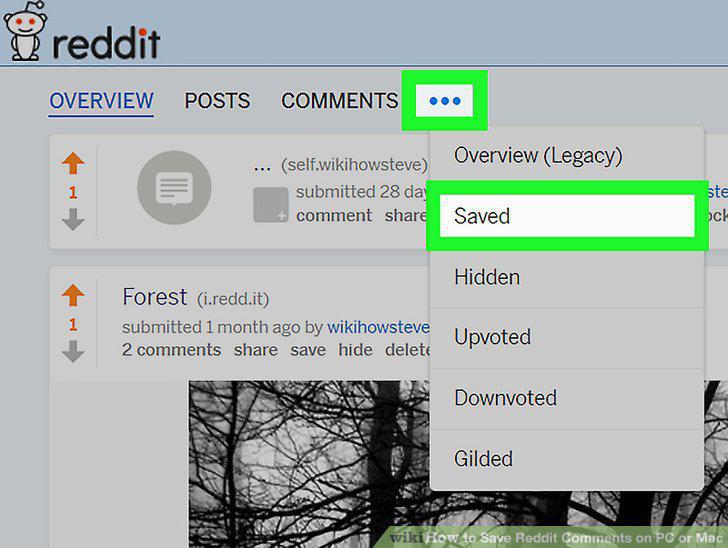
Click Saved.
Comments (0)
No comments yet. Be the first to share your thoughts!