How to Increase Microsoft Onedrive Cloud Storage
Open the OneDrive website in your internet browser.. Click the gear icon on the top-right.. Click Upgrade on the menu.
Steps
1
Open the OneDrive website in your internet browser.
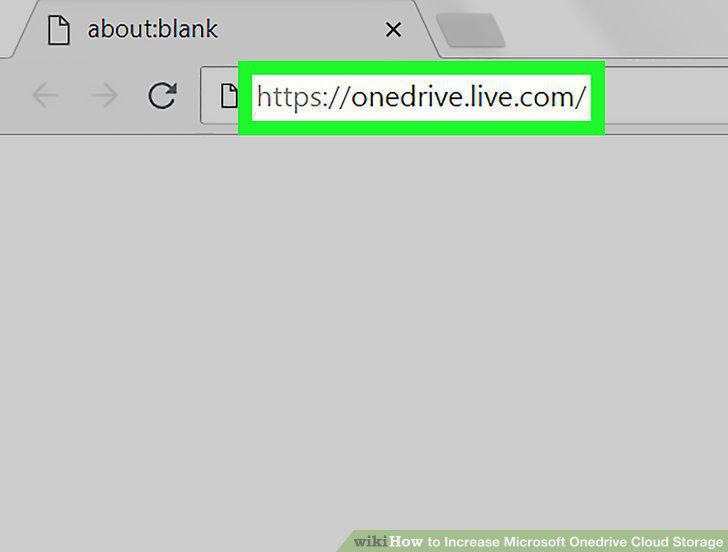
Open the OneDrive website in your internet browser.
2
Click the gear icon on the top-right.
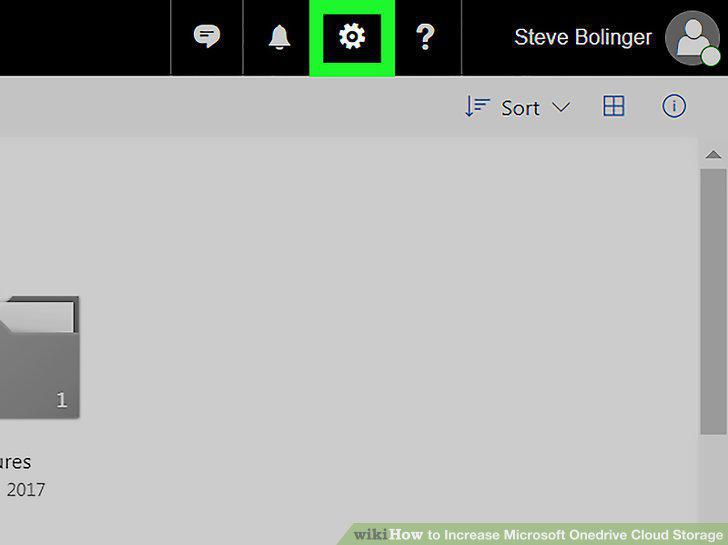
Click the gear icon on the top-right.
3
Click Upgrade on the menu.
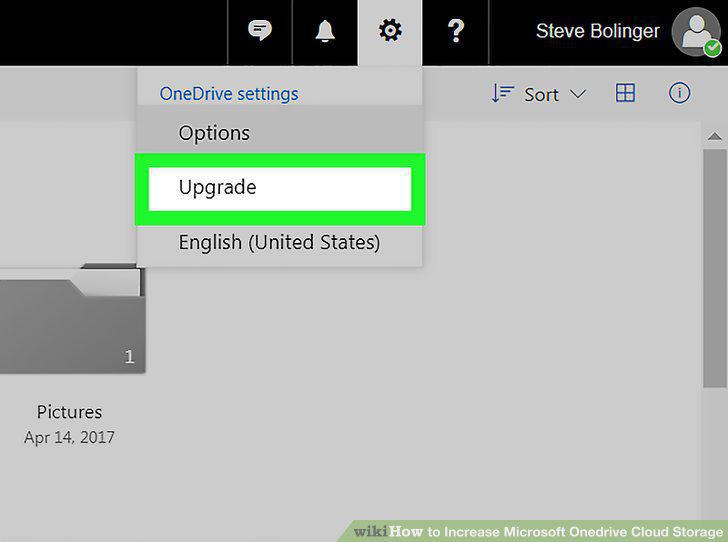
Click Upgrade on the menu.
4
Select a subscription plan.
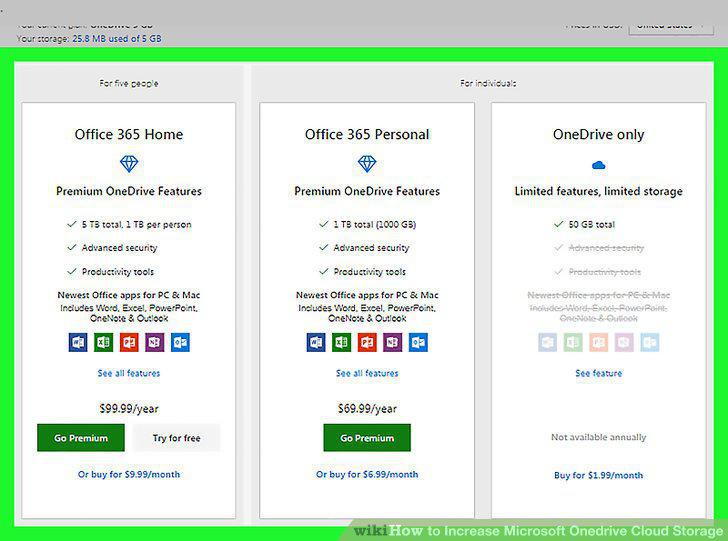
Select a subscription plan.
5
Confirm your decision in the confirmation window.
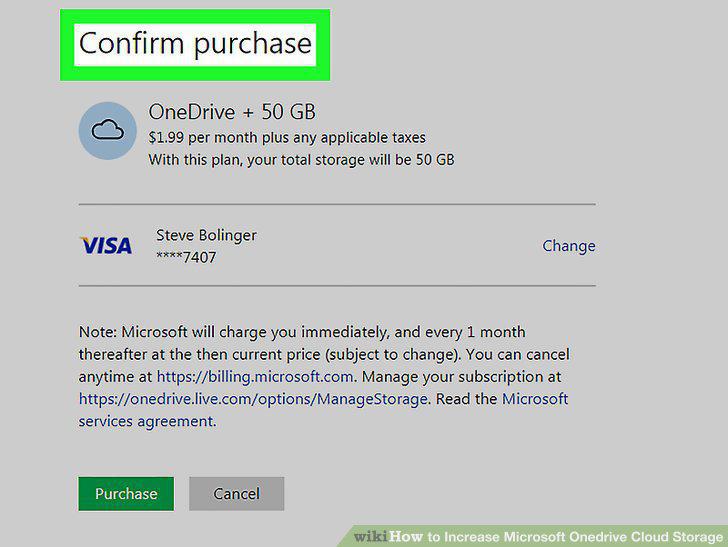
Confirm your decision in the confirmation window.
6
Add your payment information.
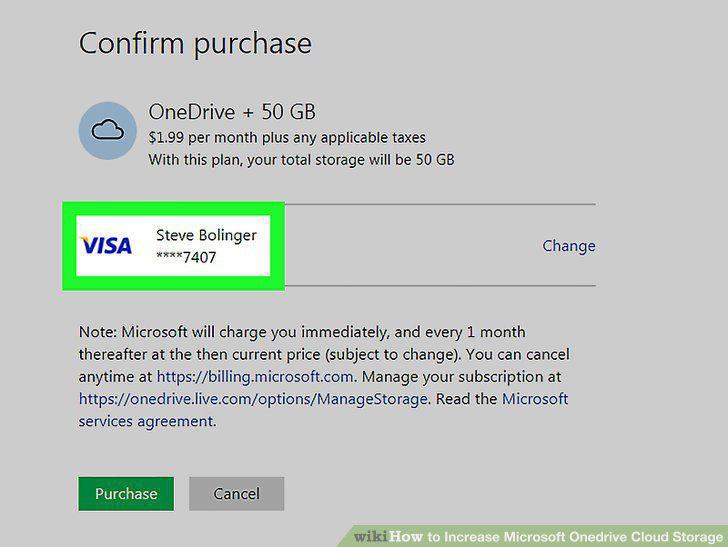
Add your payment information.
7
Click the Purchase button.
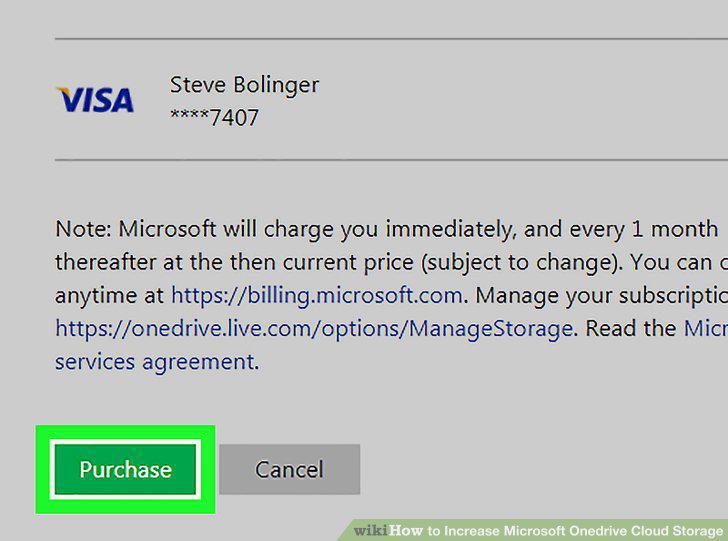
Click the Purchase button.
Comments (0)
No comments yet. Be the first to share your thoughts!