How to Bypass YouTube's Regional Filter
Open the ProxFree YouTube proxy site.. Scroll down to the "Server Location" section.. Click the "Server Location" drop-down box.
Steps
1
Open the ProxFree YouTube proxy site.
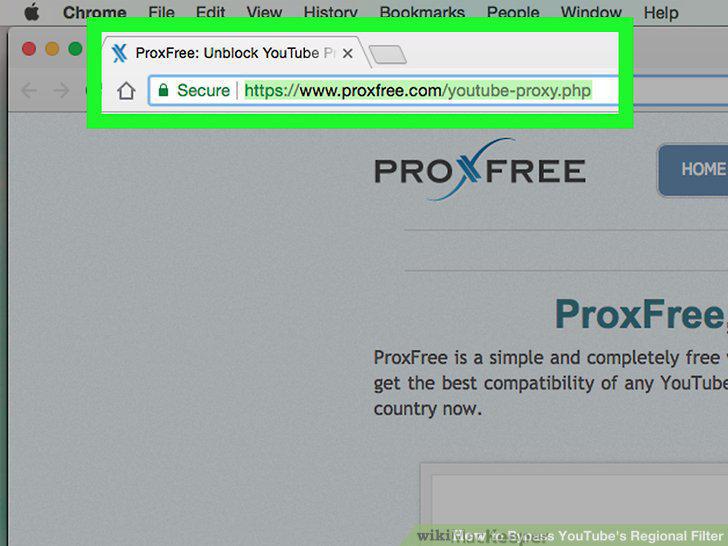
Open the ProxFree YouTube proxy site.
2
Scroll down to the "Server Location" section.
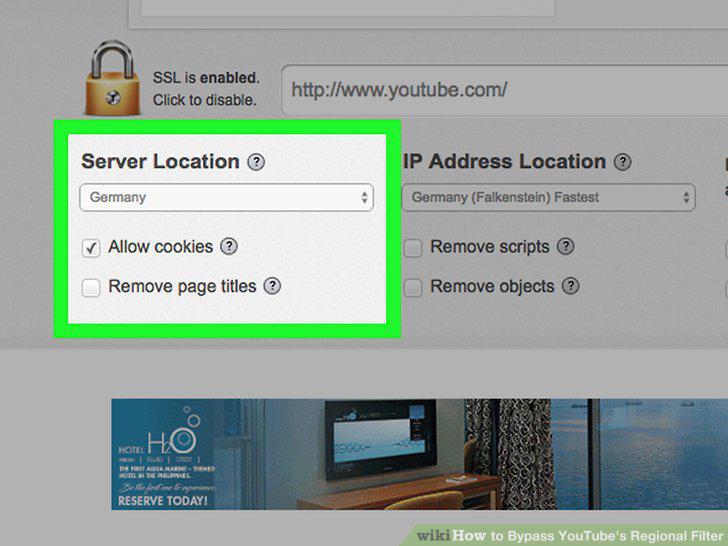
Scroll down to the "Server Location" section.
3
Click the "Server Location" drop-down box.
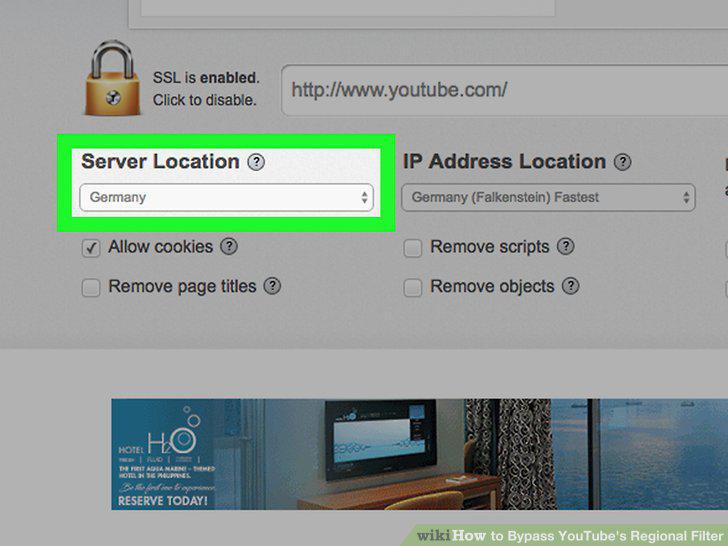
Click the "Server Location" drop-down box.
4
Select a country.
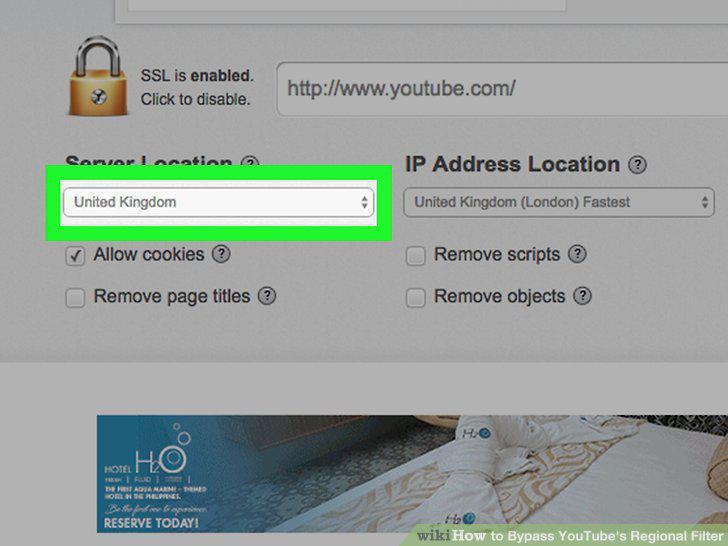
Select a country.
5
Go to YouTube in ProxFree.
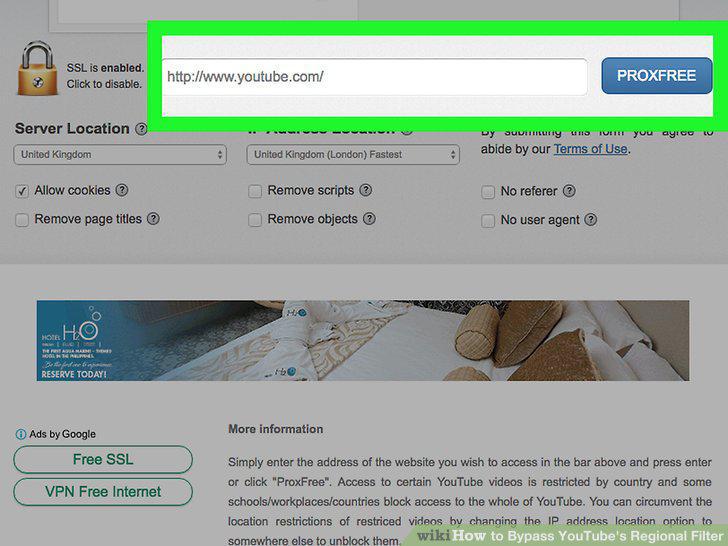
Go to YouTube in ProxFree.
6
Search for your blocked video.
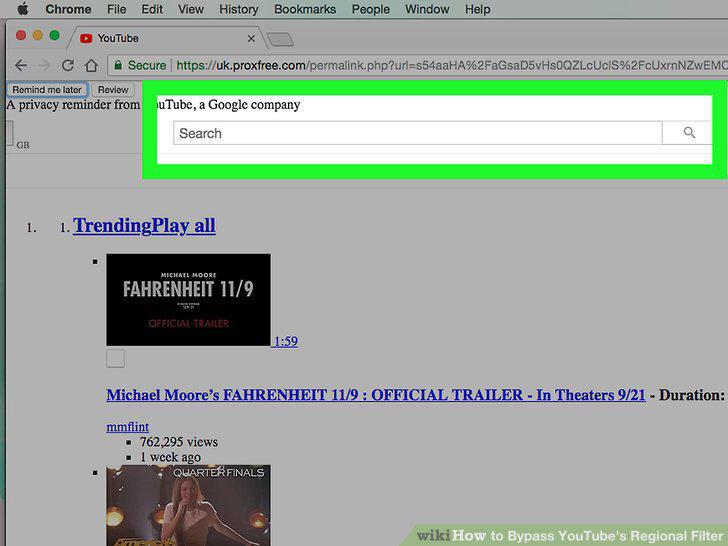
Search for your blocked video.
7
Select the blocked video.
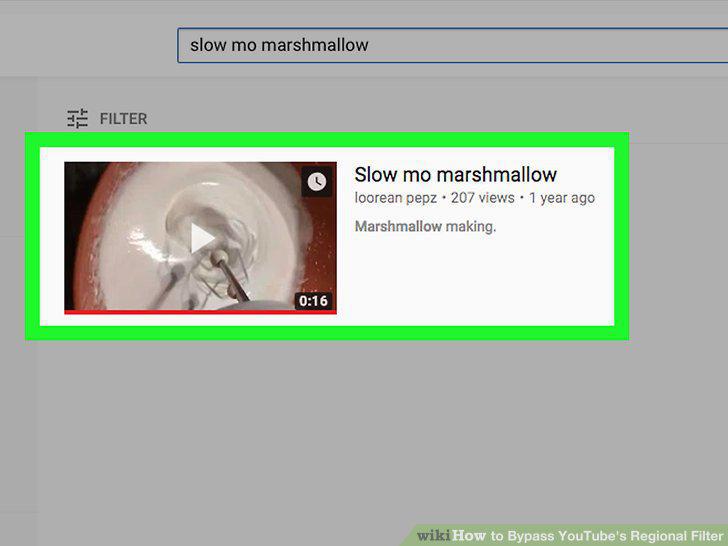
Select the blocked video.
8
Understand the limitations of a VPN.
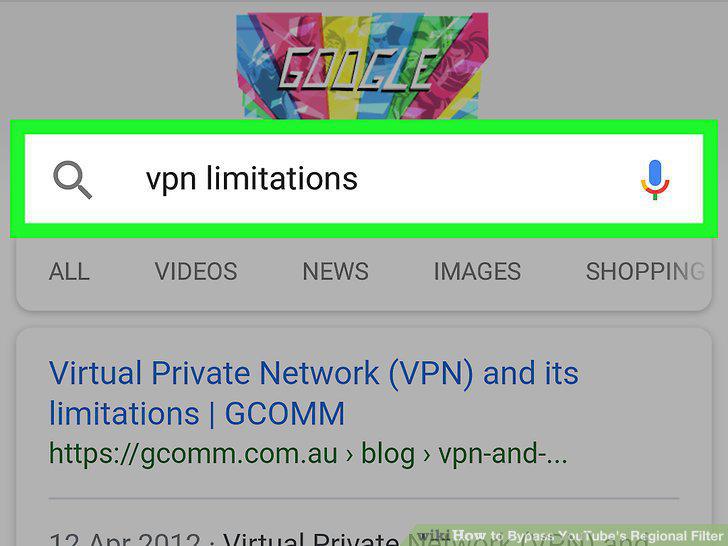
Understand the limitations of a VPN.
9
Install a VPN if necessary.
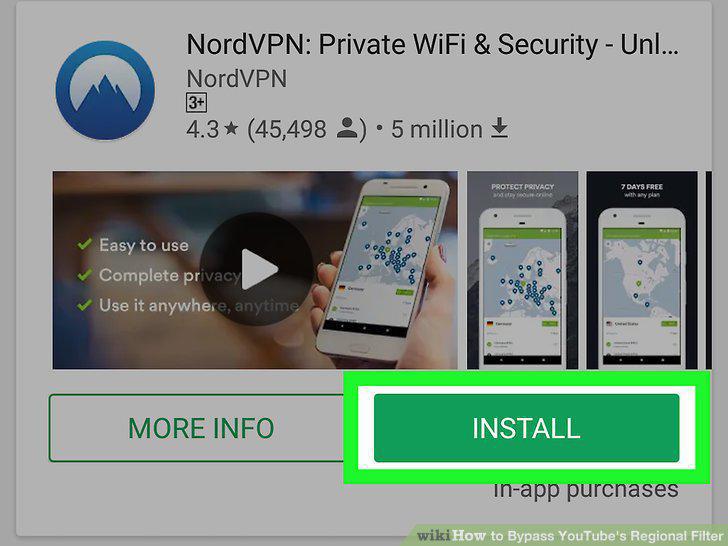
Install a VPN if necessary.
10
Turn on your VPN.
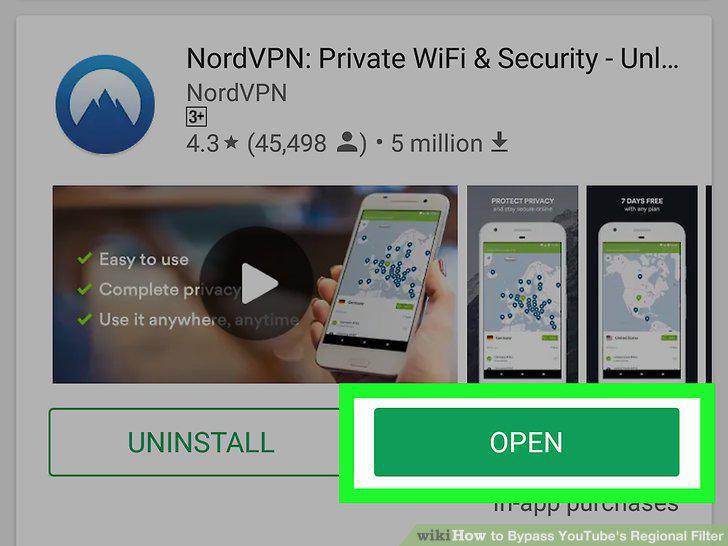
Turn on your VPN.
11
Select a country or region if possible.
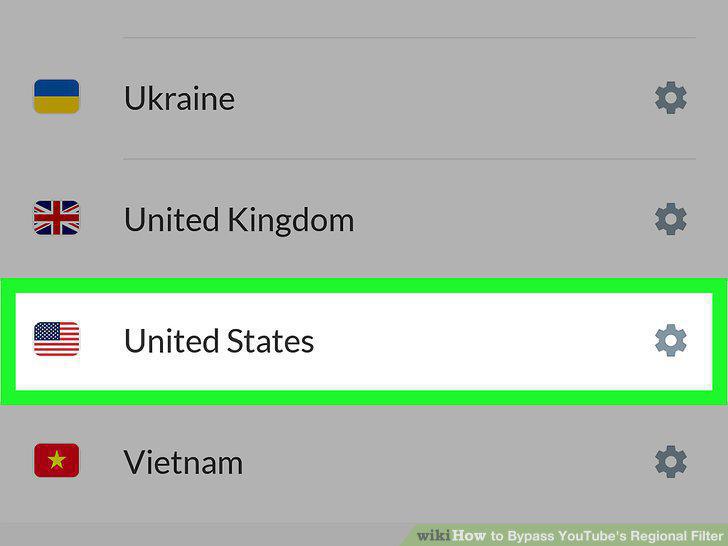
Select a country or region if possible.
12
Open YouTube.
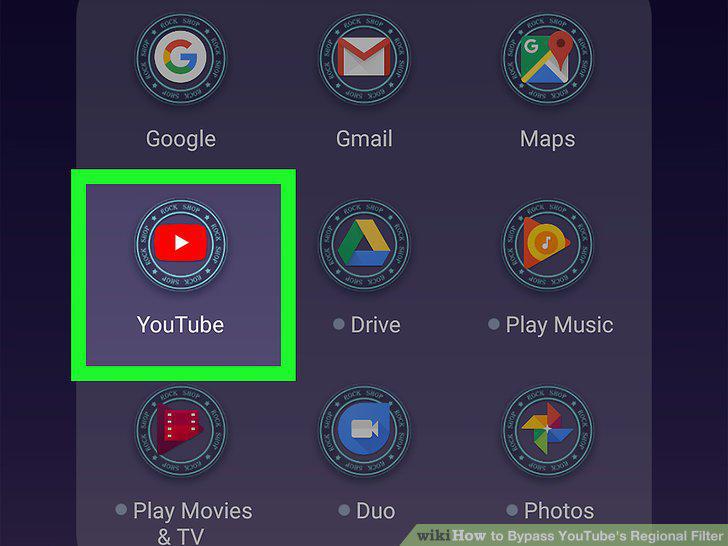
Open YouTube.
13
Search for your video.
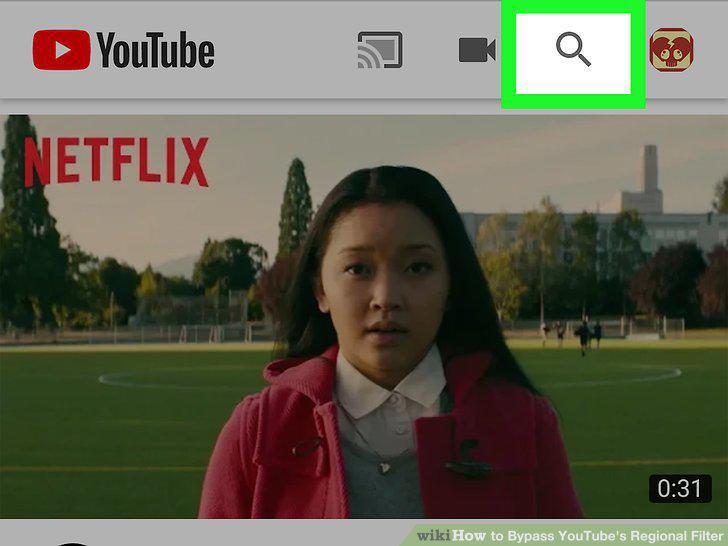
Search for your video.
14
Open the video.
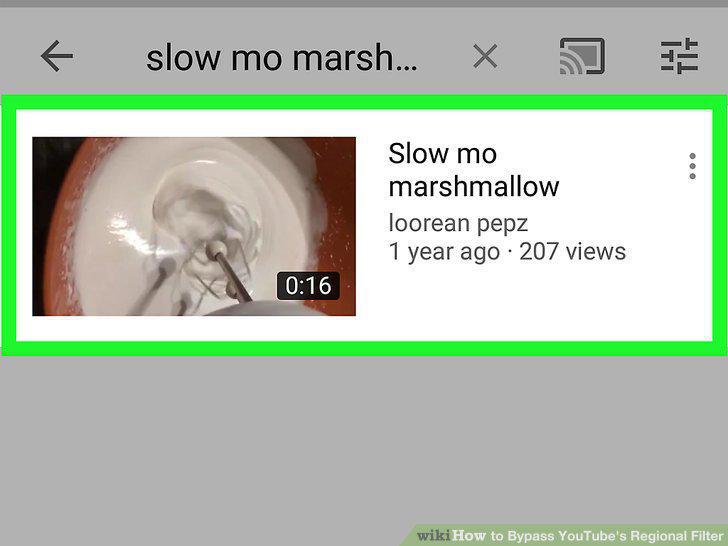
Open the video.
Comments (0)
No comments yet. Be the first to share your thoughts!