How to Create a Kahoot Game
Go to https://create.kahoot.it/login.. Log in.. Click Create.
Steps
1
Go to https://create.kahoot.it/login.
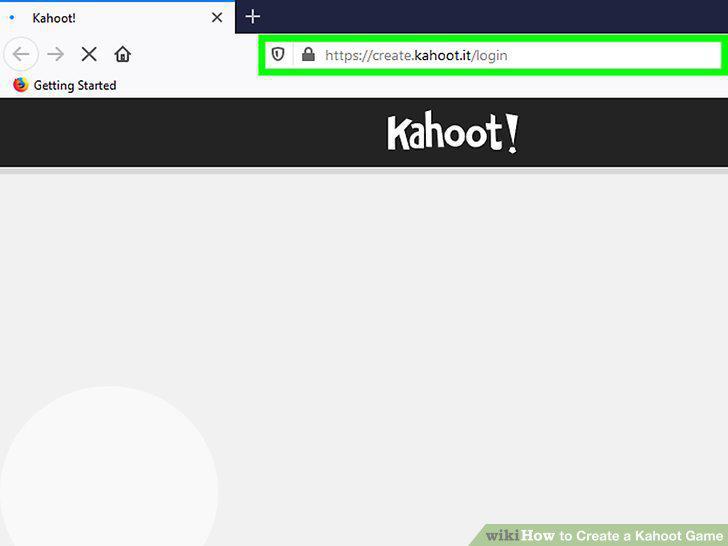
Go to https://create.kahoot.it/login.
2
Log in.
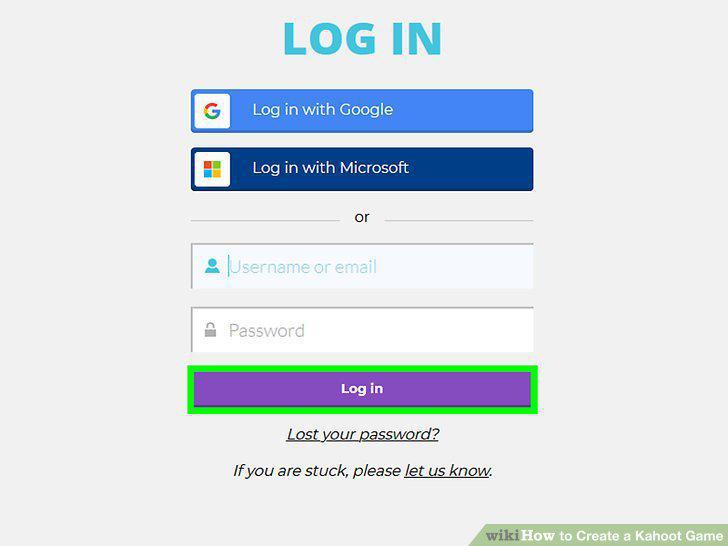
Log in.
3
Click Create.
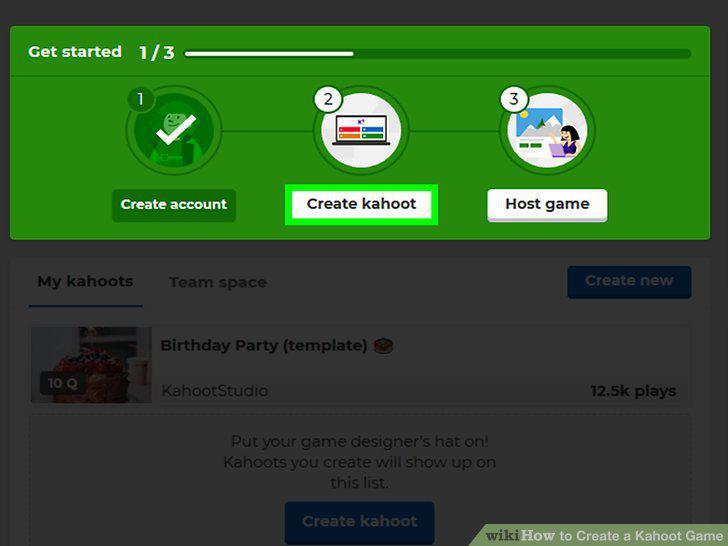
Click Create.
4
Click to choose a template or create a new game from scratch.
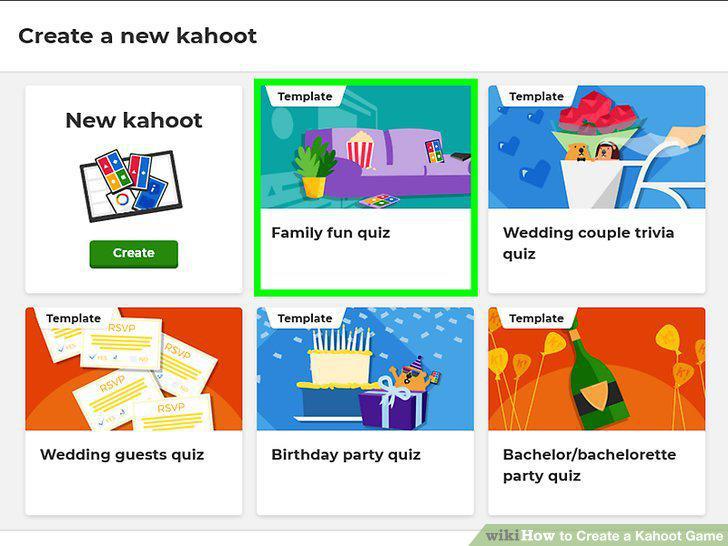
Click to choose a template or create a new game from scratch.
5
Click Add question and choose a question type.
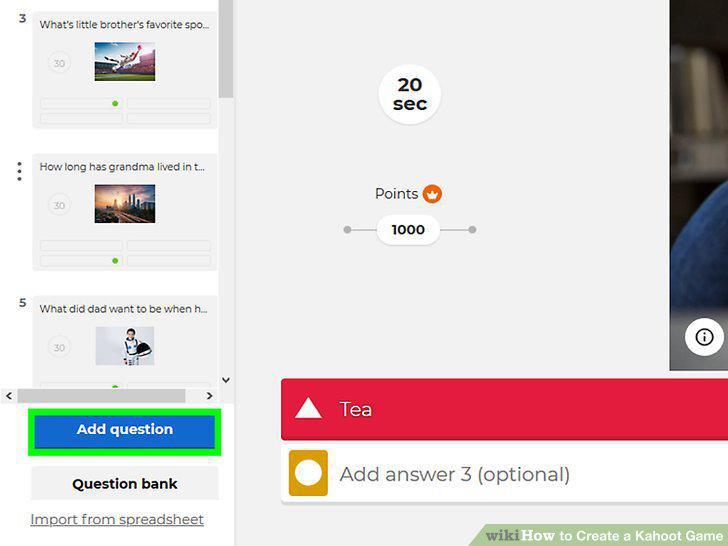
Click Add question and choose a question type.
6
Click Done.
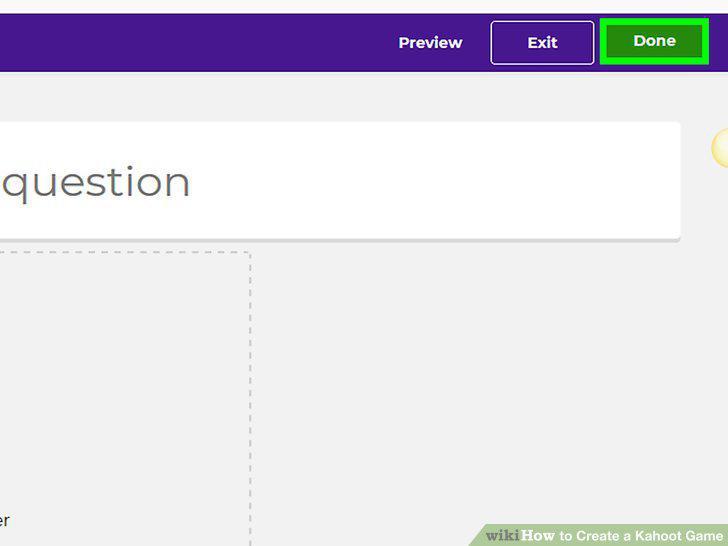
Click Done.
Comments (0)
No comments yet. Be the first to share your thoughts!