How to Create a Viber Group on PC or Mac
Open Viber on your PC or Mac.. Click the compose icon.. Click the circle next to each group member's name.
Steps
1
Open Viber on your PC or Mac.
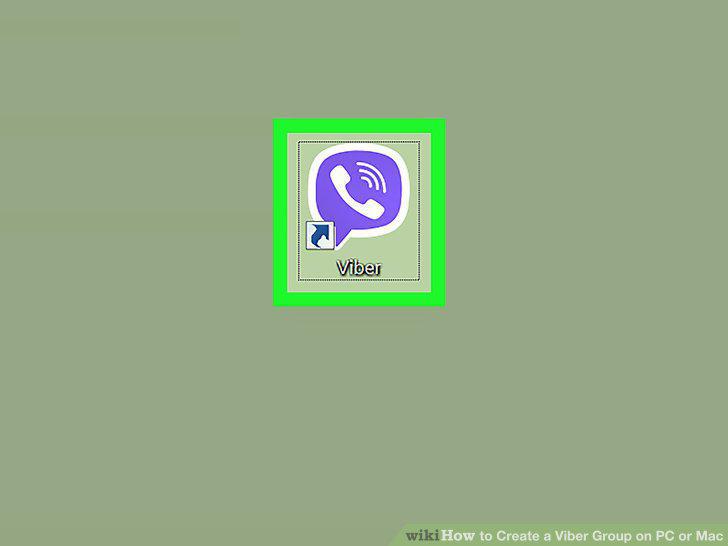
Open Viber on your PC or Mac.
2
Click the compose icon.
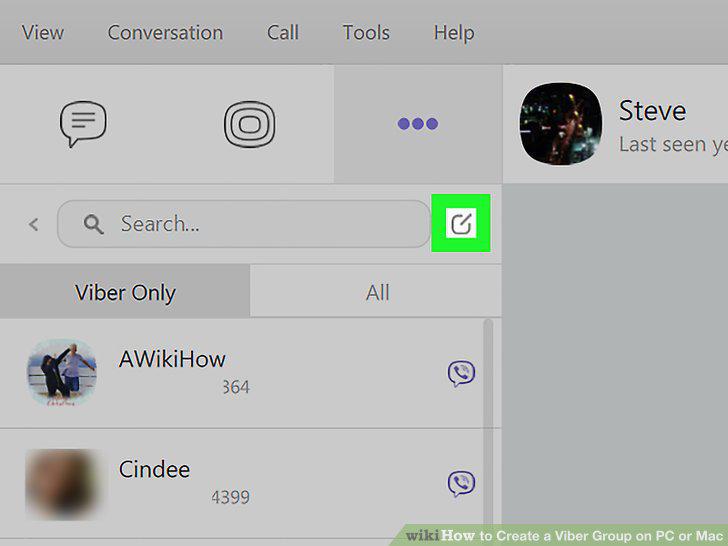
Click the compose icon.
3
Click the circle next to each group member's name.
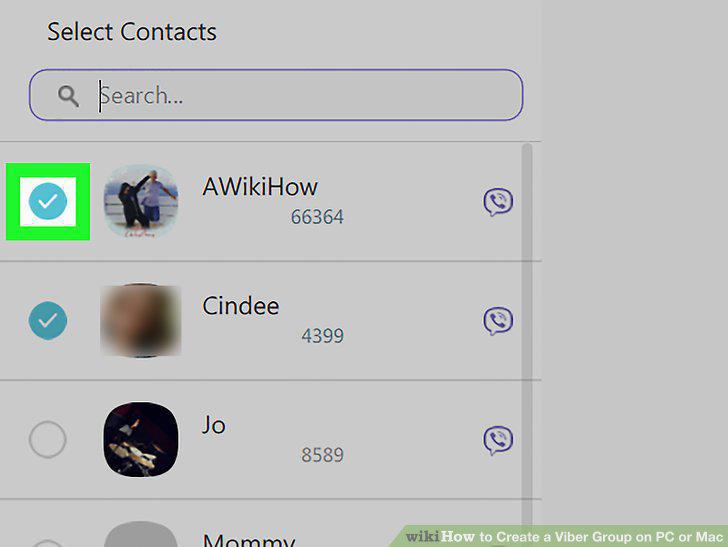
Click the circle next to each group member's name.
4
Type a group name.
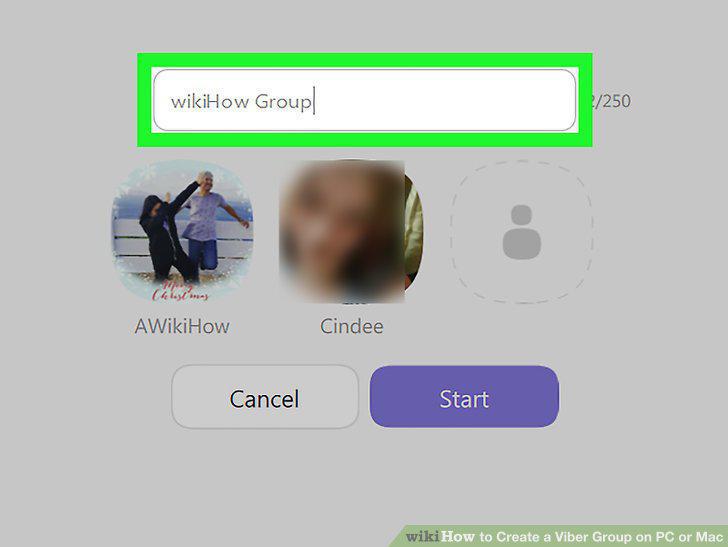
Type a group name.
5
Click Start.
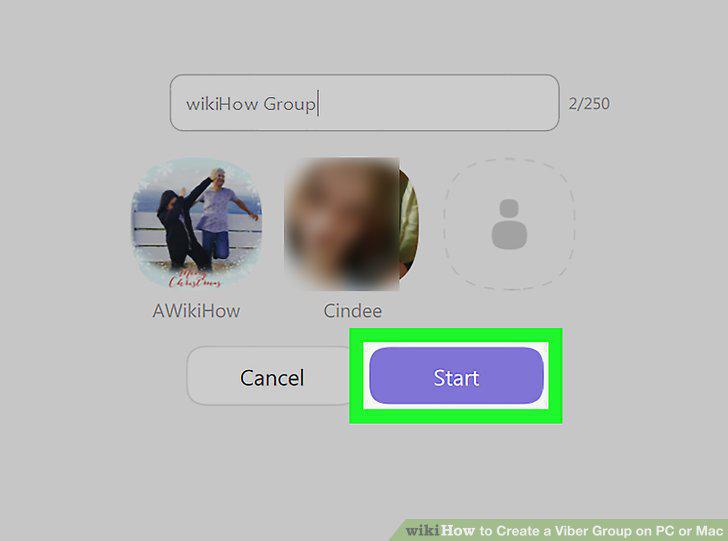
Click Start.
Comments (0)
No comments yet. Be the first to share your thoughts!