How to Replace Brother Toner
Make sure your printer is powered on.. Open the front cover.. Pull the current toner cartridge and drum unit assembly out.
Steps
1
Make sure your printer is powered on.
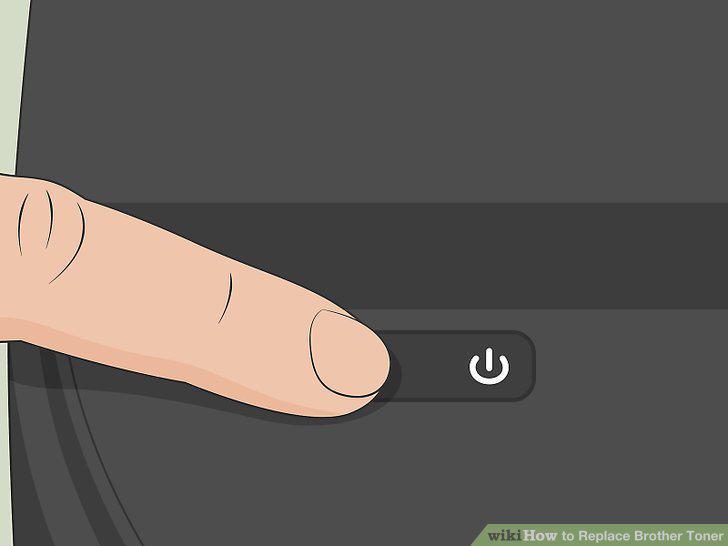
Make sure your printer is powered on.
2
Open the front cover.
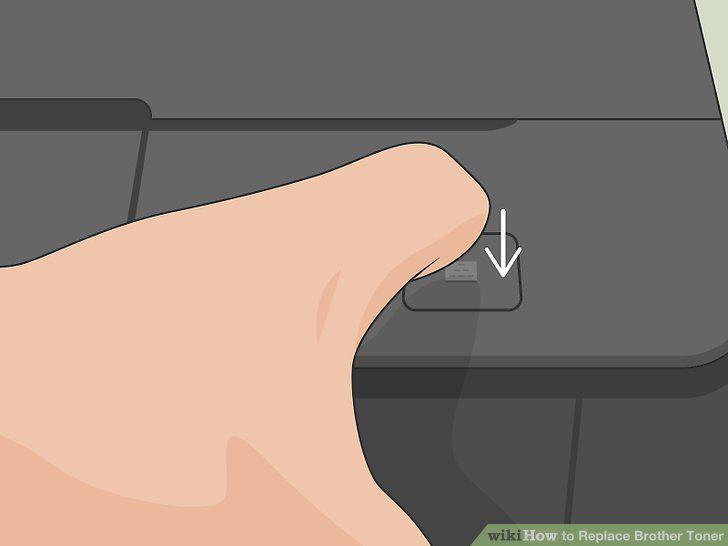
Open the front cover.
3
Pull the current toner cartridge and drum unit assembly out.
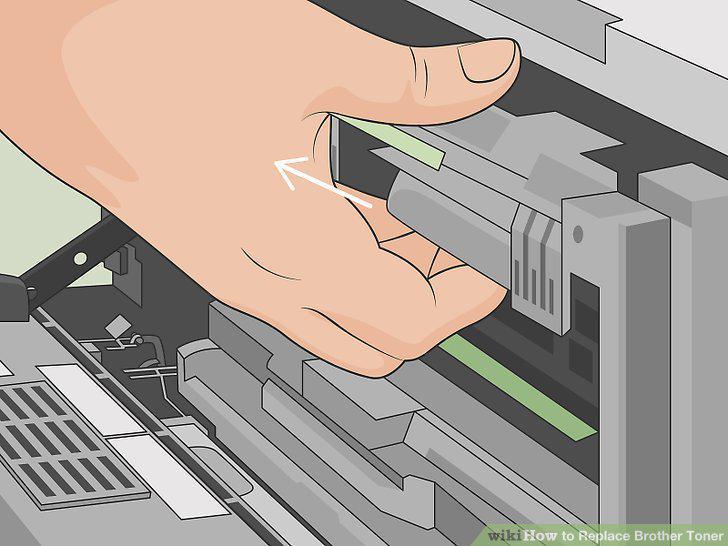
Pull the current toner cartridge and drum unit assembly out.
4
Depress the green lever on the drum unit assembly.
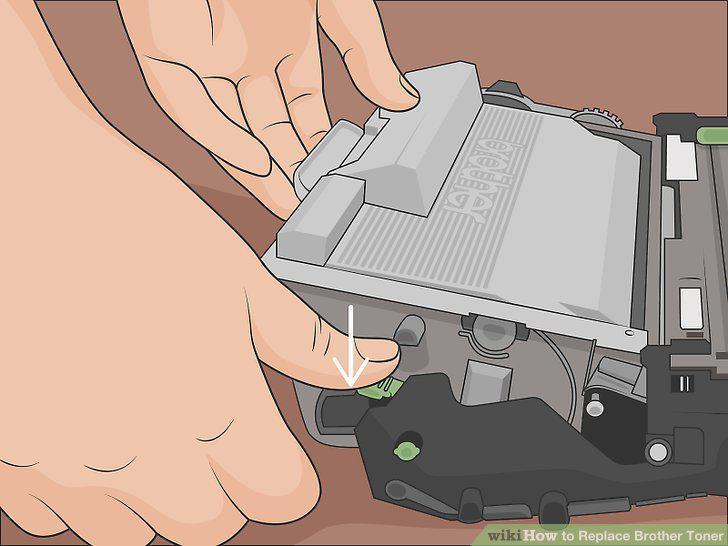
Depress the green lever on the drum unit assembly.
5
Lift the current toner cartridge out of the drum unit assembly.
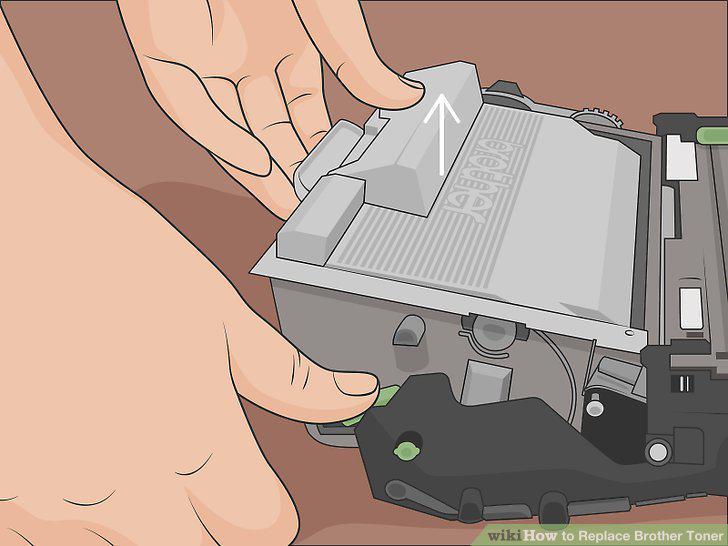
Lift the current toner cartridge out of the drum unit assembly.
6
Remove the protective covering from the new toner cartridge.
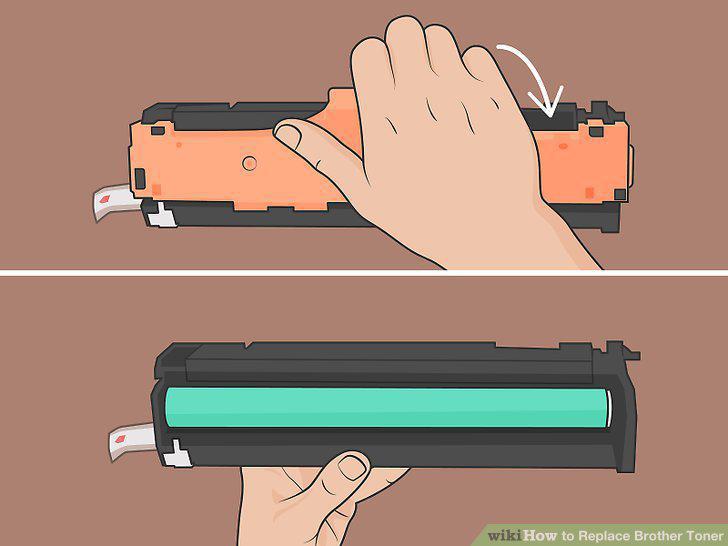
Remove the protective covering from the new toner cartridge.
7
Place the new toner cartridge into the drum unit assembly.
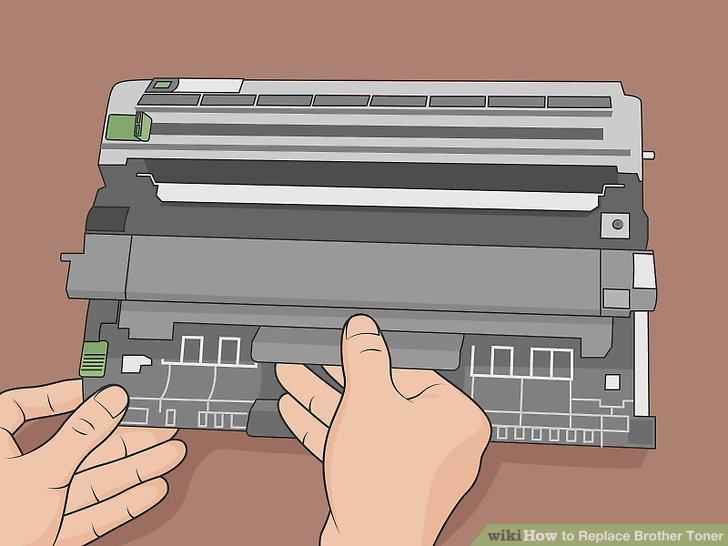
Place the new toner cartridge into the drum unit assembly.
8
Slide the green tab left and right several times.
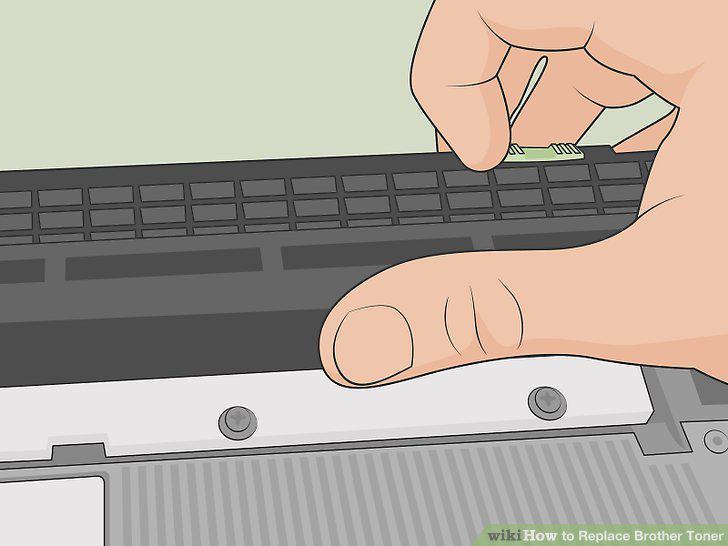
Slide the green tab left and right several times.
9
Insert the toner cartridge and drum unit assembly back into the printer.
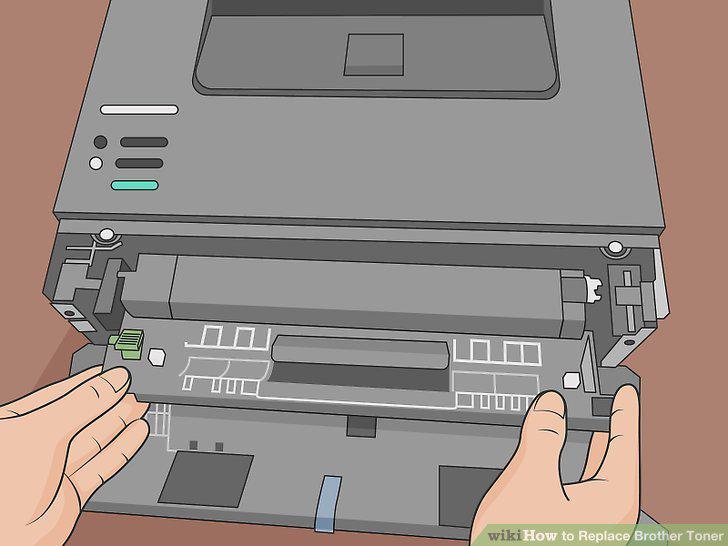
Insert the toner cartridge and drum unit assembly back into the printer.
10
Shut the front cover.
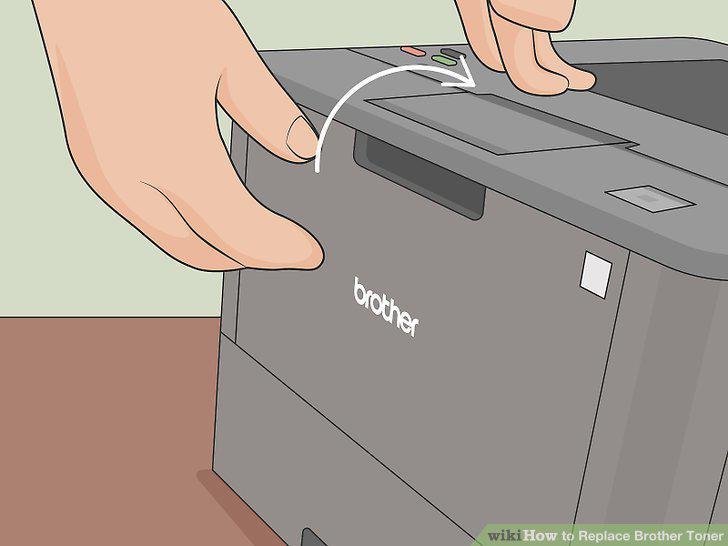
Shut the front cover.
Comments (0)
No comments yet. Be the first to share your thoughts!