How to Update WiFi on a Sonos System
Open Sonos on your Android or iOS.. Connect your Sonos player to your WiFi router via ethernet cable.. Tap the Settings tab.
Steps
1
Open Sonos on your Android or iOS.
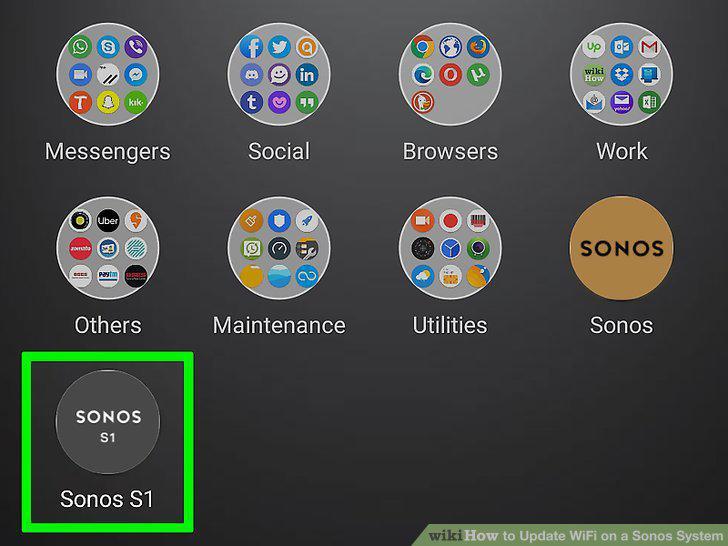
Open Sonos on your Android or iOS.
2
Connect your Sonos player to your WiFi router via ethernet cable.
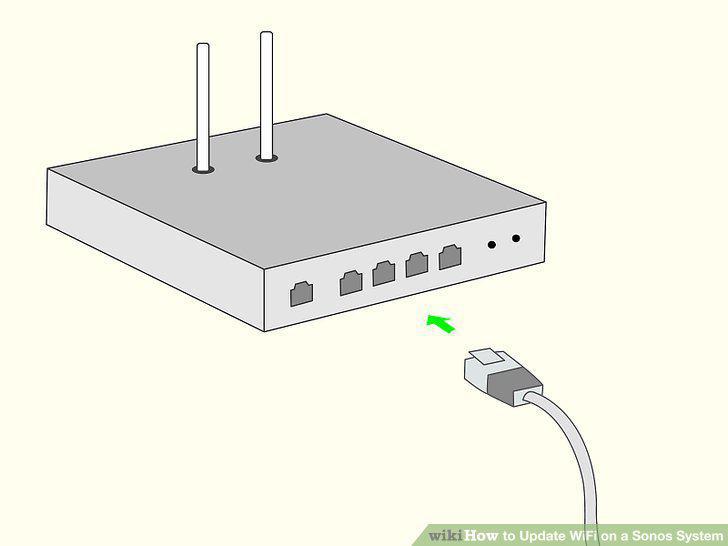
Connect your Sonos player to your WiFi router via ethernet cable.
3
Tap the Settings tab.
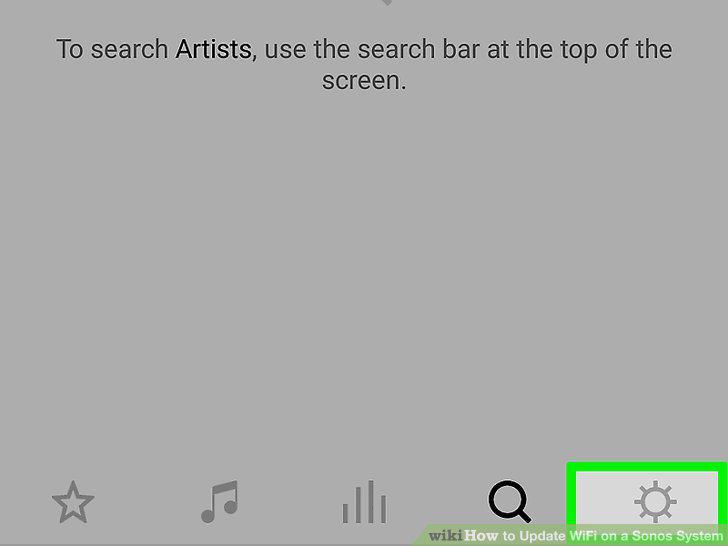
Tap the Settings tab.
4
Tap System.
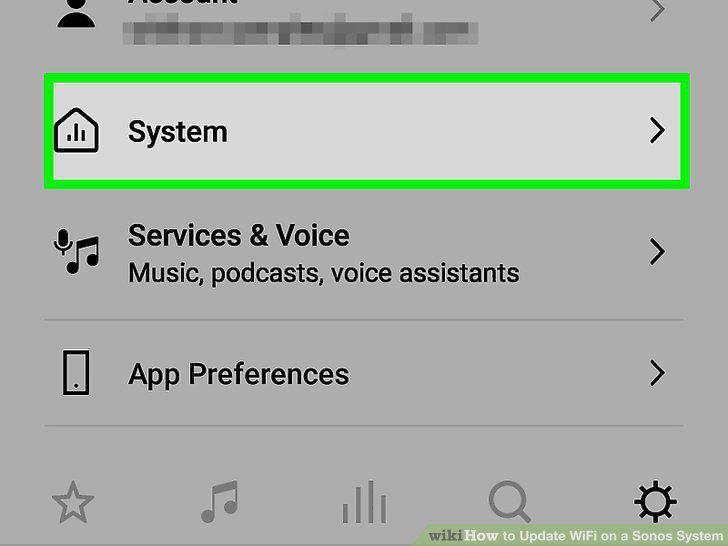
Tap System.
5
Tap Network.
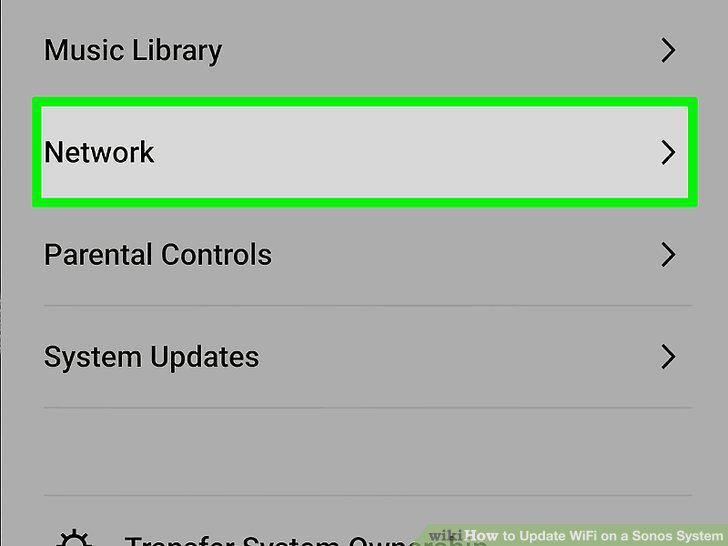
Tap Network.
6
Tap Wireless Setup.
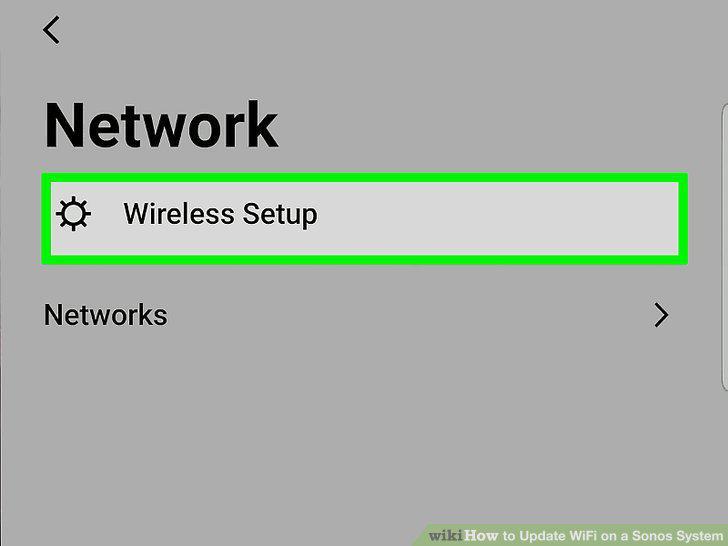
Tap Wireless Setup.
7
Tap Continue.
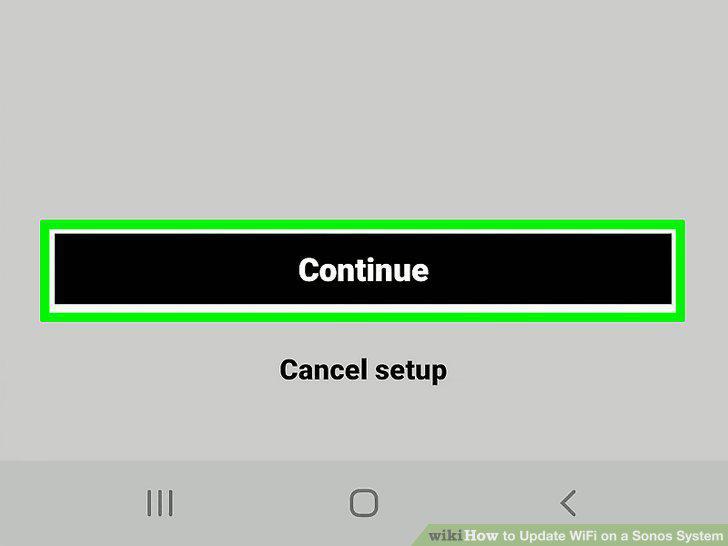
Tap Continue.
8
Select your network and tap Use this network.
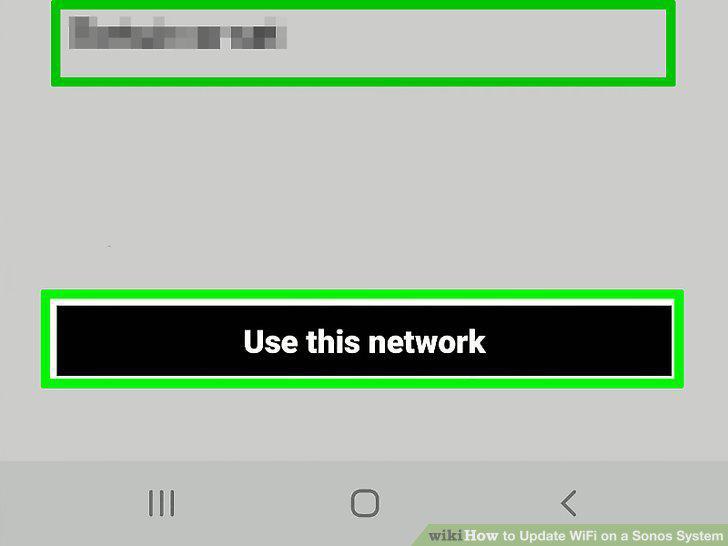
Select your network and tap Use this network.
9
Tap Done.
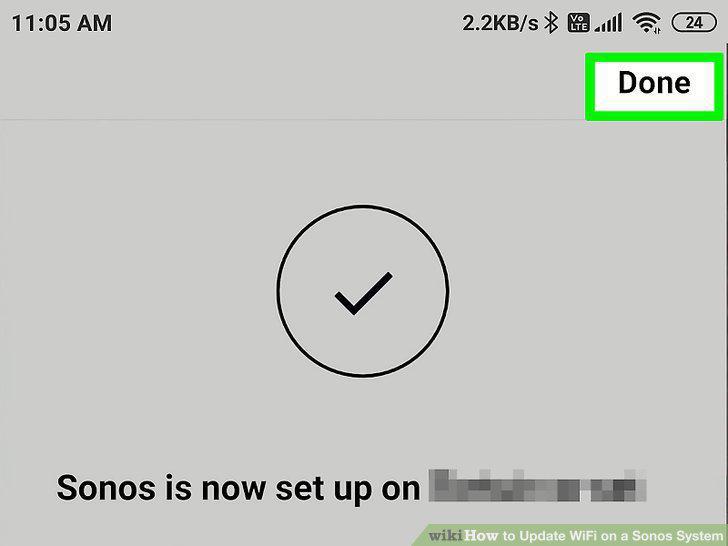
Tap Done.
Comments (0)
No comments yet. Be the first to share your thoughts!