How to Stop Seeing a Friend's Likes on Facebook
Open the Facebook app.. Type your friend's name into the search bar.. Tap your friend's name.
Steps
1
Open the Facebook app.
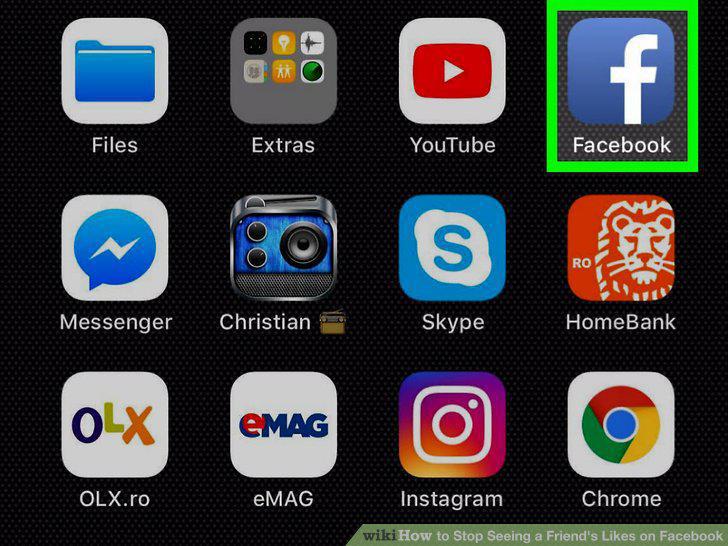
Open the Facebook app.
2
Type your friend's name into the search bar.
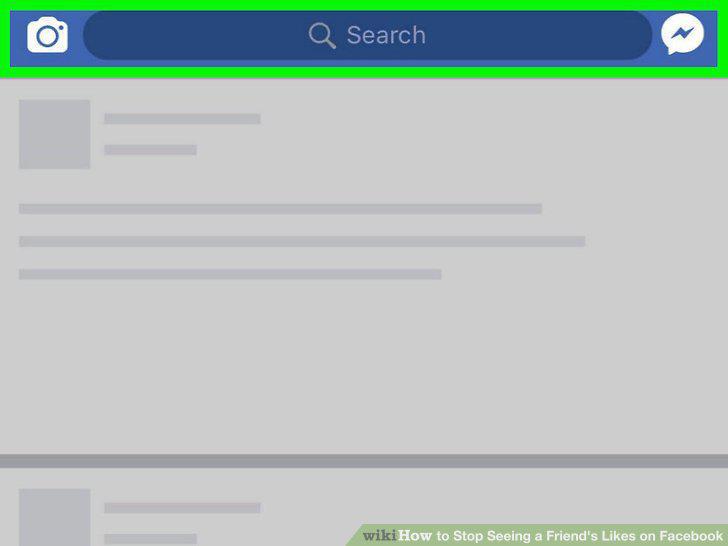
Type your friend's name into the search bar.
3
Tap your friend's name.
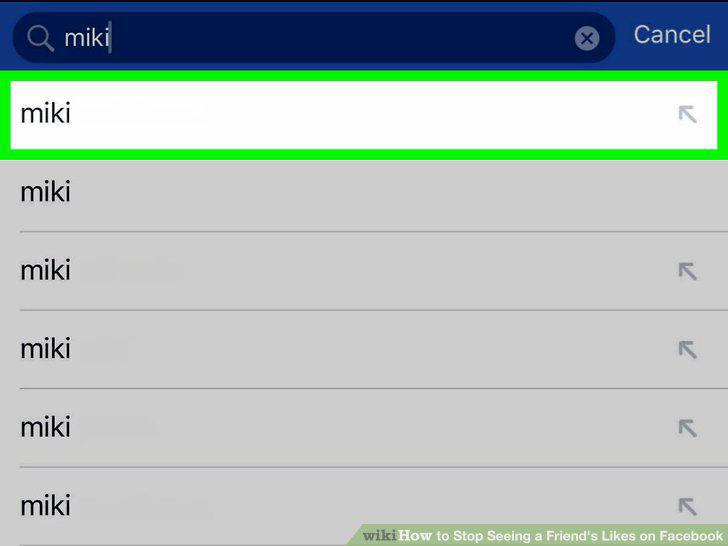
Tap your friend's name.
4
Tap your friend's profile image.
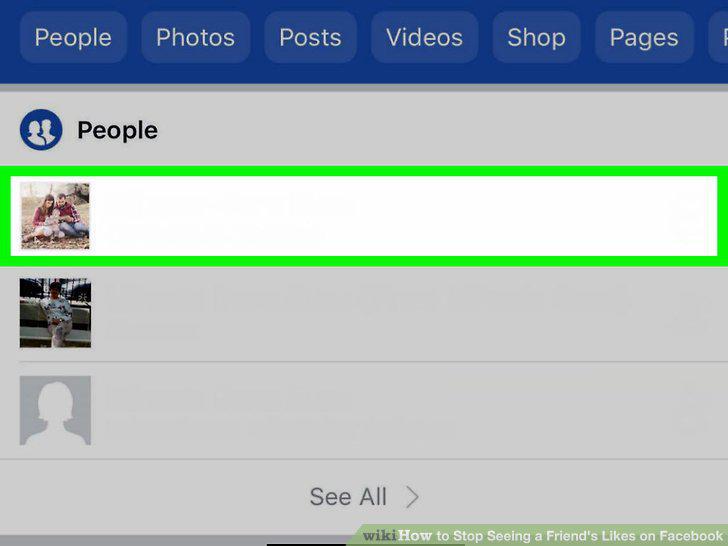
Tap your friend's profile image.
5
Tap Following.
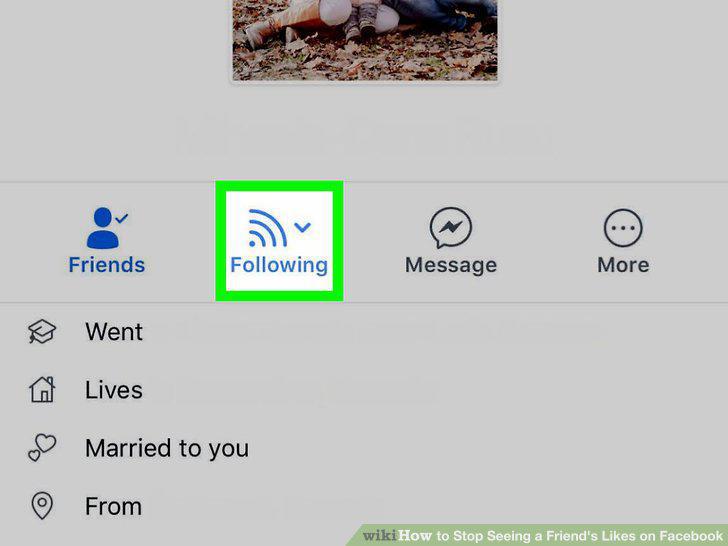
Tap Following.
6
Tap Unfollow.
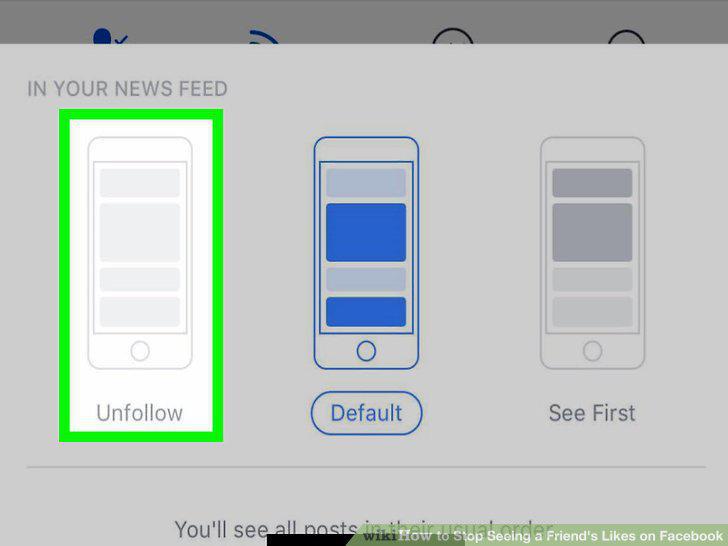
Tap Unfollow.
7
Open the Facebook website.
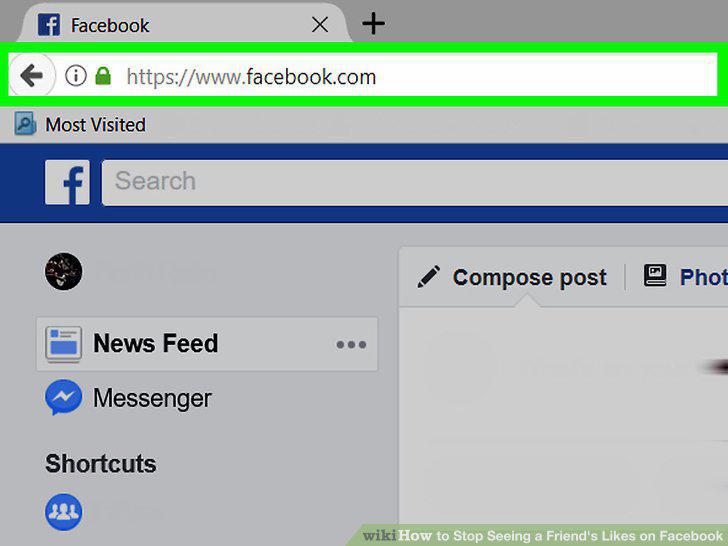
Open the Facebook website.
8
Click the search bar.
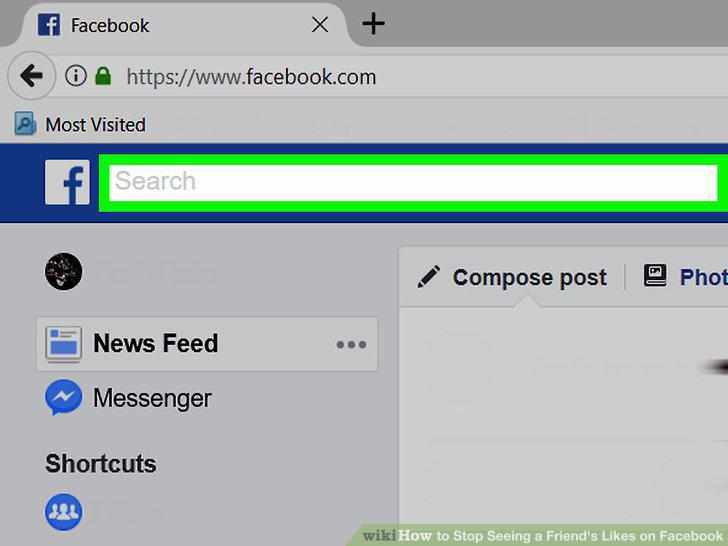
Click the search bar.
9
Type in your friend's name.
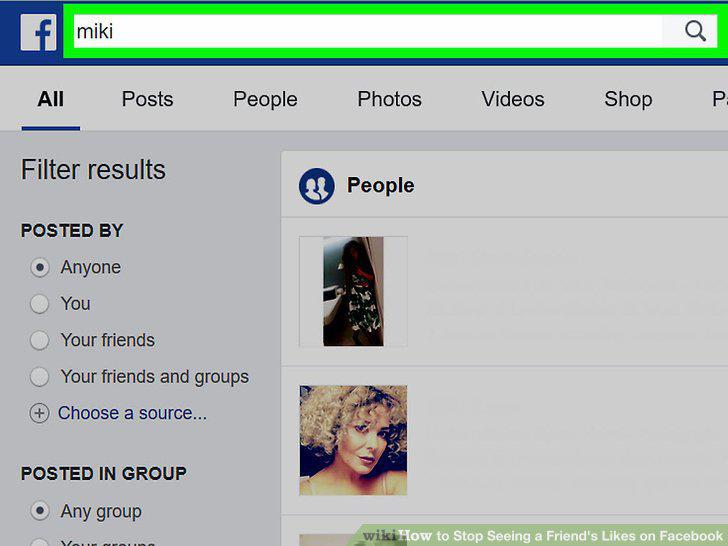
Type in your friend's name.
10
Click your friend's name.
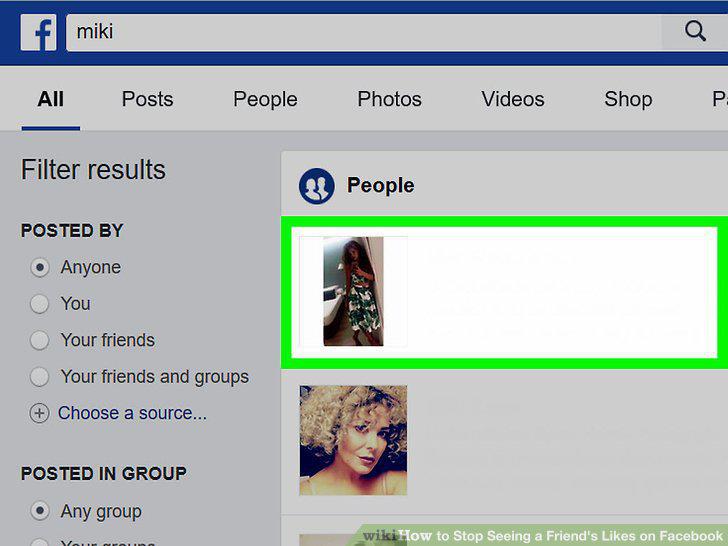
Click your friend's name.
11
Hover your mouse cursor over Following.
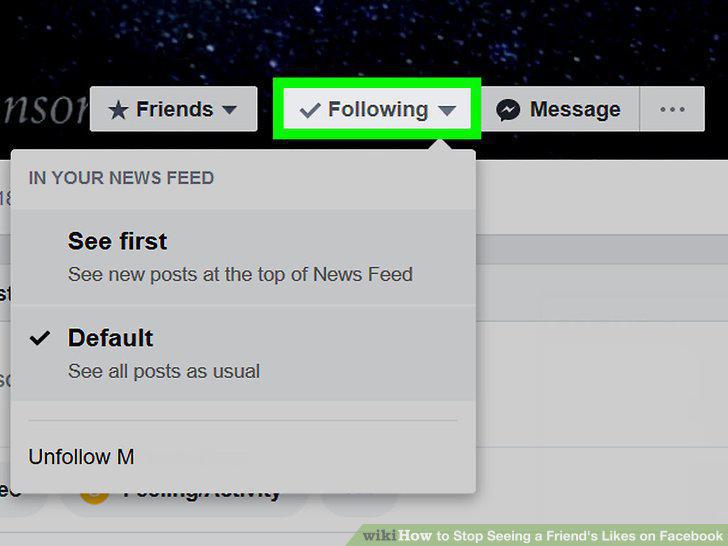
Hover your mouse cursor over Following.
12
Click Unfollow [Name].
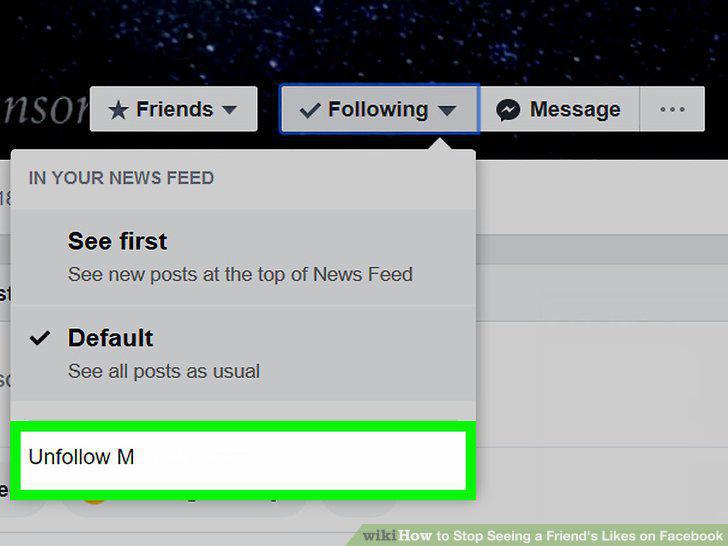
Click Unfollow [Name].
13
Open the Facebook app.
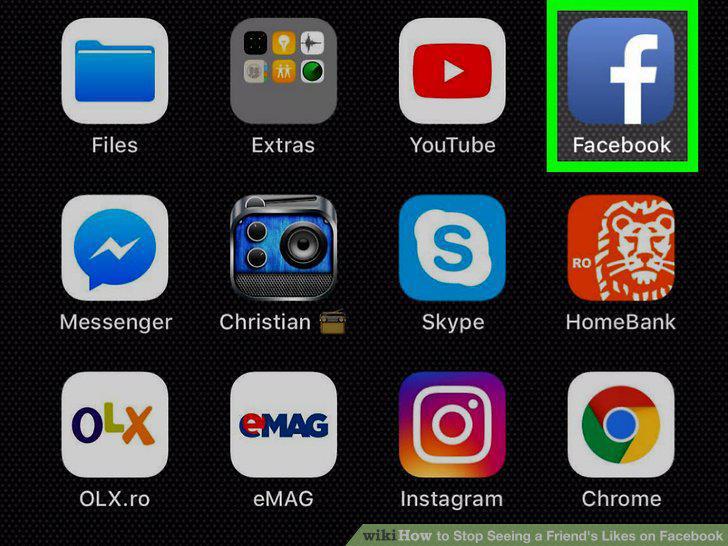
Open the Facebook app.
14
Scroll to the post you wish to hide.

Scroll to the post you wish to hide.
15
Tap the downward-facing arrow.

Tap the downward-facing arrow.
16
Tap Hide Post.
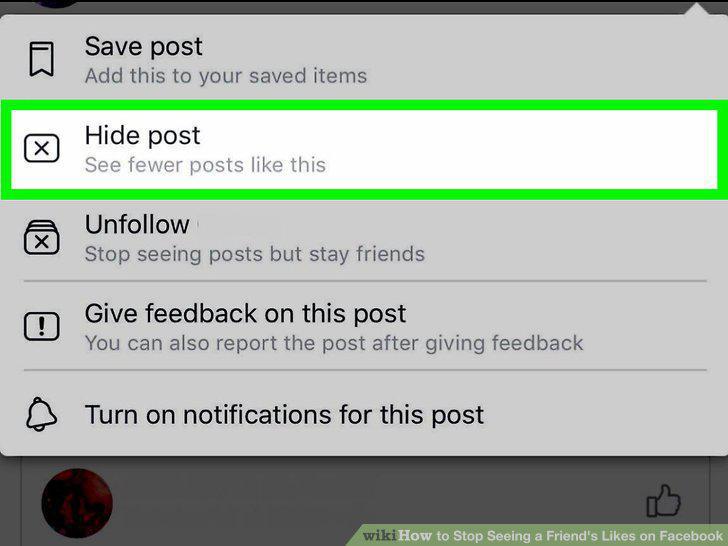
Tap Hide Post.
17
Open the Facebook website.
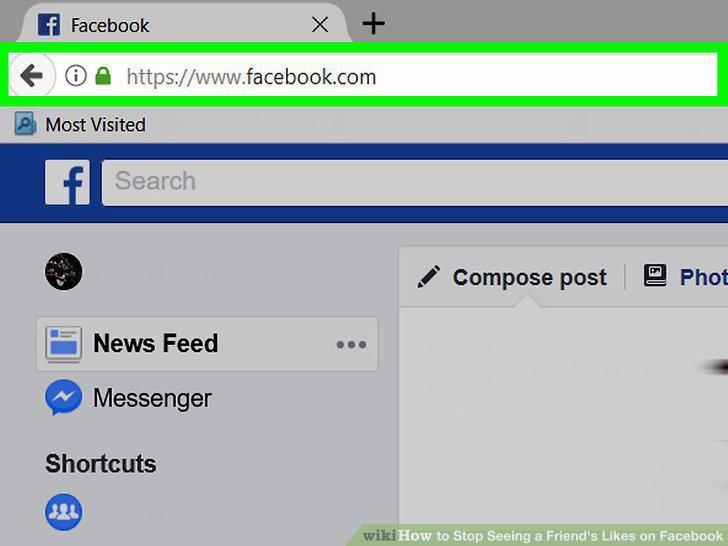
Open the Facebook website.
18
Scroll to the post you wish to hide.

Scroll to the post you wish to hide.
19
Click the downward-facing arrow.

Click the downward-facing arrow.
20
Click Hide Post.
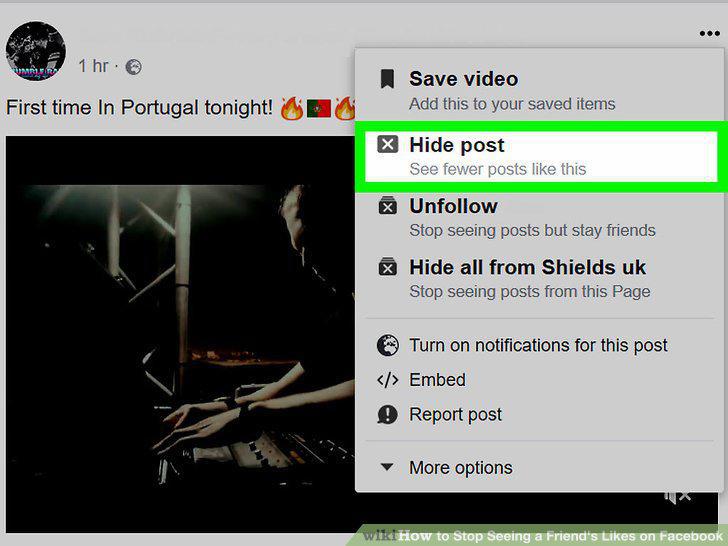
Click Hide Post.
Comments (0)
No comments yet. Be the first to share your thoughts!