How to Search on Hulu on iPhone or iPad
Open the Hulu app on your iPhone or iPad.. Click the search icon near the bottom right corner of the app.. Enter a search term.
Steps
1
Open the Hulu app on your iPhone or iPad.

Open the Hulu app on your iPhone or iPad.
2
Click the search icon near the bottom right corner of the app.
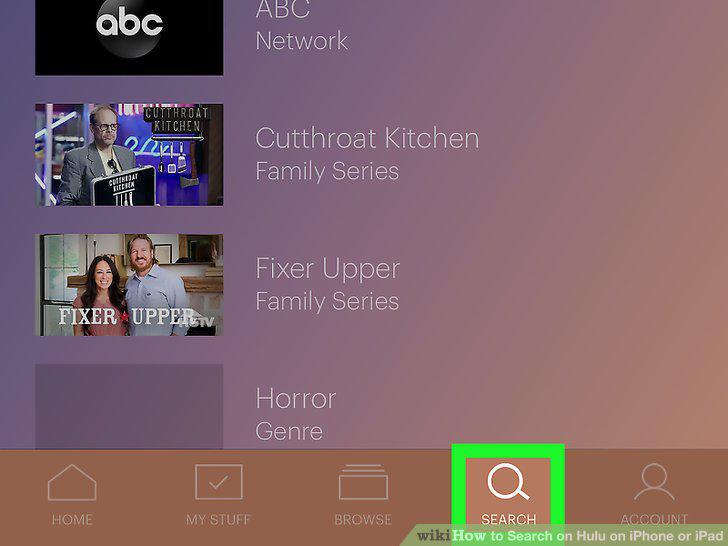
Click the search icon near the bottom right corner of the app.
3
Enter a search term.
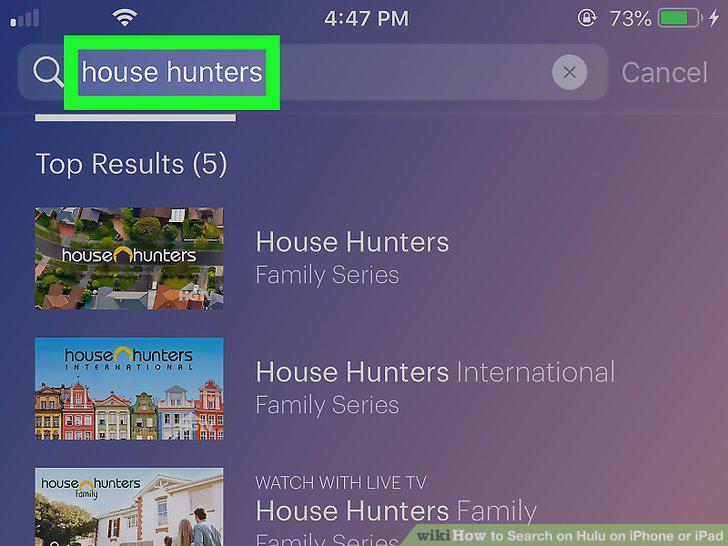
Enter a search term.
4
Click the blue search button next to the space bar on your keypad.
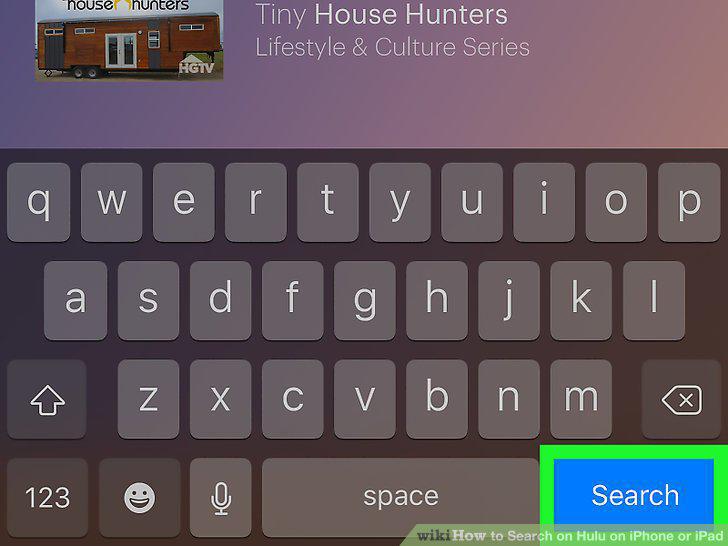
Click the blue search button next to the space bar on your keypad.
5
Click on the desired TV show or movie's title.
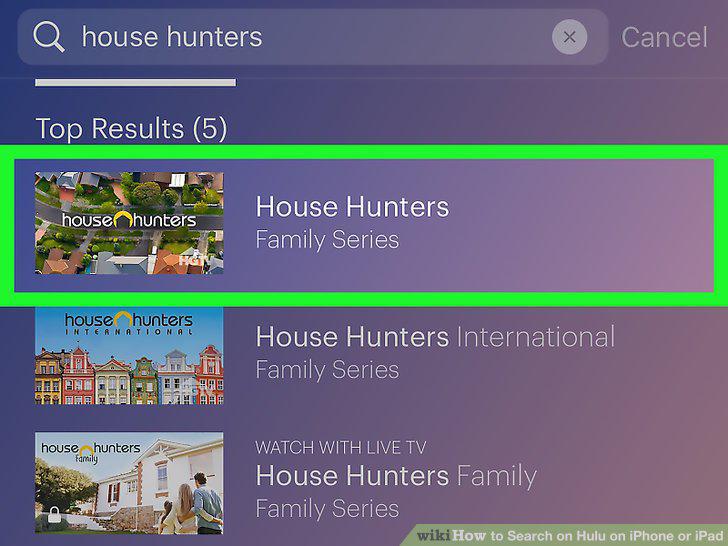
Click on the desired TV show or movie's title.
6
Tap the image of a show or movie to start playing it.

Tap the image of a show or movie to start playing it.
Comments (0)
No comments yet. Be the first to share your thoughts!