How to Set a Ringtone for an Android Contact
Open the Phone app.. Tap the Contacts tab.. Tap a contact.
Steps
1
Open the Phone app.
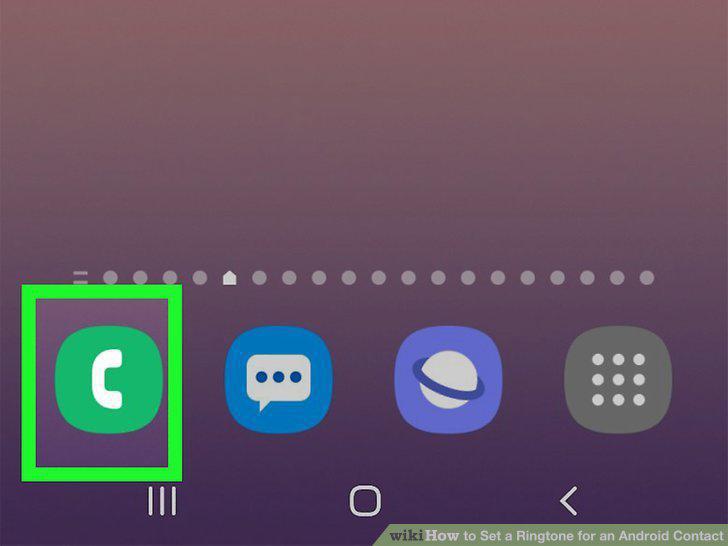
Open the Phone app.
2
Tap the Contacts tab.
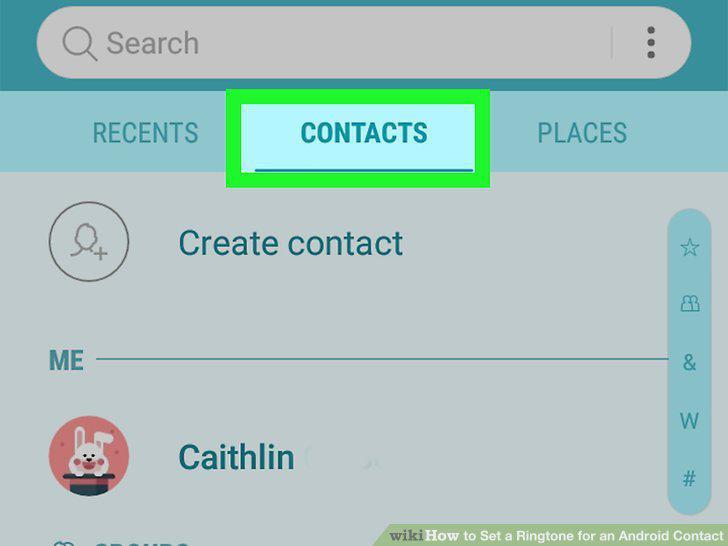
Tap the Contacts tab.
3
Tap a contact.
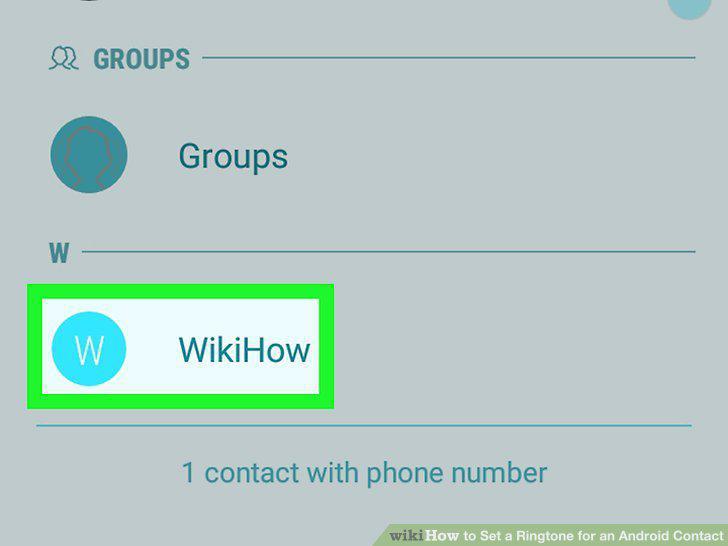
Tap a contact.
4
Tap the small "i" in a circle or Details.
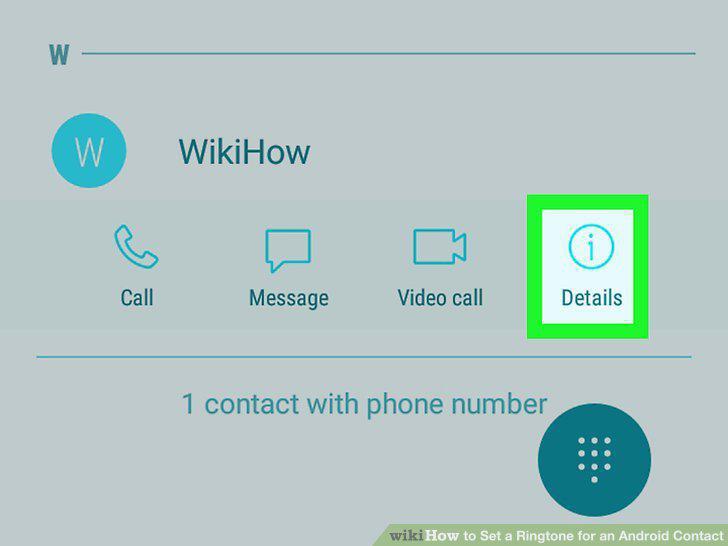
Tap the small "i" in a circle or Details.
5
Tap Edit.
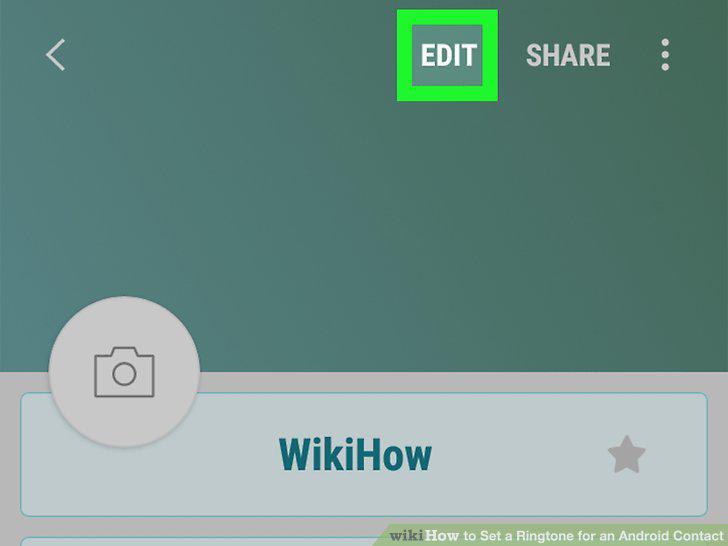
Tap Edit.
6
Tap Ringtone.
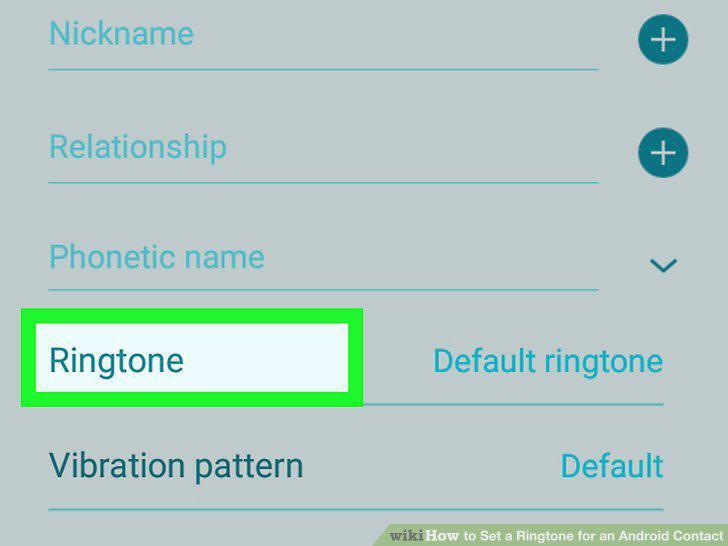
Tap Ringtone.
7
Tap the ringtone you want to use.
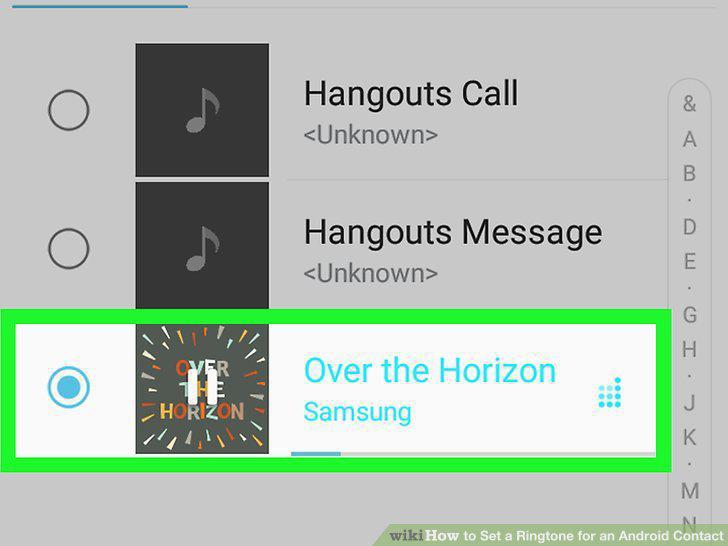
Tap the ringtone you want to use.
8
Tap Done once you've chosen a ringtone.
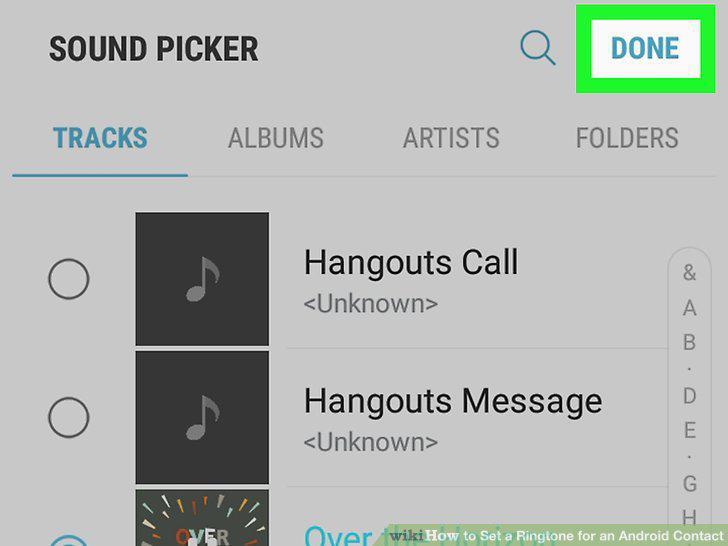
Tap Done once you've chosen a ringtone.
9
Tap Save.
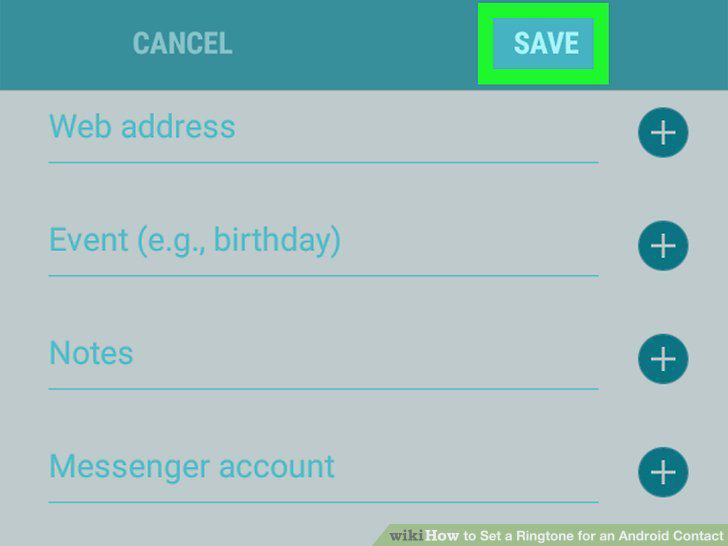
Tap Save.
10
Open the Google Contacts app.
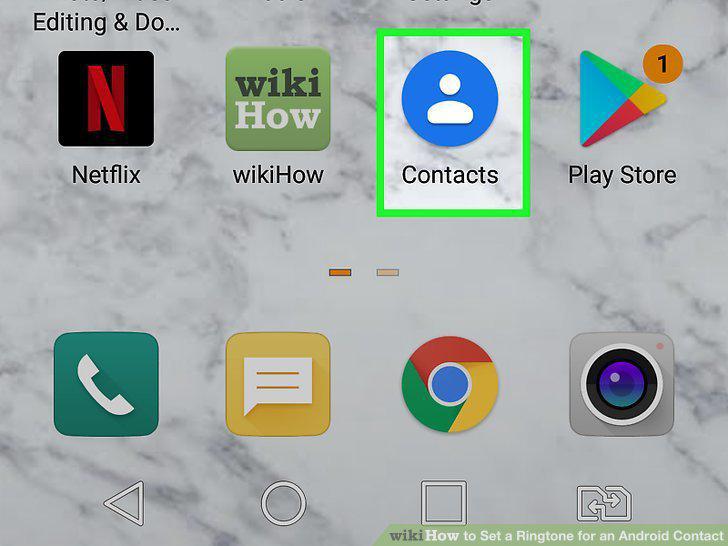
Open the Google Contacts app.
11
Tap the contact you want to edit.
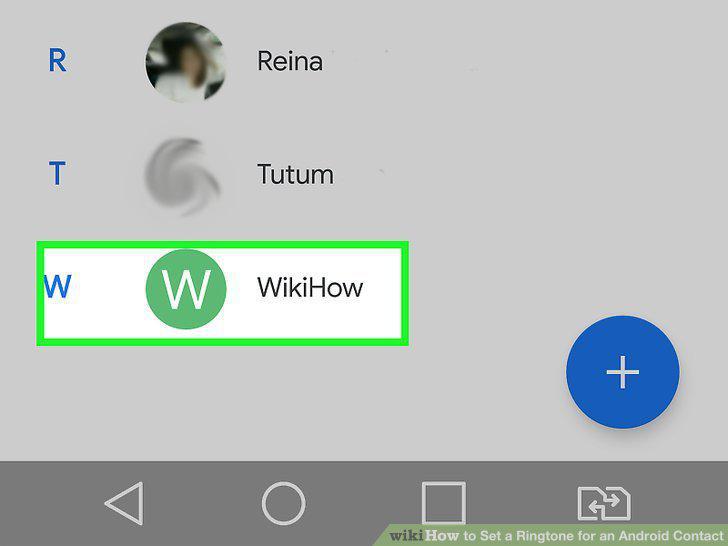
Tap the contact you want to edit.
12
Tap the three vertical dots at the top-right corner.
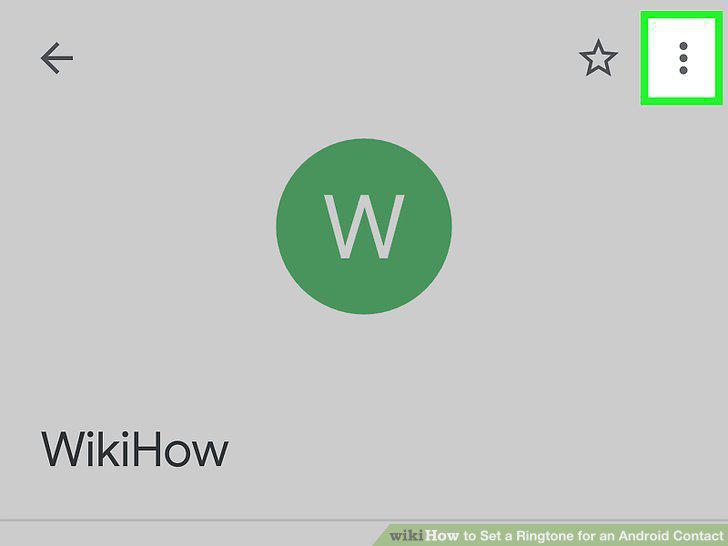
Tap the three vertical dots at the top-right corner.
13
Tap Set ringtone on the menu.
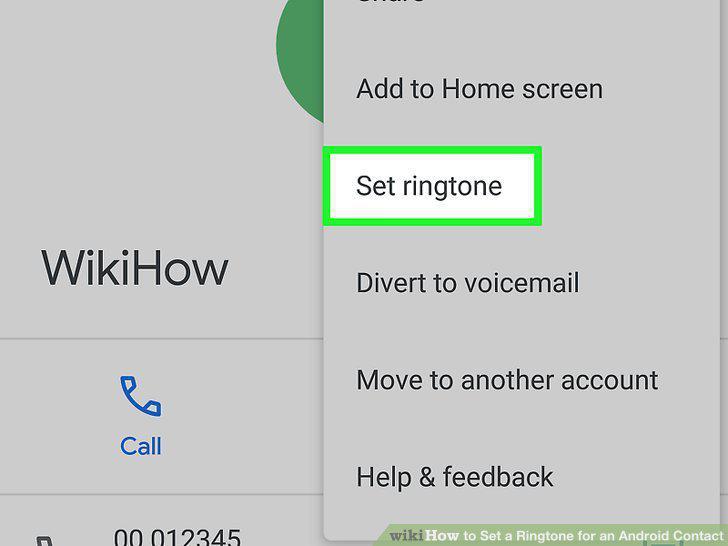
Tap Set ringtone on the menu.
14
Tap the ringtone you want to use.
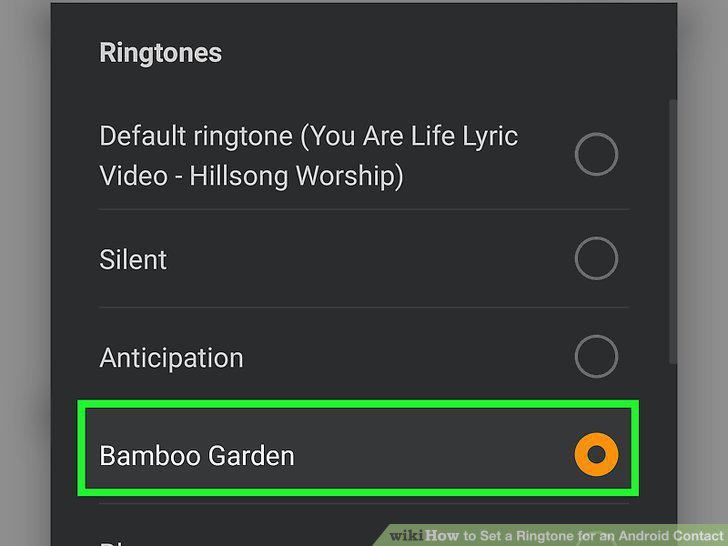
Tap the ringtone you want to use.
Comments (0)
No comments yet. Be the first to share your thoughts!