How to Watch Game of Thrones on Hulu on Android
Open the Hulu app.. if you don't already have one.. Tap on the search bar and type in "Game of Thrones".
Steps
1
Open the Hulu app.

Open the Hulu app.
2
if you don't already have one.
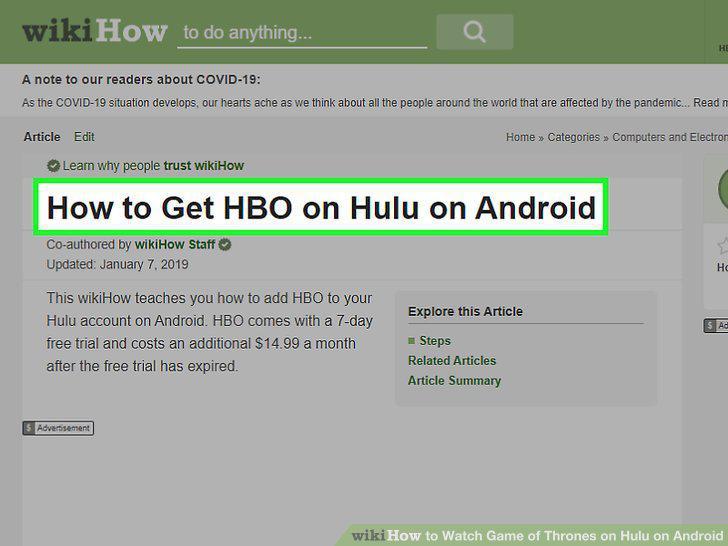
if you don't already have one.
3
Tap on the search bar and type in "Game of Thrones".
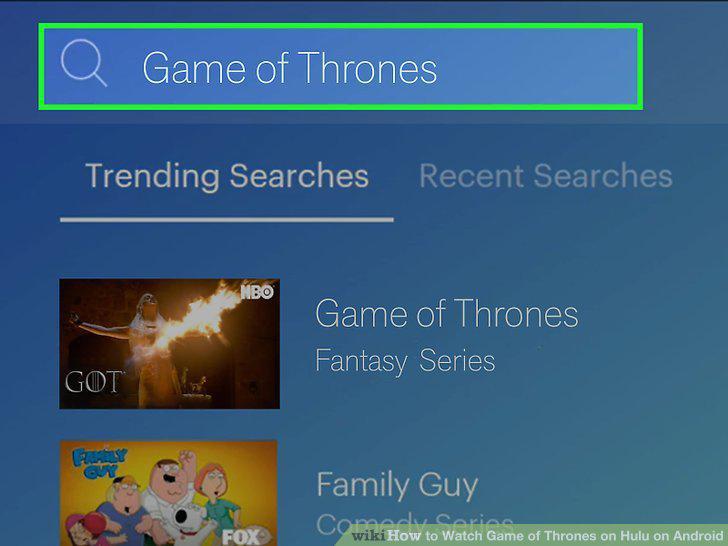
Tap on the search bar and type in "Game of Thrones".
4
Tap on Game of Thrones in the search results.

Tap on Game of Thrones in the search results.
5
Select a season and an episode to watch from the Episodes tab.a
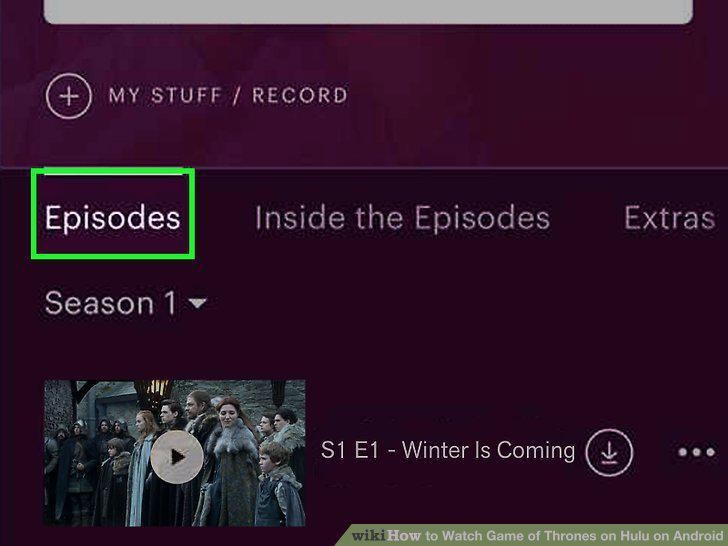
Select a season and an episode to watch from the Episodes tab.a
6
Tap on the episode to start playing.

Tap on the episode to start playing.
Comments (0)
No comments yet. Be the first to share your thoughts!