How to Use Your iPhone As Your Student ID
Install the eAccounts app from the App Store .. Open eAccounts on your iPhone.. Sign in to your student account.
Steps
1
Install the eAccounts app from the App Store .
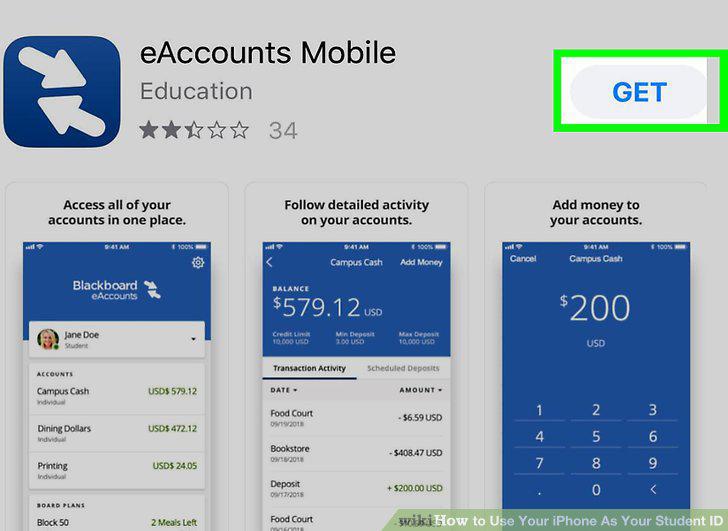
Install the eAccounts app from the App Store .
2
Open eAccounts on your iPhone.
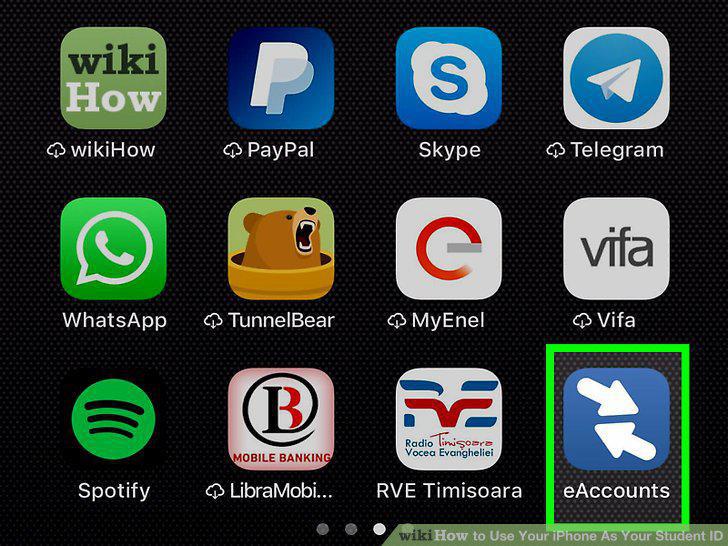
Open eAccounts on your iPhone.
3
Sign in to your student account.
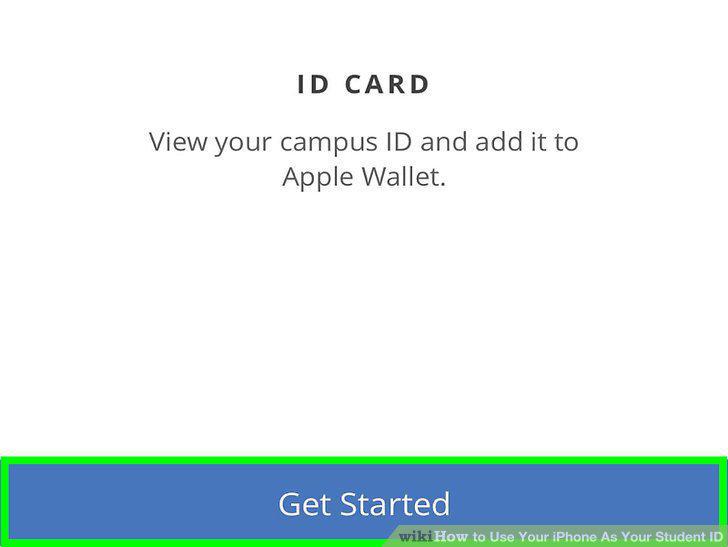
Sign in to your student account.
4
Tap the profile icon.
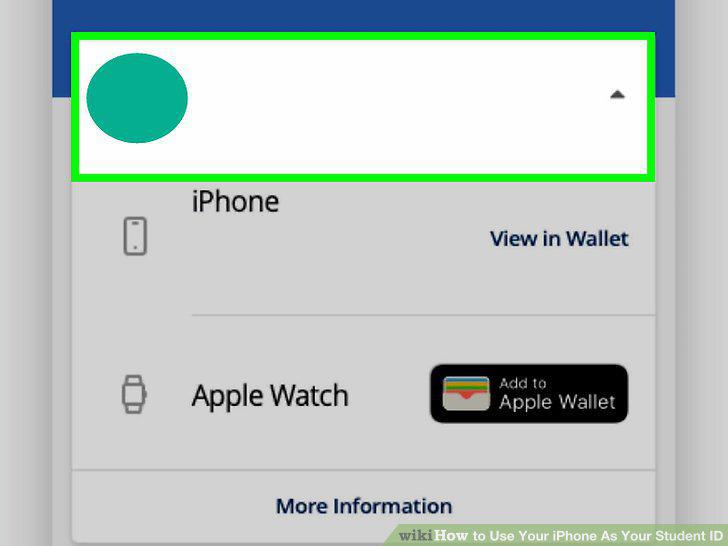
Tap the profile icon.
5
Tap Add to Apple Wallet.
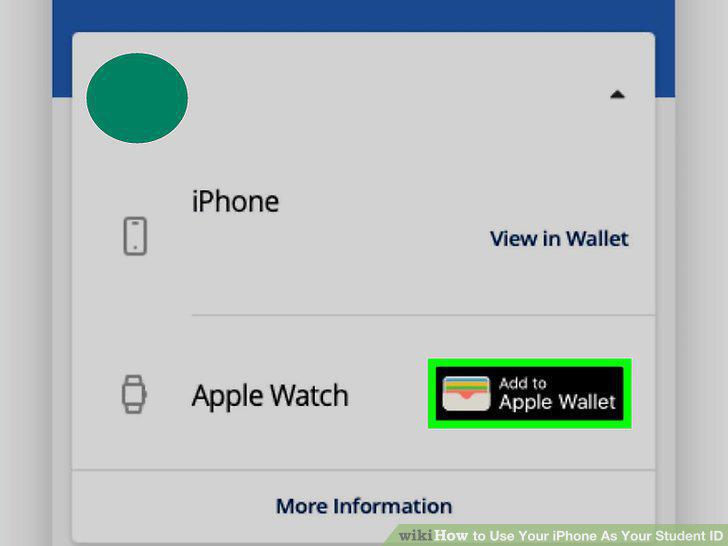
Tap Add to Apple Wallet.
6
Select your iPhone.
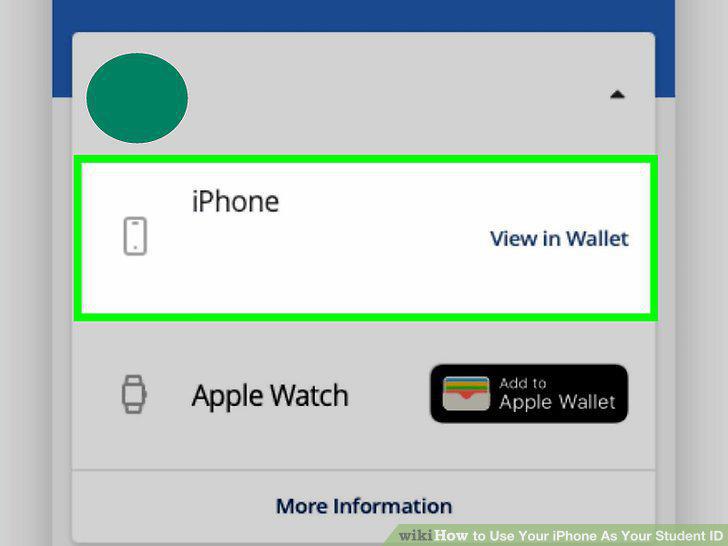
Select your iPhone.
7
Unlock your iPhone's screen (iPhone SE, 6, and 6 Plus only).
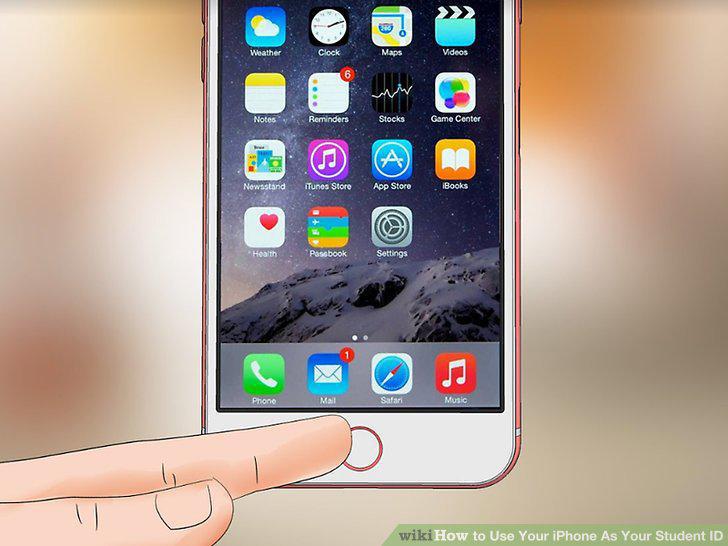
Unlock your iPhone's screen (iPhone SE, 6, and 6 Plus only).
8
Hold your iPhone a few centimeters away from the card reader.
Hold your iPhone a few centimeters away from the card reader.
9
Wait for the vibration.
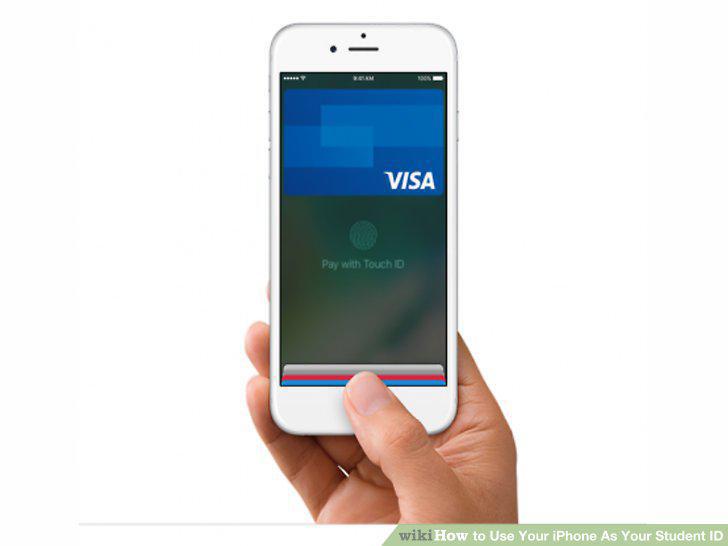
Wait for the vibration.
Comments (0)
No comments yet. Be the first to share your thoughts!