How to Copy DVD Discs onto a PC and Burn a New DVD
Download and install software to copy your DVD.. Open the DVD Drive Door and insert the DVD you wish to copy.. Open the DVD burning software then read from the DVD.
Steps
1
Download and install software to copy your DVD.
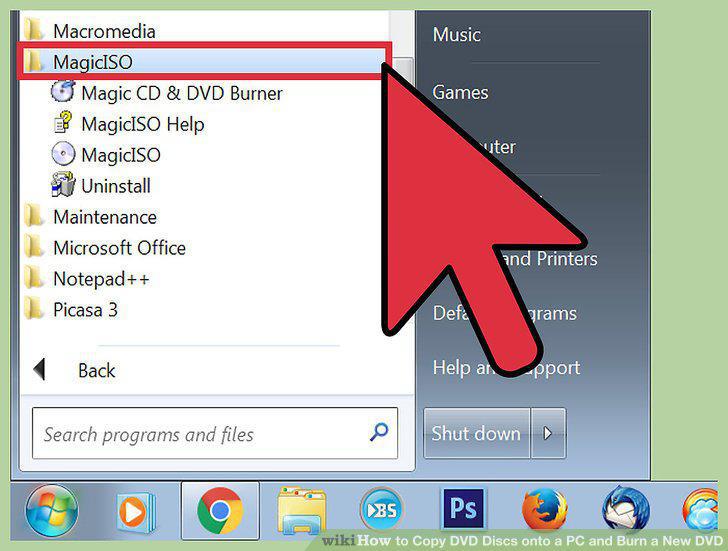
Download and install software to copy your DVD.
2
Open the DVD Drive Door and insert the DVD you wish to copy.
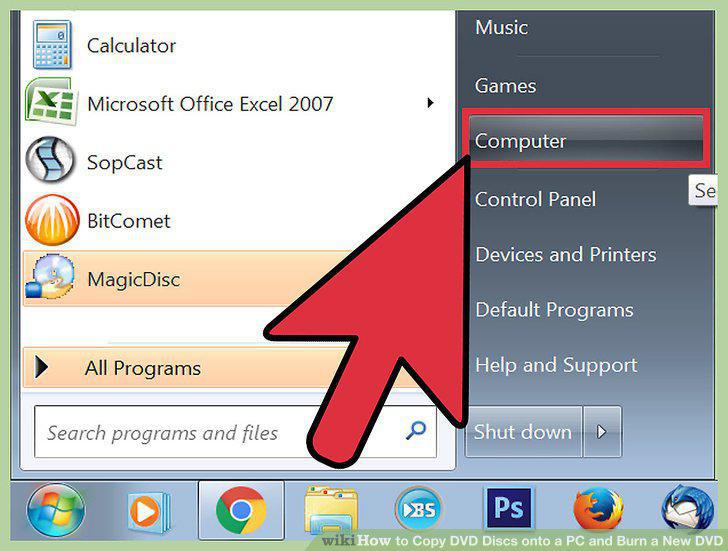
Open the DVD Drive Door and insert the DVD you wish to copy.
3
Open the DVD burning software then read from the DVD.
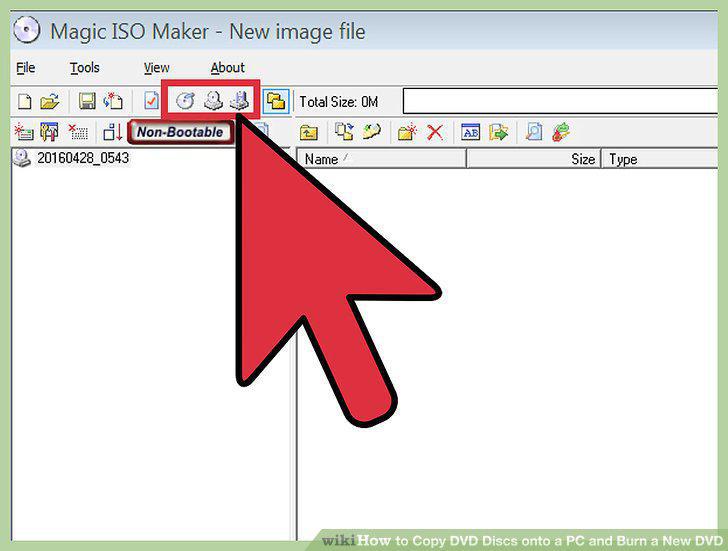
Open the DVD burning software then read from the DVD.
4
Choose the drive source.
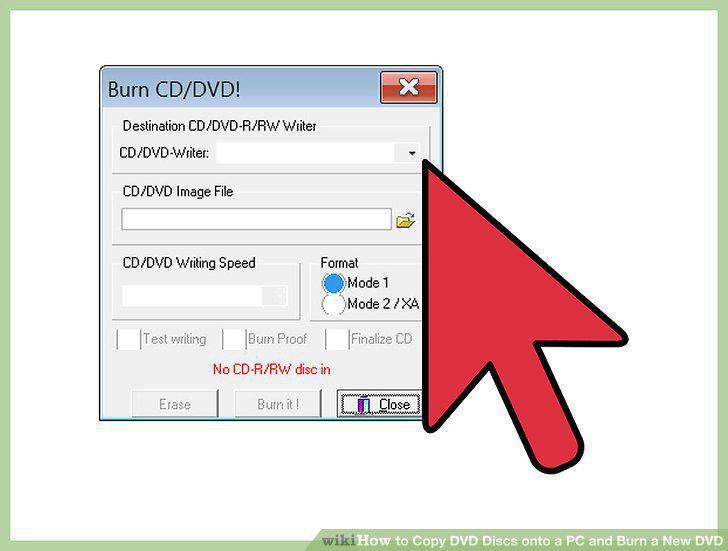
Choose the drive source.
5
Choose the file destination.
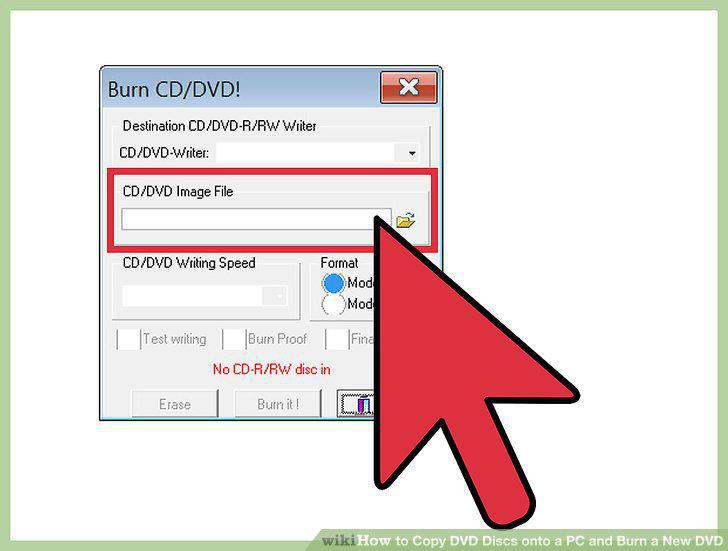
Choose the file destination.
6
Read the image into an ISO file.
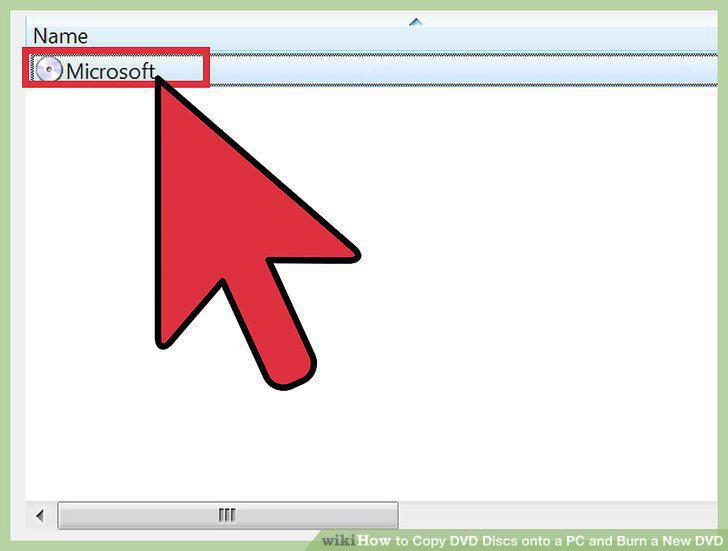
Read the image into an ISO file.
7
Check your DVD burner drive for compatibility.
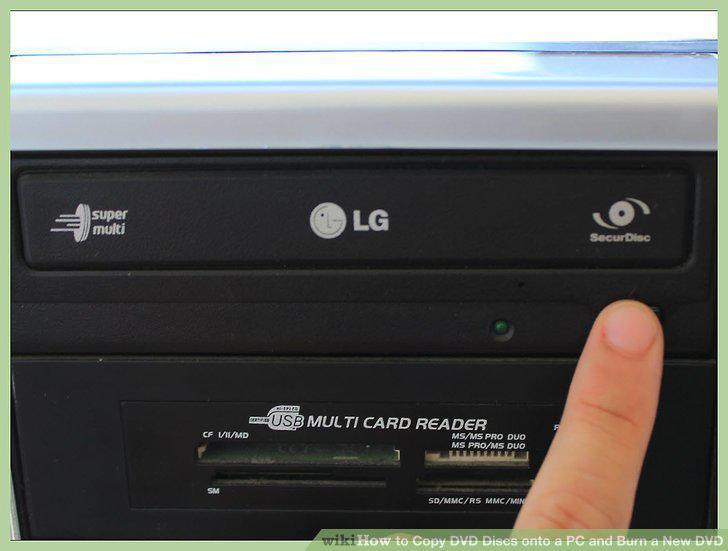
Check your DVD burner drive for compatibility.
8
Place a blank DVD into the drive.
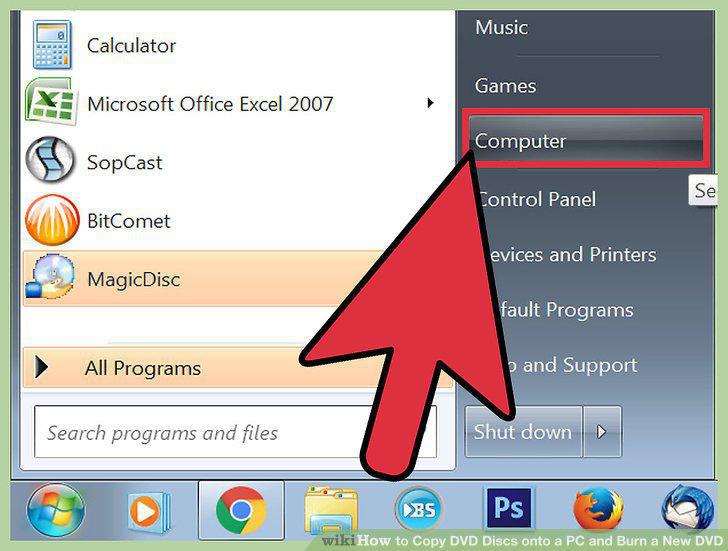
Place a blank DVD into the drive.
9
Locate the ISO file.
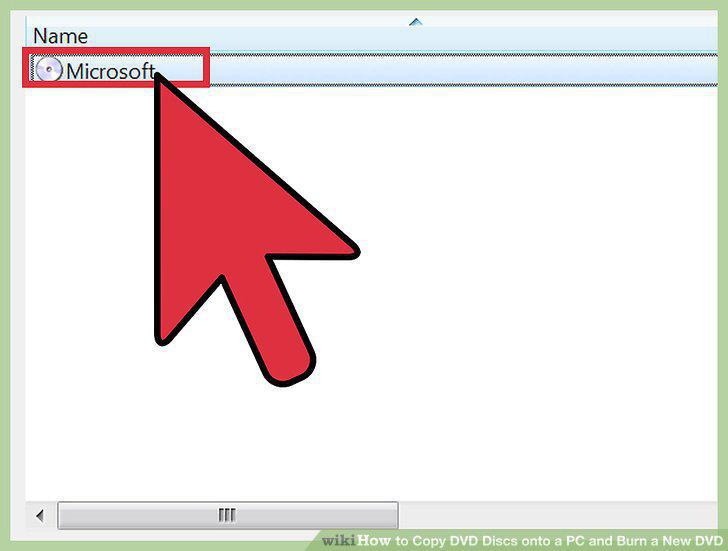
Locate the ISO file.
10
Burn the ISO to the DVD.
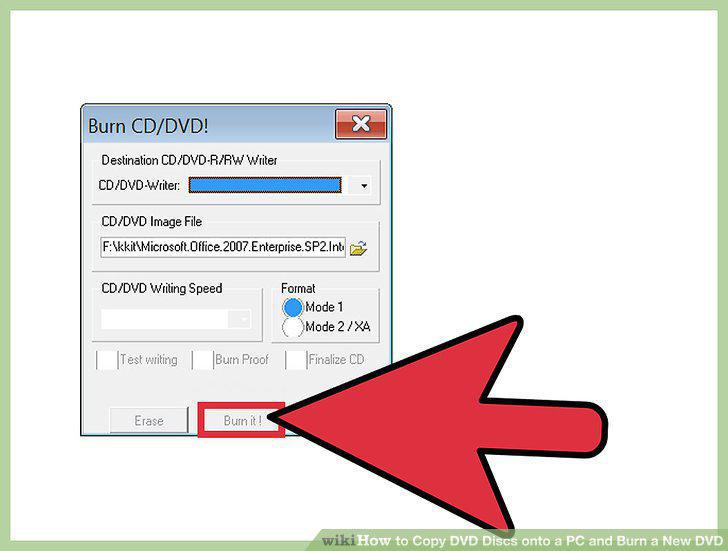
Burn the ISO to the DVD.
Comments (0)
No comments yet. Be the first to share your thoughts!