How to Connect a Speaker to Your iPhone with Bluetooth
Place your Bluetooth speaker near your iPhone.. Turn on the speaker and invoke "pairing" mode.. Open your iPhone's Settings.
Steps
1
Place your Bluetooth speaker near your iPhone.
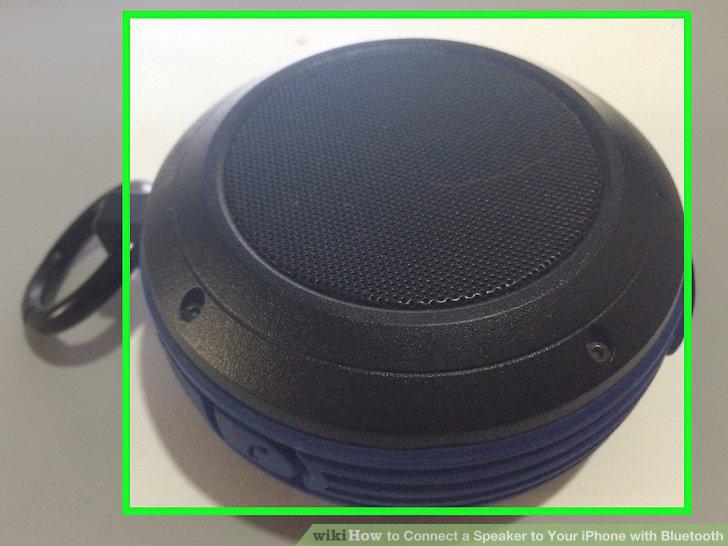
Place your Bluetooth speaker near your iPhone.
2
Turn on the speaker and invoke "pairing" mode.
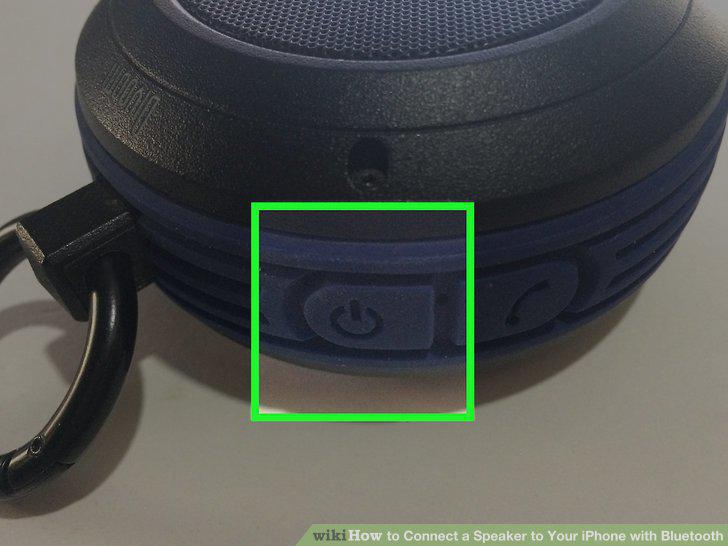
Turn on the speaker and invoke "pairing" mode.
3
Open your iPhone's Settings.
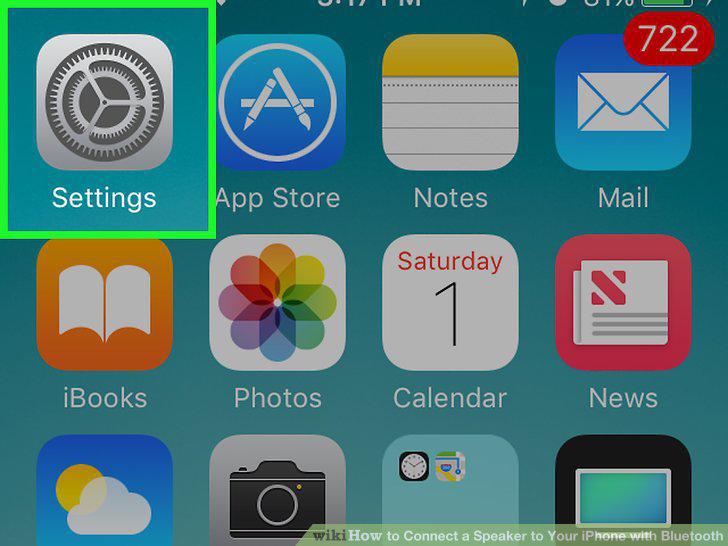
Open your iPhone's Settings.
4
Tap Bluetooth.
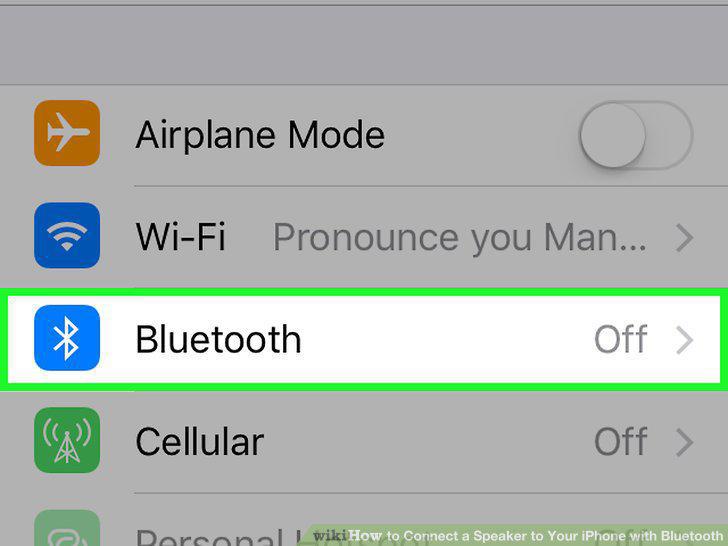
Tap Bluetooth.
5
Slide "Bluetooth" right to the "On" position.
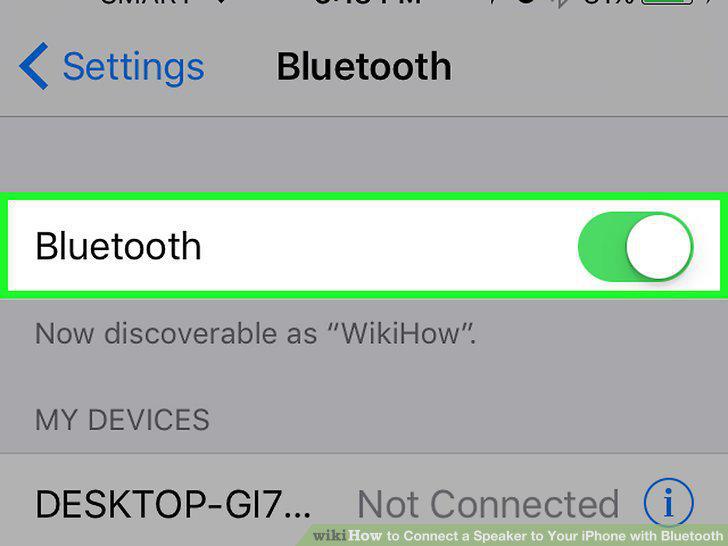
Slide "Bluetooth" right to the "On" position.
6
Tap your speaker's name.
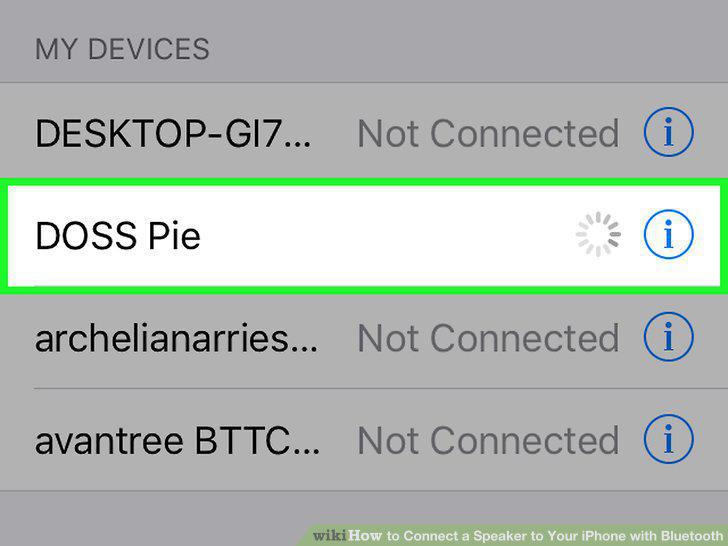
Tap your speaker's name.
7
Play audio on your Bluetooth speaker.
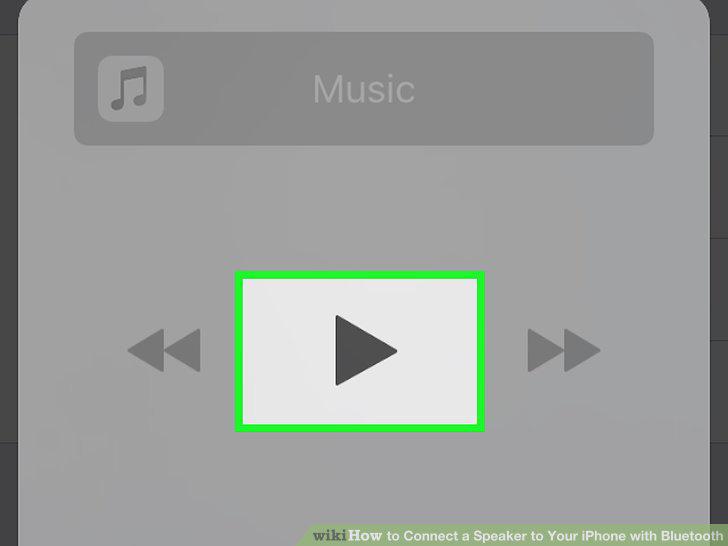
Play audio on your Bluetooth speaker.
8
Make sure your iPhone isn't too old.
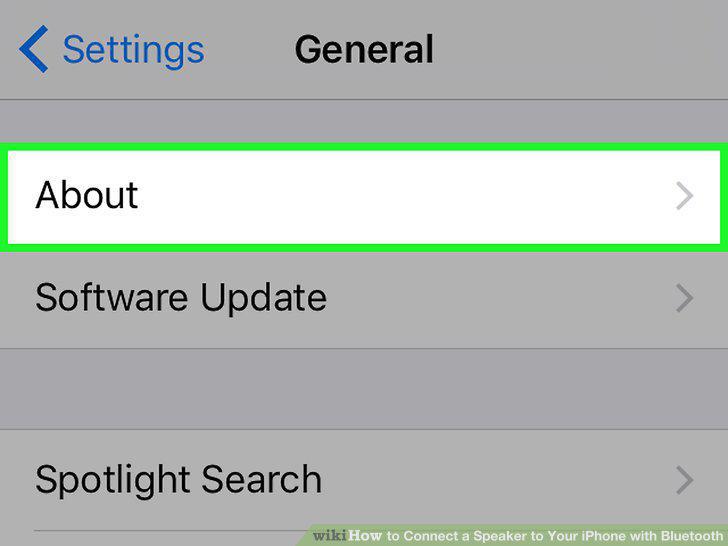
Make sure your iPhone isn't too old.
9
Make sure your iPhone is updated.
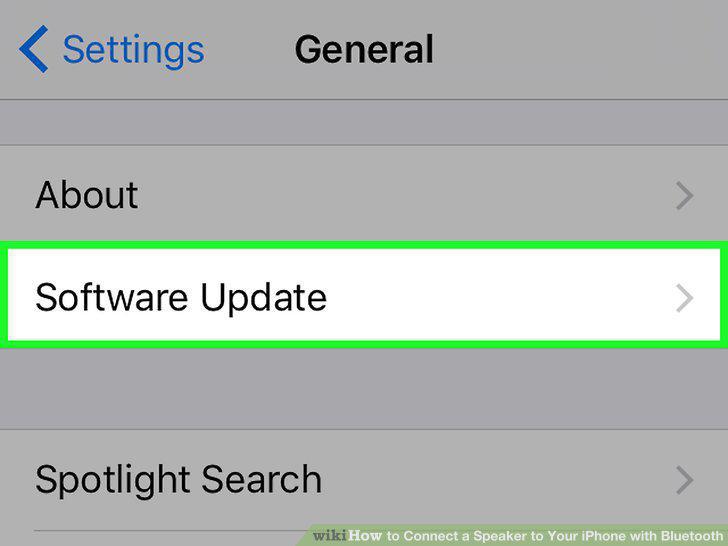
Make sure your iPhone is updated.
10
Restart the Bluetooth speaker.
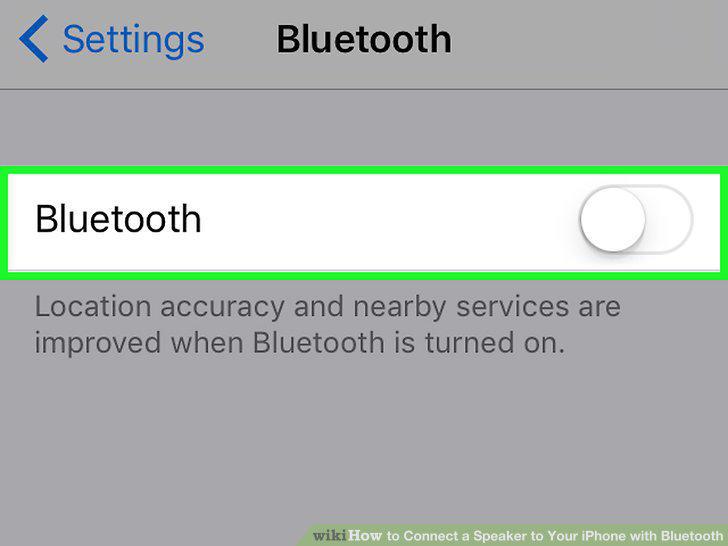
Restart the Bluetooth speaker.
11
Restart your iPhone.
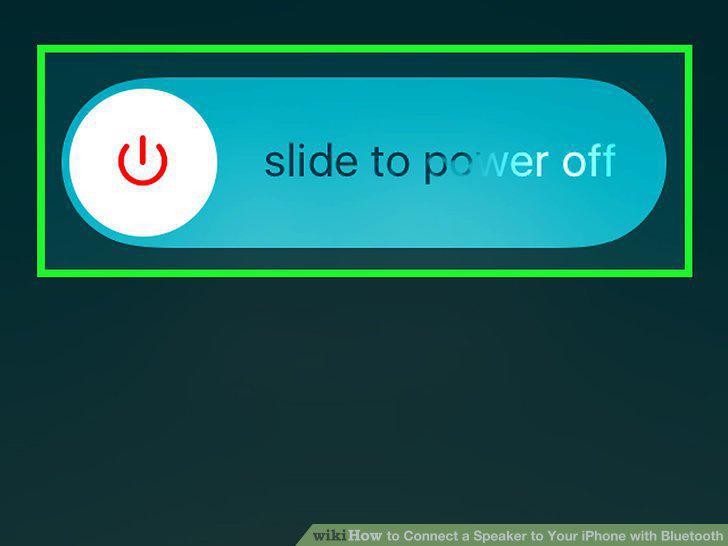
Restart your iPhone.
12
Take the speaker back to the store for testing.
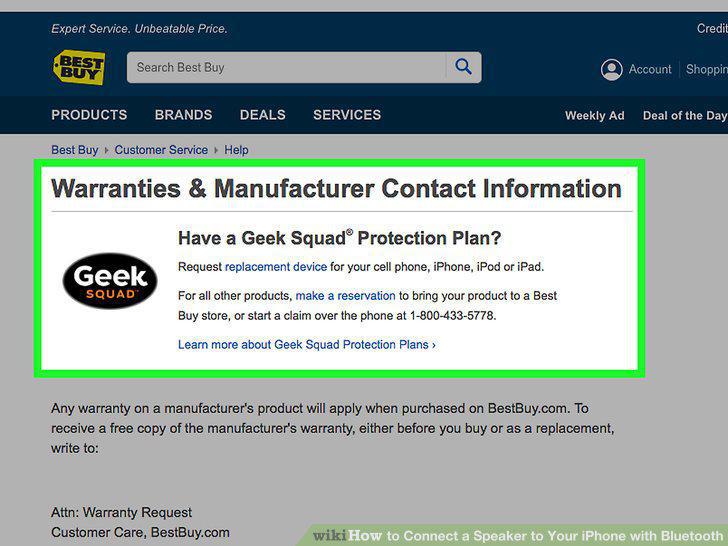
Take the speaker back to the store for testing.
Comments (0)
No comments yet. Be the first to share your thoughts!