How to Video Chat on Facebook
Connect a webcam to your computer.. Open the Chat menu on the Facebook website.. Select the person you want to video chat with.
Steps
1
Connect a webcam to your computer.
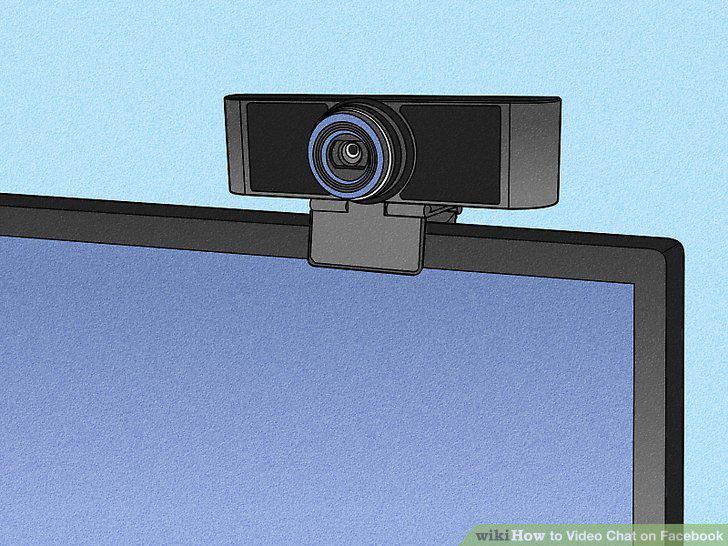
Connect a webcam to your computer.
2
Open the Chat menu on the Facebook website.
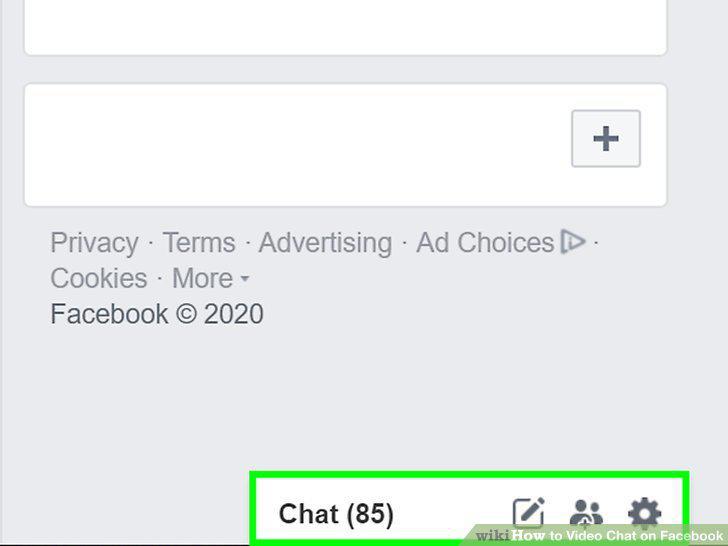
Open the Chat menu on the Facebook website.
3
Select the person you want to video chat with.
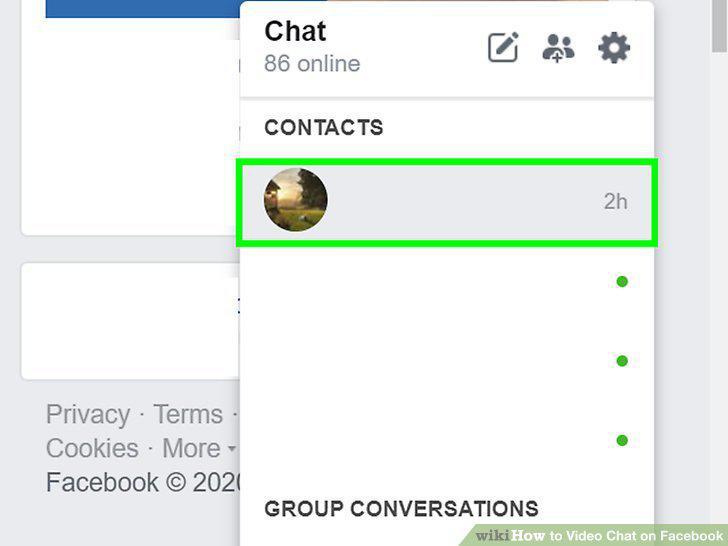
Select the person you want to video chat with.
4
Click the video chat button.
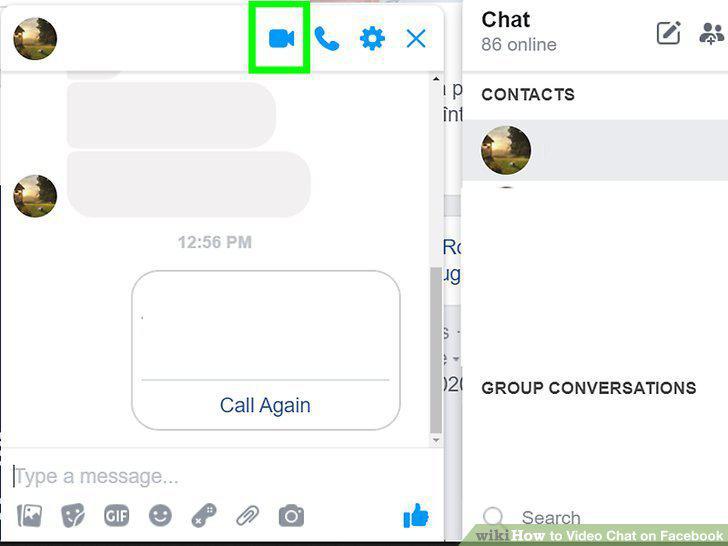
Click the video chat button.
5
Allow Facebook to access your webcam.
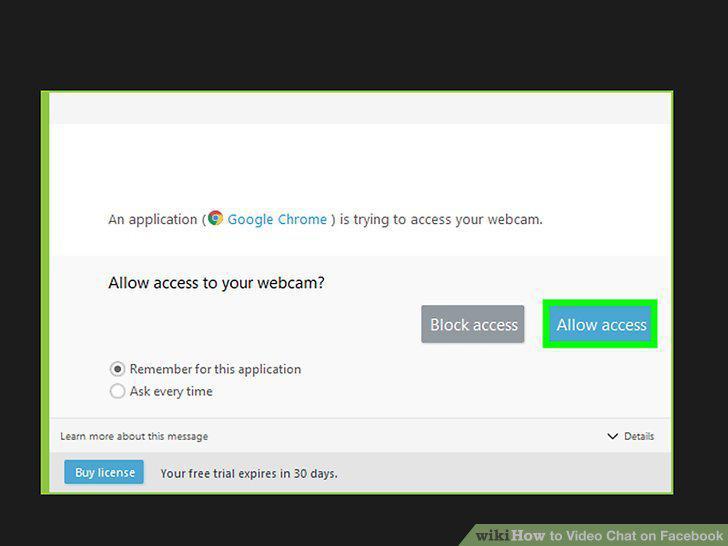
Allow Facebook to access your webcam.
6
Wait for the other person to pick up.
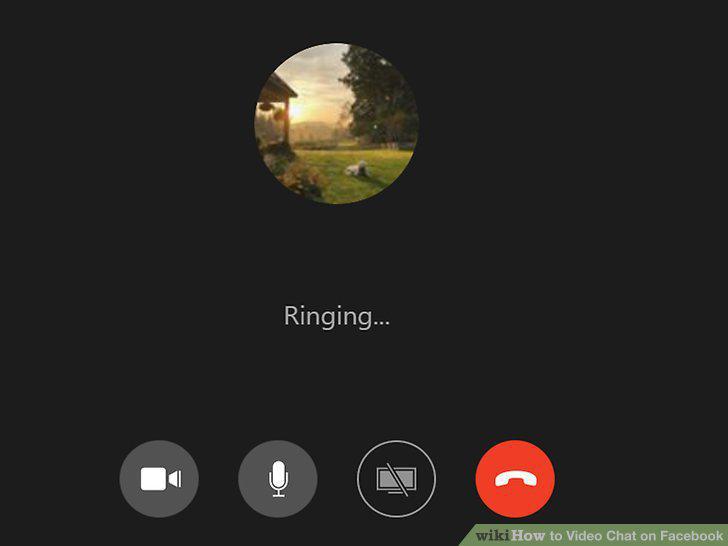
Wait for the other person to pick up.
7
Open Messenger.
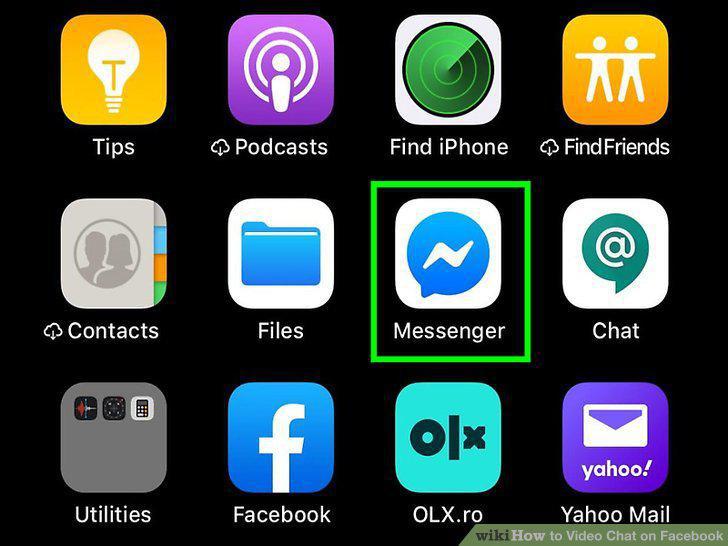
Open Messenger.
8
Open a conversation with the person you want to video chat with.
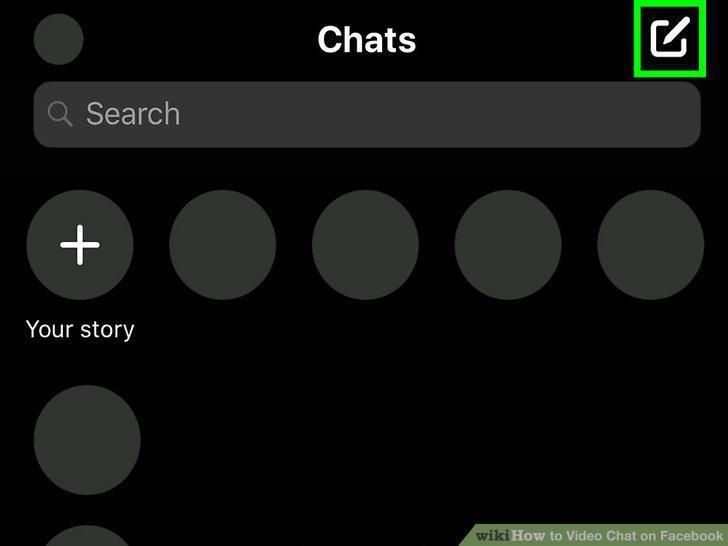
Open a conversation with the person you want to video chat with.
9
Tap at the top of the conversation.
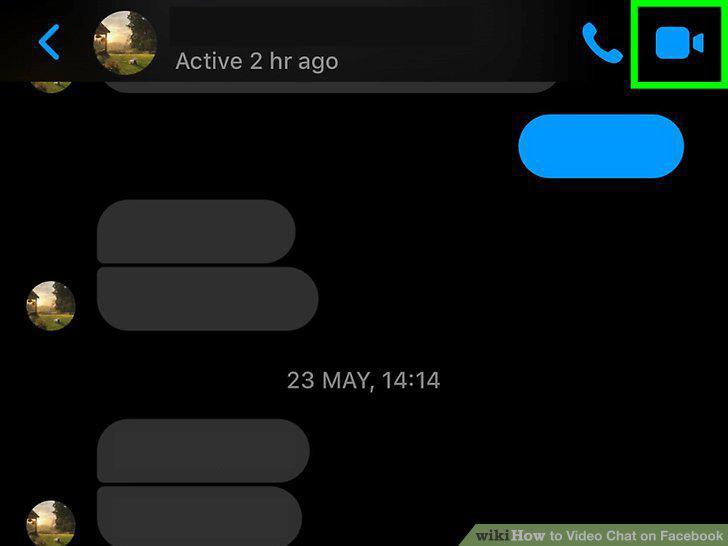
Tap at the top of the conversation.
10
Wait for the other person to pick up.
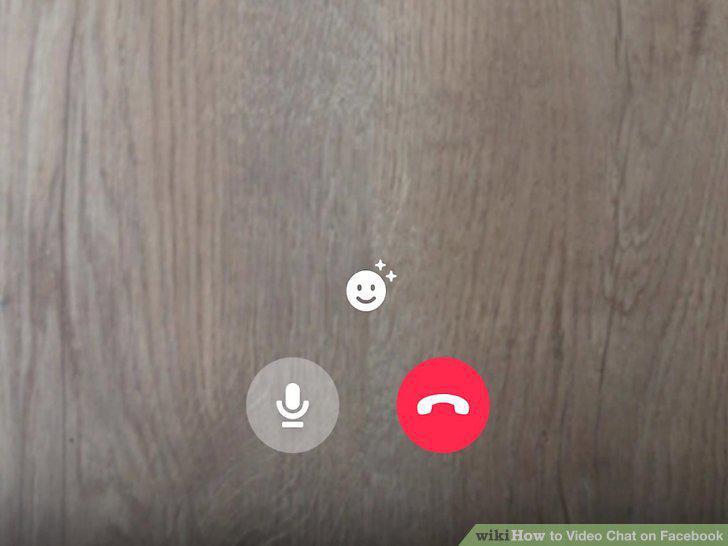
Wait for the other person to pick up.
11
Press the camera swap button to switch between the front and rear cameras.
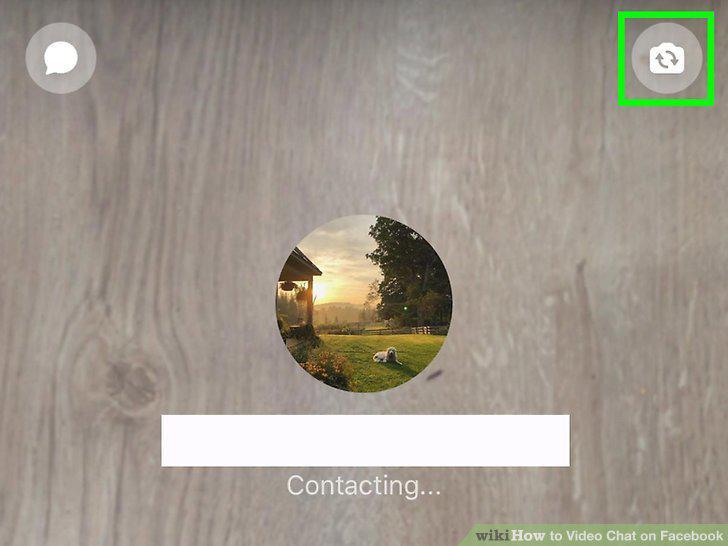
Press the camera swap button to switch between the front and rear cameras.
Comments (0)
No comments yet. Be the first to share your thoughts!