How to Track a Package Without a Tracking Number
Register for UPS My Choice.. Login to https://www.ups.com.. Click the "Tracking" tab on the top of the page.
Steps
1
Register for UPS My Choice.
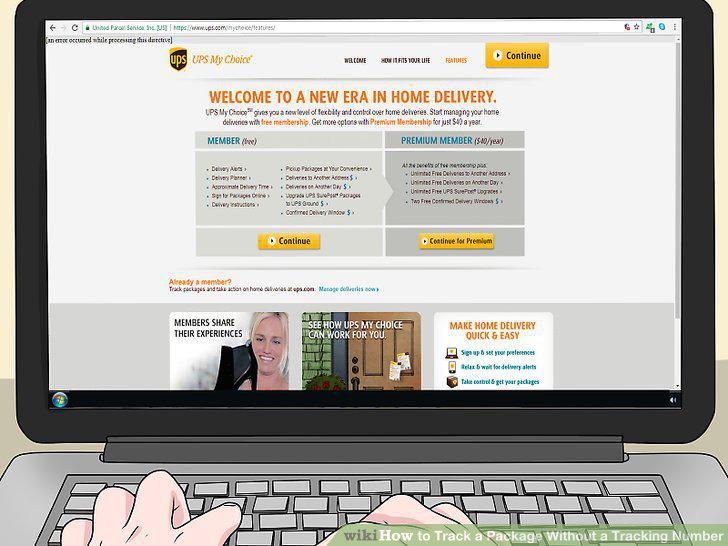
Register for UPS My Choice.
2
Login to https://www.ups.com.
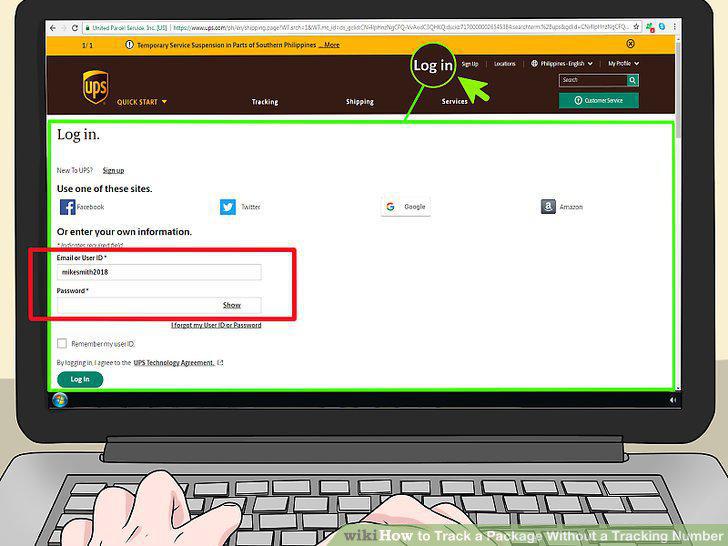
Login to https://www.ups.com.
3
Click the "Tracking" tab on the top of the page.
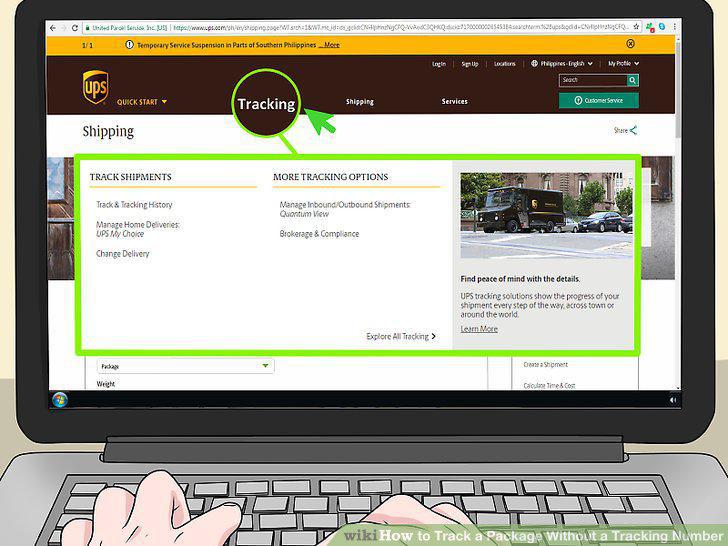
Click the "Tracking" tab on the top of the page.
4
Find the package you want to track and click on its tracking number link.
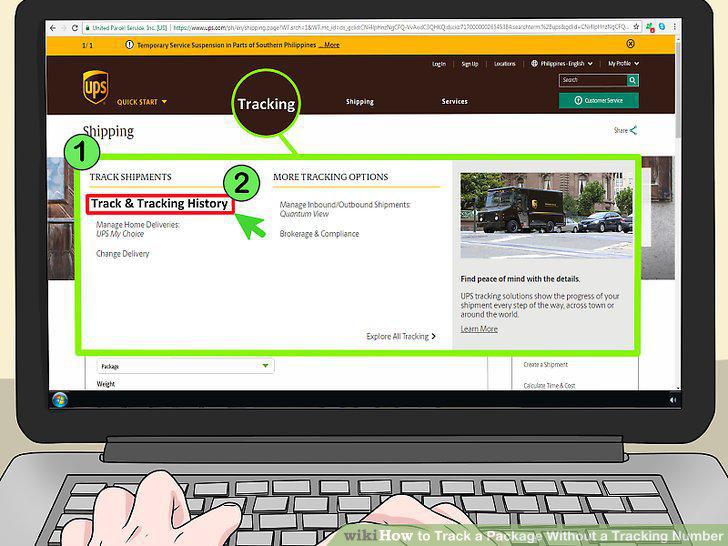
Find the package you want to track and click on its tracking number link.
5
Sign up for Informed Delivery on the USPS website.
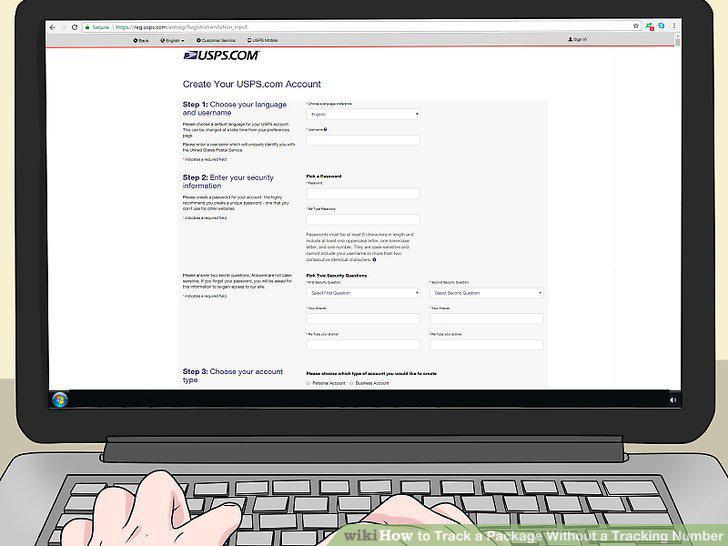
Sign up for Informed Delivery on the USPS website.
6
Sign in and go to your dashboard.
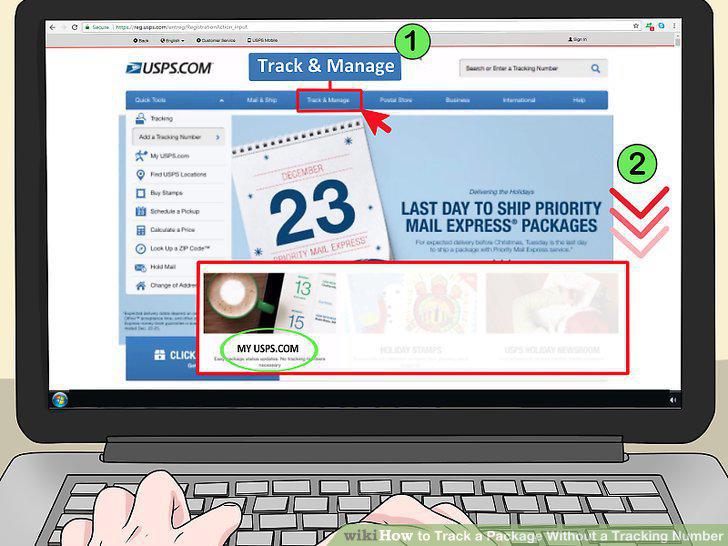
Sign in and go to your dashboard.
7
Click on the package you want to track.
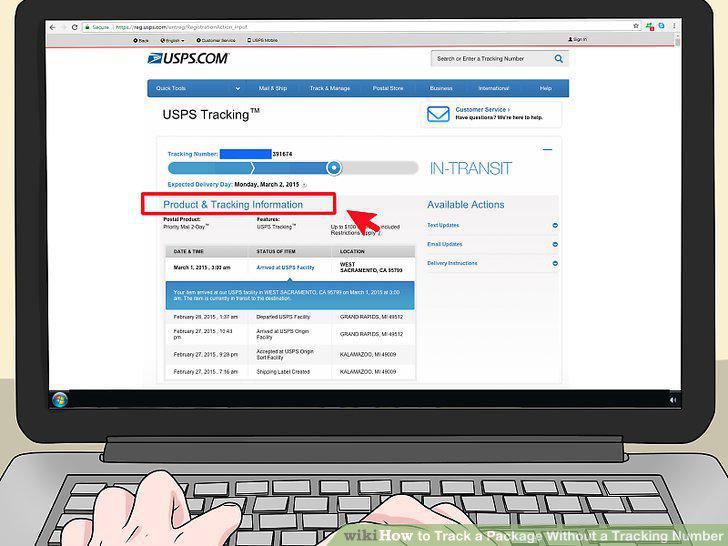
Click on the package you want to track.
8
Submit a search request if your package is lost.
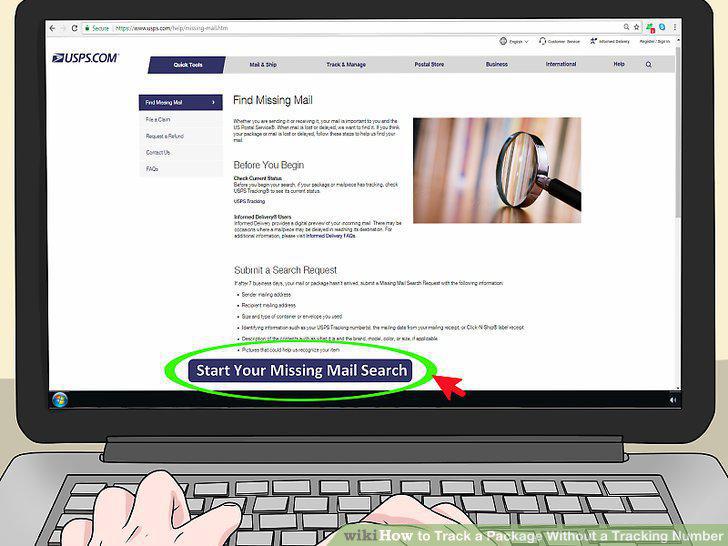
Submit a search request if your package is lost.
9
Sign up for FedEx Delivery Manager.
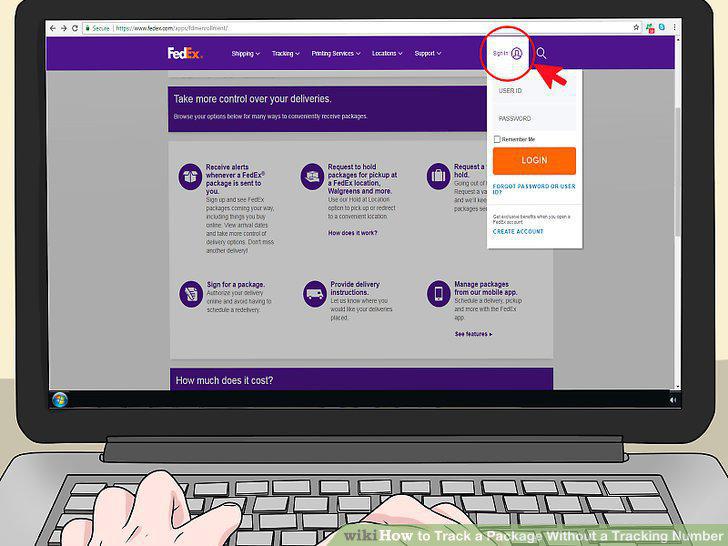
Sign up for FedEx Delivery Manager.
10
Login to the portal and find the package you want to track.
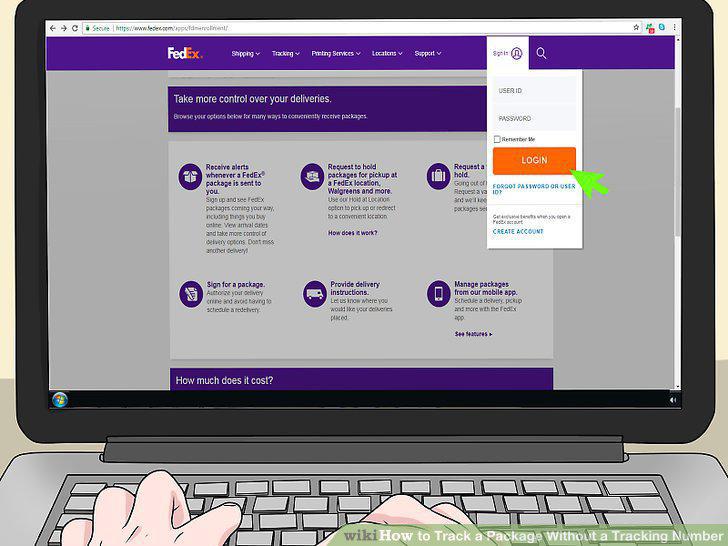
Login to the portal and find the package you want to track.
11
Track with the door tag number instead of using the Delivery Manager.
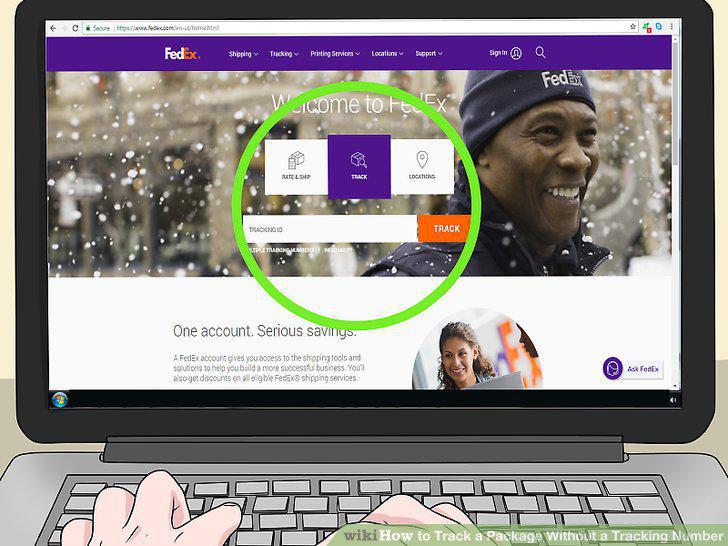
Track with the door tag number instead of using the Delivery Manager.
Comments (0)
No comments yet. Be the first to share your thoughts!