How to Know if Someone Is Online on Snapchat
Open Snapchat .. Scroll over to the Friends page.. Find your friend's name.
Steps
1
Open Snapchat .
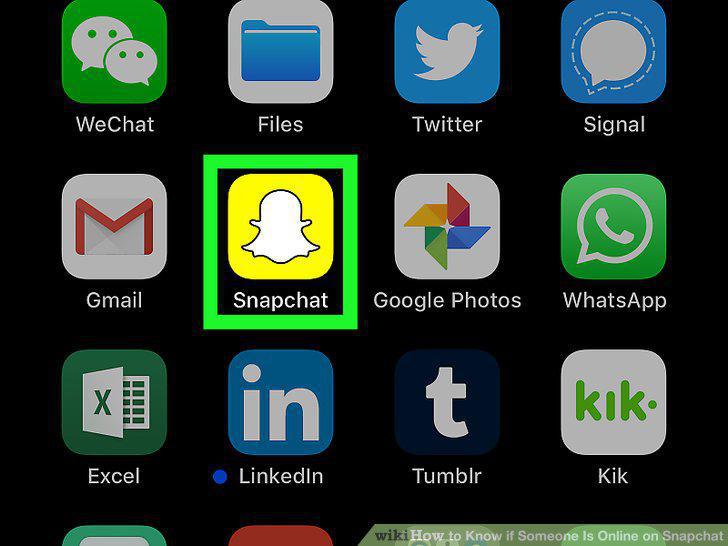
Open Snapchat .
2
Scroll over to the Friends page.
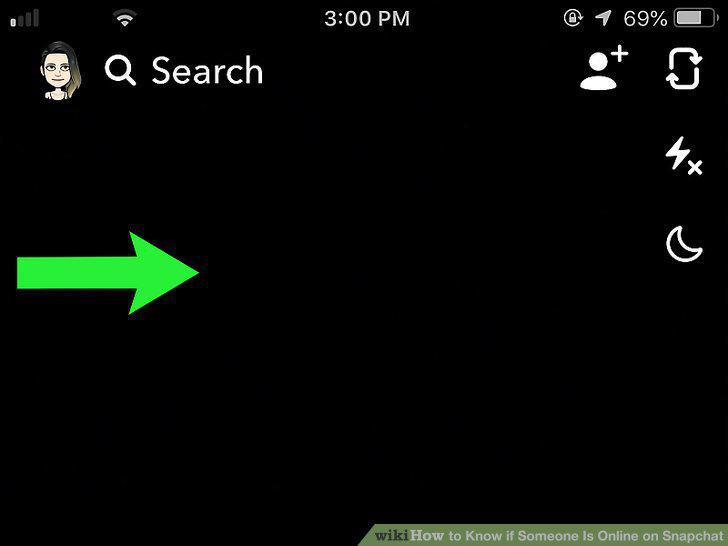
Scroll over to the Friends page.
3
Find your friend's name.
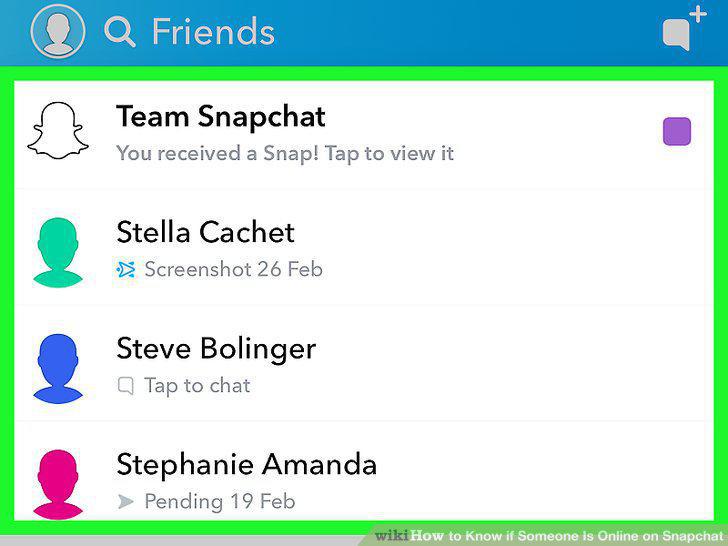
Find your friend's name.
4
Open your friend's Chat page.
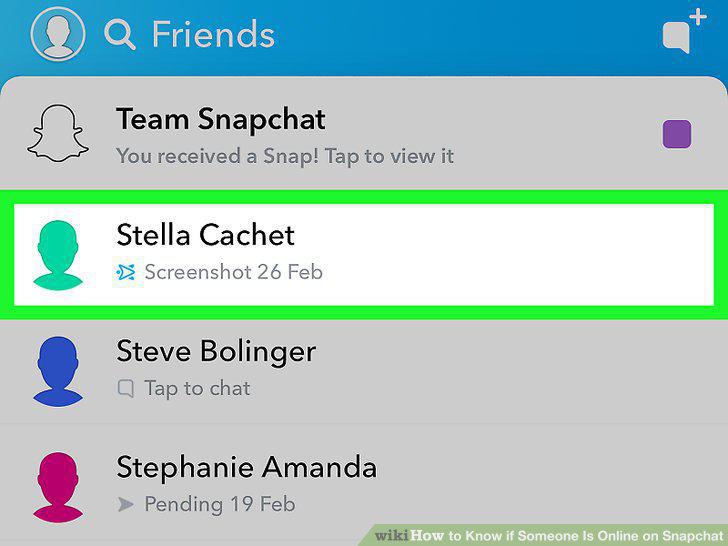
Open your friend's Chat page.
5
Send a message to your friend.
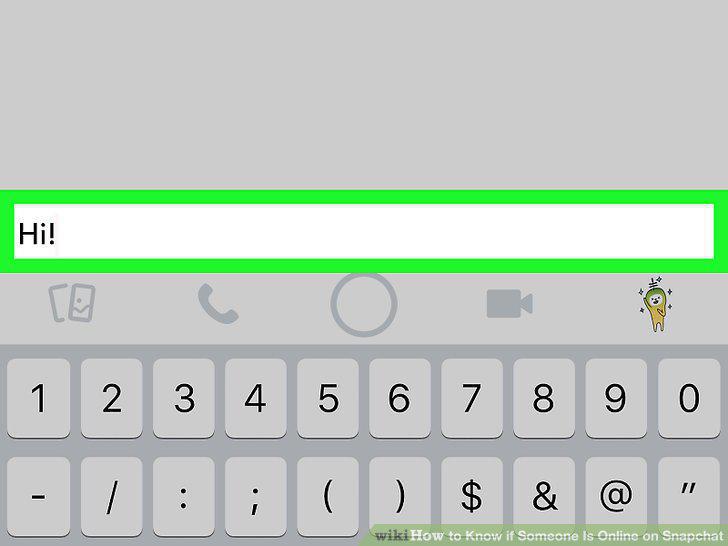
Send a message to your friend.
6
Wait for your friend's Bitmoji to appear.
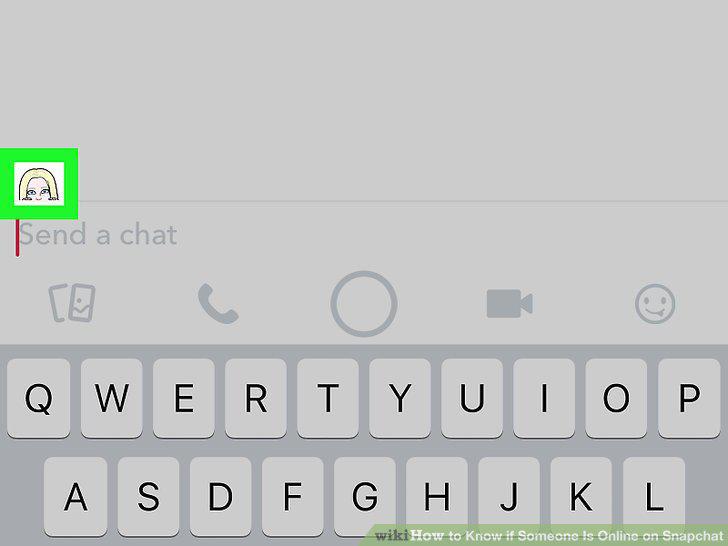
Wait for your friend's Bitmoji to appear.
7
Open Snapchat .
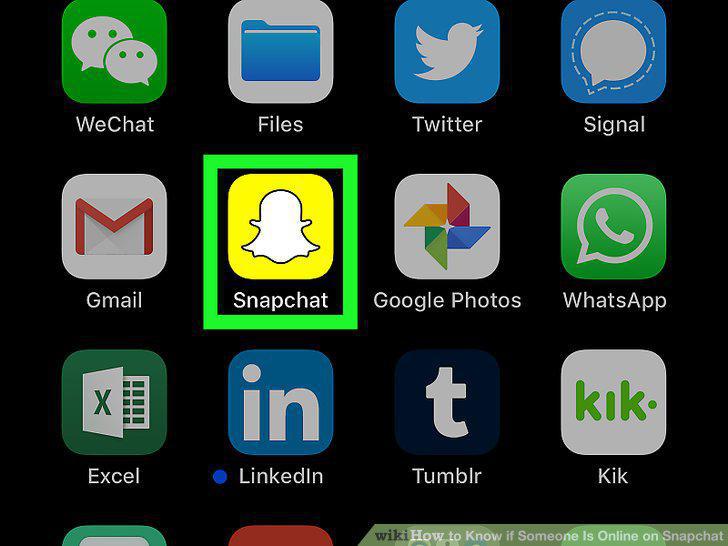
Open Snapchat .
8
Scroll over to the Friends page.
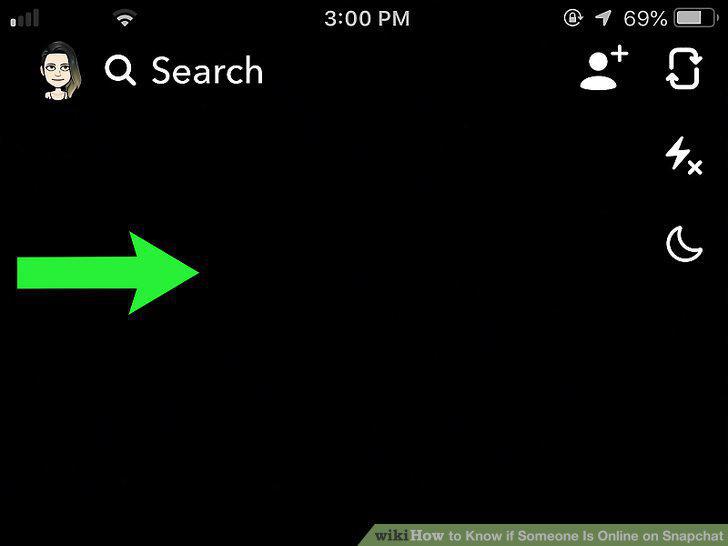
Scroll over to the Friends page.
9
Find your friend's name.
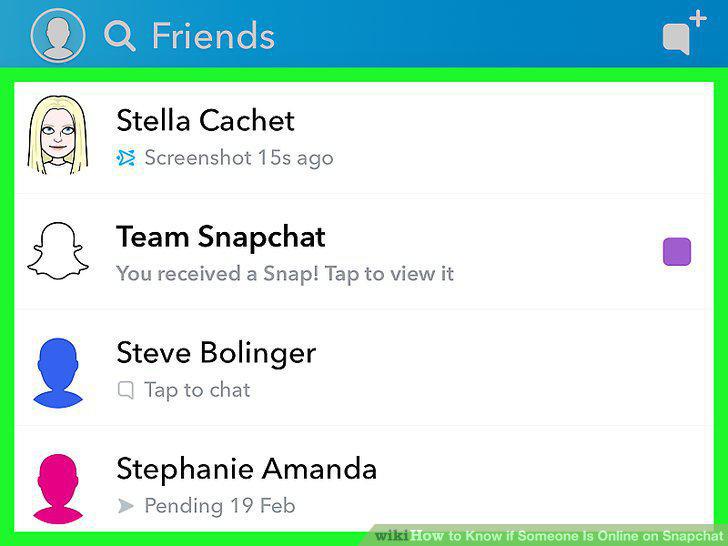
Find your friend's name.
10
Look at the "Opened" timestamp for the last snap you sent to them.
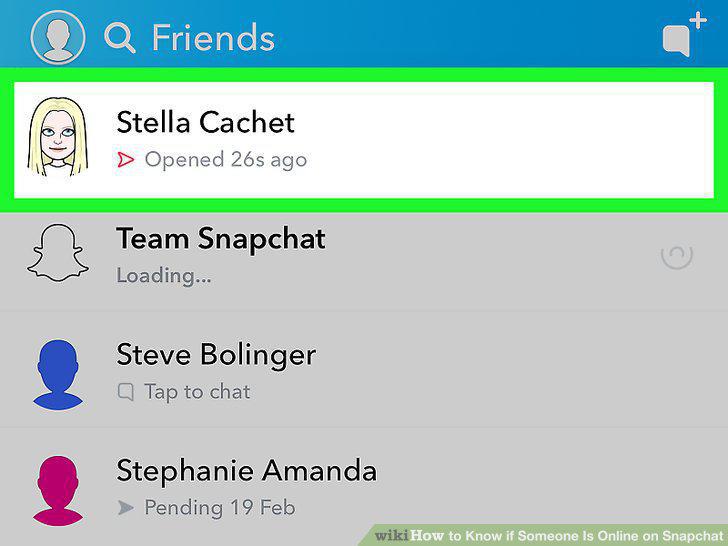
Look at the "Opened" timestamp for the last snap you sent to them.
Comments (0)
No comments yet. Be the first to share your thoughts!