How to Update Kindle Books
Go to https://www.amazon.com/ and sign in.. Hover your cursor over Your Account & lists and click Your Kindle Unlimited.. Click Manage content and devices.
Steps
1
Go to https://www.amazon.com/ and sign in.
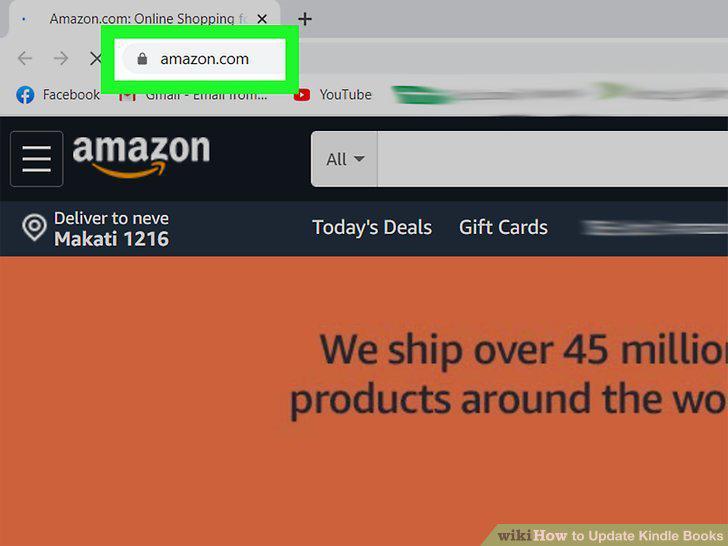
Go to https://www.amazon.com/ and sign in.
2
Hover your cursor over Your Account & lists and click Your Kindle Unlimited.
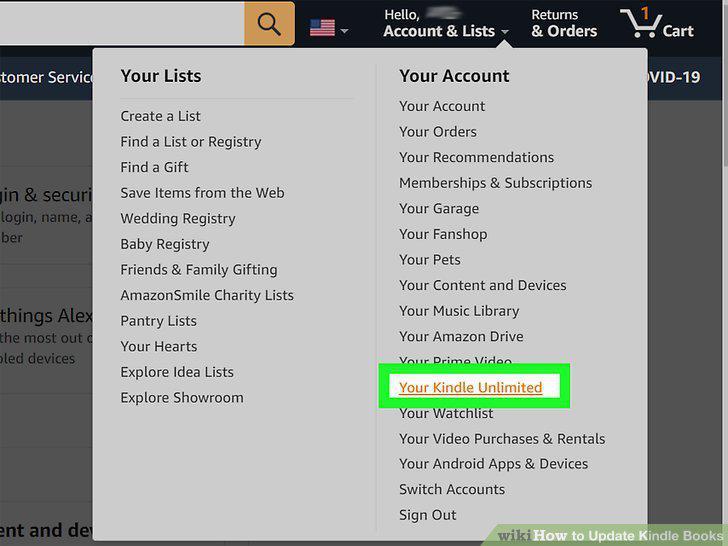
Hover your cursor over Your Account & lists and click Your Kindle Unlimited.
3
Click Manage content and devices.
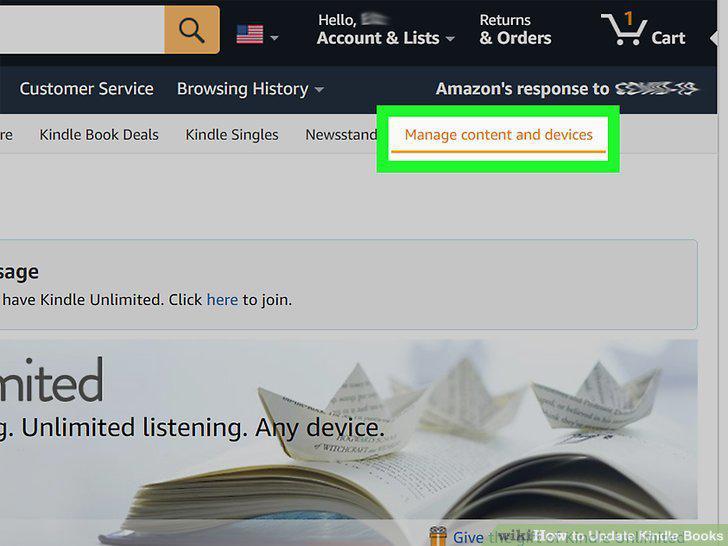
Click Manage content and devices.
4
Click Update Available.
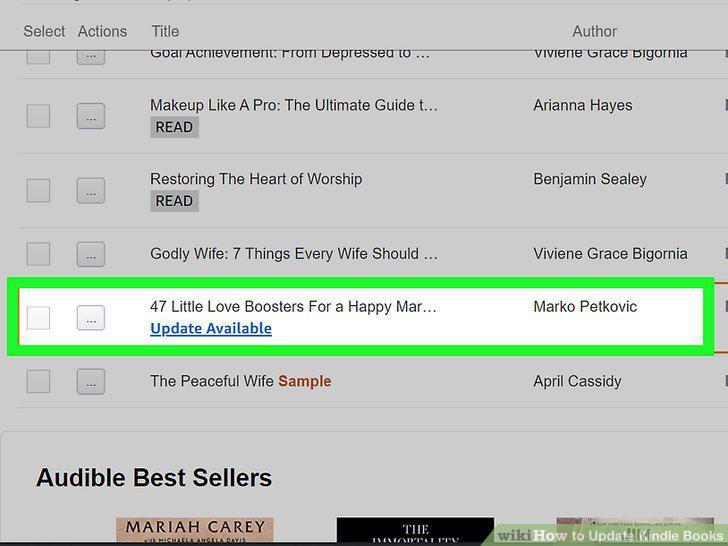
Click Update Available.
5
Open Kindle.
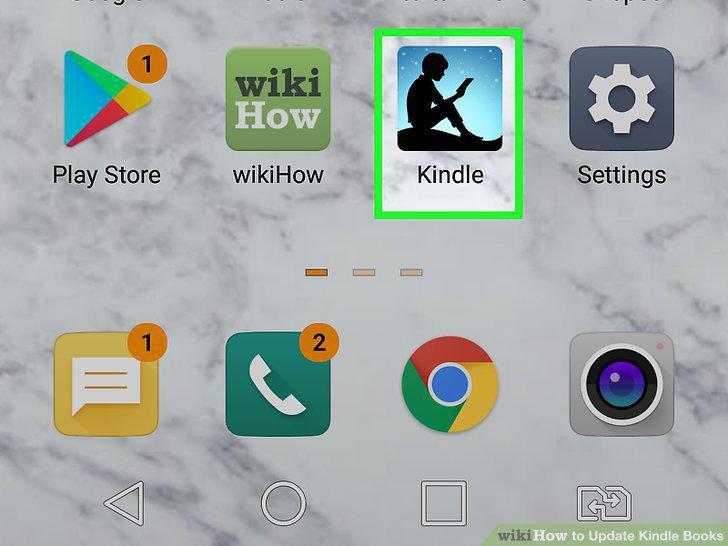
Open Kindle.
6
Tap More.
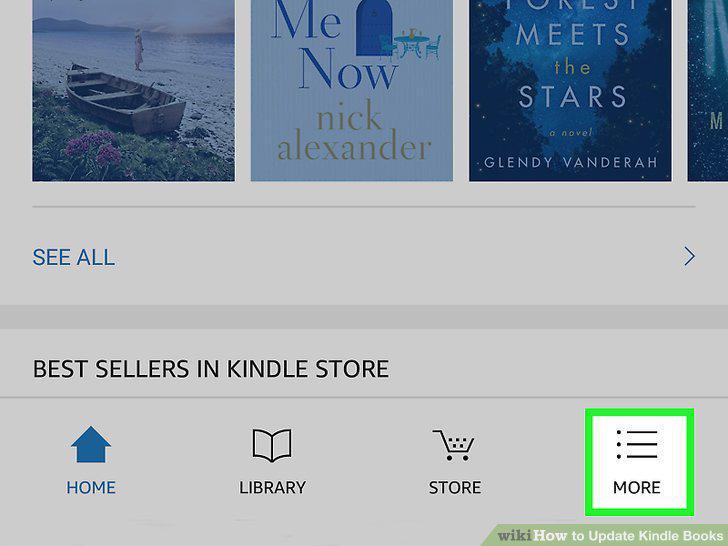
Tap More.
7
Tap App Settings.
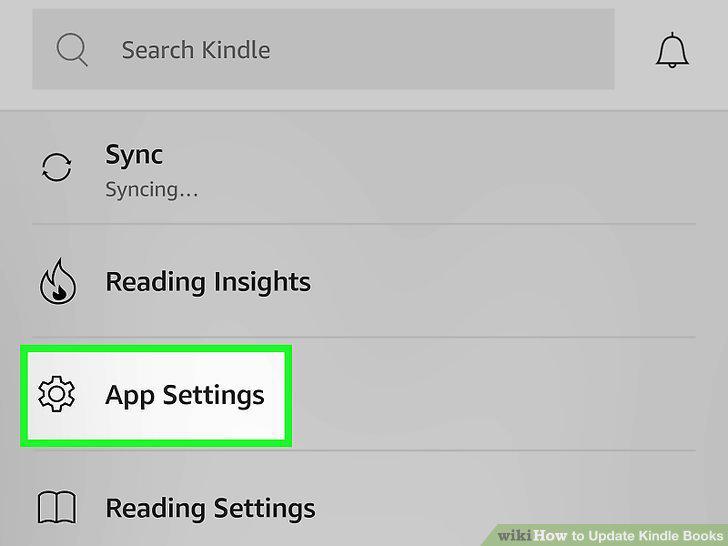
Tap App Settings.
8
Tap Book Updates.
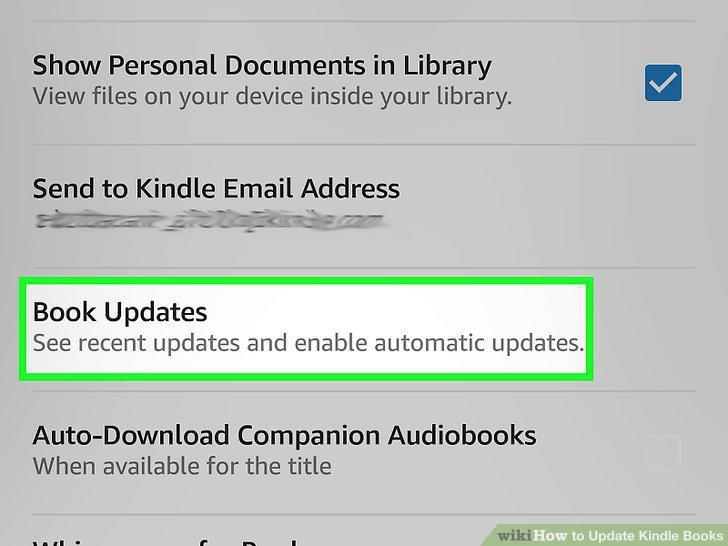
Tap Book Updates.
9
Tap to check the box next to "Automatic Book Updates.
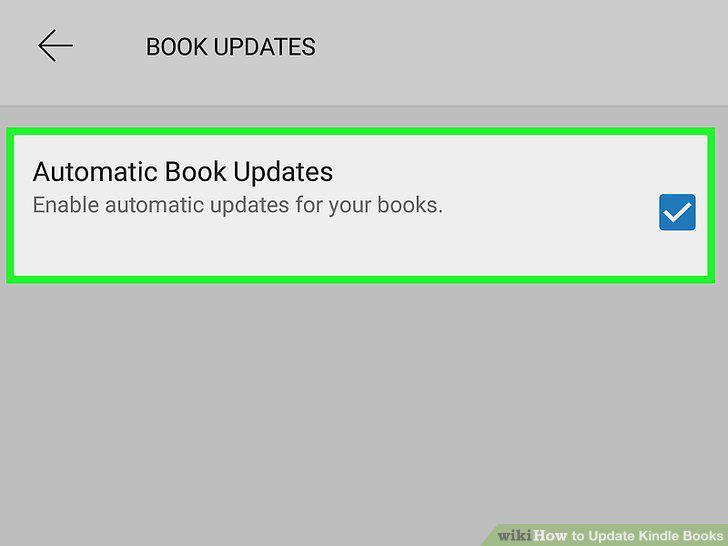
Tap to check the box next to "Automatic Book Updates.
Comments (0)
No comments yet. Be the first to share your thoughts!