How to Sign up for Reddit
Open the Reddit website in your internet browser.. Click the SIGN UP button on the top right.. Enter your email address in the pop-up.
Steps
Open the Reddit website in your internet browser.
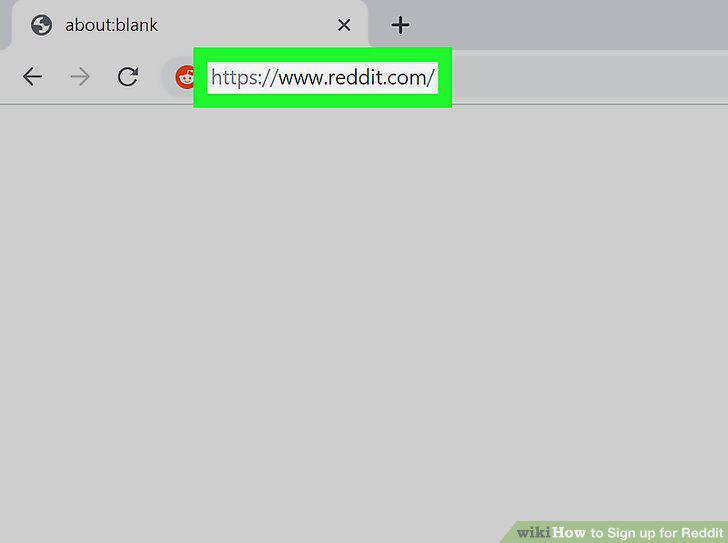
Open the Reddit website in your internet browser.
Click the SIGN UP button on the top right.

Click the SIGN UP button on the top right.
Enter your email address in the pop-up.
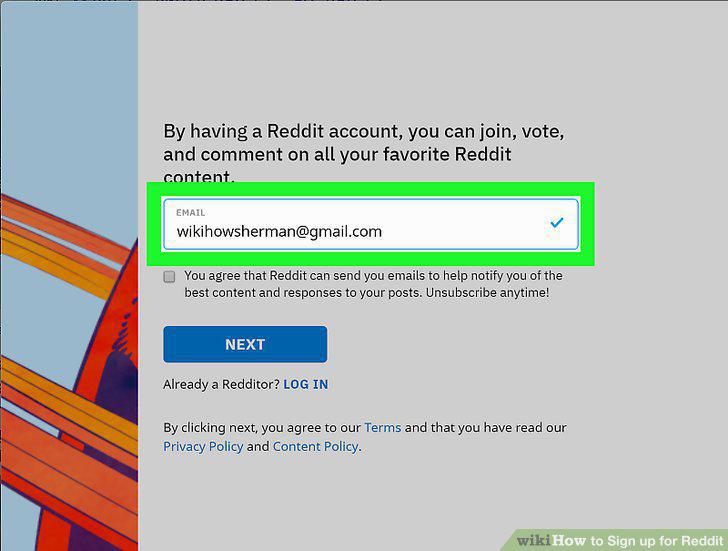
Enter your email address in the pop-up.
Click NEXT in the pop-up.
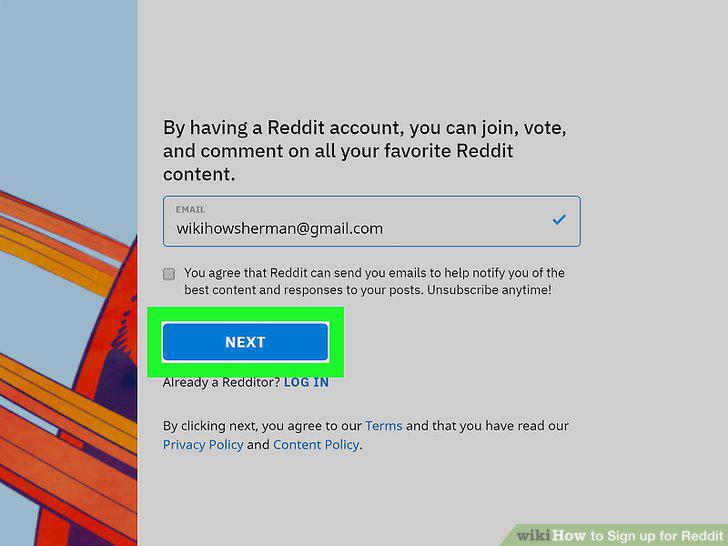
Click NEXT in the pop-up.
Enter a username for your new Reddit account.
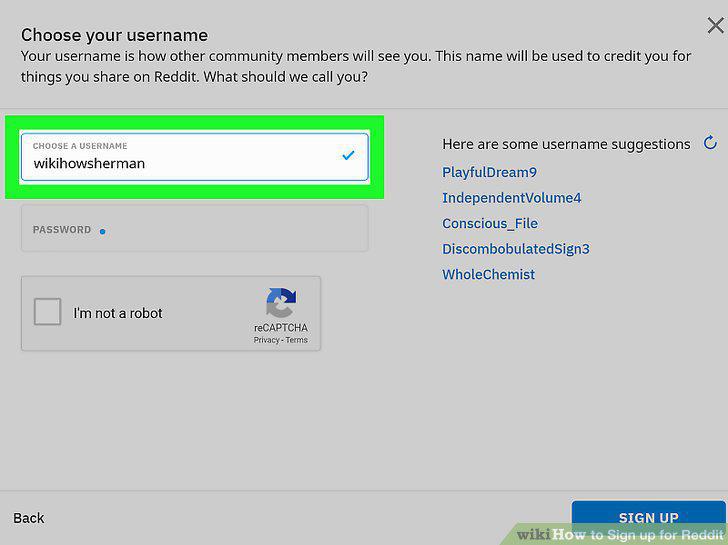
Enter a username for your new Reddit account.
Enter an account password in the "PASSWORD" field.
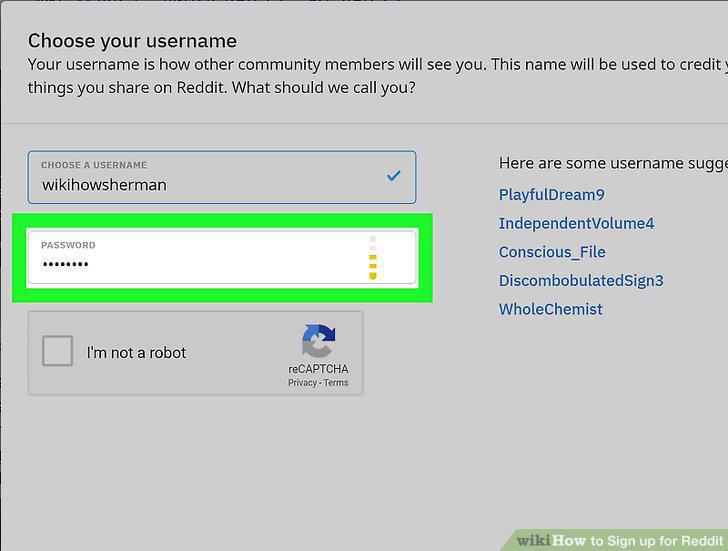
Enter an account password in the "PASSWORD" field.
Click and check the I'm not a robot box.
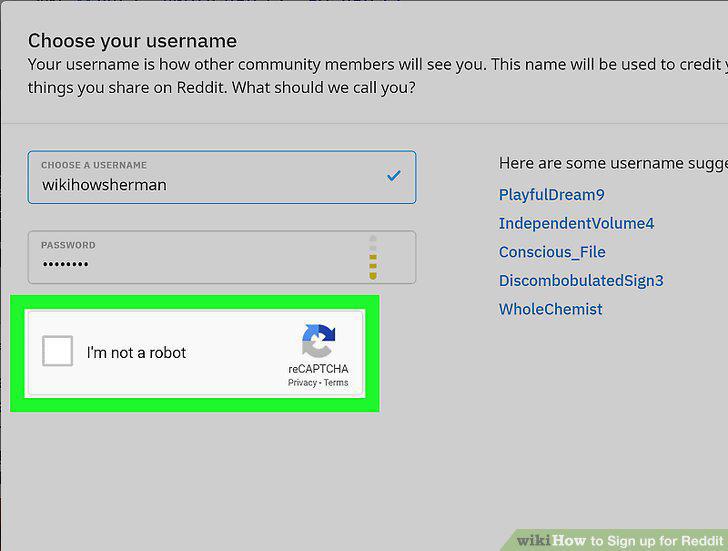
Click and check the I'm not a robot box.
Click the SIGN UP button on the bottom right.
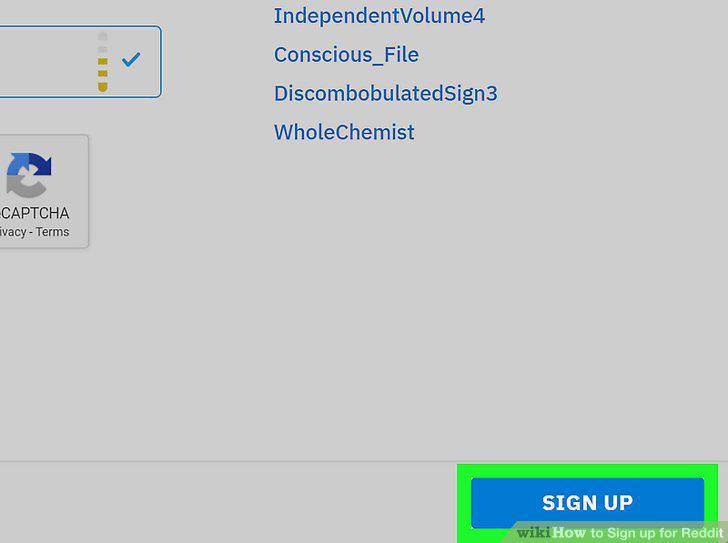
Click the SIGN UP button on the bottom right.
Click a category on the left menu (optional).
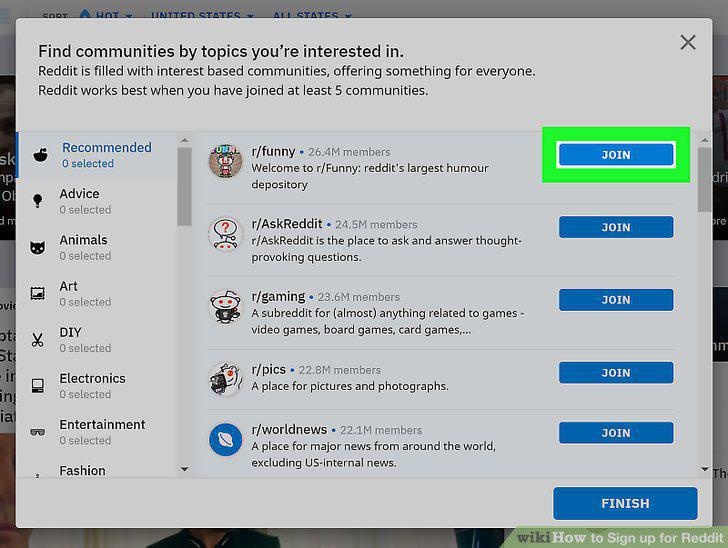
Click a category on the left menu (optional).
Click the FINISH button.
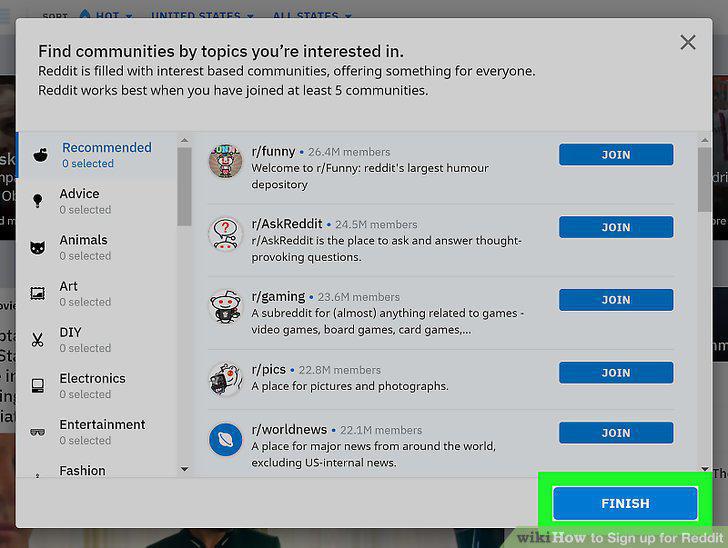
Click the FINISH button.
Open the Reddit app on your iPhone, iPad or Android.
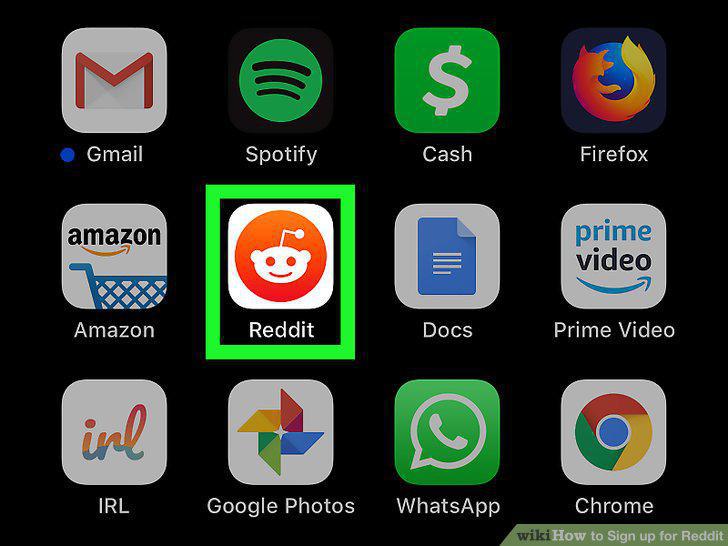
Open the Reddit app on your iPhone, iPad or Android.
Tap the figurehead icon on the top left.
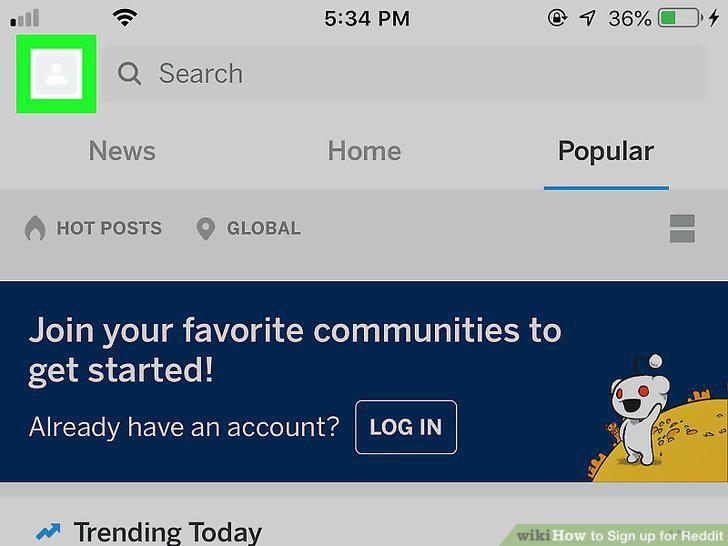
Tap the figurehead icon on the top left.
Tap Sign up/Log in on the menu panel.
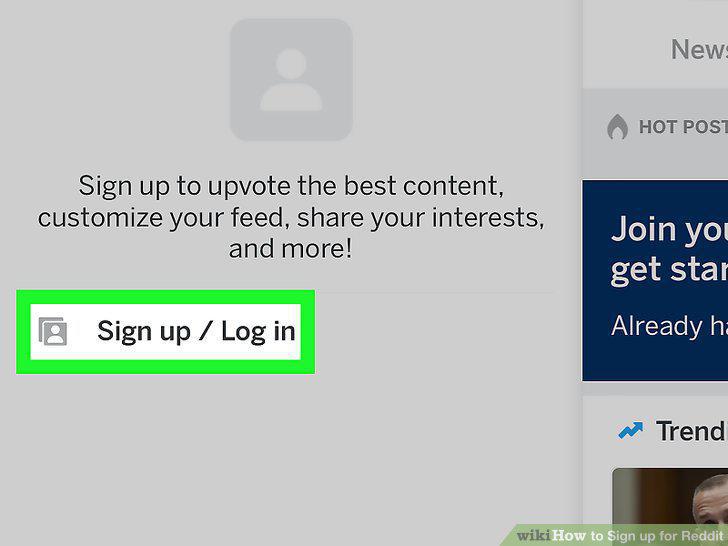
Tap Sign up/Log in on the menu panel.
Tap the blue SIGN UP option.
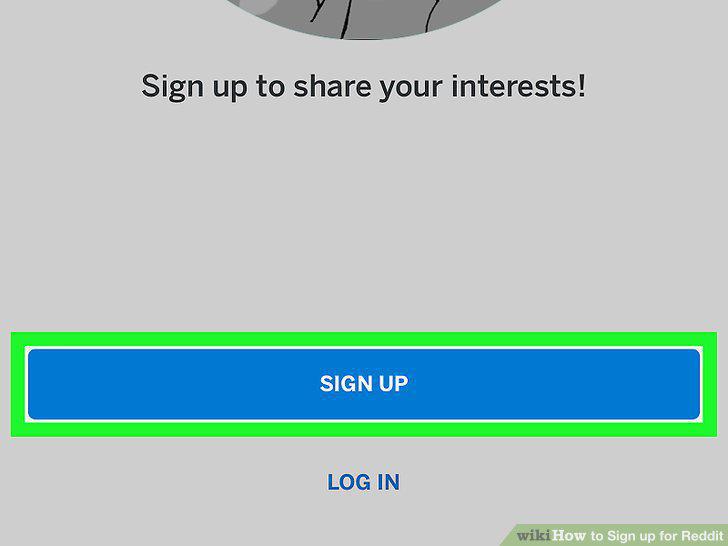
Tap the blue SIGN UP option.
Enter an email address, username, and password.
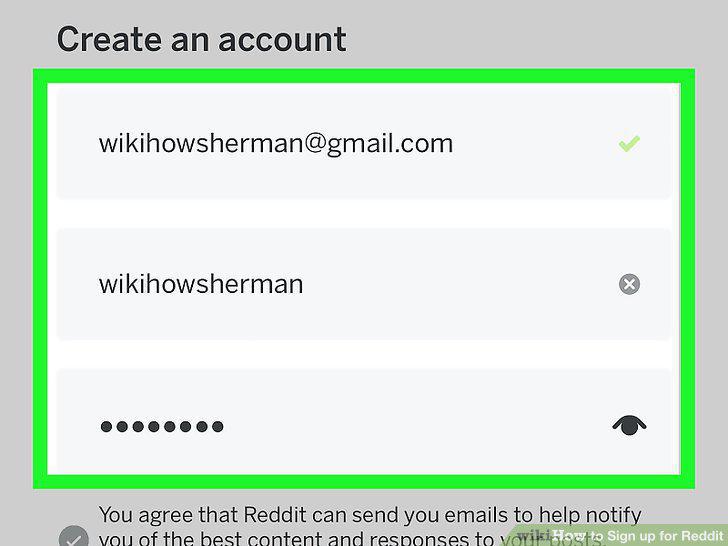
Enter an email address, username, and password.
Tap CREATE ACCOUNT at the bottom.
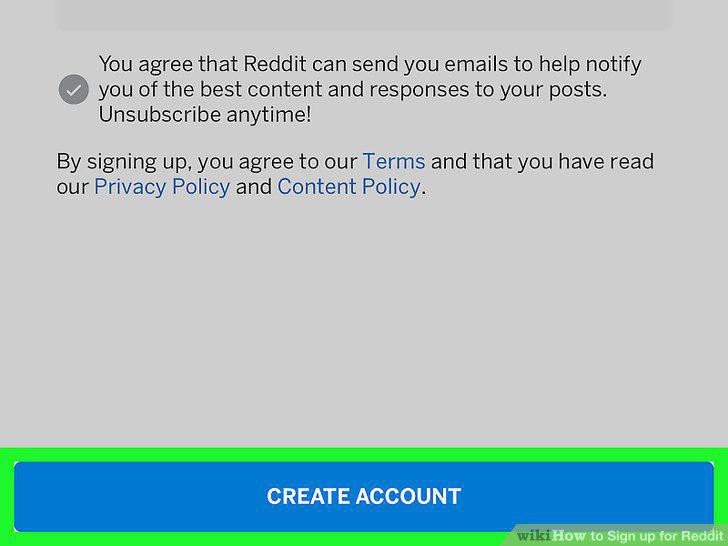
Tap CREATE ACCOUNT at the bottom.
Comments (0)
No comments yet. Be the first to share your thoughts!