How to Download Videos Safely
Make sure your web browser is up to date.. Make sure your operating system is up to date.. Avoid file-sharing websites and programs.
Steps
1
Make sure your web browser is up to date.
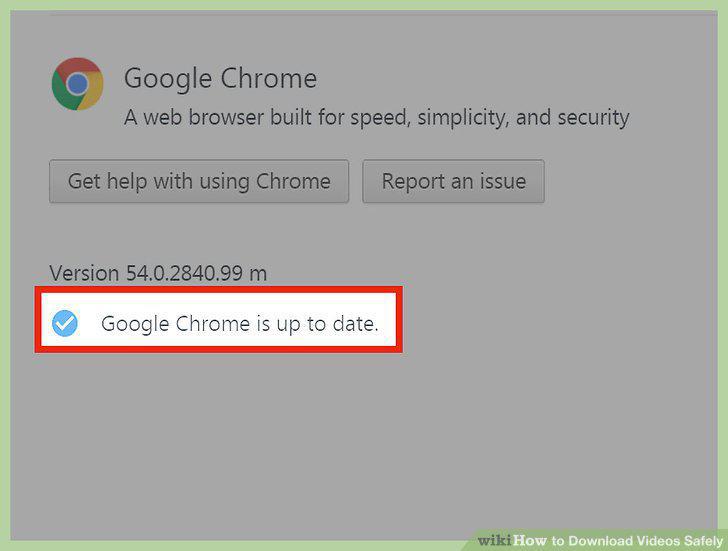
Make sure your web browser is up to date.
2
Make sure your operating system is up to date.
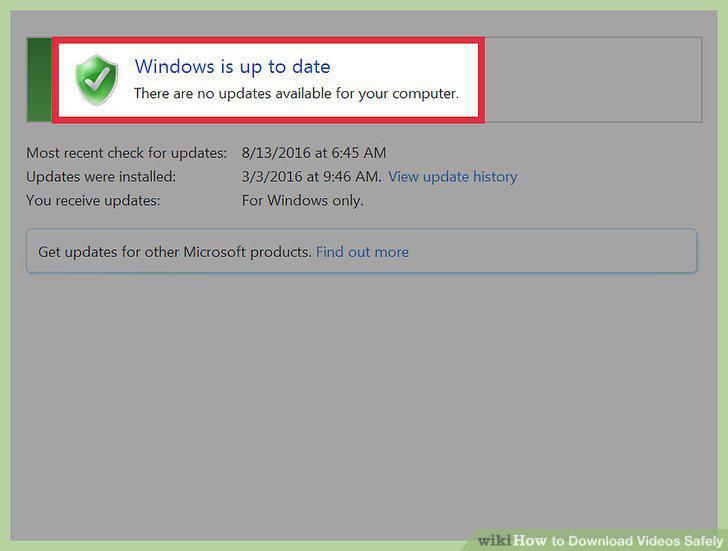
Make sure your operating system is up to date.
3
Avoid file-sharing websites and programs.
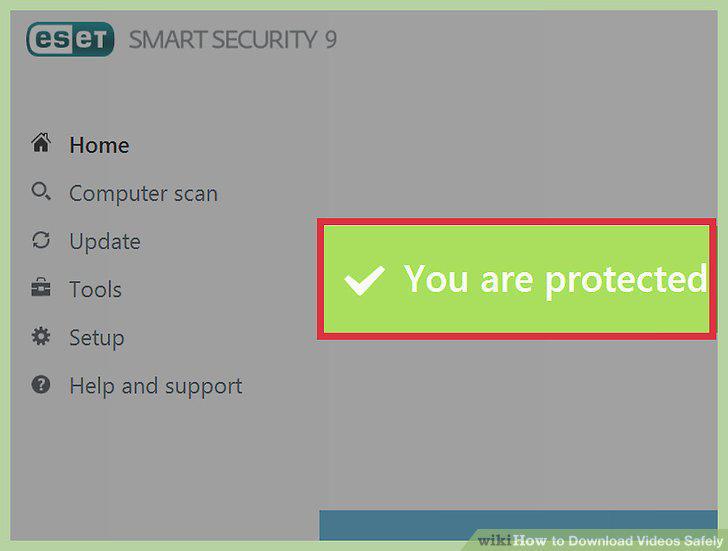
Avoid file-sharing websites and programs.
4
Choose software that seems trustworthy.
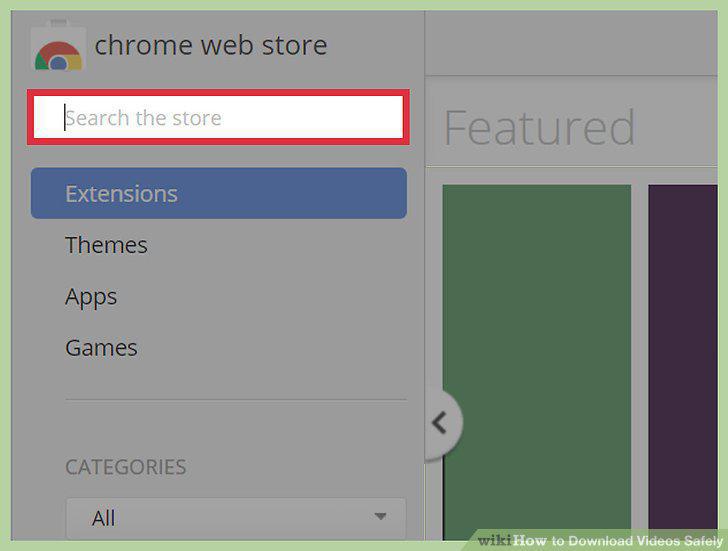
Choose software that seems trustworthy.
5
Download only from trusted sources.
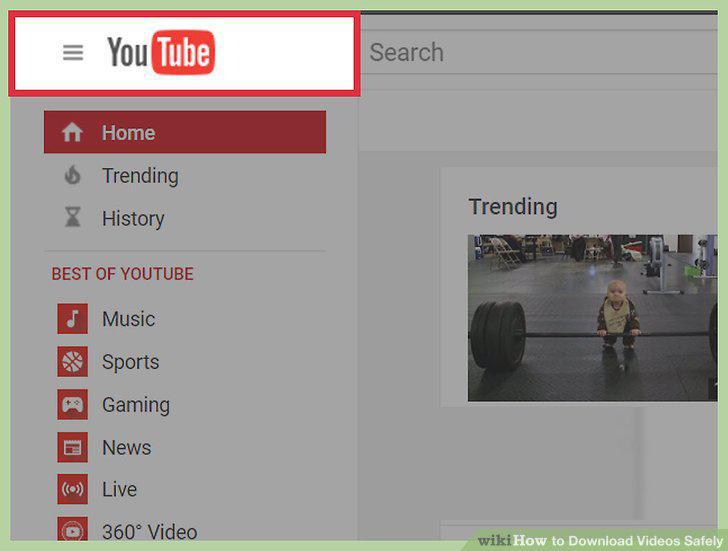
Download only from trusted sources.
6
Download and install and antivirus program.
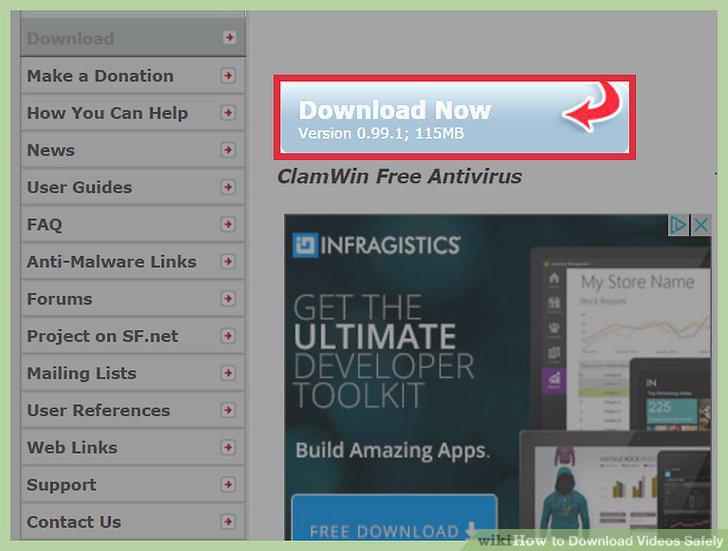
Download and install and antivirus program.
7
Enable automatic updates.
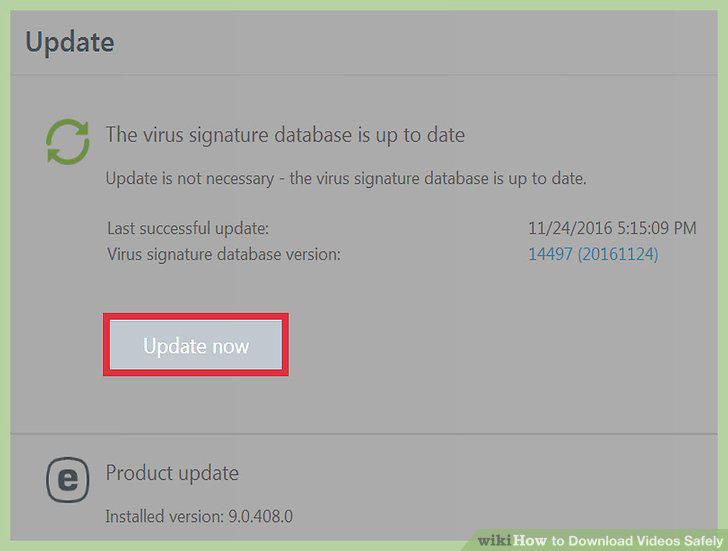
Enable automatic updates.
8
Scan files immediately after downloading.
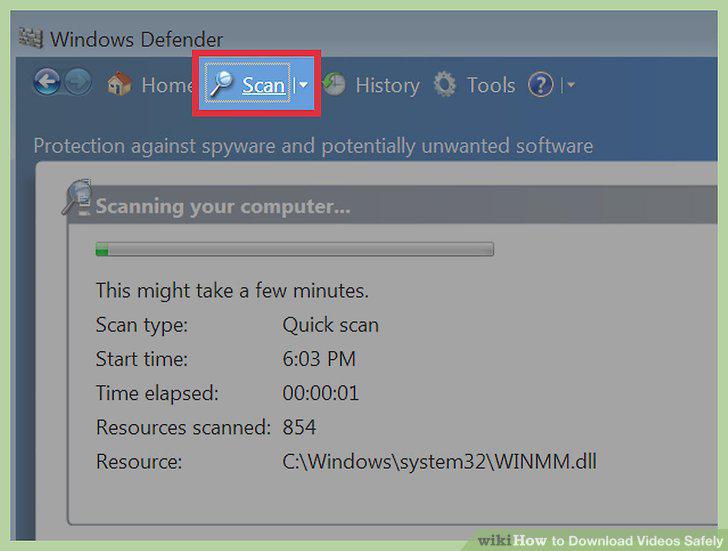
Scan files immediately after downloading.
Comments (0)
No comments yet. Be the first to share your thoughts!