How to Delete Recently Watched Movies or Shows on Netflix
Open Netflix.. Select your profile.. Select your profile icon.
Steps
1
Open Netflix.
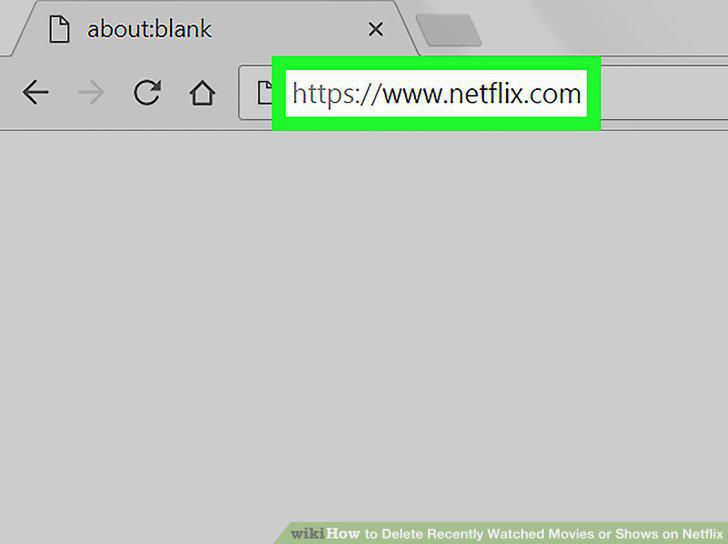
Open Netflix.
2
Select your profile.
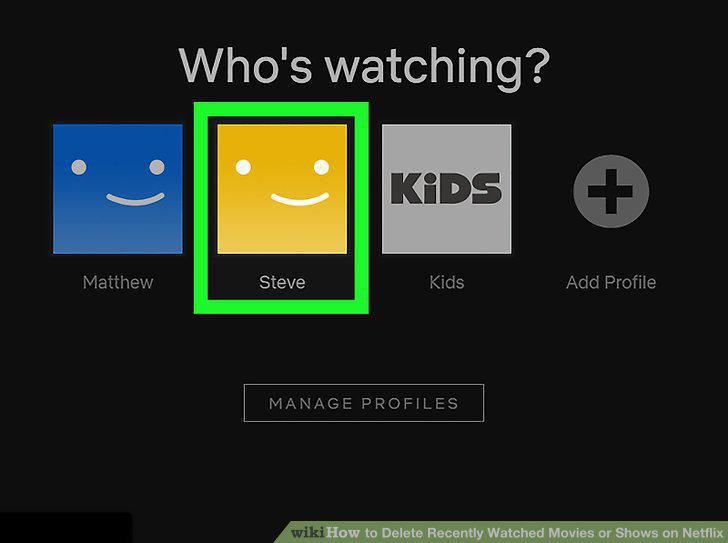
Select your profile.
3
Select your profile icon.
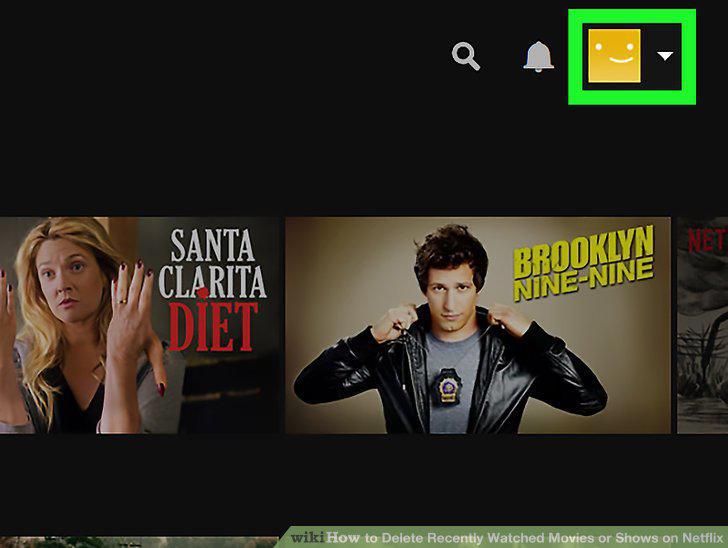
Select your profile icon.
4
Click Account.
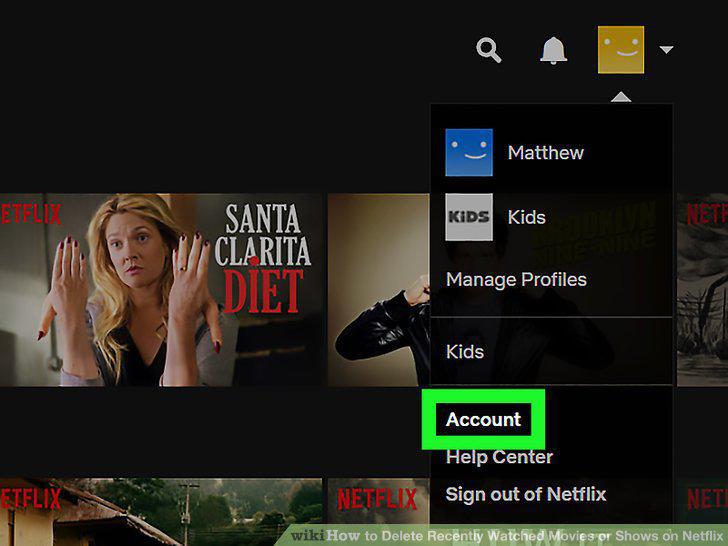
Click Account.
5
Scroll down and click Viewing activity.
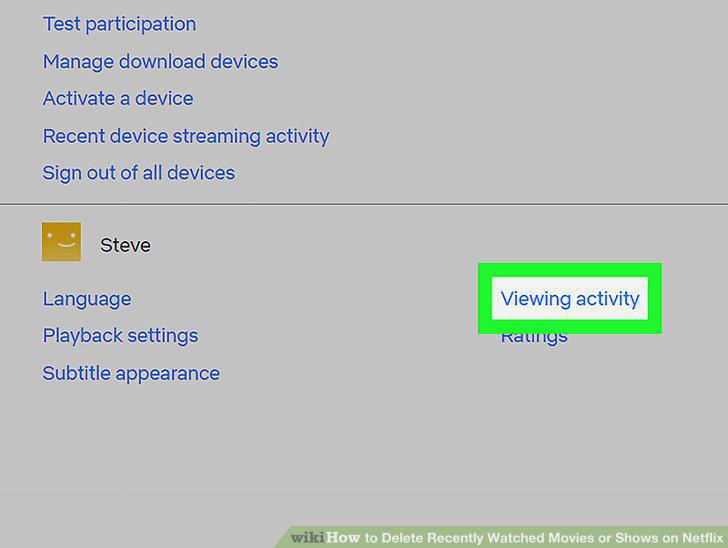
Scroll down and click Viewing activity.
6
Find a movie or episode to remove.
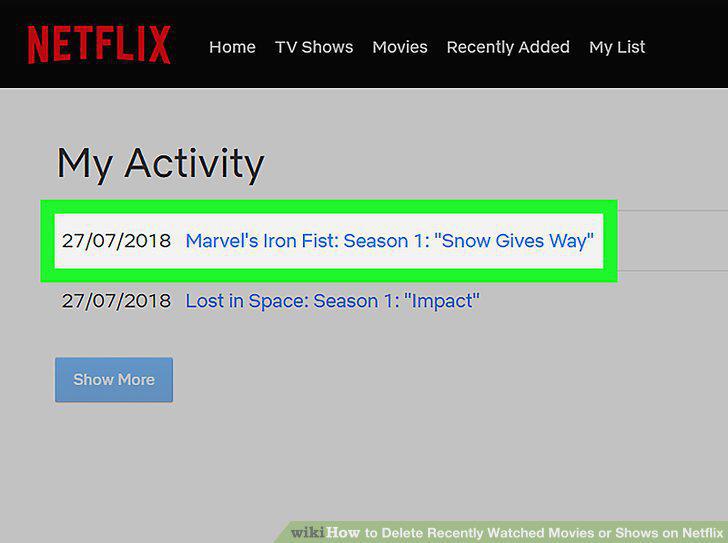
Find a movie or episode to remove.
7
Click the "Remove" icon.
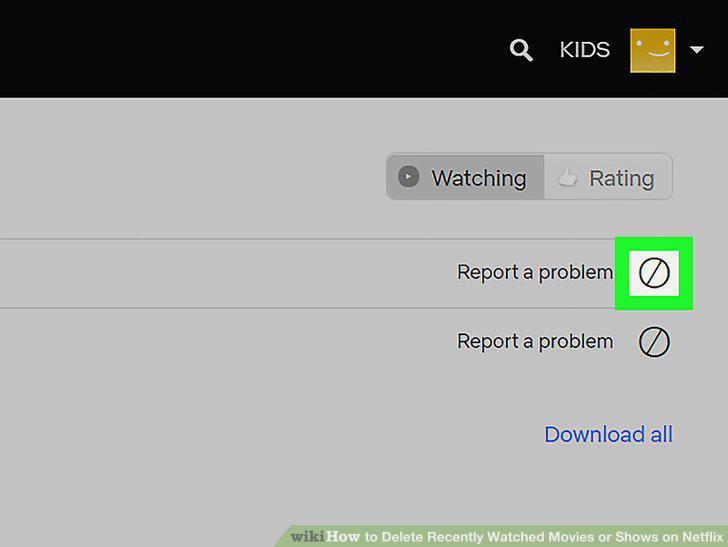
Click the "Remove" icon.
Comments (0)
No comments yet. Be the first to share your thoughts!