How to Use iCloud on iPhone
Click on settings .. Tap on your name at the top of the Settings screen.. Click on iCloud .
Steps
1
Click on settings .
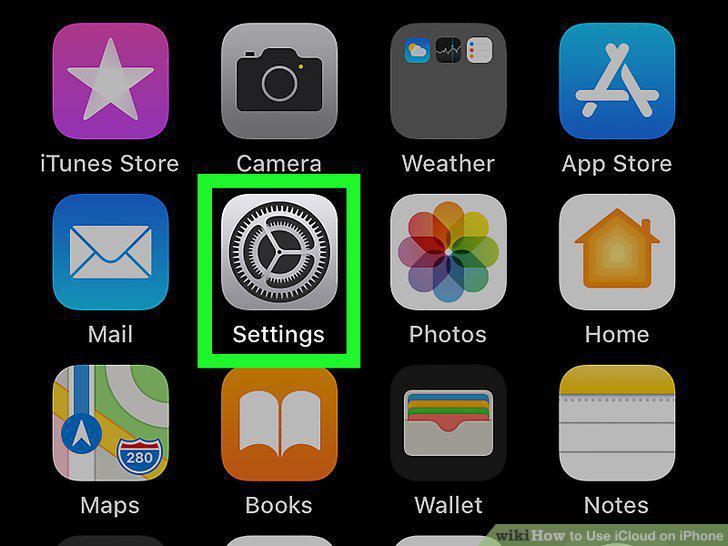
Click on settings .
2
Tap on your name at the top of the Settings screen.
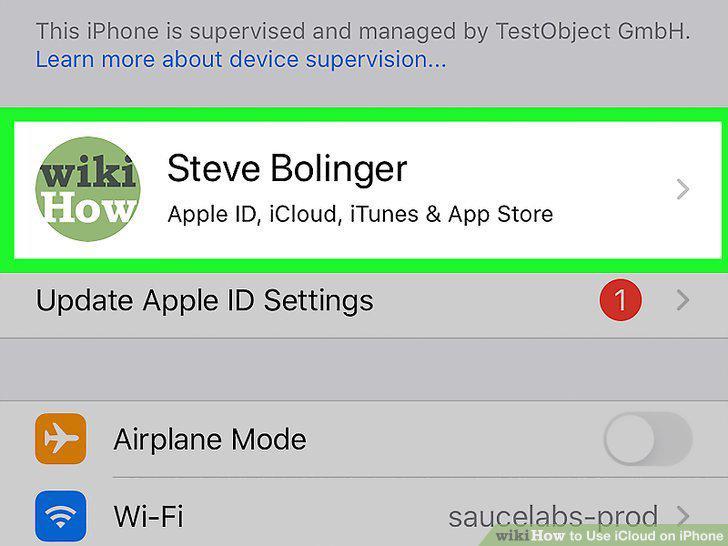
Tap on your name at the top of the Settings screen.
3
Click on iCloud .
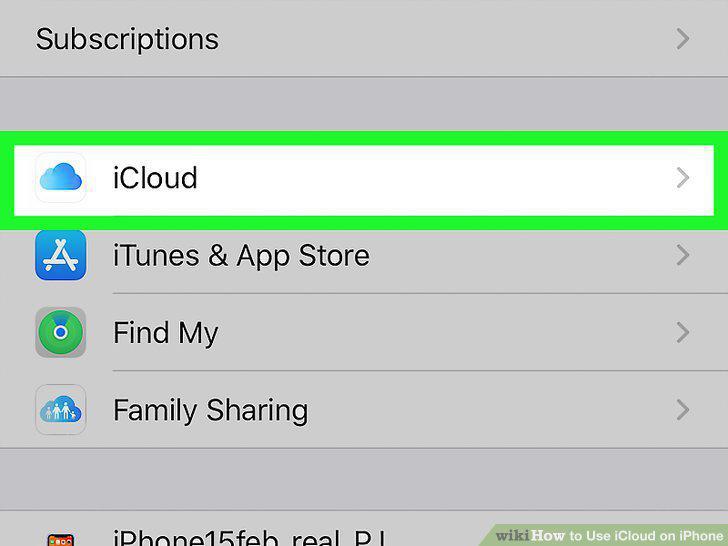
Click on iCloud .
4
Enable the third party apps that you want to configure with iCloud.
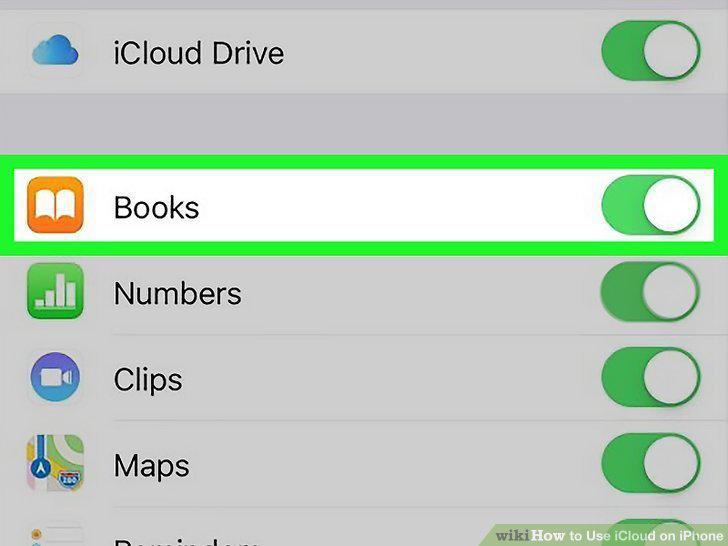
Enable the third party apps that you want to configure with iCloud.
5
Click on settings .
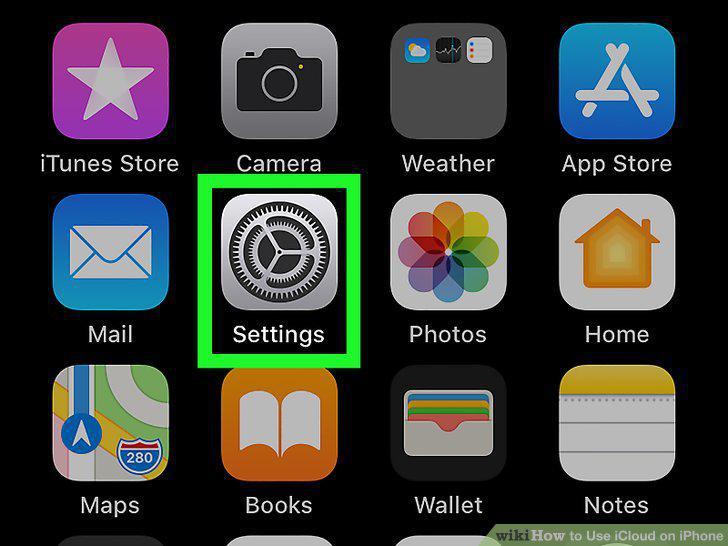
Click on settings .
6
Tap on your name at the top of the Settings screen.
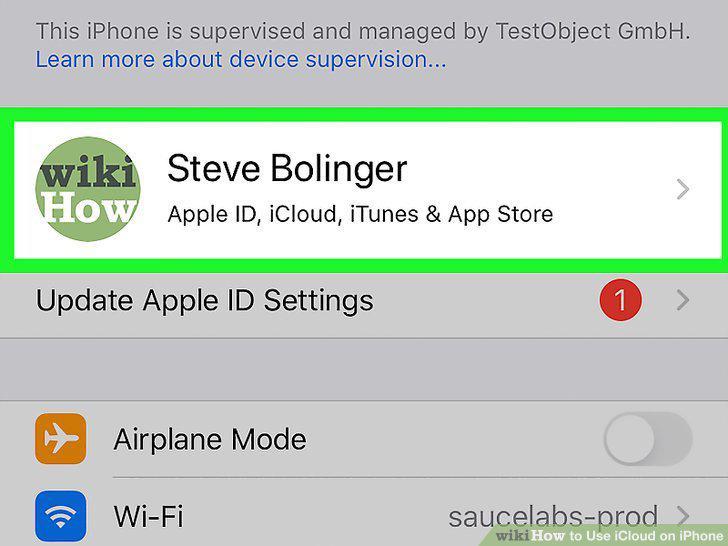
Tap on your name at the top of the Settings screen.
7
Click on iCloud .
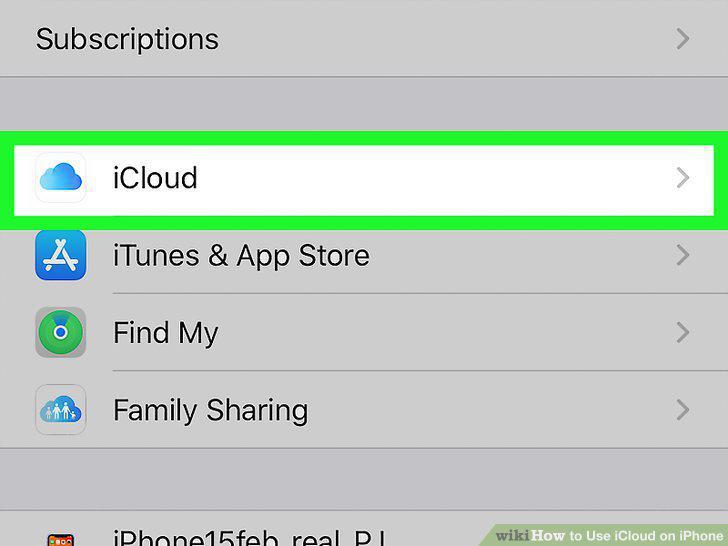
Click on iCloud .
8
Click on Photos.
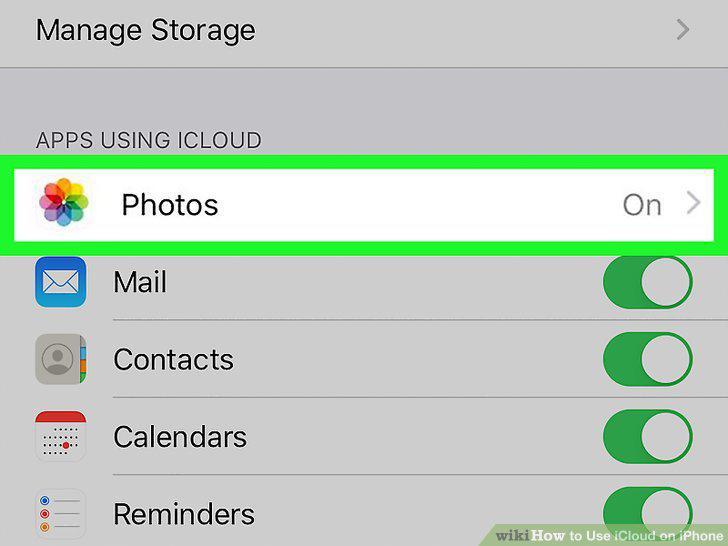
Click on Photos.
9
Tap the green slider to turn on iCloud Photos.
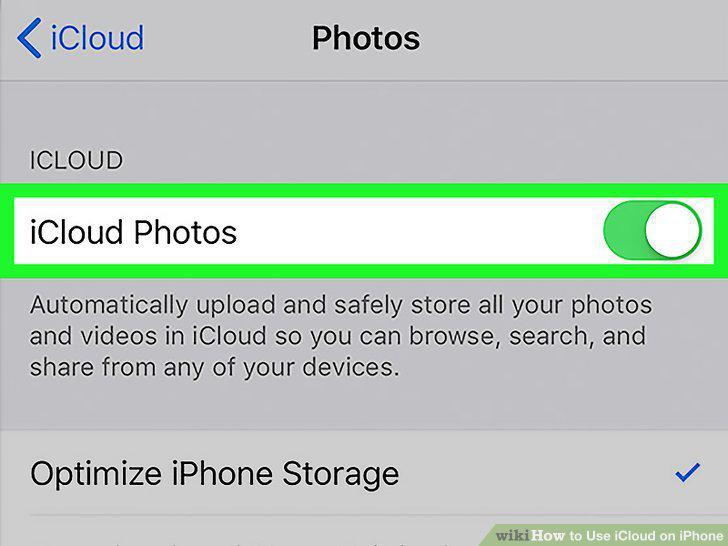
Tap the green slider to turn on iCloud Photos.
Comments (0)
No comments yet. Be the first to share your thoughts!