How to Use Perspective Zoom for Wallpaper on an iPhone
Open your iPhone's Settings.. Scroll down and tap Wallpaper.. Tap Choose New Wallpaper.
Steps
1
Open your iPhone's Settings.
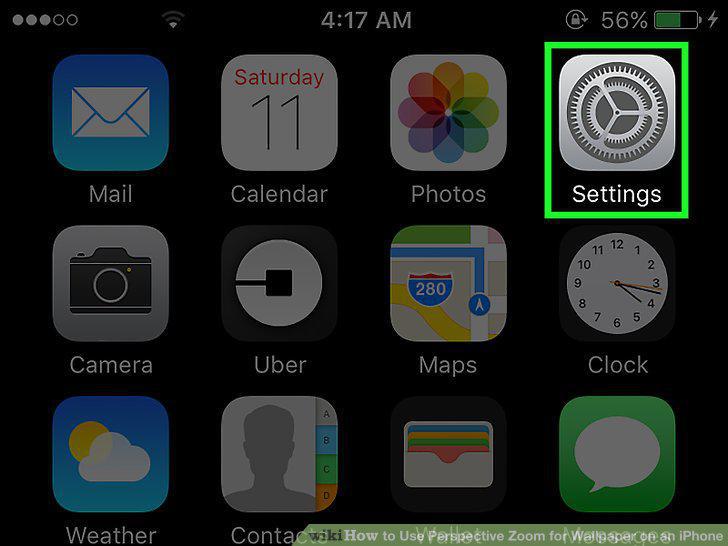
Open your iPhone's Settings.
2
Scroll down and tap Wallpaper.
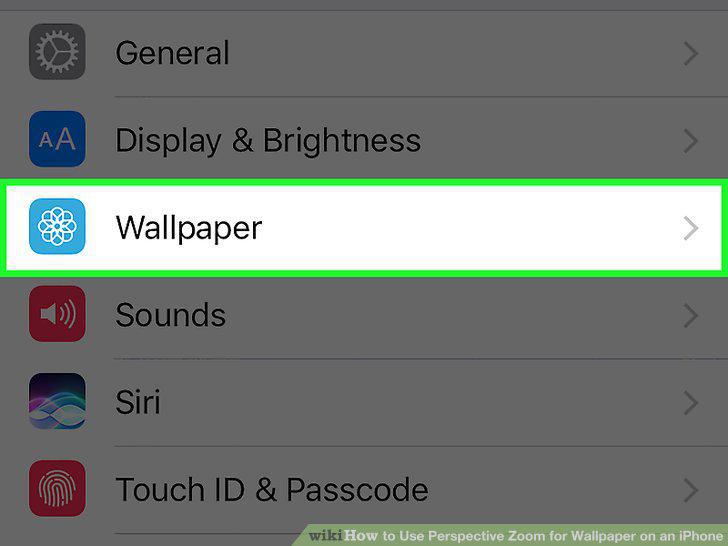
Scroll down and tap Wallpaper.
3
Tap Choose New Wallpaper.
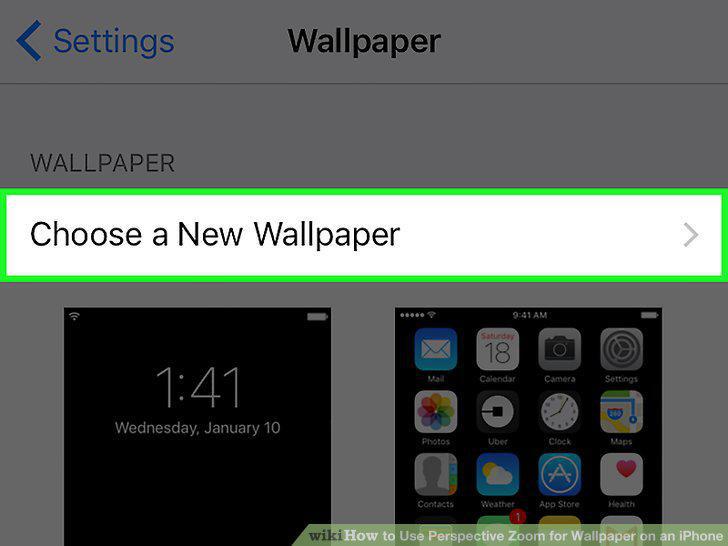
Tap Choose New Wallpaper.
4
Select a photo album.
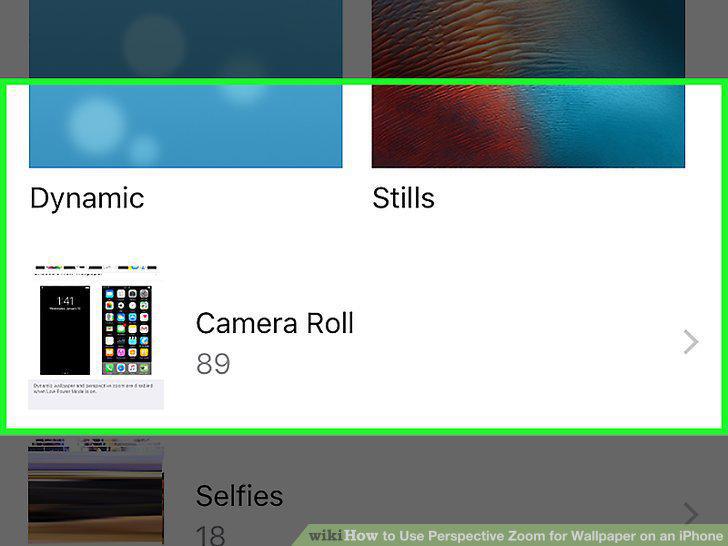
Select a photo album.
5
Select a wallpaper photo.
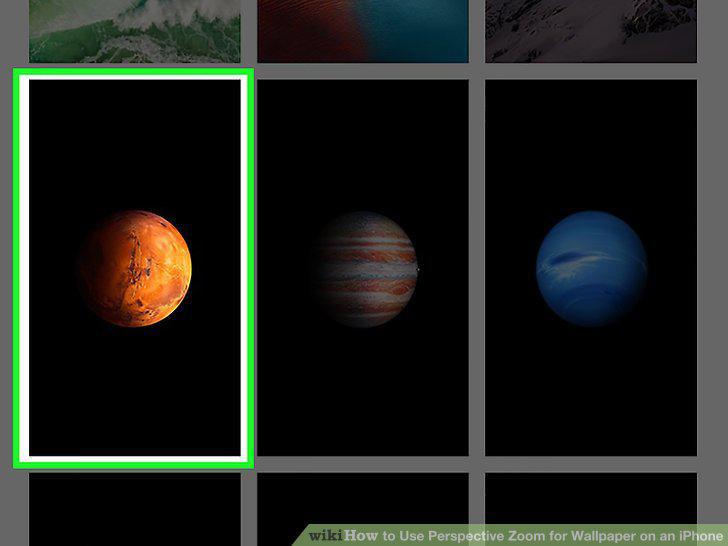
Select a wallpaper photo.
6
Tap Perspective.
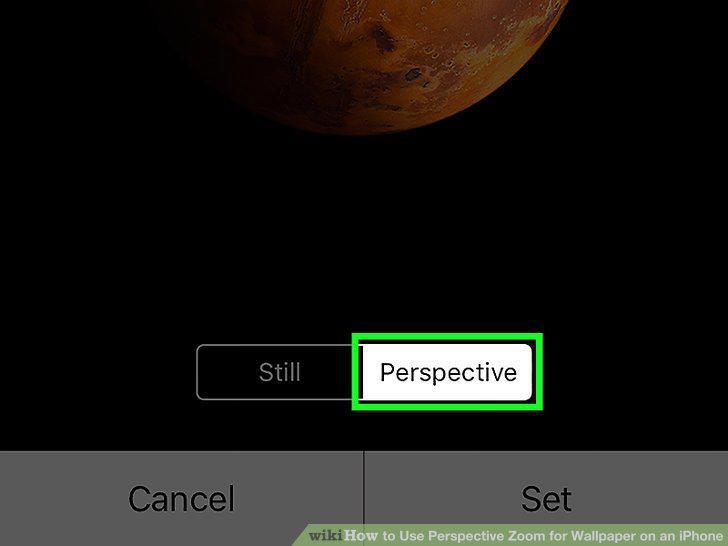
Tap Perspective.
7
Tap Set.
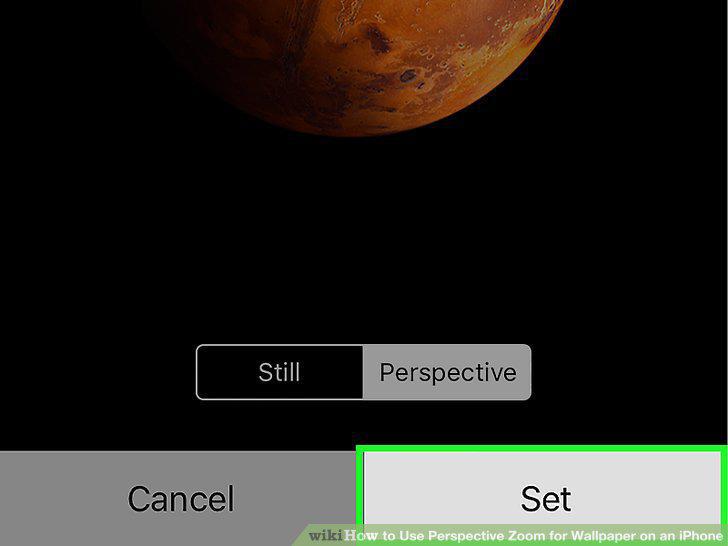
Tap Set.
8
Select a wallpaper screen.
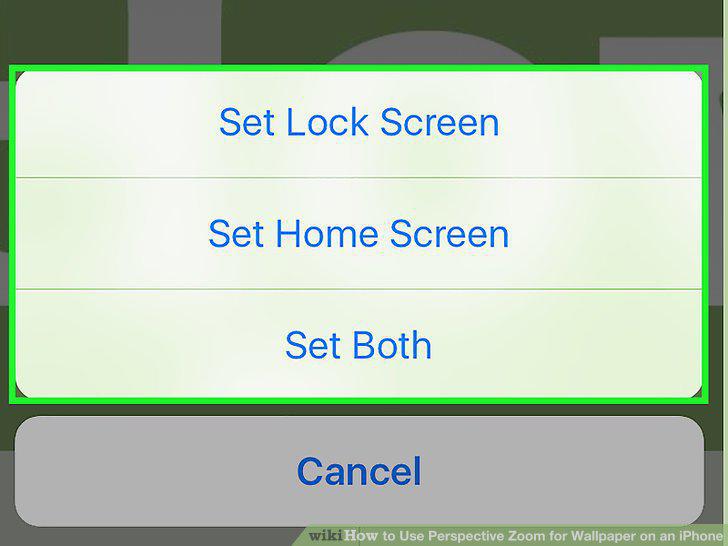
Select a wallpaper screen.
Comments (0)
No comments yet. Be the first to share your thoughts!