How to Turn on Flash on Snapchat
Open the Snapchat app.. Tap the lightning bolt icon.. Tap the large circle at the bottom of the screen.
Steps
1
Open the Snapchat app.
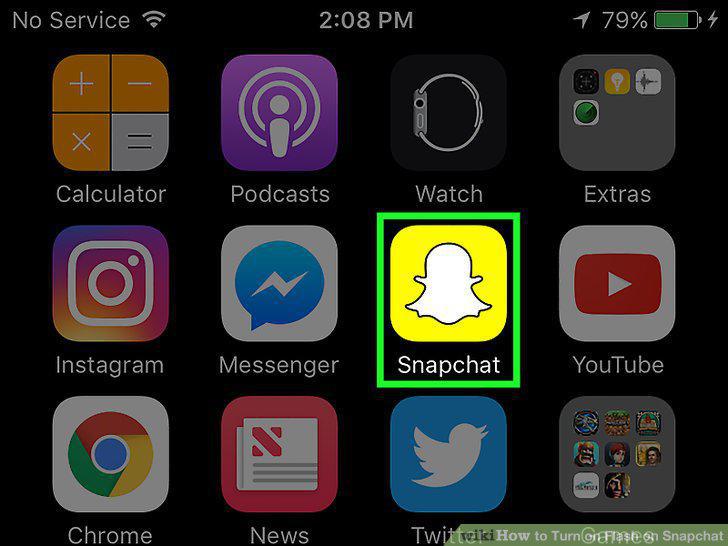
Open the Snapchat app.
2
Tap the lightning bolt icon.
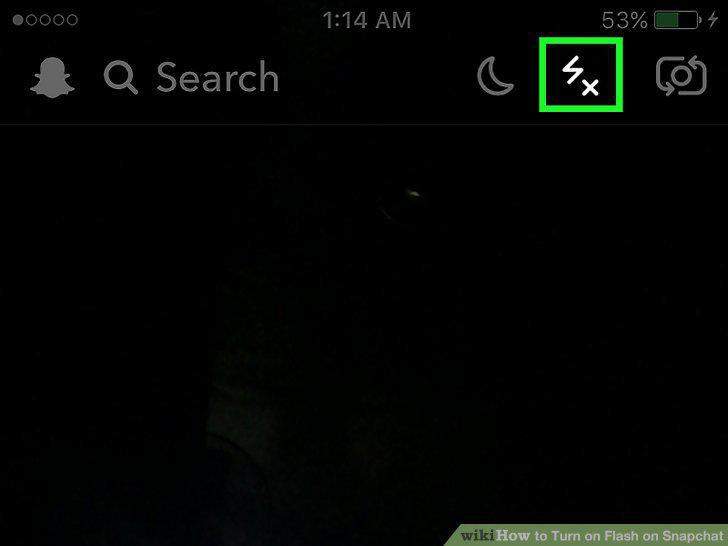
Tap the lightning bolt icon.
3
Tap the large circle at the bottom of the screen.
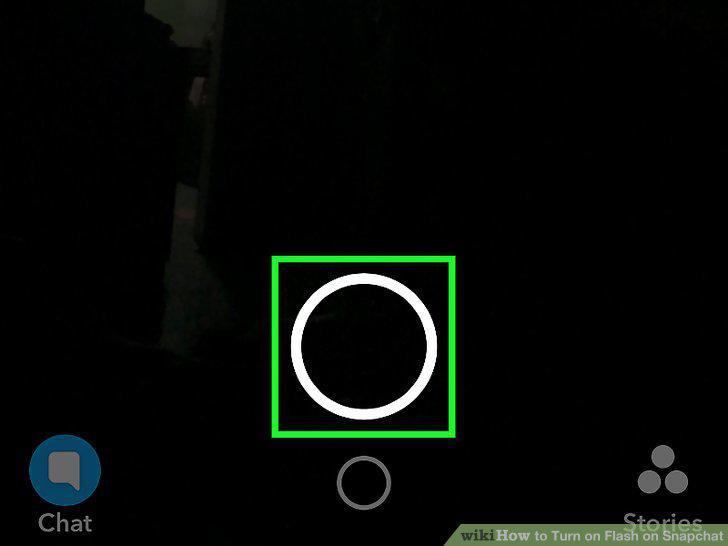
Tap the large circle at the bottom of the screen.
Comments (0)
No comments yet. Be the first to share your thoughts!