How to Send Mass Emails
Research mailing list services that meet your needs.. Sign up for a mailing list service.. Create your list.
Steps
1
Research mailing list services that meet your needs.
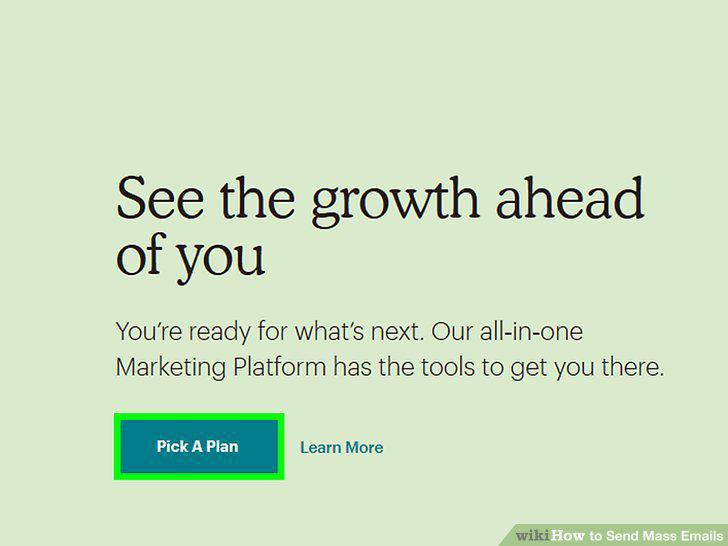
Research mailing list services that meet your needs.
2
Sign up for a mailing list service.
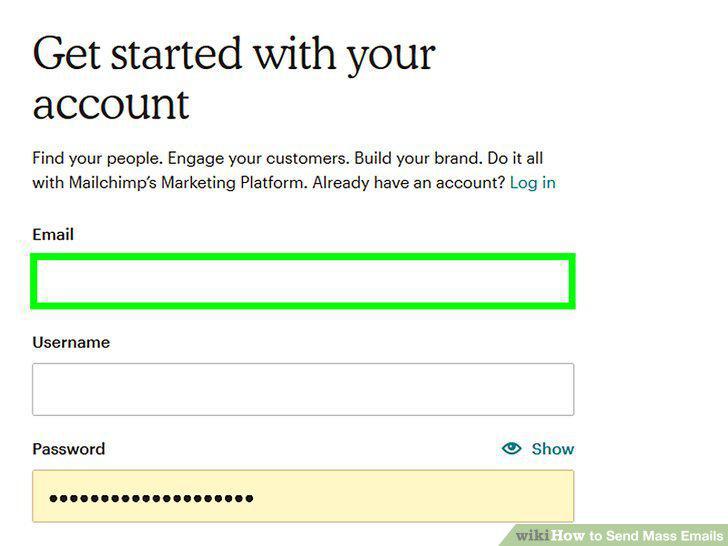
Sign up for a mailing list service.
3
Create your list.
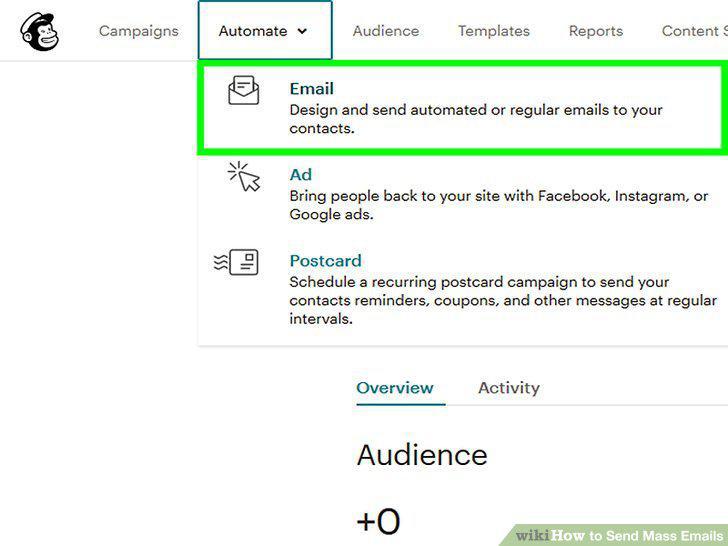
Create your list.
4
Create your first mass email.
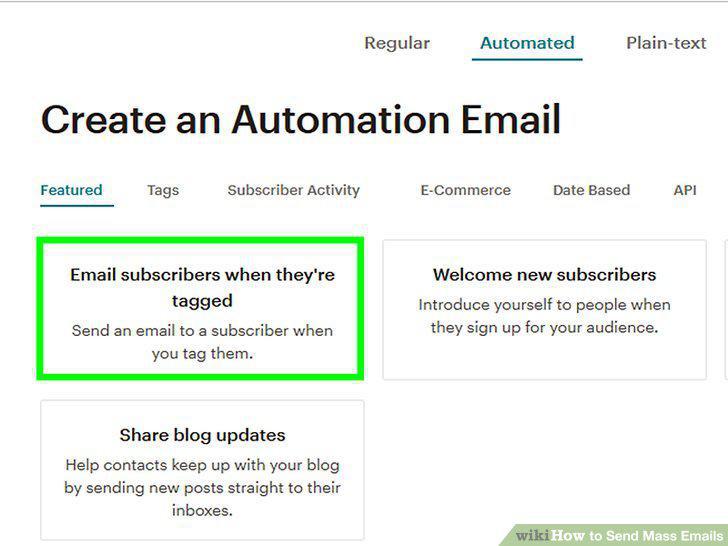
Create your first mass email.
5
Send your message.
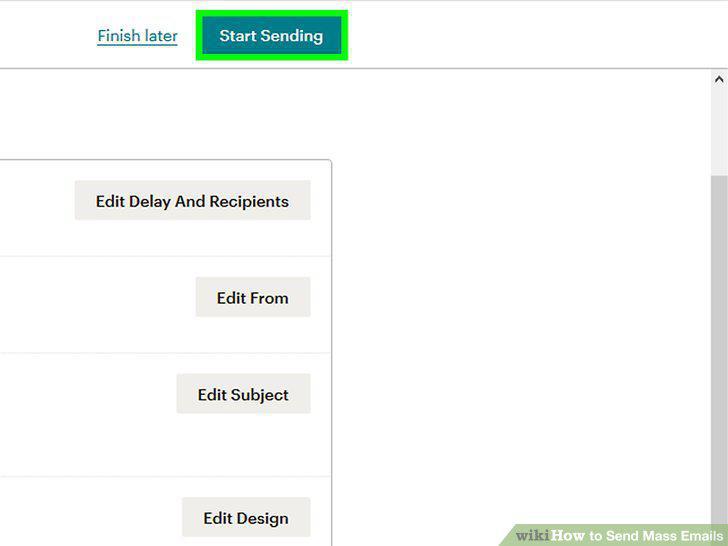
Send your message.
6
Obtain a list of email addresses.
Obtain a list of email addresses.
7
Create a new email message.
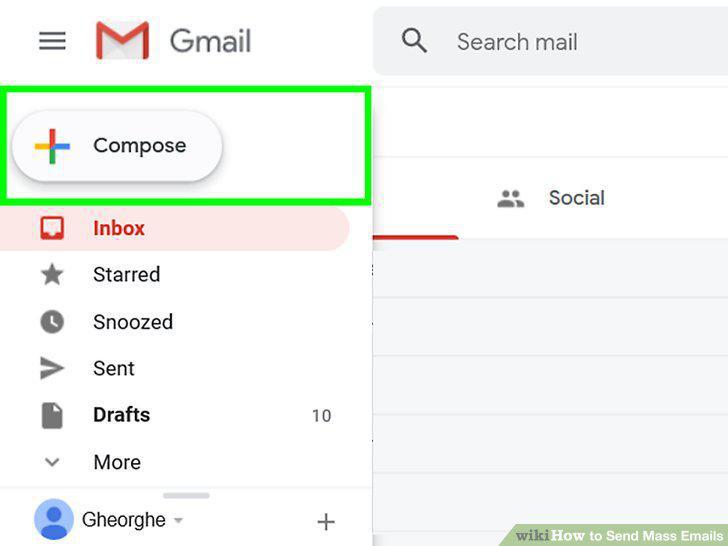
Create a new email message.
8
Enter your own email address into the "To" field.
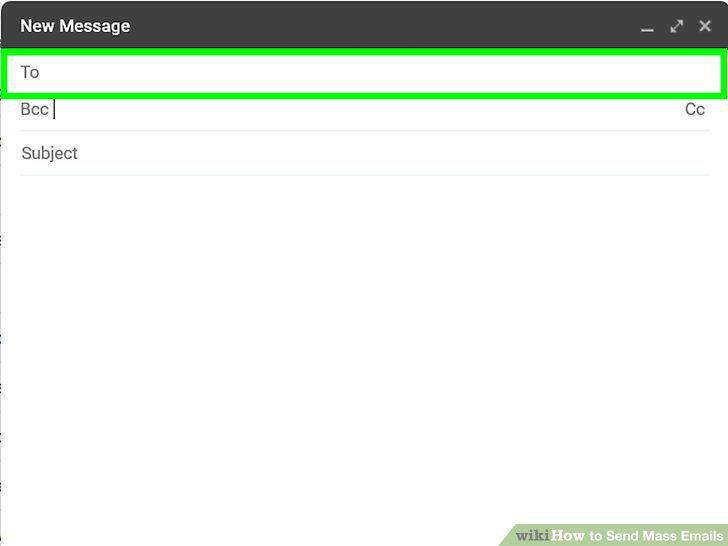
Enter your own email address into the "To" field.
9
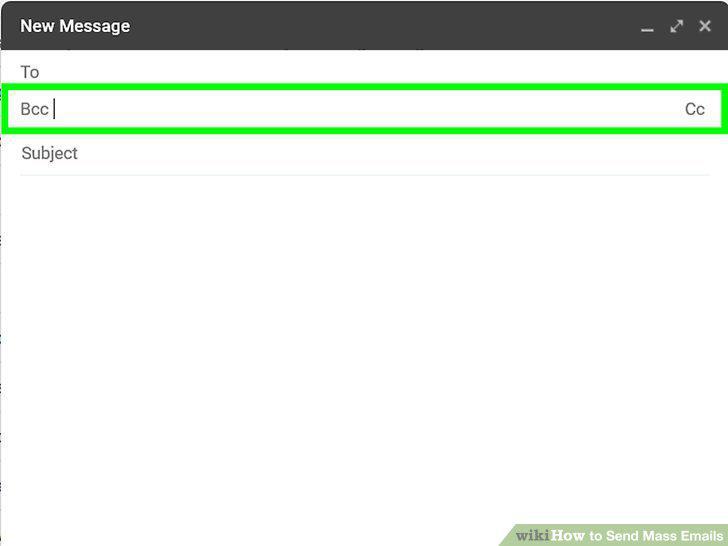
Click the BCC field.
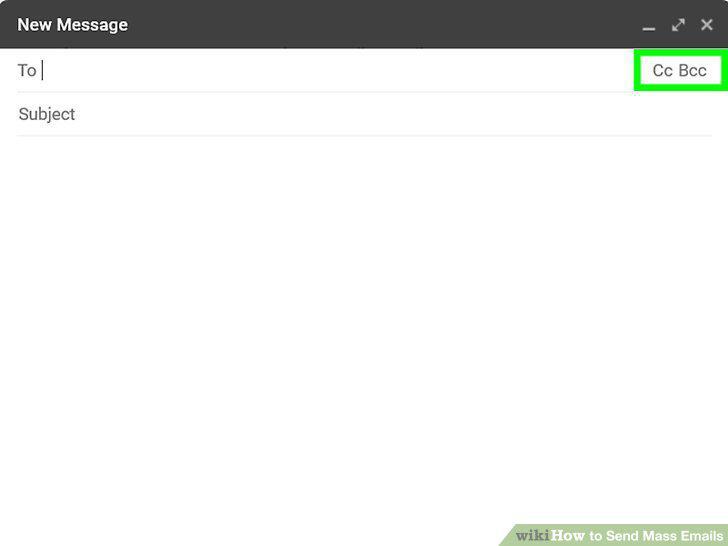
Click the BCC field.
10
Enter the email addresses into the BCC field.
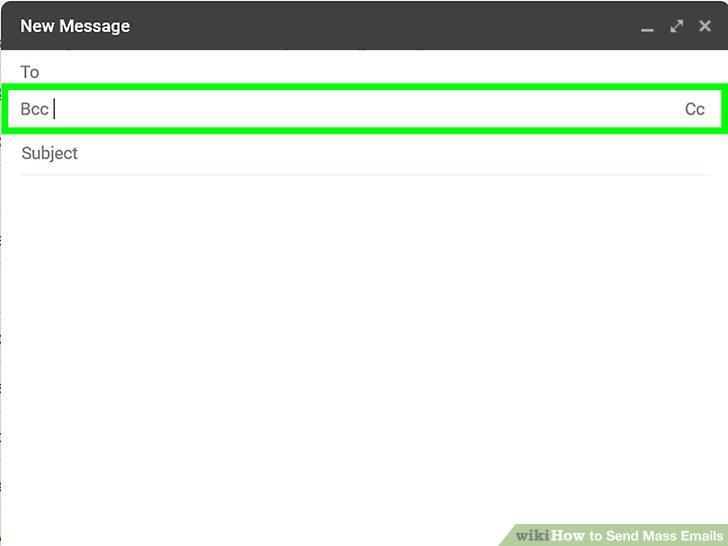
Enter the email addresses into the BCC field.
11
Type your subject and message body.
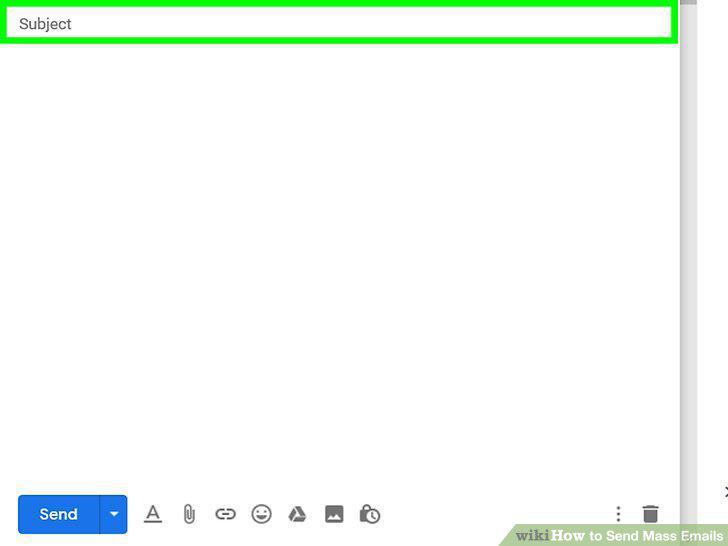
Type your subject and message body.
12
Click the Send button.
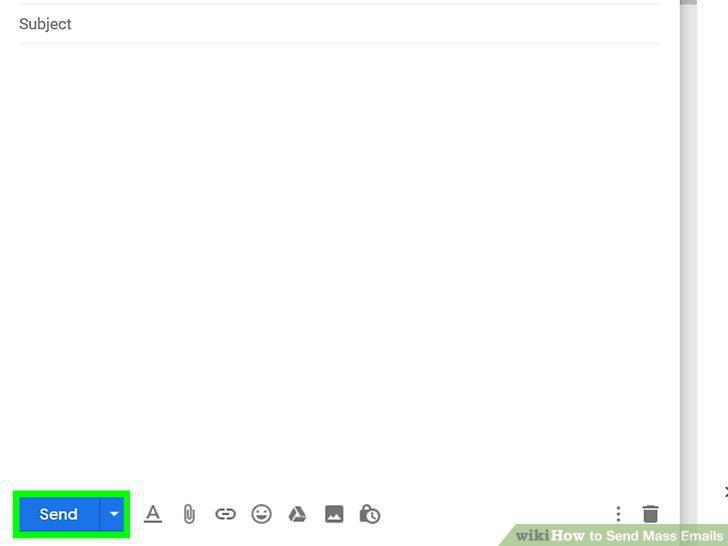
Click the Send button.
Comments (0)
No comments yet. Be the first to share your thoughts!