How to Report a Lyft Driver
Open the Lyft app and tap the menu icon in the upper left corner.. Choose the "Ride History" option from the menu.. Select the ride that was driven by the driver you wish to report.
Steps
Open the Lyft app and tap the menu icon in the upper left corner.
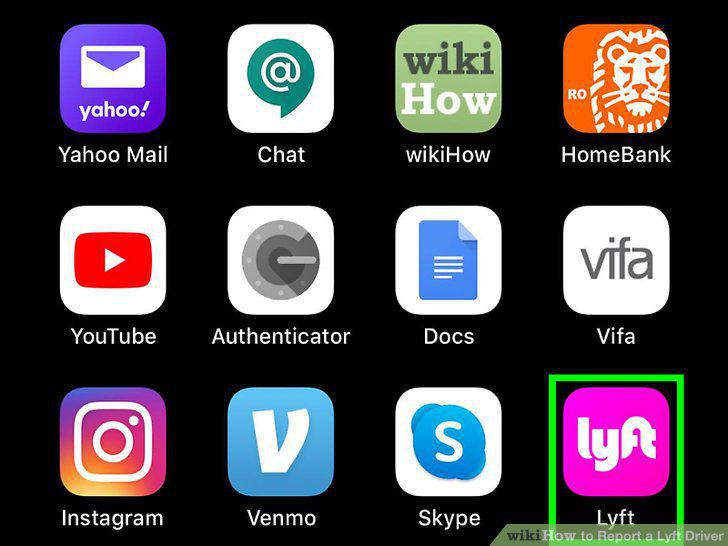
Open the Lyft app and tap the menu icon in the upper left corner.
Choose the "Ride History" option from the menu.
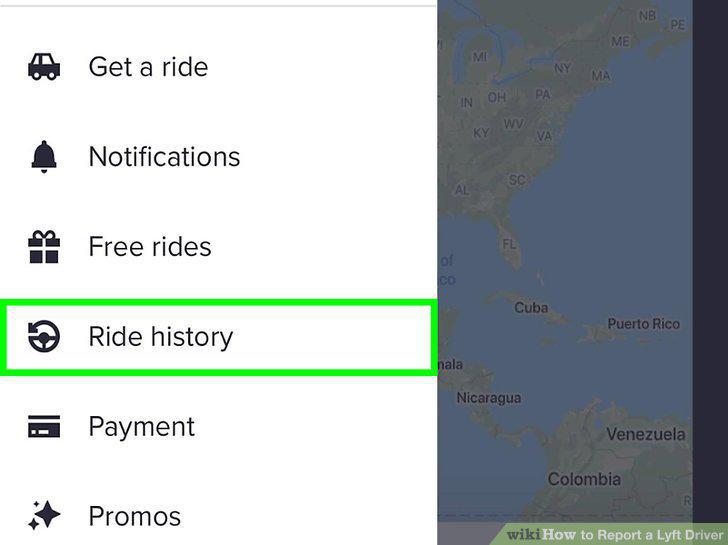
Choose the "Ride History" option from the menu.
Select the ride that was driven by the driver you wish to report.
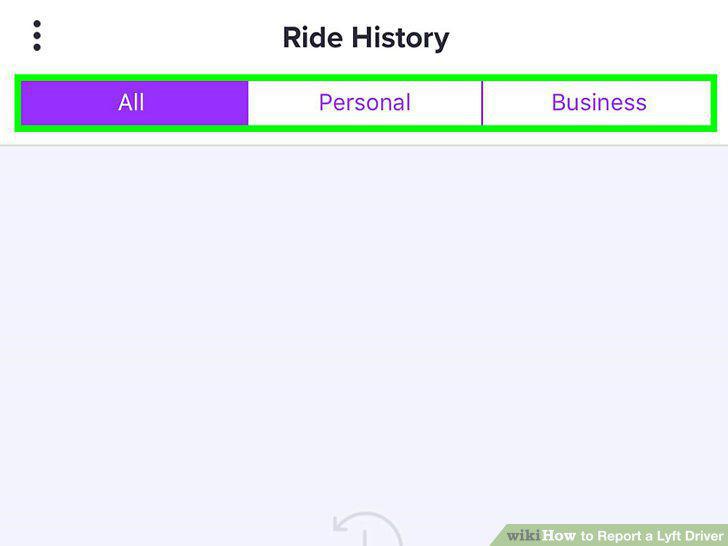
Select the ride that was driven by the driver you wish to report.
Tap the "Get help" ("Request Review" on Android devices) option.
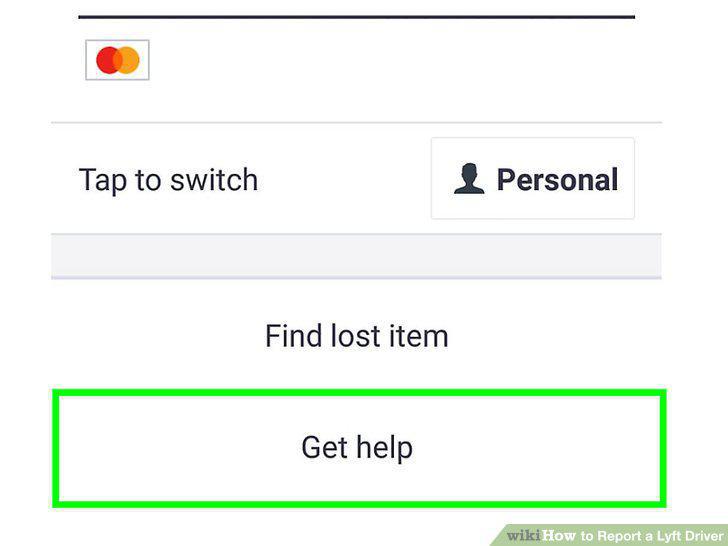
Tap the "Get help" ("Request Review" on Android devices) option.
Choose the reporting option that best matches your issue.
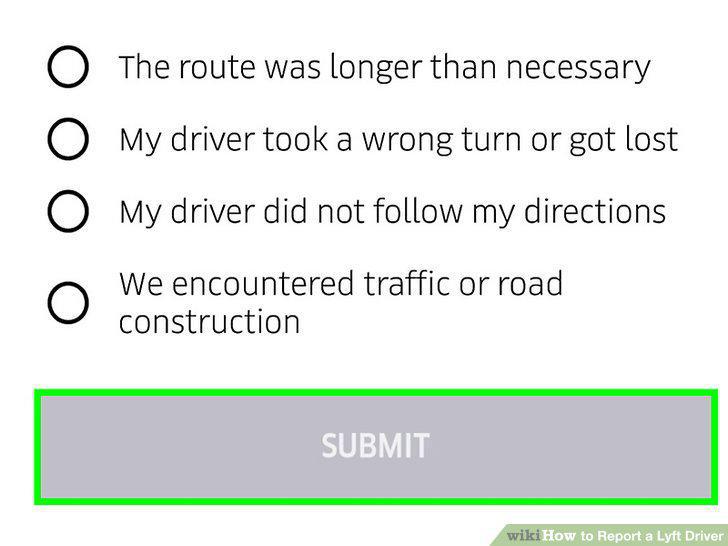
Choose the reporting option that best matches your issue.
Go to the "Submit a Request" page on Lyft's website.
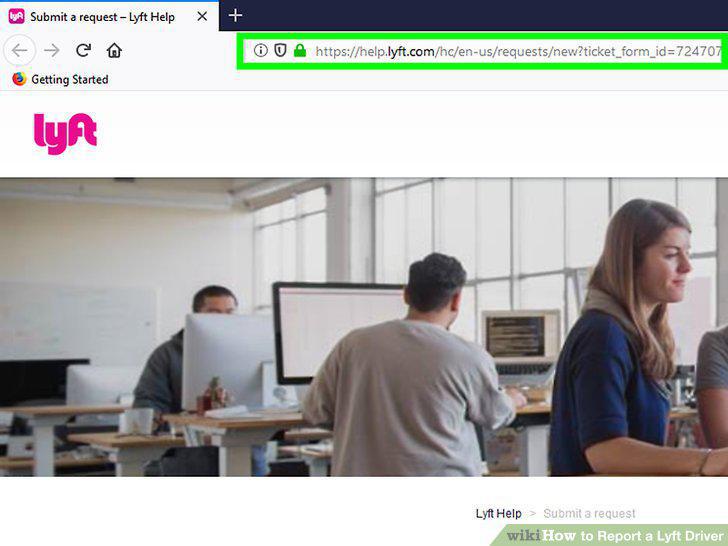
Go to the "Submit a Request" page on Lyft's website.
Fill in the required contact and request information about yourself.
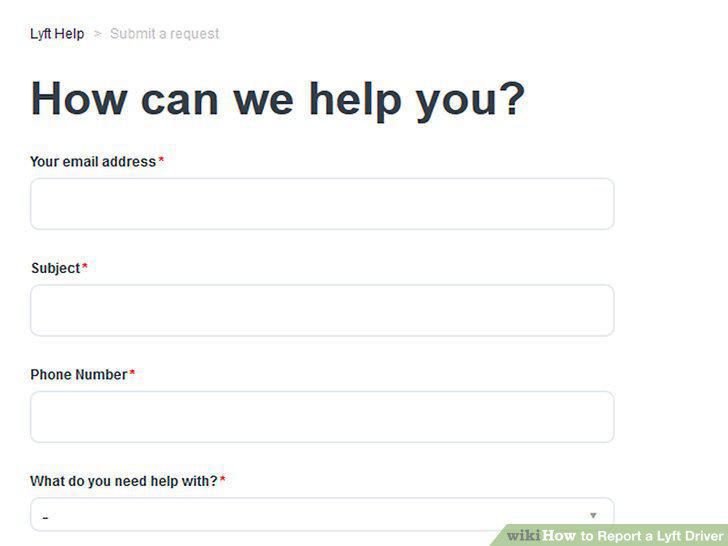
Fill in the required contact and request information about yourself.
Follow the "What do you need help with?
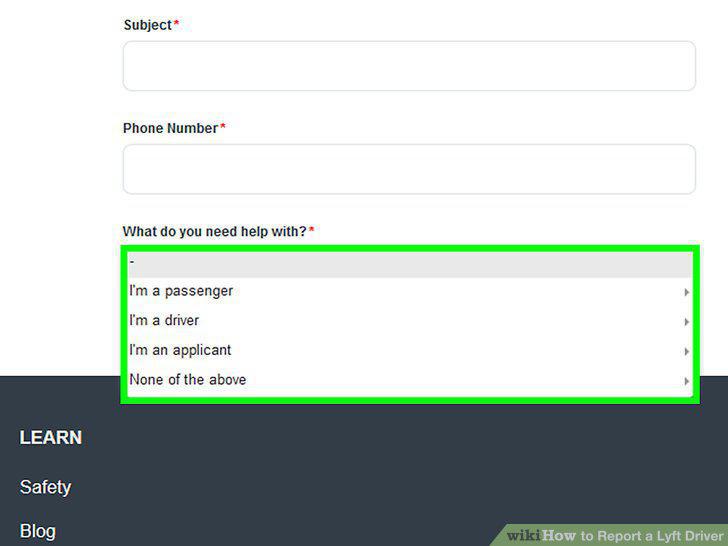
Follow the "What do you need help with?
Choose "I am a passenger" in the drop-down menu.
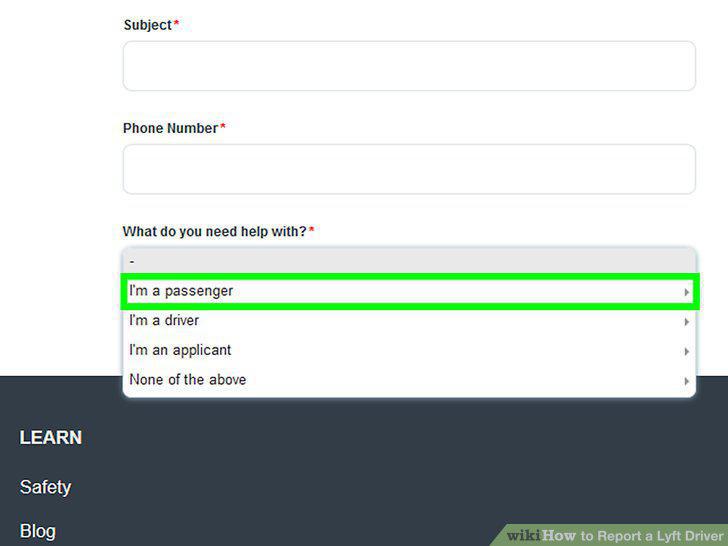
Choose "I am a passenger" in the drop-down menu.
Choose "Something happened during my ride" in the menu.
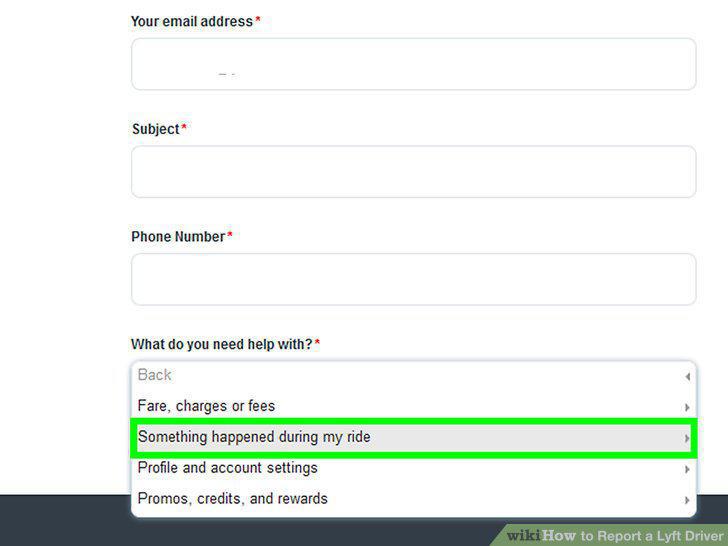
Choose "Something happened during my ride" in the menu.
Choose the option "Feedback on driver" from the drop-down menu.
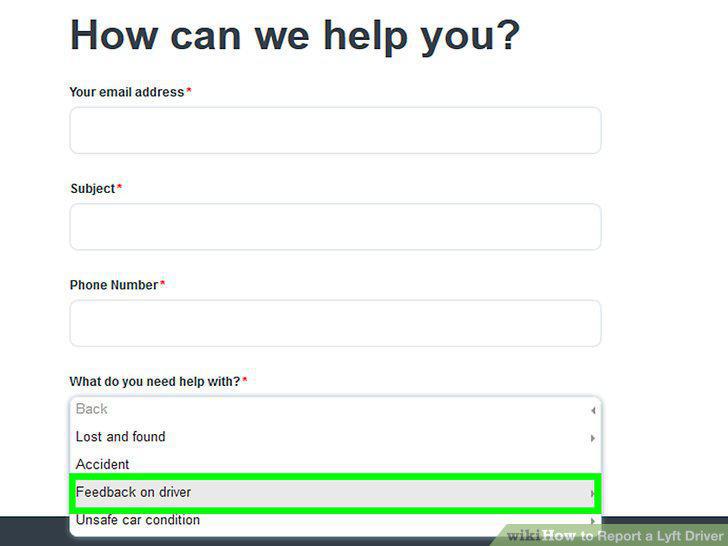
Choose the option "Feedback on driver" from the drop-down menu.
Choose a contact method and submit the report.
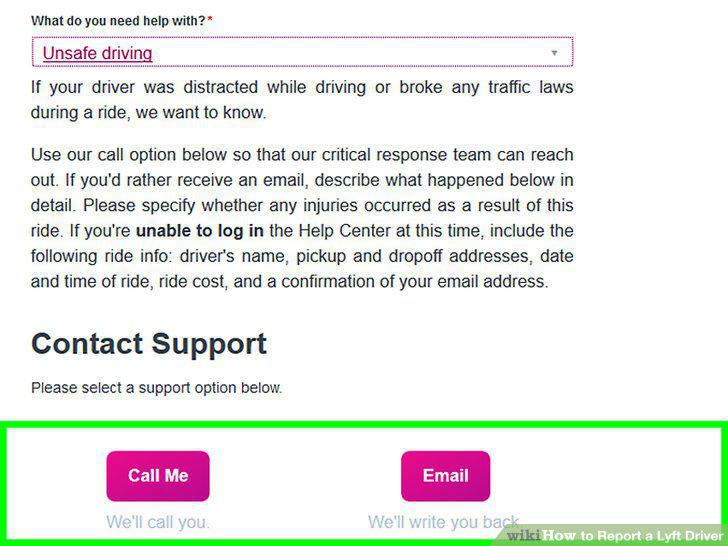
Choose a contact method and submit the report.
Comments (0)
No comments yet. Be the first to share your thoughts!