How to Open Your Port 80 Behind a Firewall
Find your router's IP address.. Go to your router's settings page.. Enter your username and password if prompted.
Steps
1
Find your router's IP address.
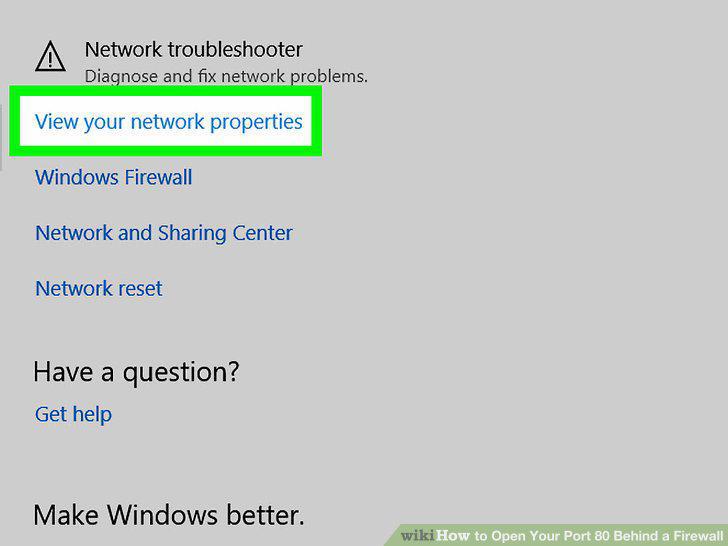
Find your router's IP address.
2
Go to your router's settings page.
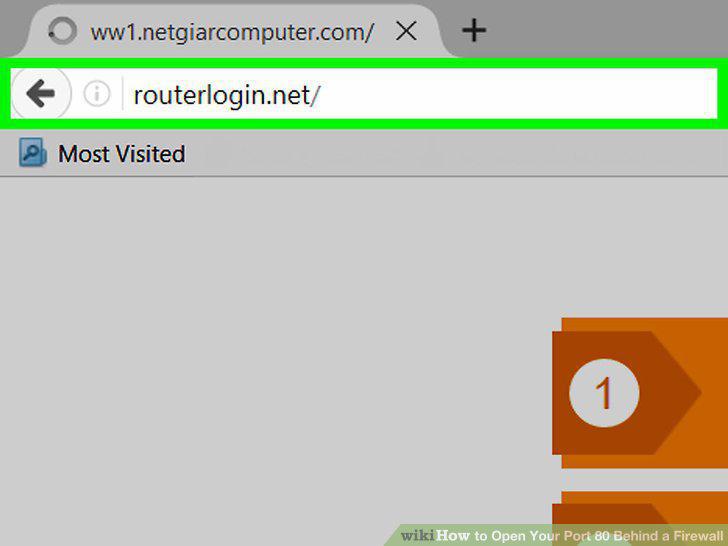
Go to your router's settings page.
3
Enter your username and password if prompted.
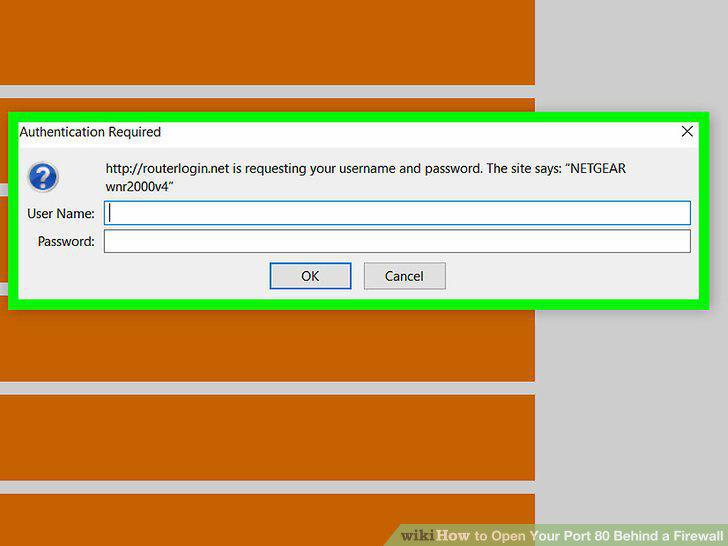
Enter your username and password if prompted.
4
Find the "Port Forwarding" section.
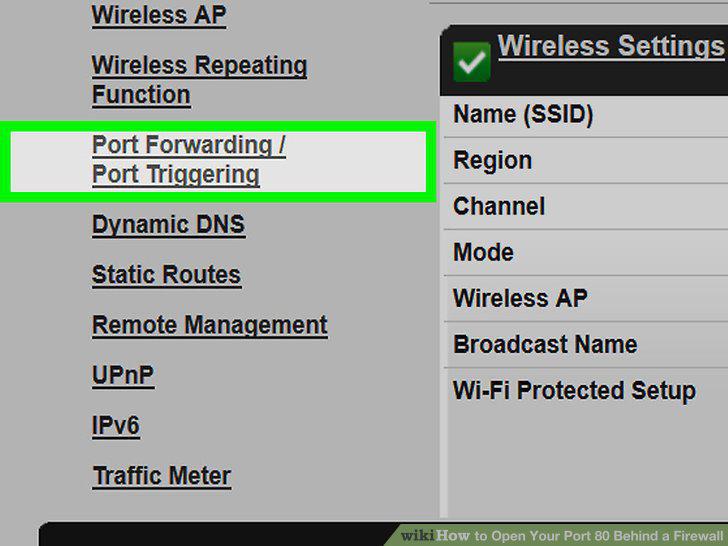
Find the "Port Forwarding" section.
5
Fill out the port forwarding form.
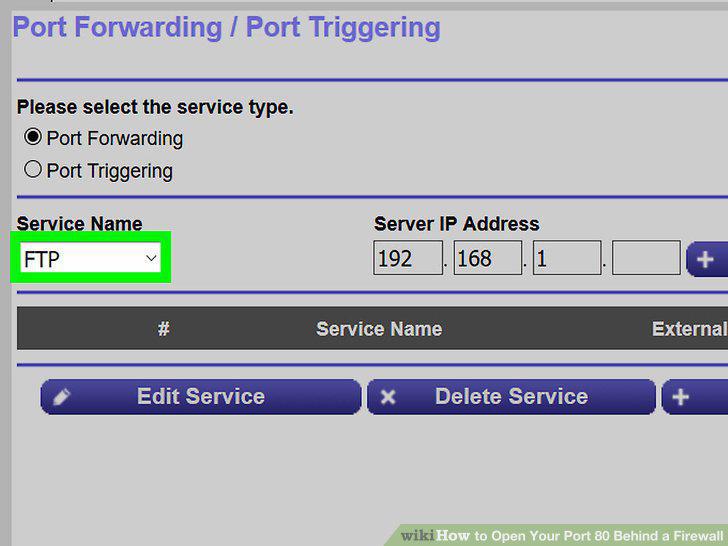
Fill out the port forwarding form.
6
Enter your computer's private IP address.
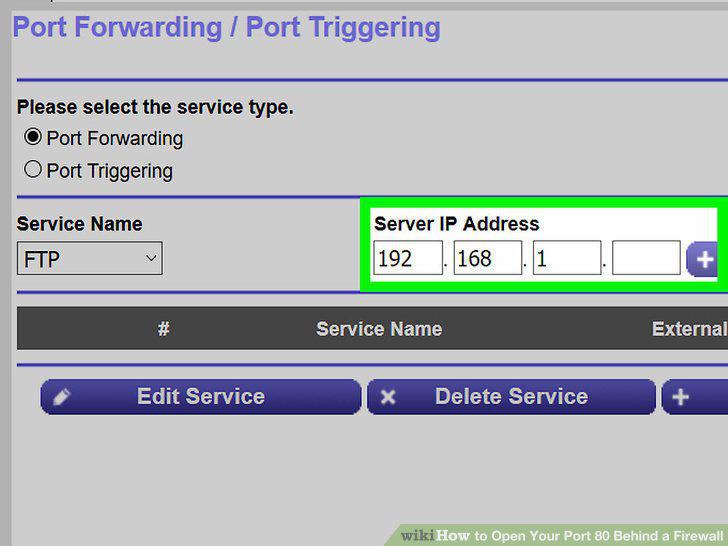
Enter your computer's private IP address.
7
Open port 80.
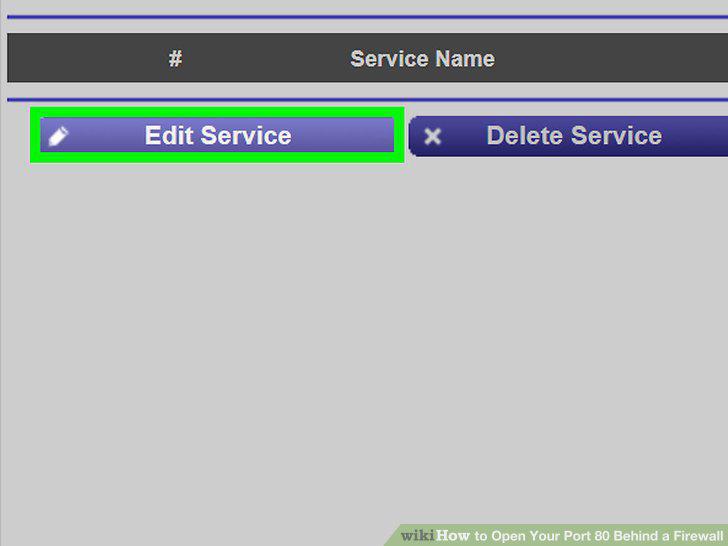
Open port 80.
8
Save your settings.
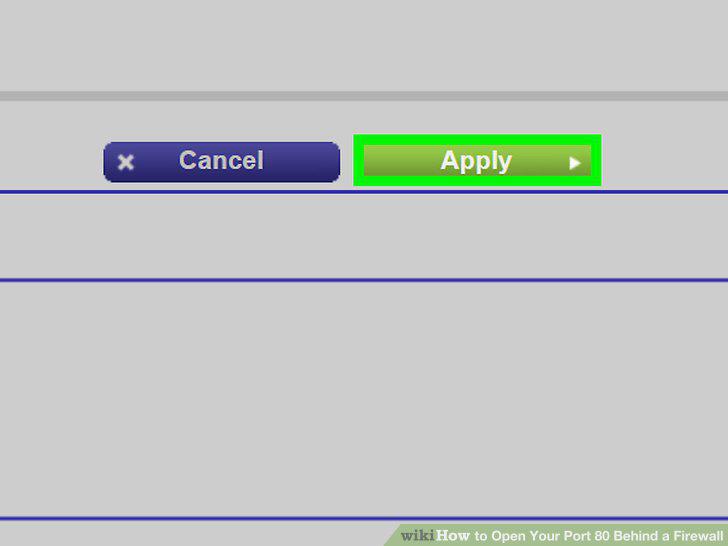
Save your settings.
Comments (0)
No comments yet. Be the first to share your thoughts!