How to View Profile Pictures on Instagram
Launch a browser on your computer.. Search for the user whose profile picture you wish to view.. View the full-size profile picture.
Steps
1
Launch a browser on your computer.
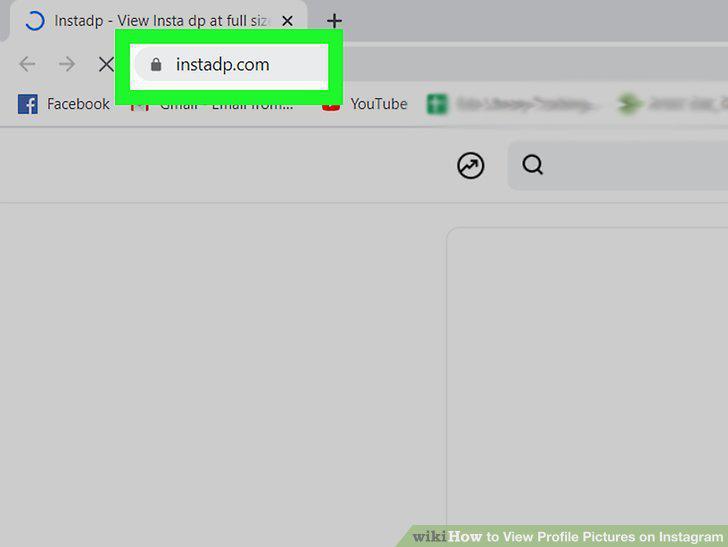
Launch a browser on your computer.
2
Search for the user whose profile picture you wish to view.

Search for the user whose profile picture you wish to view.
3
View the full-size profile picture.
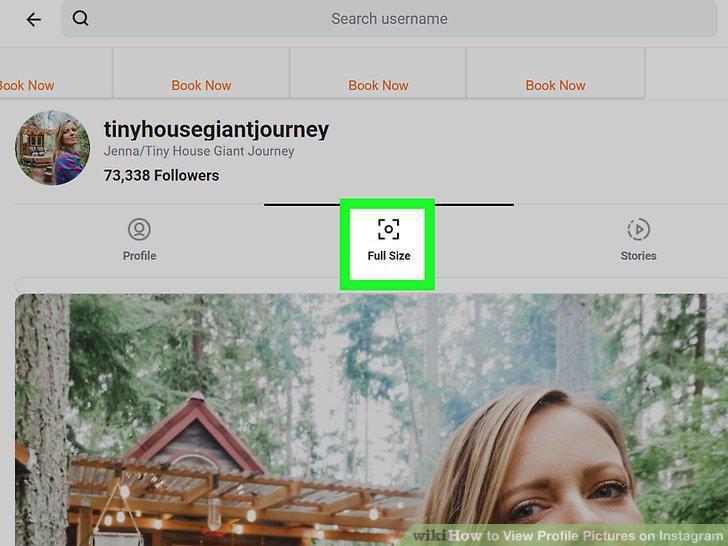
View the full-size profile picture.
4
Open the app store on your phone.
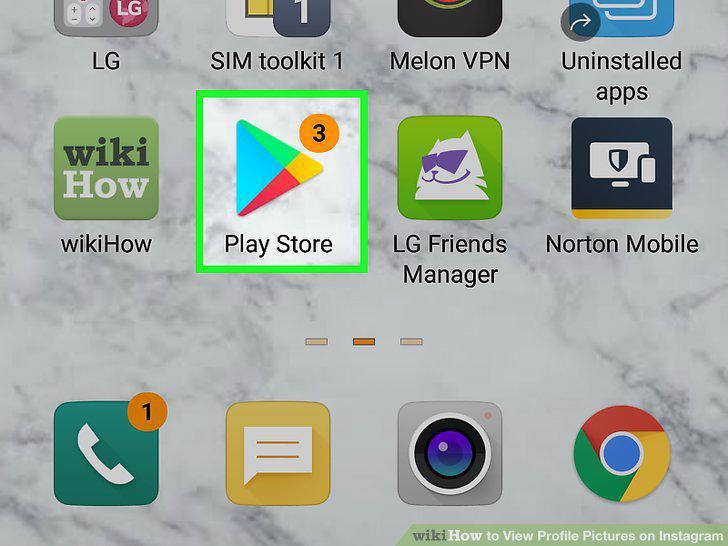
Open the app store on your phone.
5
Search for an Instagram profile pic viewer app.
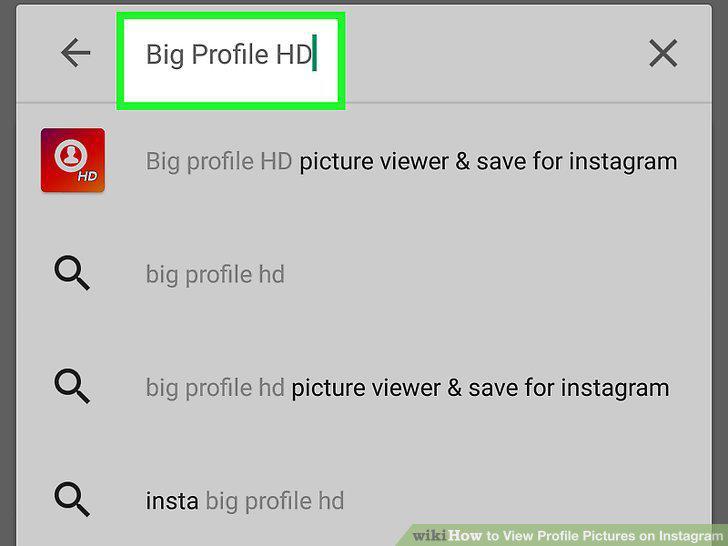
Search for an Instagram profile pic viewer app.
6
Download the app.
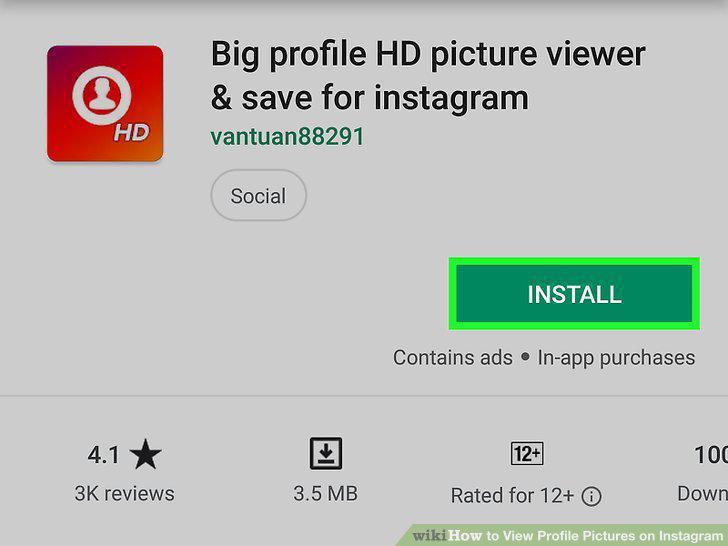
Download the app.
7
Use the app.
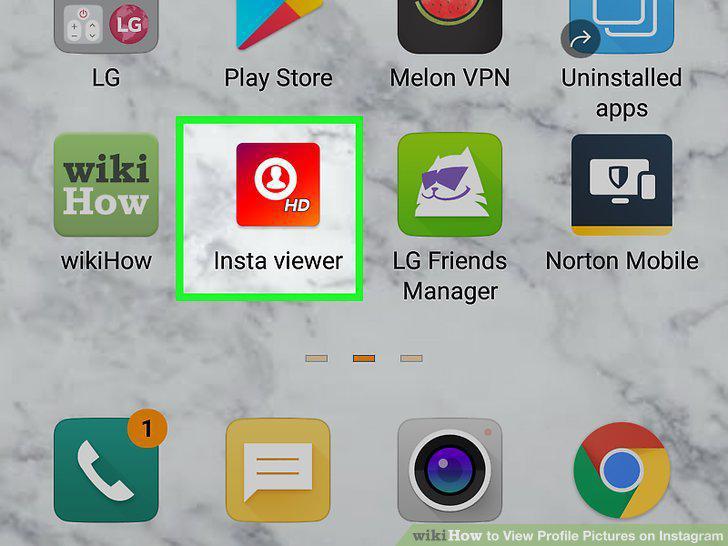
Use the app.
Comments (0)
No comments yet. Be the first to share your thoughts!