How to Make an Account in Growtopia
Open Growtopia on your computer, phone, or tablet.. Select Play Online.. Slide the age bar at the top to select your age.
Steps
1
Open Growtopia on your computer, phone, or tablet.
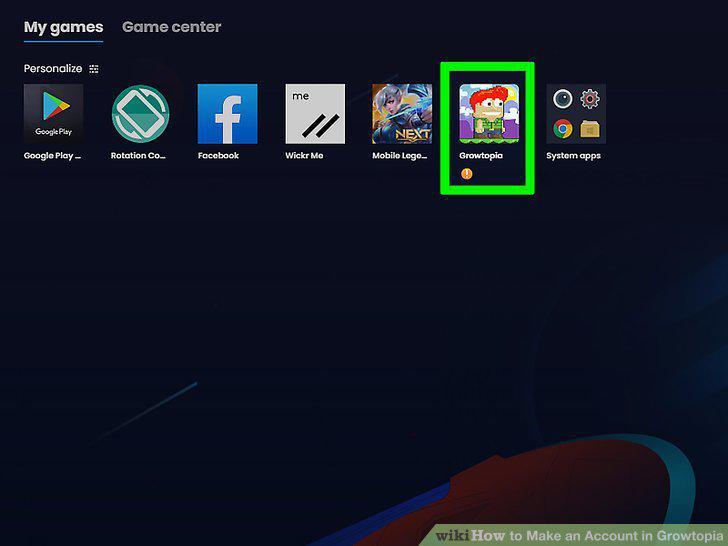
Open Growtopia on your computer, phone, or tablet.
2
Select Play Online.
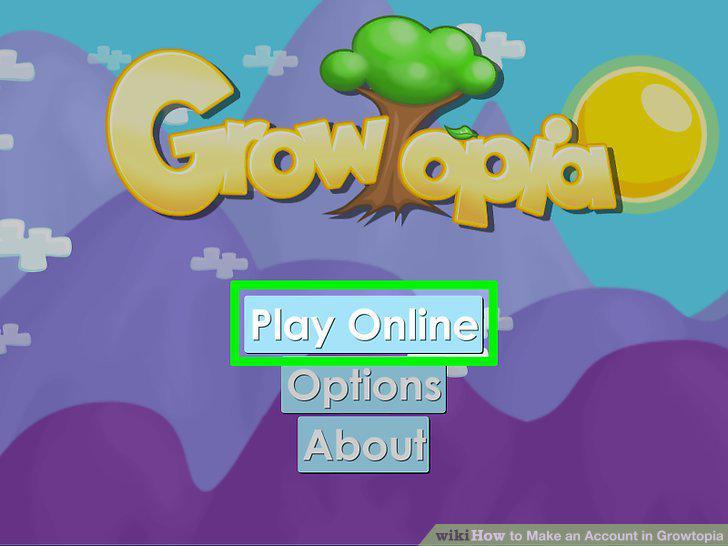
Select Play Online.
3
Slide the age bar at the top to select your age.
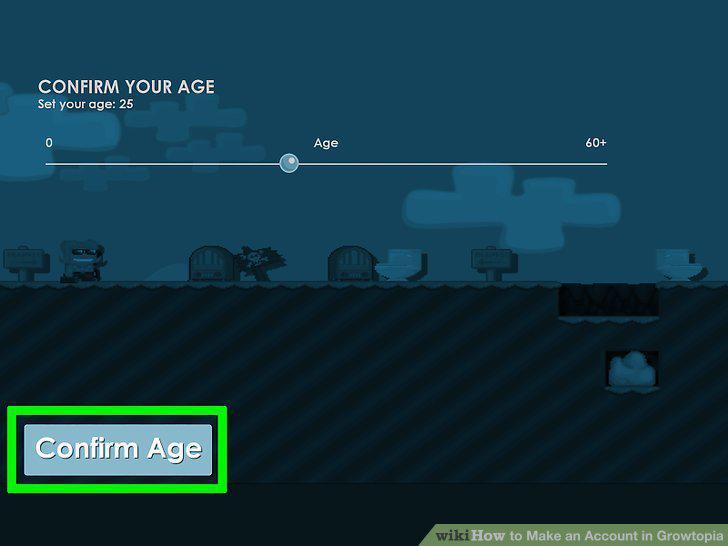
Slide the age bar at the top to select your age.
4
Click or tap Accept.
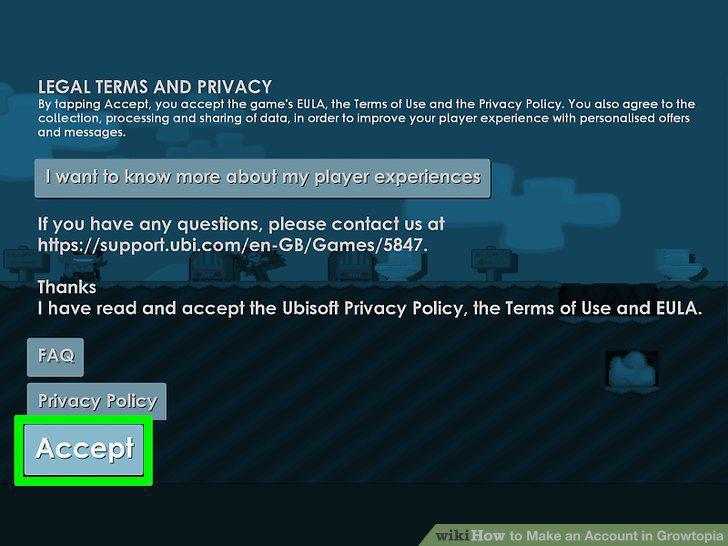
Click or tap Accept.
5
Read the rules and select Continue.
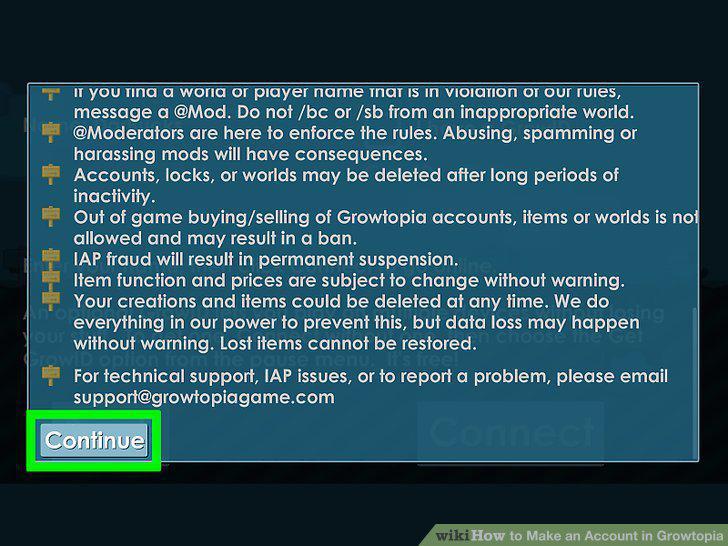
Read the rules and select Continue.
6
Click or tap Connect.
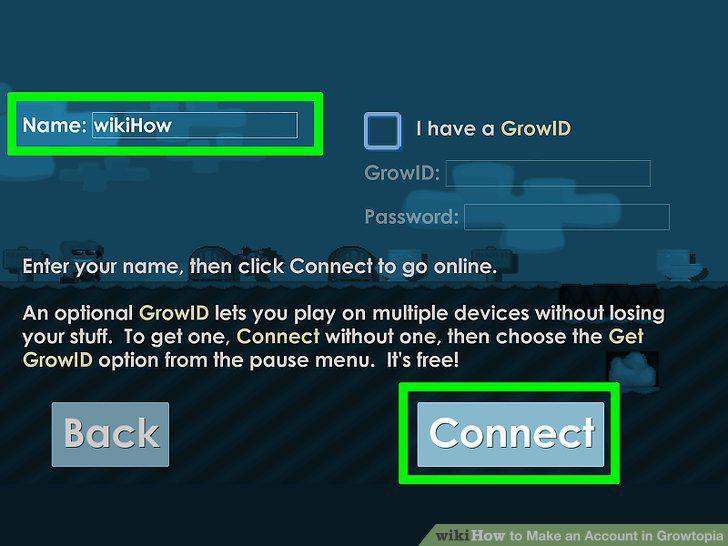
Click or tap Connect.
7
Click or tap the options menu in the top right corner.
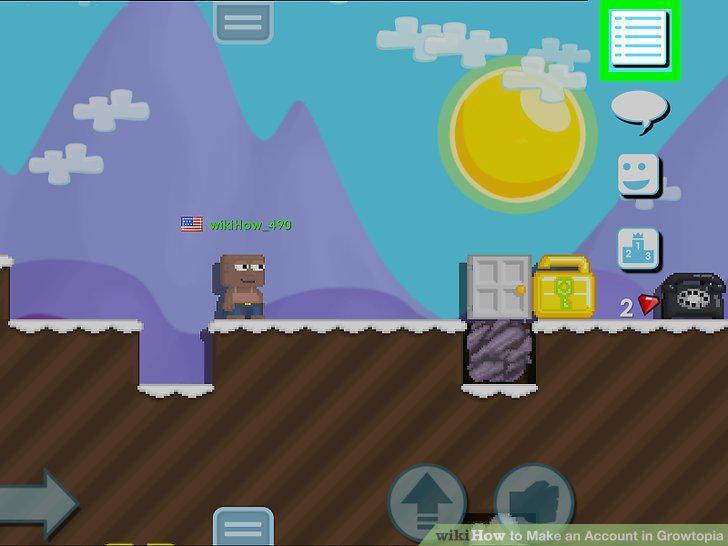
Click or tap the options menu in the top right corner.
8
Select Get GrowID (It's free!).
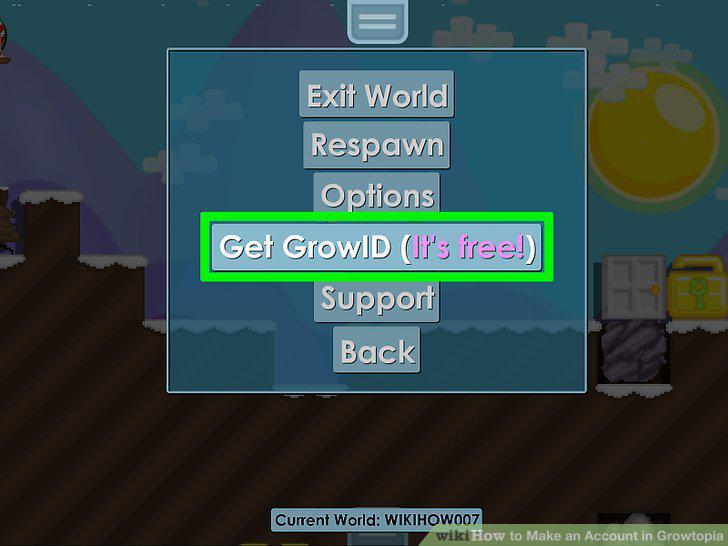
Select Get GrowID (It's free!).
9
Fill in your details.
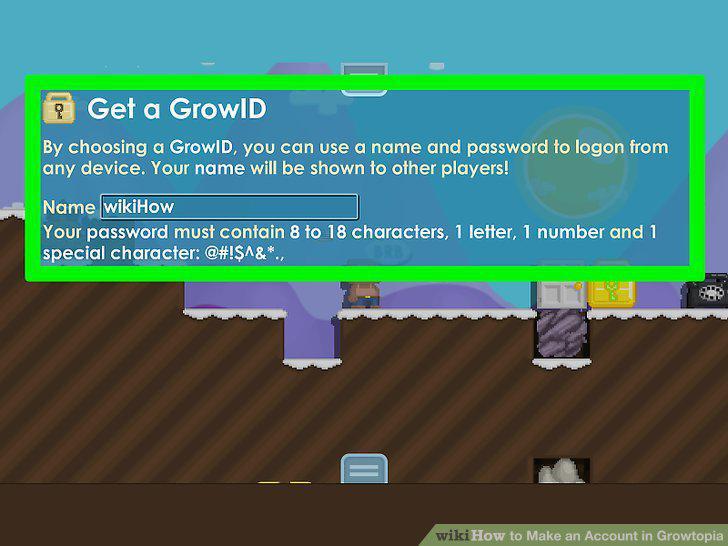
Fill in your details.
10
Click Get My GrowID.
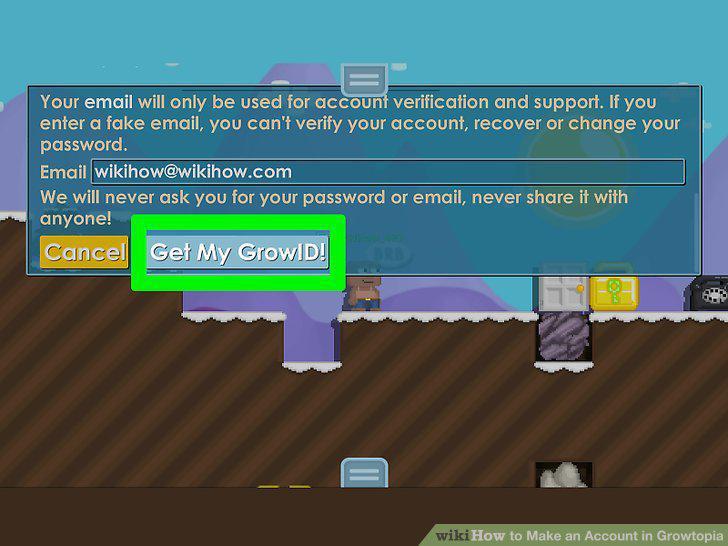
Click Get My GrowID.
Comments (0)
No comments yet. Be the first to share your thoughts!