How to Delete a Patreon Account
Go to https://privacy.patreon.com/#patreon-profile-information.. Click Take Control.. Click Erase.
Steps
1
Go to https://privacy.patreon.com/#patreon-profile-information.
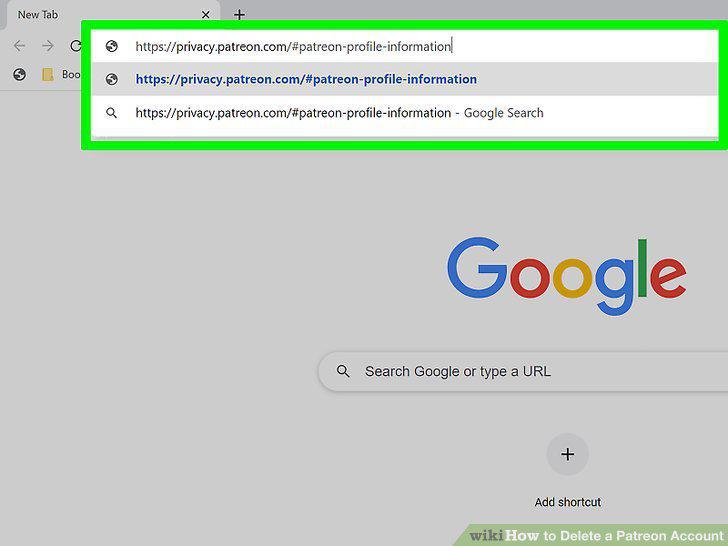
Go to https://privacy.patreon.com/#patreon-profile-information.
2
Click Take Control.
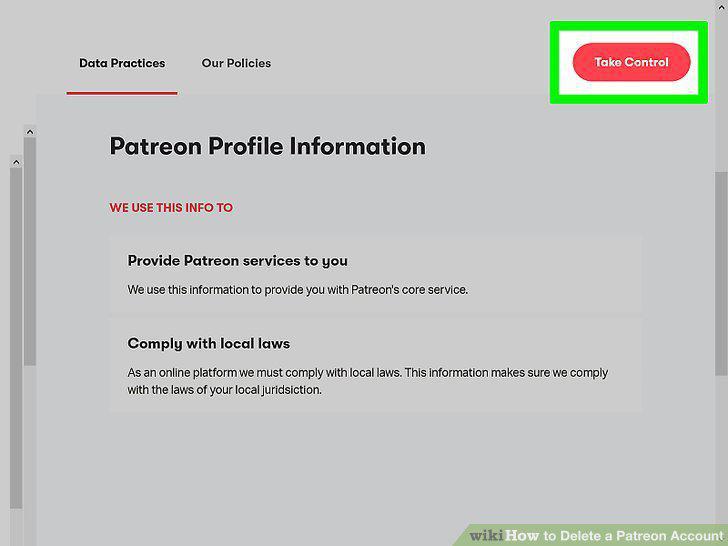
Click Take Control.
3
Click Erase.
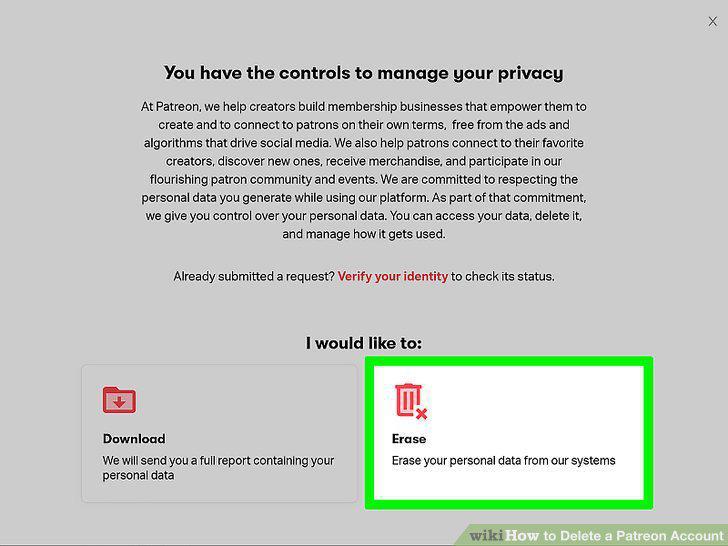
Click Erase.
4
Click Allow.
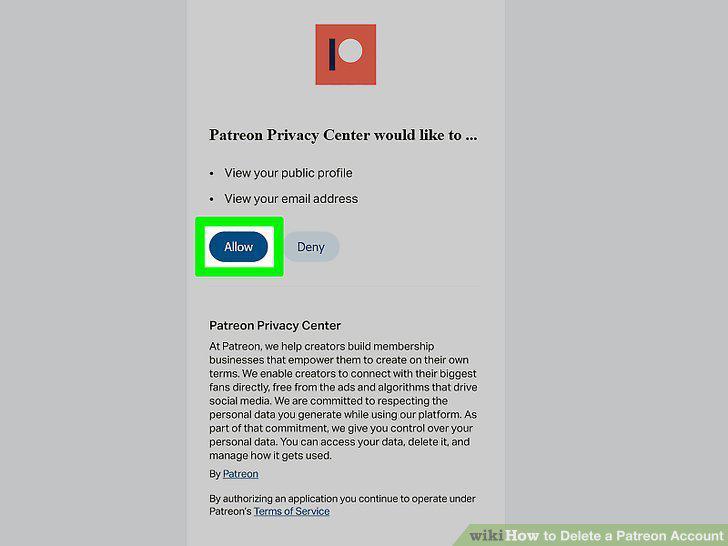
Click Allow.
5
Click Confirm Request.
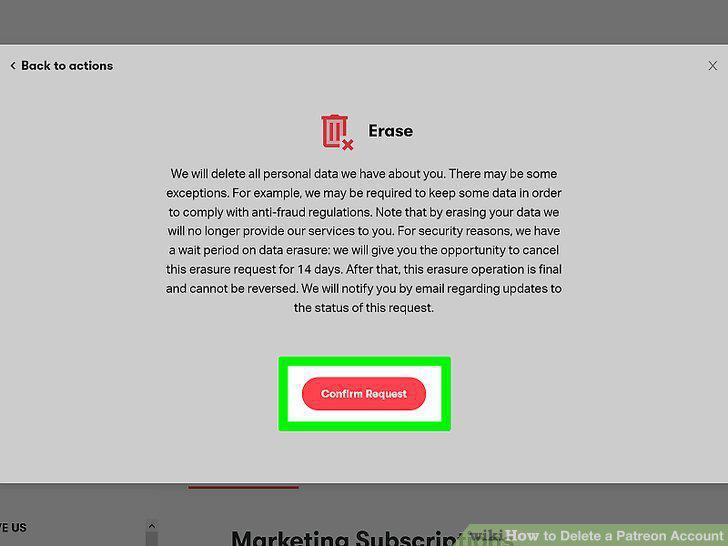
Click Confirm Request.
Comments (0)
No comments yet. Be the first to share your thoughts!