How to Enable a Disabled Apple ID
Go to https://iforgot.apple.com in a web browser.. Type your Apple ID into the blank.. Type the characters in the image.
Steps
1
Go to https://iforgot.apple.com in a web browser.
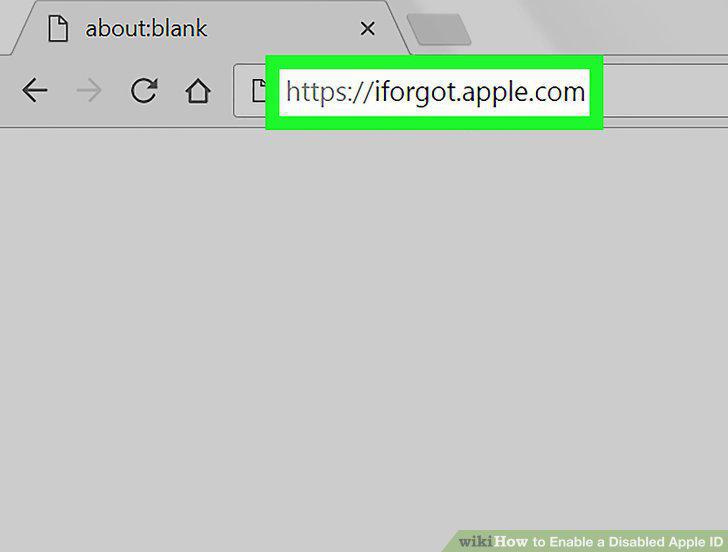
Go to https://iforgot.apple.com in a web browser.
2
Type your Apple ID into the blank.
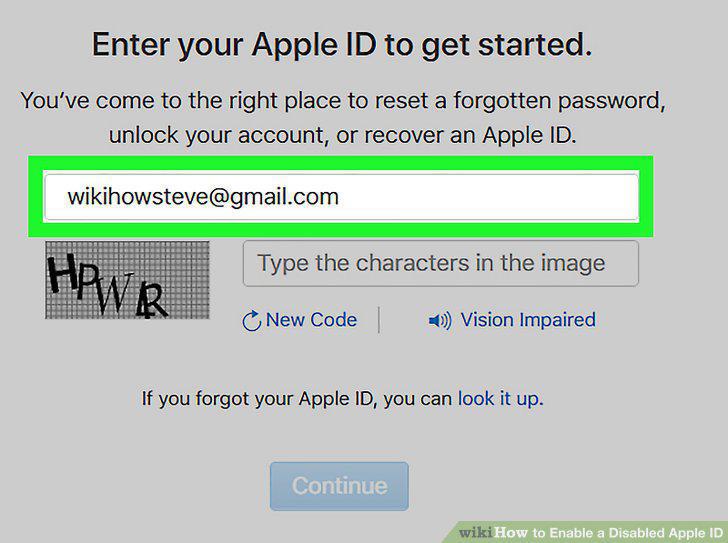
Type your Apple ID into the blank.
3
Type the characters in the image.
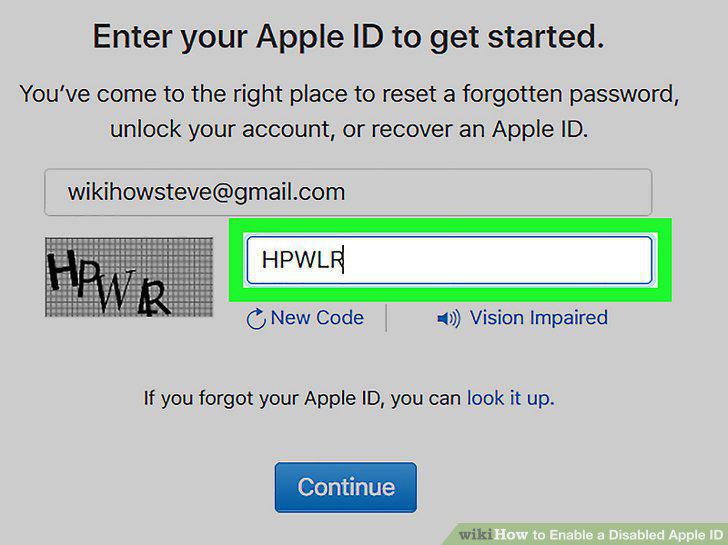
Type the characters in the image.
4
Click Continue.
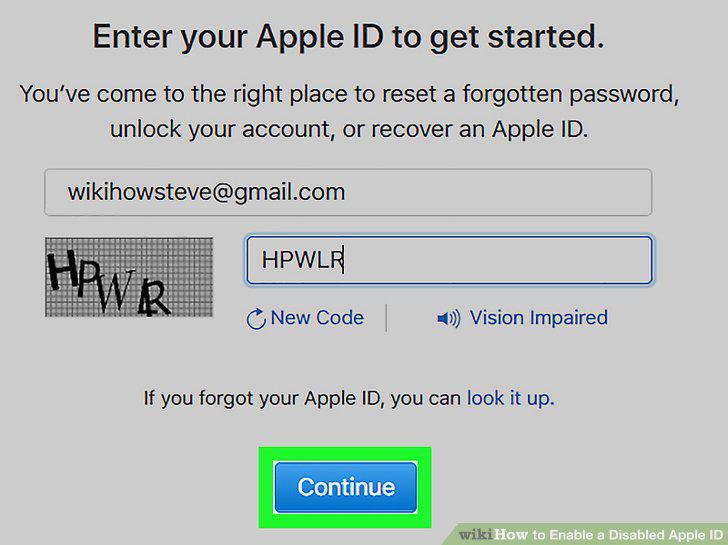
Click Continue.
5
Enter the code from your trusted device.
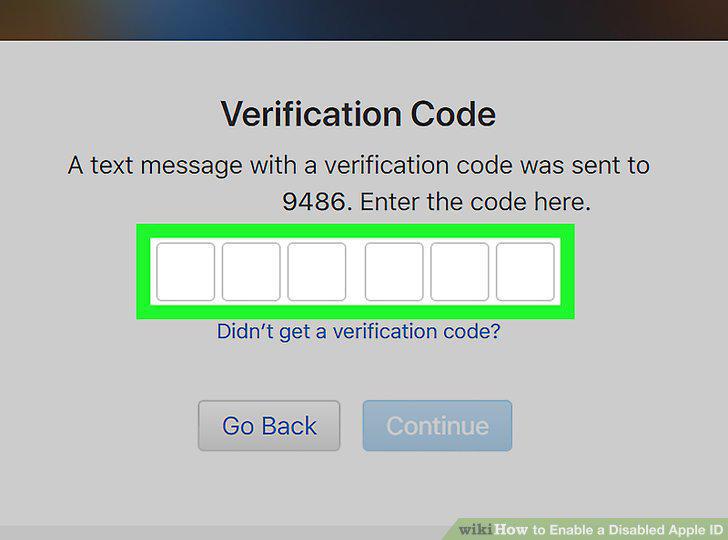
Enter the code from your trusted device.
6
Enter your password or answer the security questions.
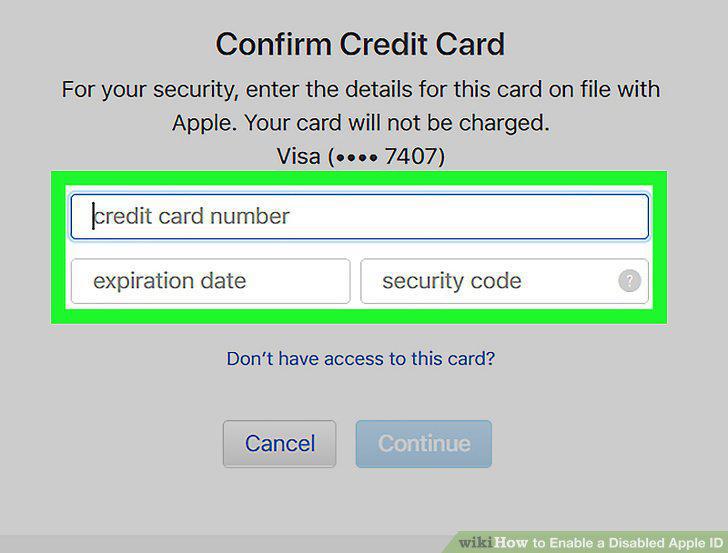
Enter your password or answer the security questions.
Comments (0)
No comments yet. Be the first to share your thoughts!