How to Search by Image
Open Google Chrome.. Open a web page with an image you want to search for.. Tap and hold the image.
Steps
Open Google Chrome.
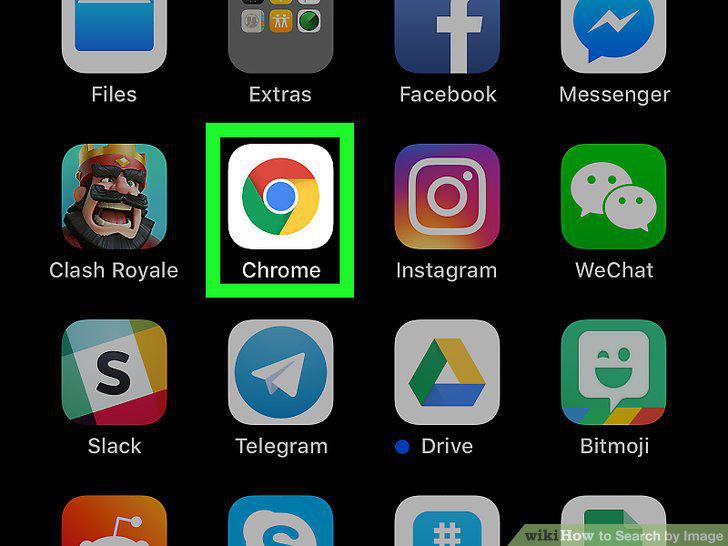
Open Google Chrome.
Open a web page with an image you want to search for.

Open a web page with an image you want to search for.
Tap and hold the image.
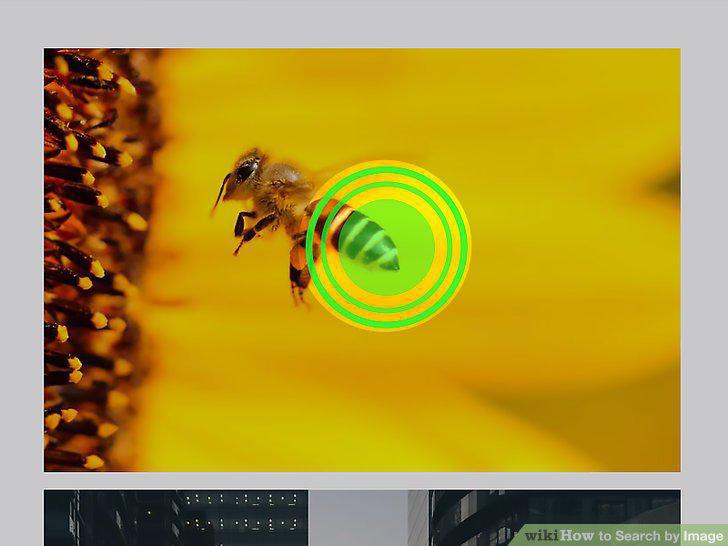
Tap and hold the image.
Tap Search Google for this Image.
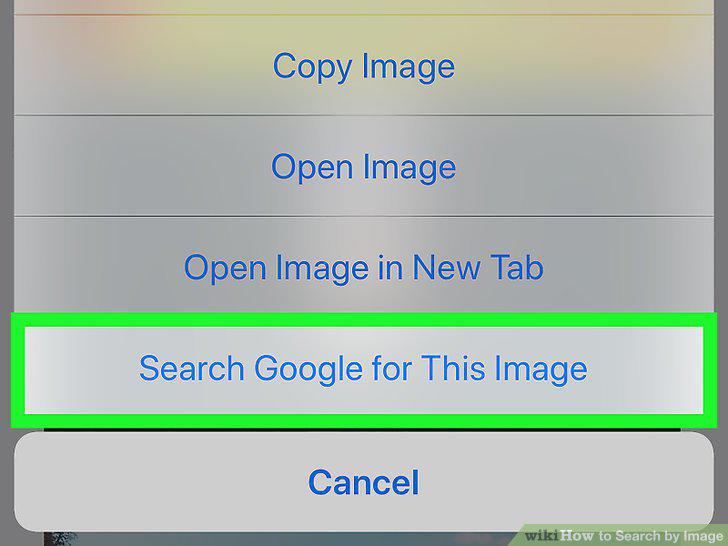
Tap Search Google for this Image.
Browse the results.
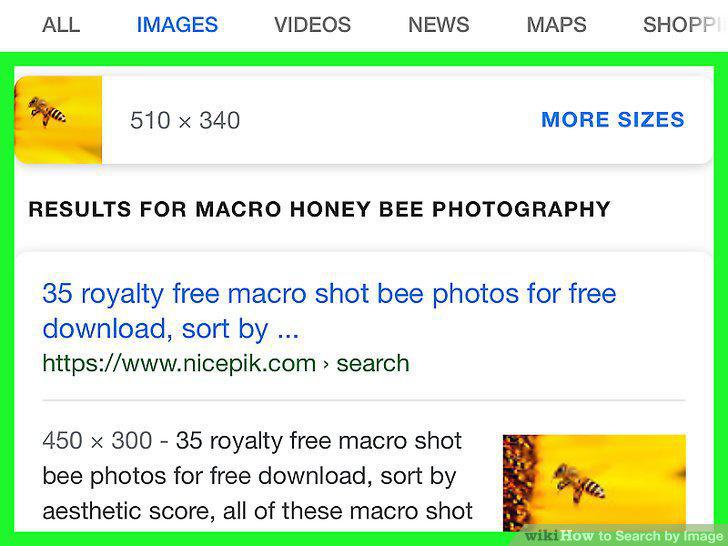
Browse the results.
Find the image you want search for.
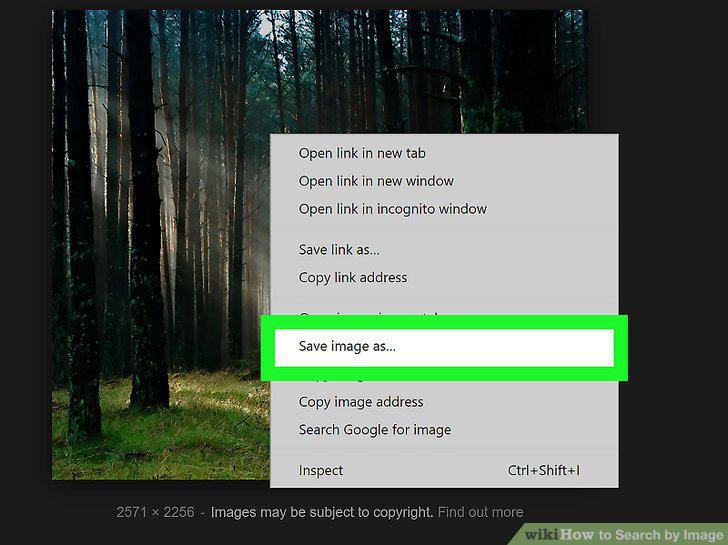
Find the image you want search for.
Click on the camera icon in the search bar.
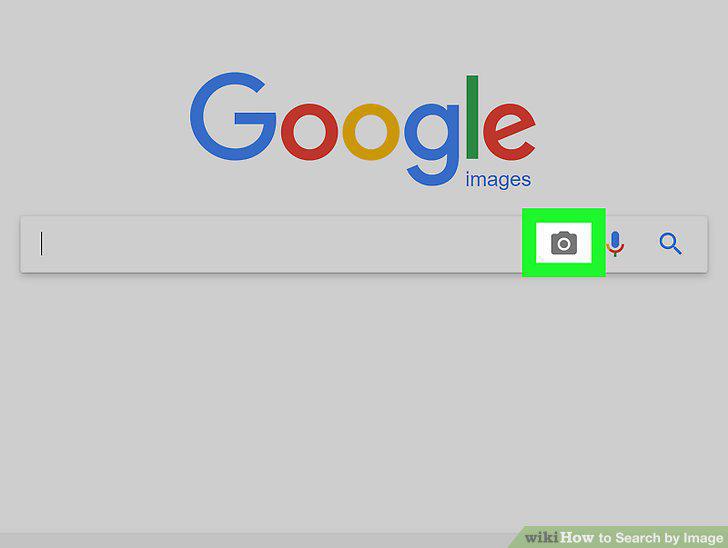
Click on the camera icon in the search bar.
Upload the image or provide its URL.
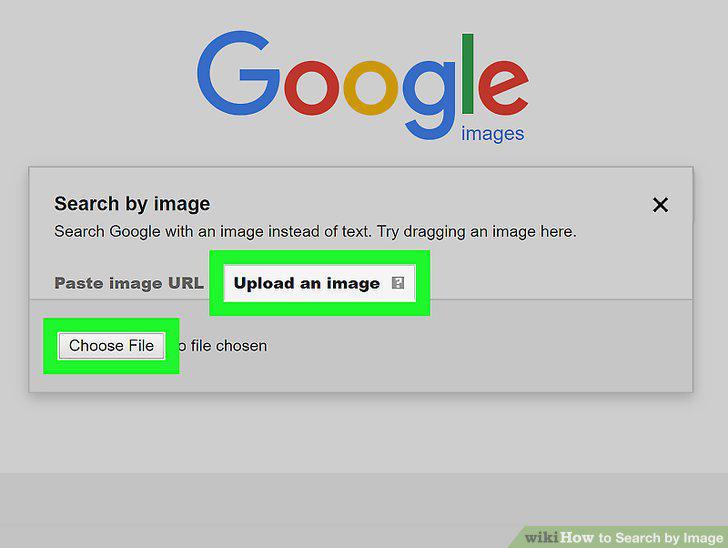
Upload the image or provide its URL.
Browse the results.
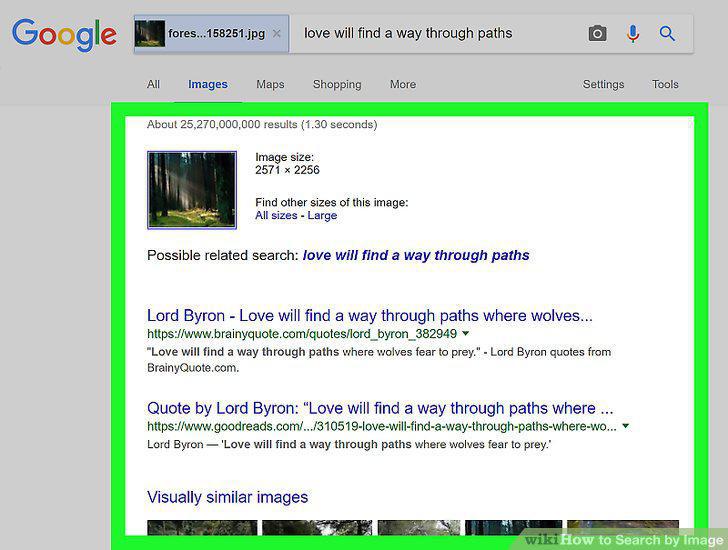
Browse the results.
Find the image you want search for.
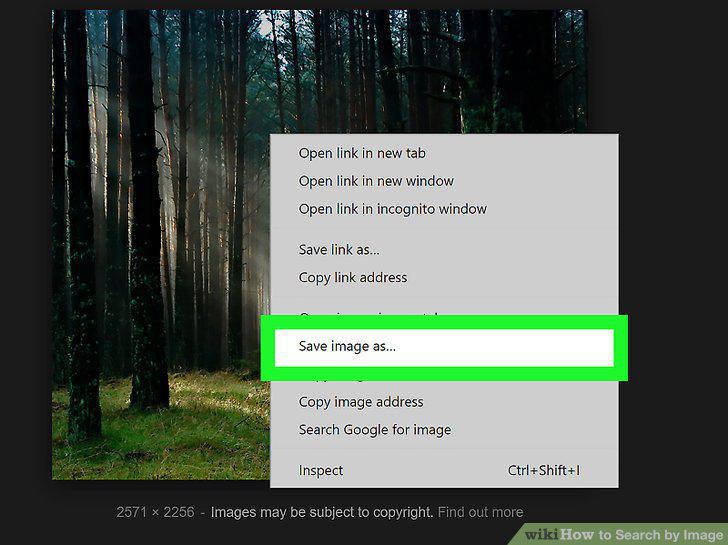
Find the image you want search for.
Navigate to https://www.bing.com/images.

Navigate to https://www.bing.com/images.
Upload the image or provide its URL.
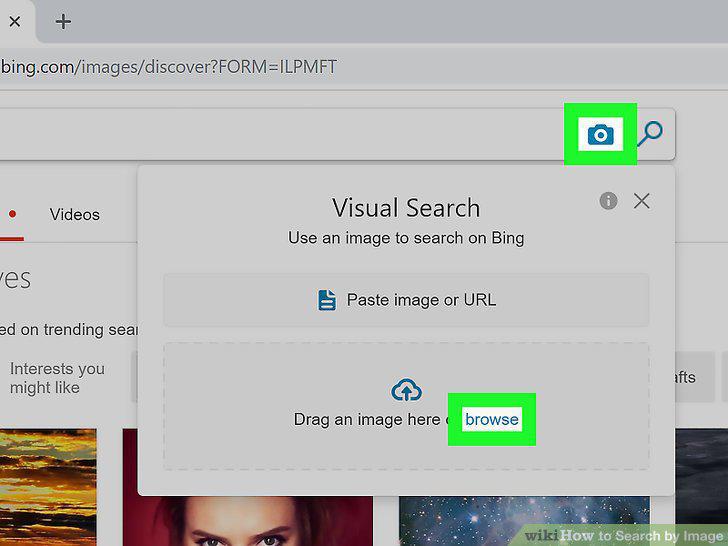
Upload the image or provide its URL.
Browse the results.
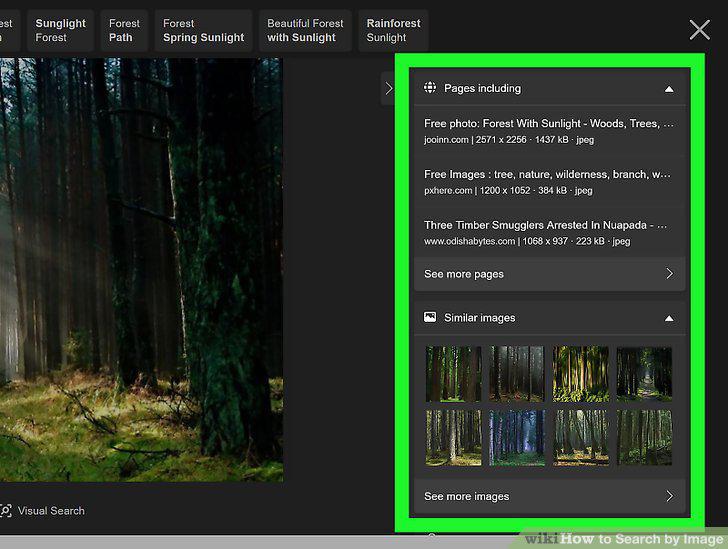
Browse the results.
Find the image you want search for.
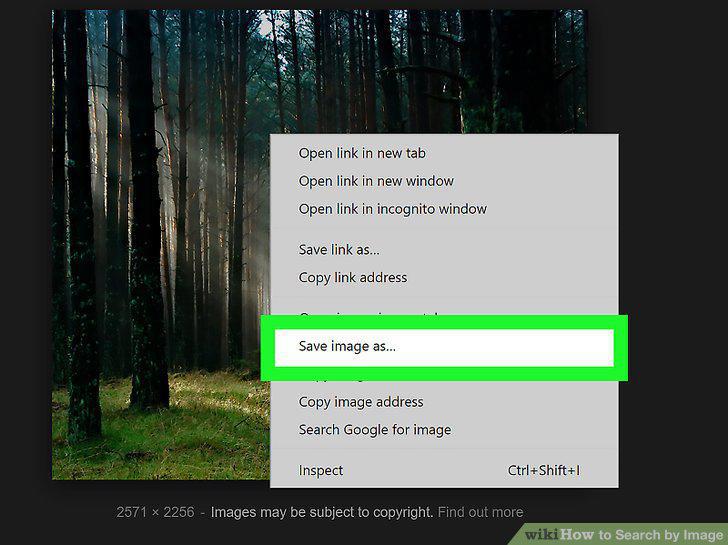
Find the image you want search for.
Go to https://www.tineye.com in a web browser.

Go to https://www.tineye.com in a web browser.
Upload the image or provide its URL.
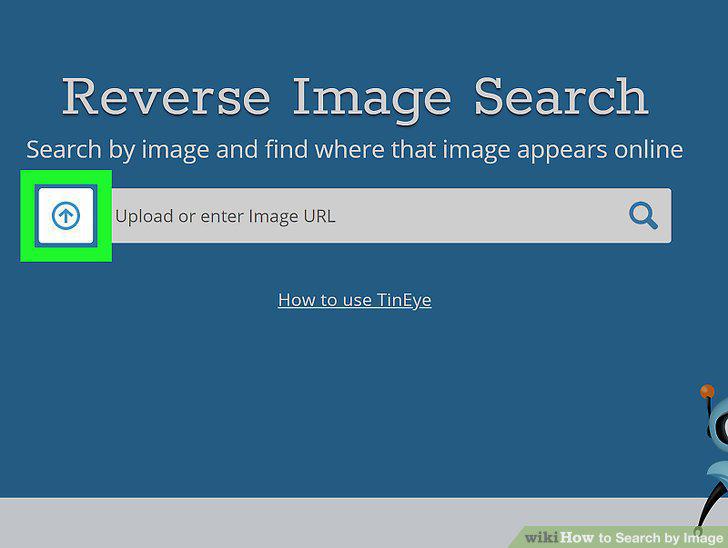
Upload the image or provide its URL.
Browse the results.
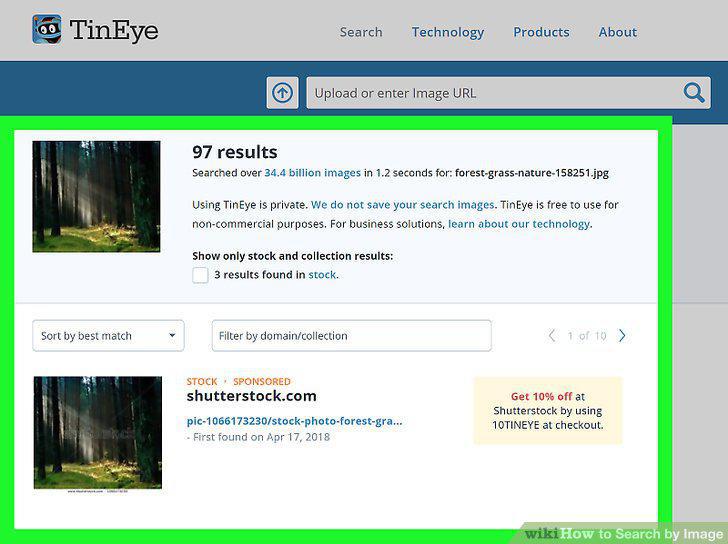
Browse the results.
Visit an image search website on your computer, phone, or tablet.
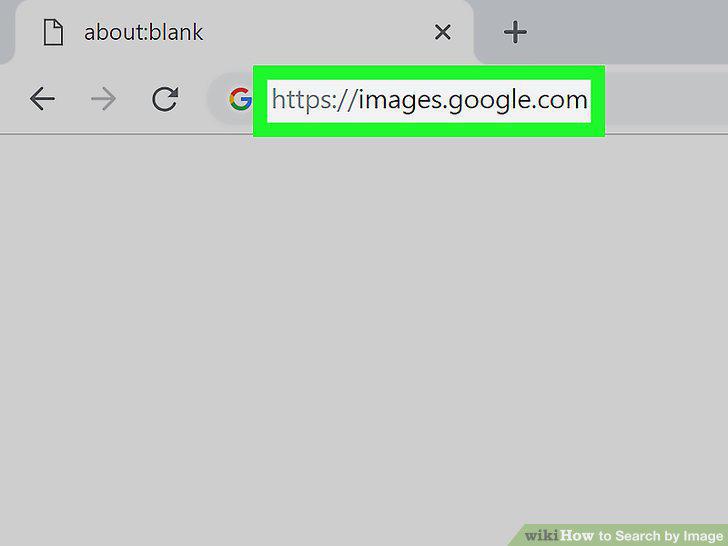
Visit an image search website on your computer, phone, or tablet.
Type your search terms into the search bar.
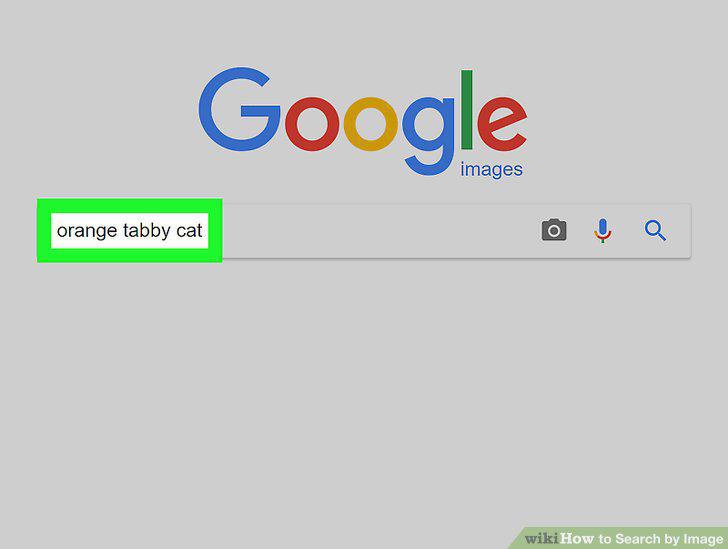
Type your search terms into the search bar.
Click the magnifying glass to search.
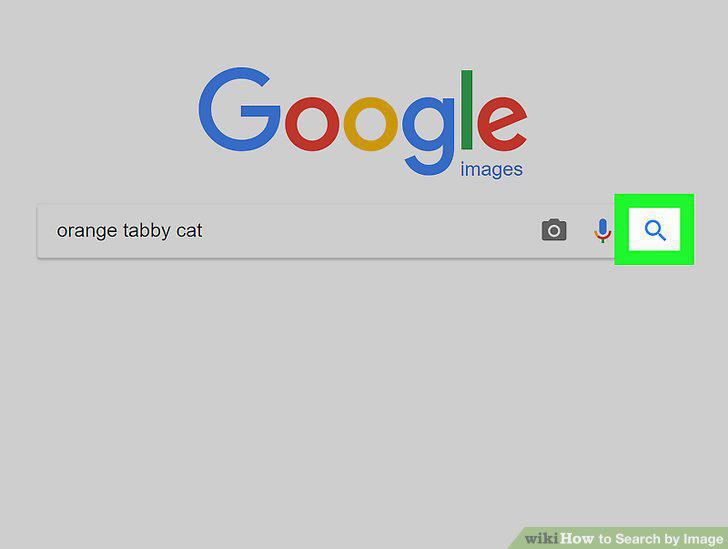
Click the magnifying glass to search.
Click the image you want to view.
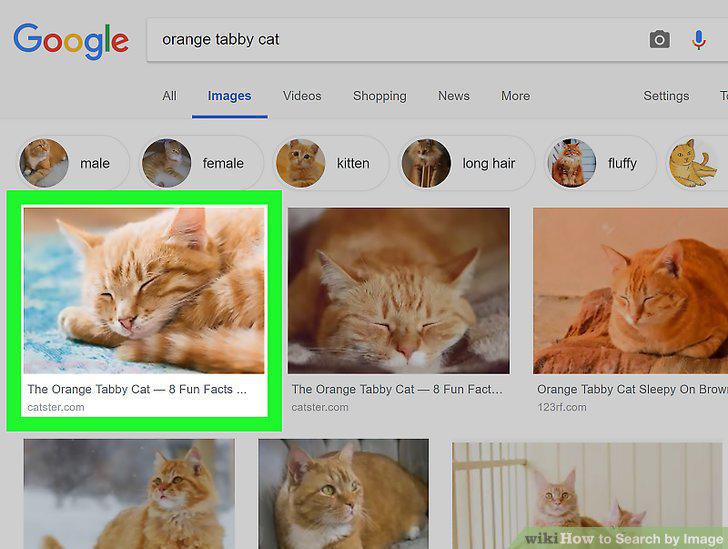
Click the image you want to view.
Download the image (optional).
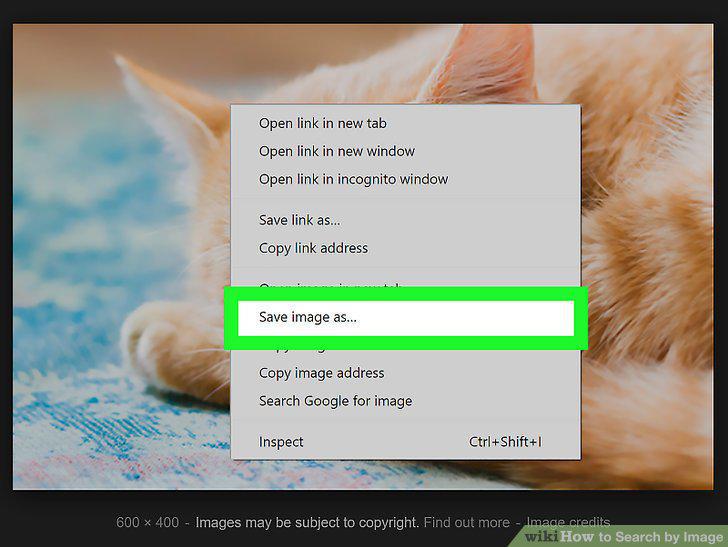
Download the image (optional).
Comments (0)
No comments yet. Be the first to share your thoughts!