How to Change Your Primary Email for a Microsoft Account
Navigate to https://account.microsoft.com/profile/ in your web browser.. Click Manage how you sign in to your account.. Click Add Email.
Steps
1
Navigate to https://account.microsoft.com/profile/ in your web browser.
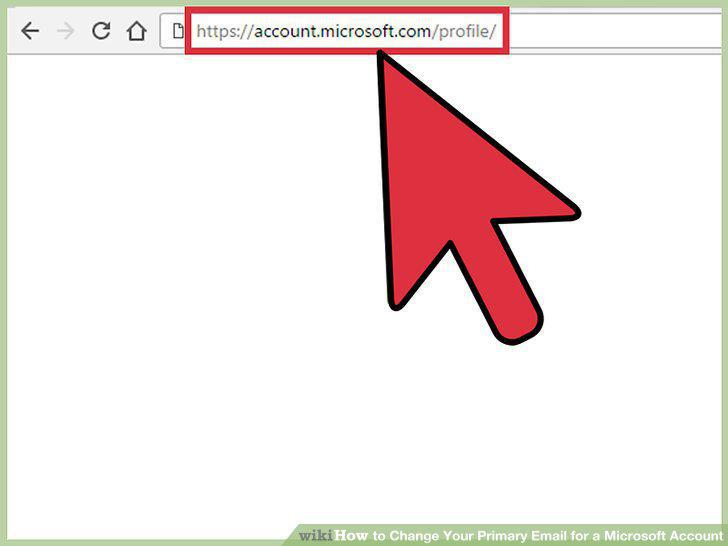
Navigate to https://account.microsoft.com/profile/ in your web browser.
2
Click Manage how you sign in to your account.
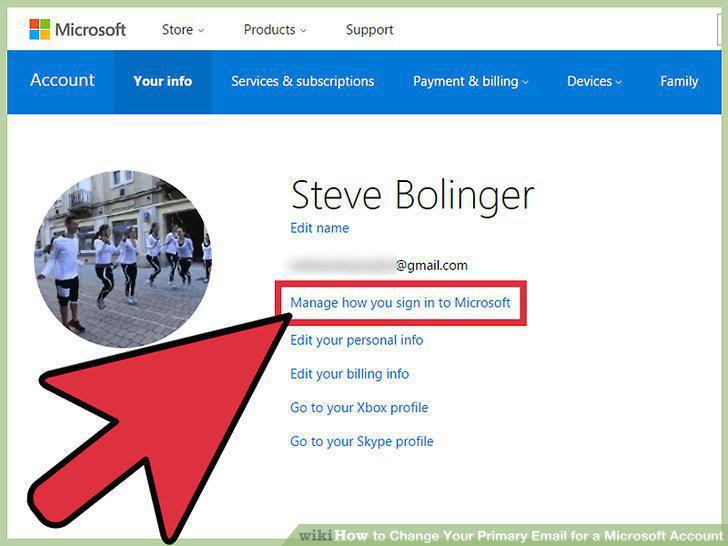
Click Manage how you sign in to your account.
3
Click Add Email.
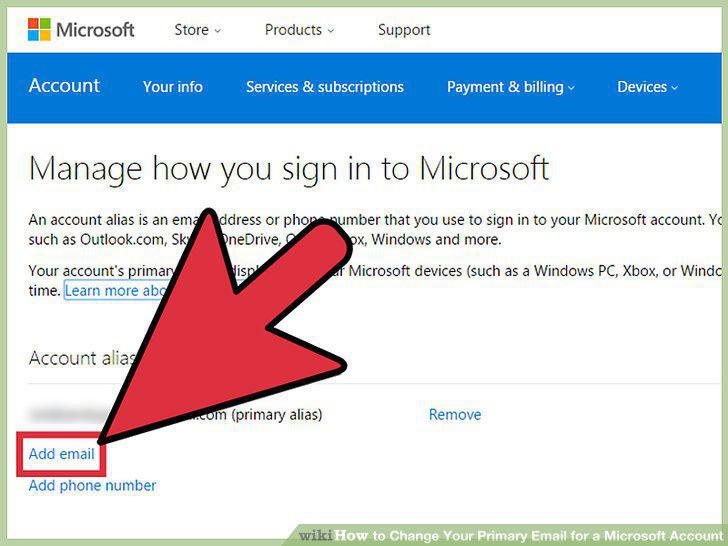
Click Add Email.
4
Select "New" or "Existing" Microsoft alias.
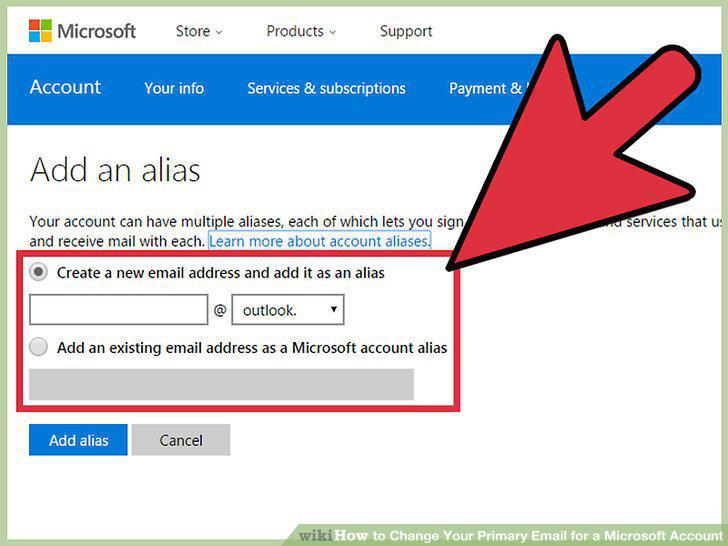
Select "New" or "Existing" Microsoft alias.
5
Enter the email address.
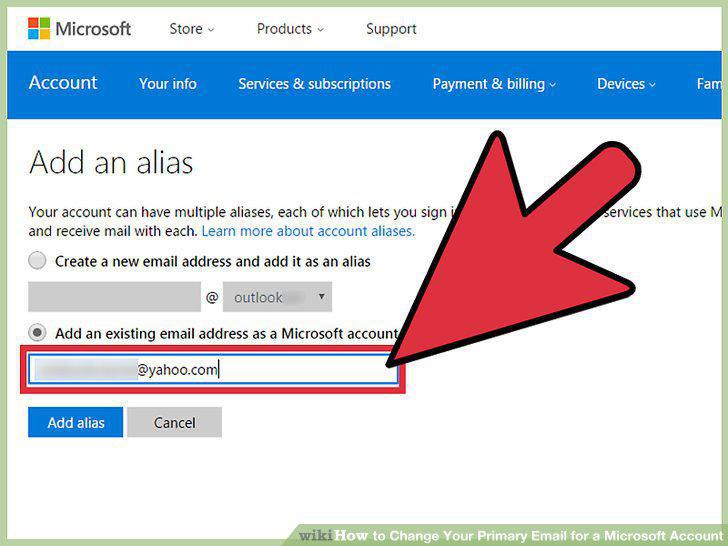
Enter the email address.
6
Click Add Alias.
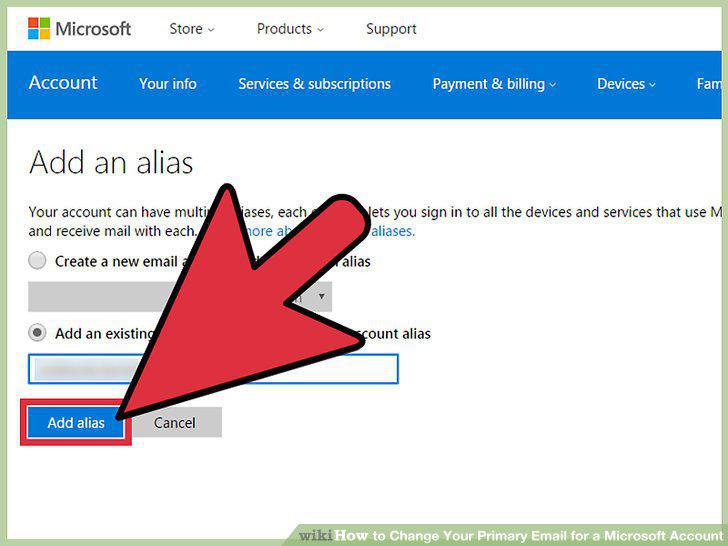
Click Add Alias.
7
Click Make Primary.
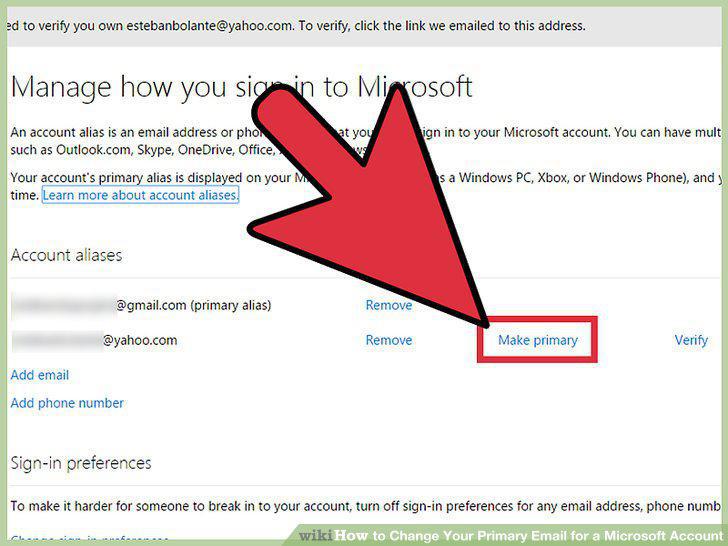
Click Make Primary.
Comments (0)
No comments yet. Be the first to share your thoughts!