How to Diagnose a Computer Problem
Check that the cables and components are properly connected.. Check the POST.. Check the load time of the operating system.
Steps
1
Check that the cables and components are properly connected.
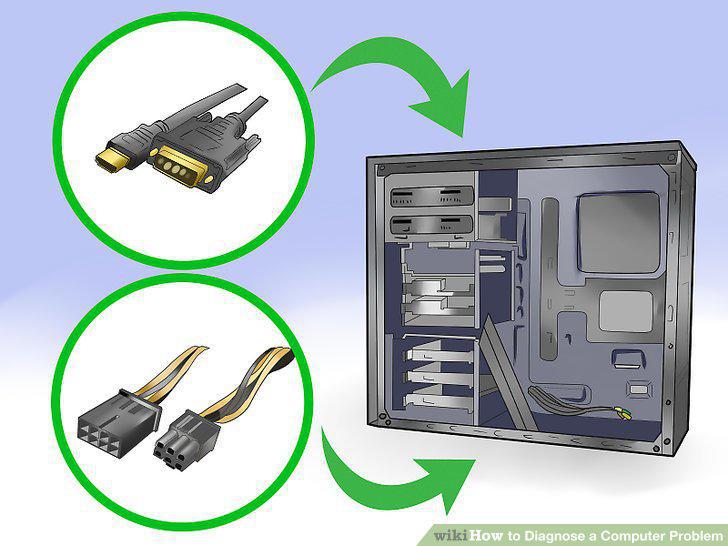
Check that the cables and components are properly connected.
2
Check the POST.
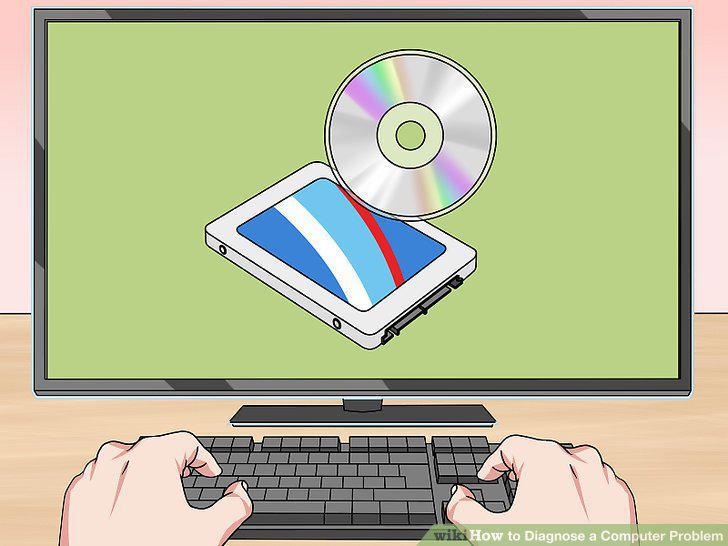
Check the POST.
3
Check the load time of the operating system.
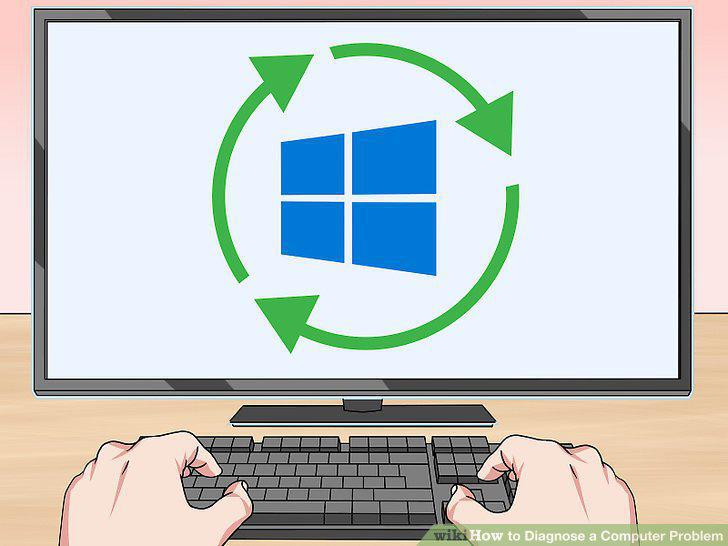
Check the load time of the operating system.
4
Check for any graphics problems.
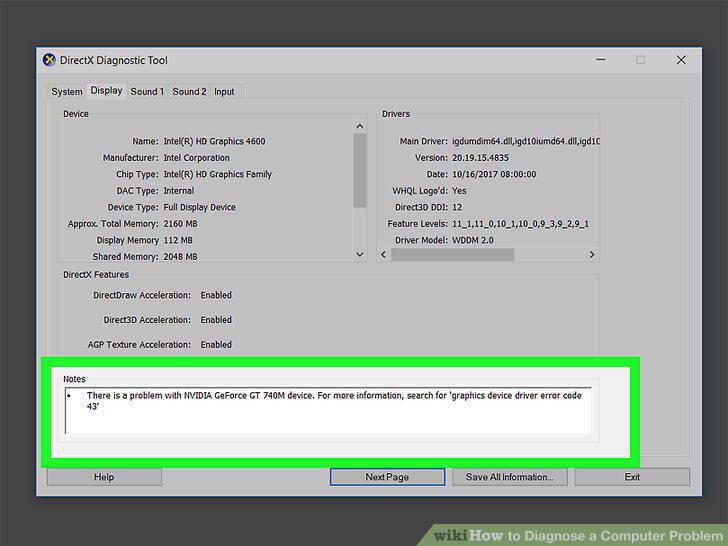
Check for any graphics problems.
5
Check for hardware problems.
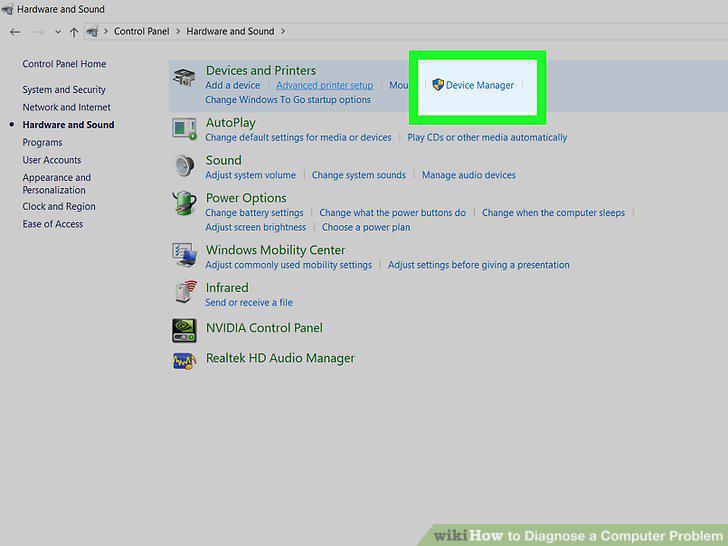
Check for hardware problems.
6
Check any newly installed software.
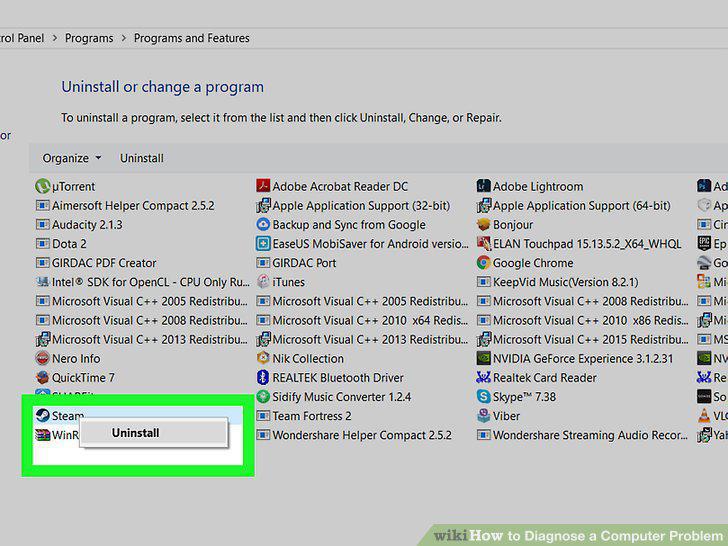
Check any newly installed software.
7
Check the RAM and CPU consumption.
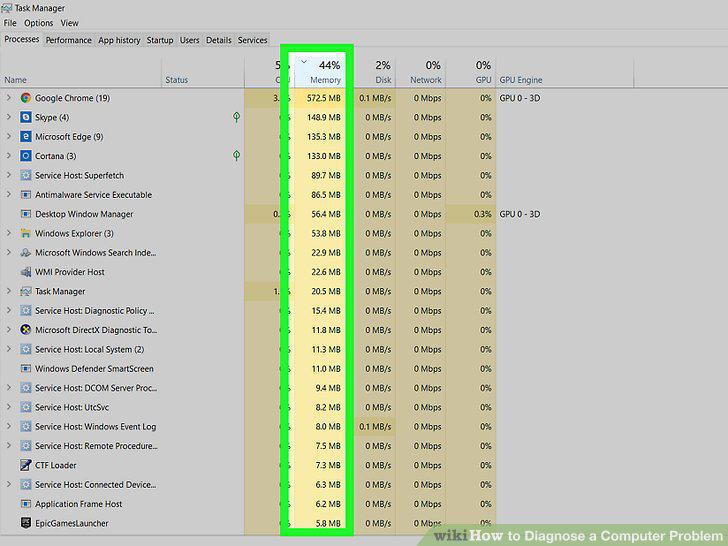
Check the RAM and CPU consumption.
8
Listen to the computer.
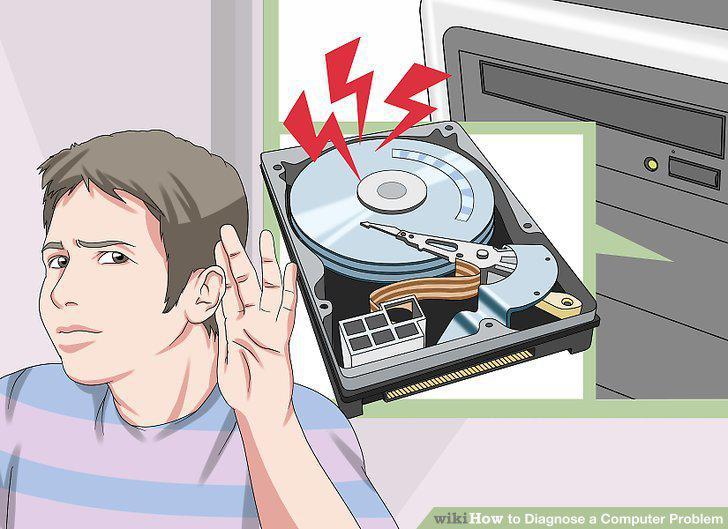
Listen to the computer.
9
Run a virus and malware scan
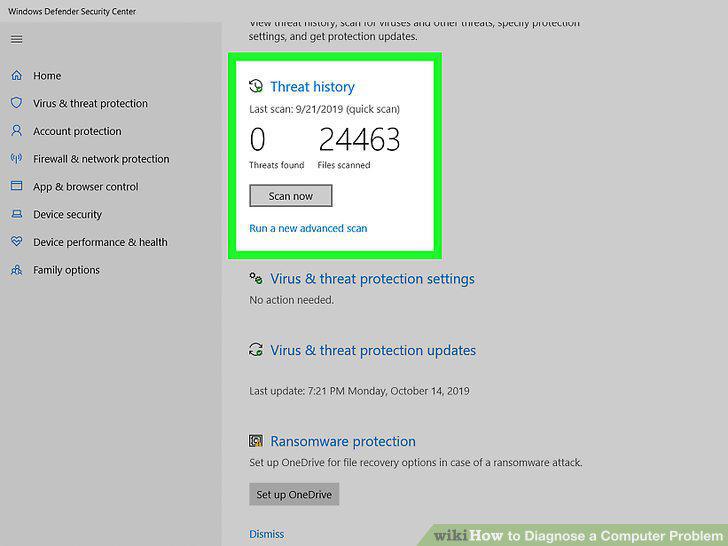
Run a virus and malware scan
10
Check for the problem in safe mode
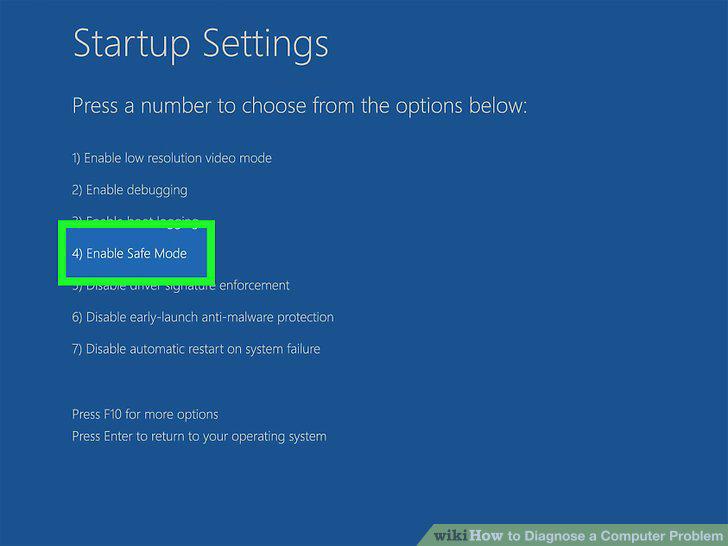
Check for the problem in safe mode
Comments (0)
No comments yet. Be the first to share your thoughts!