How to Change Number of Rings on Samsung Galaxy
Open the Phone app on your Samsung Galaxy.. Type **61*321**00# on your keypad.. Replace 00 in the code with the number of seconds you want your phone to ring.
Steps
1
Open the Phone app on your Samsung Galaxy.
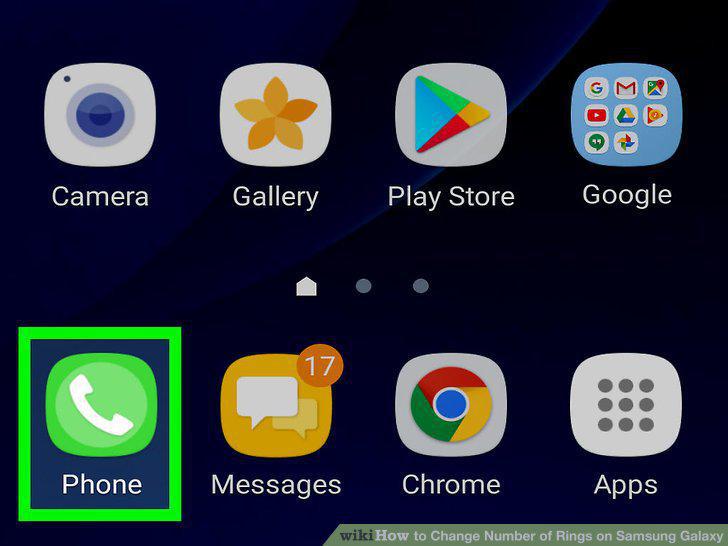
Open the Phone app on your Samsung Galaxy.
2
Type **61*321**00# on your keypad.
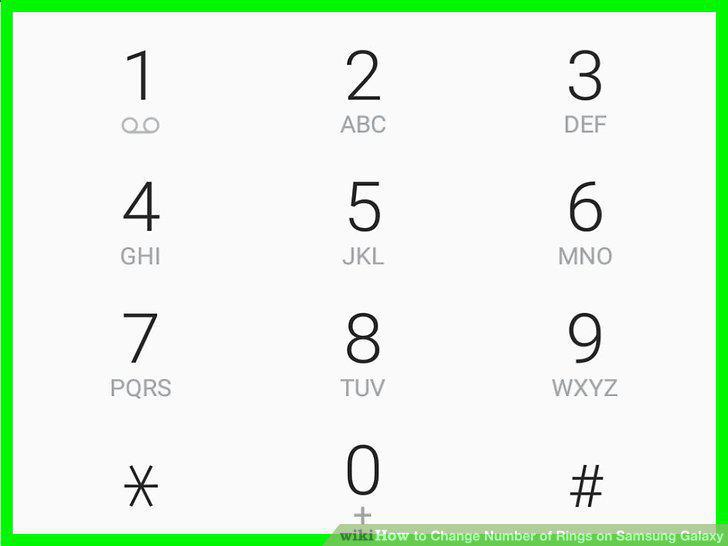
Type **61*321**00# on your keypad.
3
Replace 00 in the code with the number of seconds you want your phone to ring.
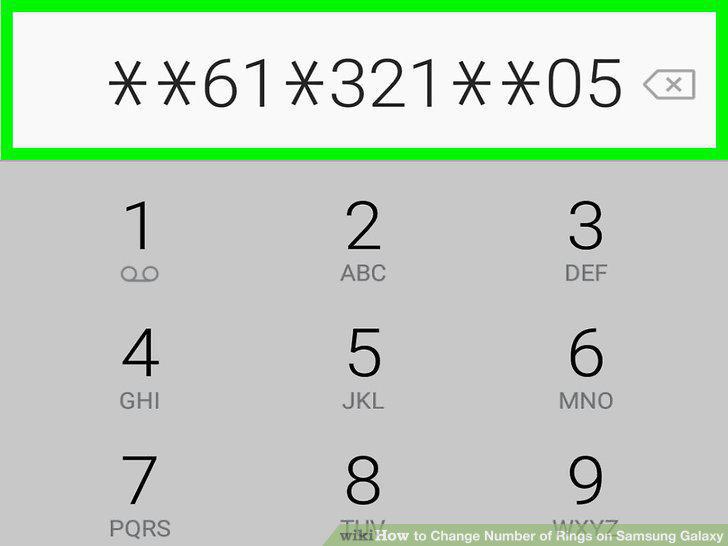
Replace 00 in the code with the number of seconds you want your phone to ring.
4
Tap the Make Call button.
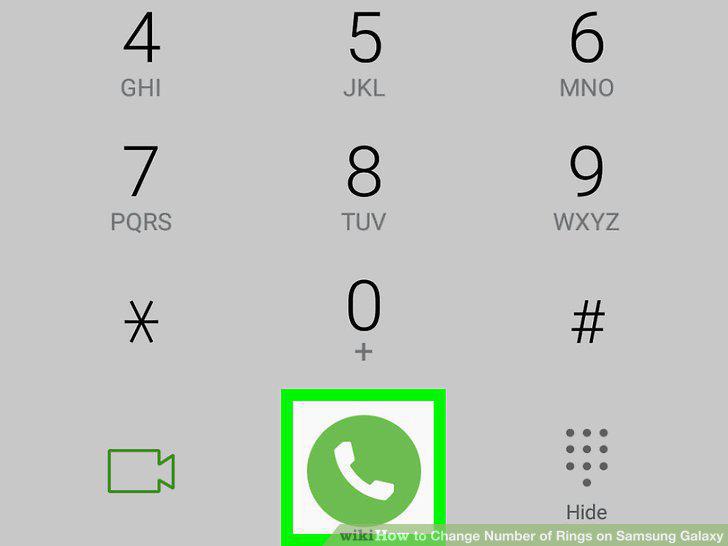
Tap the Make Call button.
Comments (0)
No comments yet. Be the first to share your thoughts!