How to Use the Facebook Camera on Android
Open Facebook.. Tap the white camera icon.. Tap the large round button to snap a Photo.
Steps
1
Open Facebook.
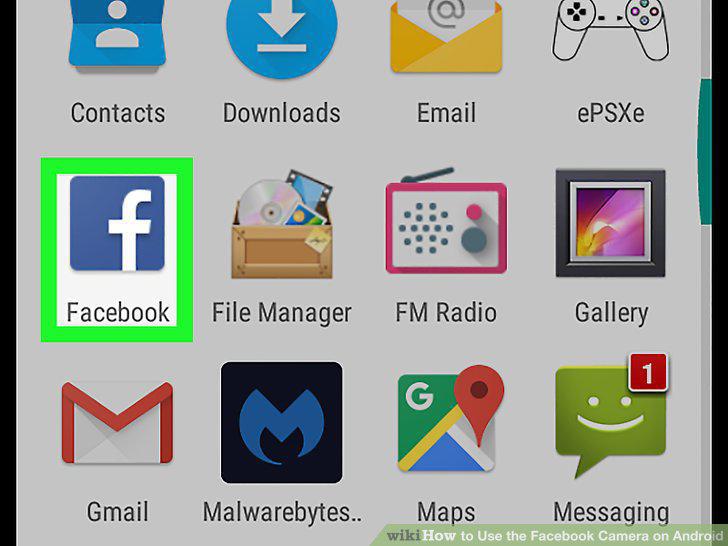
Open Facebook.
2
Tap the white camera icon.

Tap the white camera icon.
3
Tap the large round button to snap a Photo.
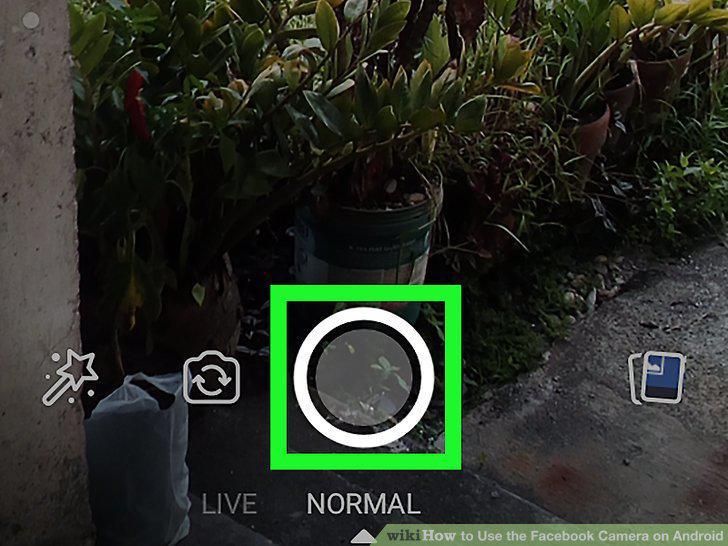
Tap the large round button to snap a Photo.
4
Tap the magic wand icon to edit your photo.
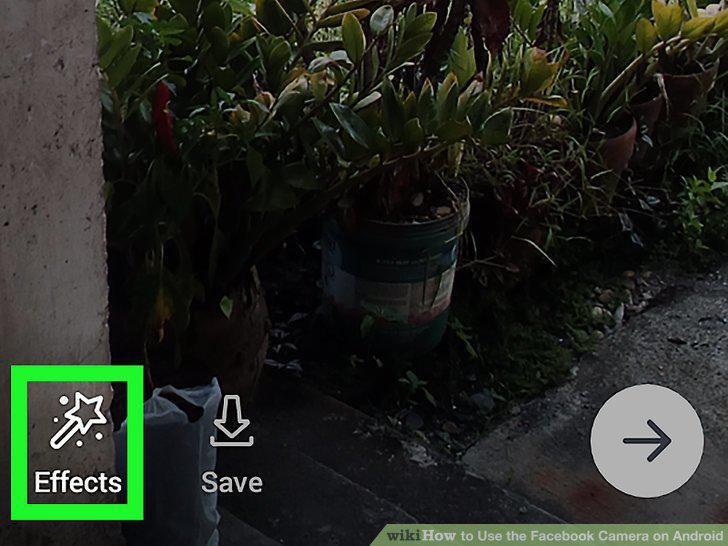
Tap the magic wand icon to edit your photo.
5
Tap Aa to add text.
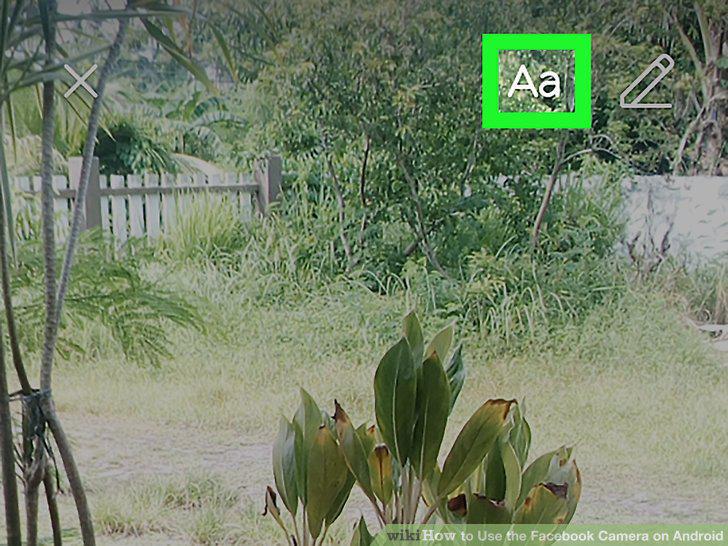
Tap Aa to add text.
6
Tap the pencil icon to draw.
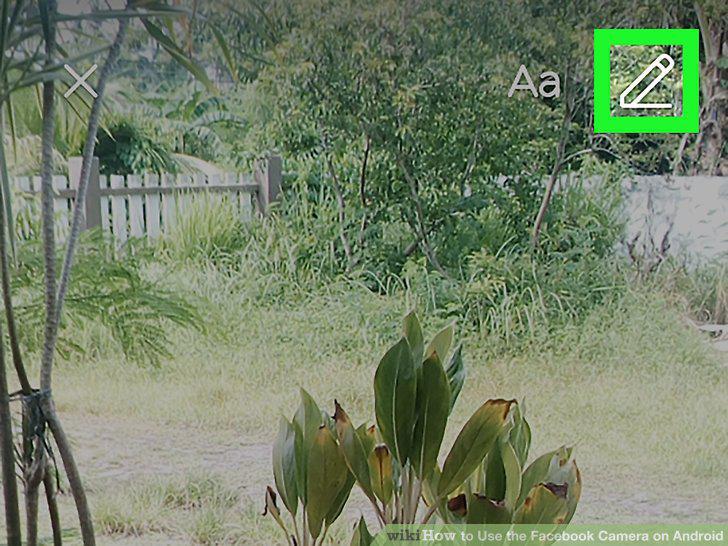
Tap the pencil icon to draw.
7
Tap the downward-pointing arrow to save your photo.
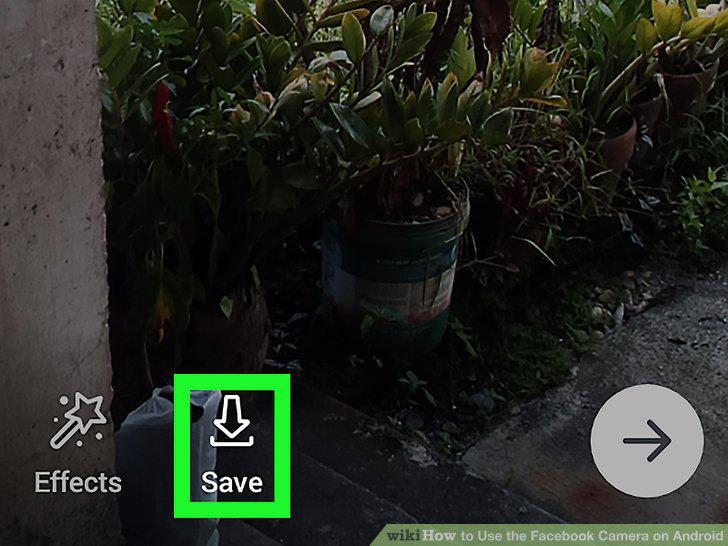
Tap the downward-pointing arrow to save your photo.
8
Tap the arrow to share your photo.
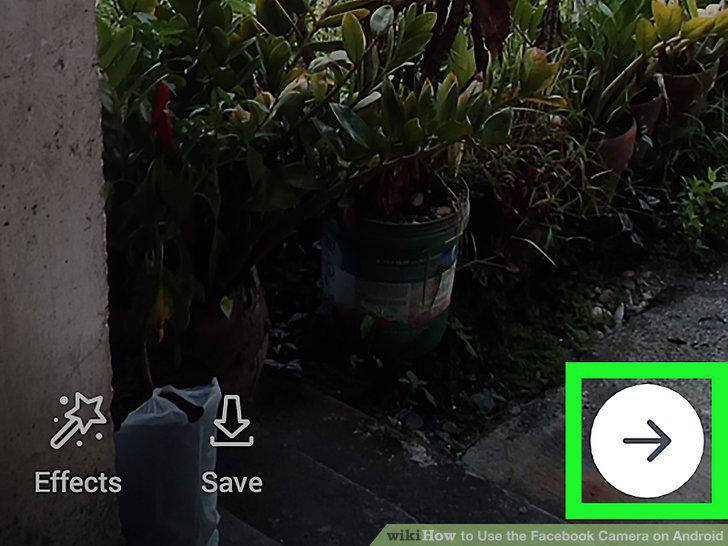
Tap the arrow to share your photo.
Comments (0)
No comments yet. Be the first to share your thoughts!